Finance by industry — how twenty-three sectors actually run it
The ledger is the same everywhere; the work is not. A clinic waits ninety days for an insurer, a landlord holds a year of cheques, an online shop reconciles one deposit against a thousand orders. Pick your industry: what usually hurts, how to set the module up for it, the flows that carry the work, and the mistake that costs the most.
Nothing matches that. Try a shorter word, or pick All industries.
Real estate & property management #
Landlords, owners' associations, property managers and facilities teams billing rent and service charges.
What usually hurts
- A year of rent arrives as post-dated cheques, and somebody has to know what clears when.
- Service charges are billed to dozens of units on the same day every quarter.
- One legal entity, several buildings — and every owner wants their building's numbers, not the company's.
Set it up like this
- Make each building an analytic account, so every invoice, bill and expense carries the building it belongs to.
- Set each tenant's payment terms to match the lease, so due dates come out right without being typed.
- Create a recurring invoice per lease with its schedule; review before it goes out rather than raising it by hand.
The flows that carry the work
- Raise the lease invoices (or let the recurring schedule raise them).
- Register each cheque in Post-dated cheques with its real maturity date and the invoice it settles.
- Each month, work the maturity view: deposit what is due, then clear or bounce it.
- A bounced cheque puts the balance back on the tenant automatically — call them the same day and register the replacement.
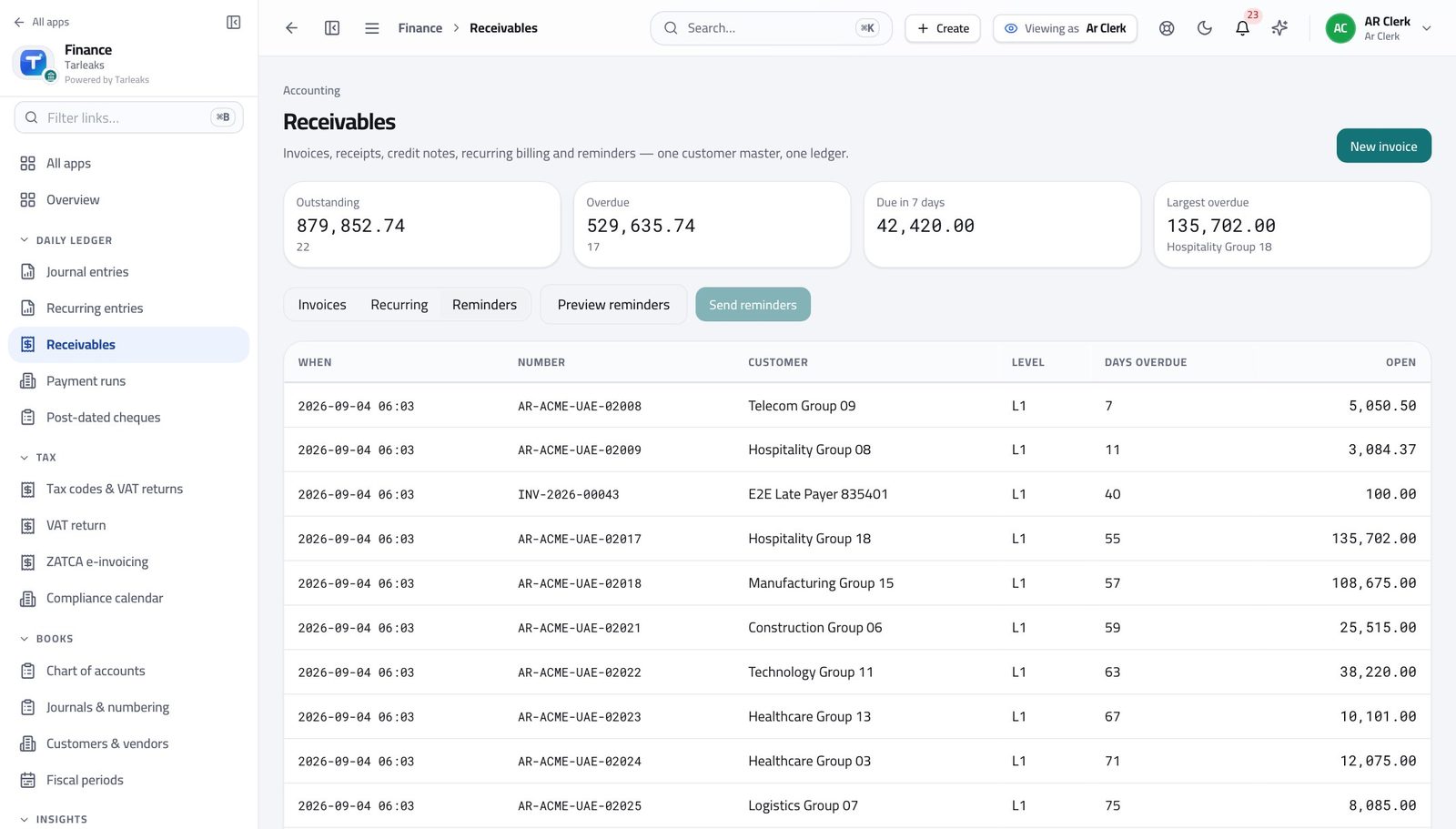
- Import the schedule of units and amounts rather than typing it: Receivables → Import validates every row first.
- Send, then let dunning chase the late ones on the cadence you agreed.
- Read the ageing by building using the analytic filter.
- Run the P&L by dimension for the building.
- Compare against the building's budget line by line.
- Schedule it so each owner gets it on the same day every month.
What to watch every month
The screens this runs on
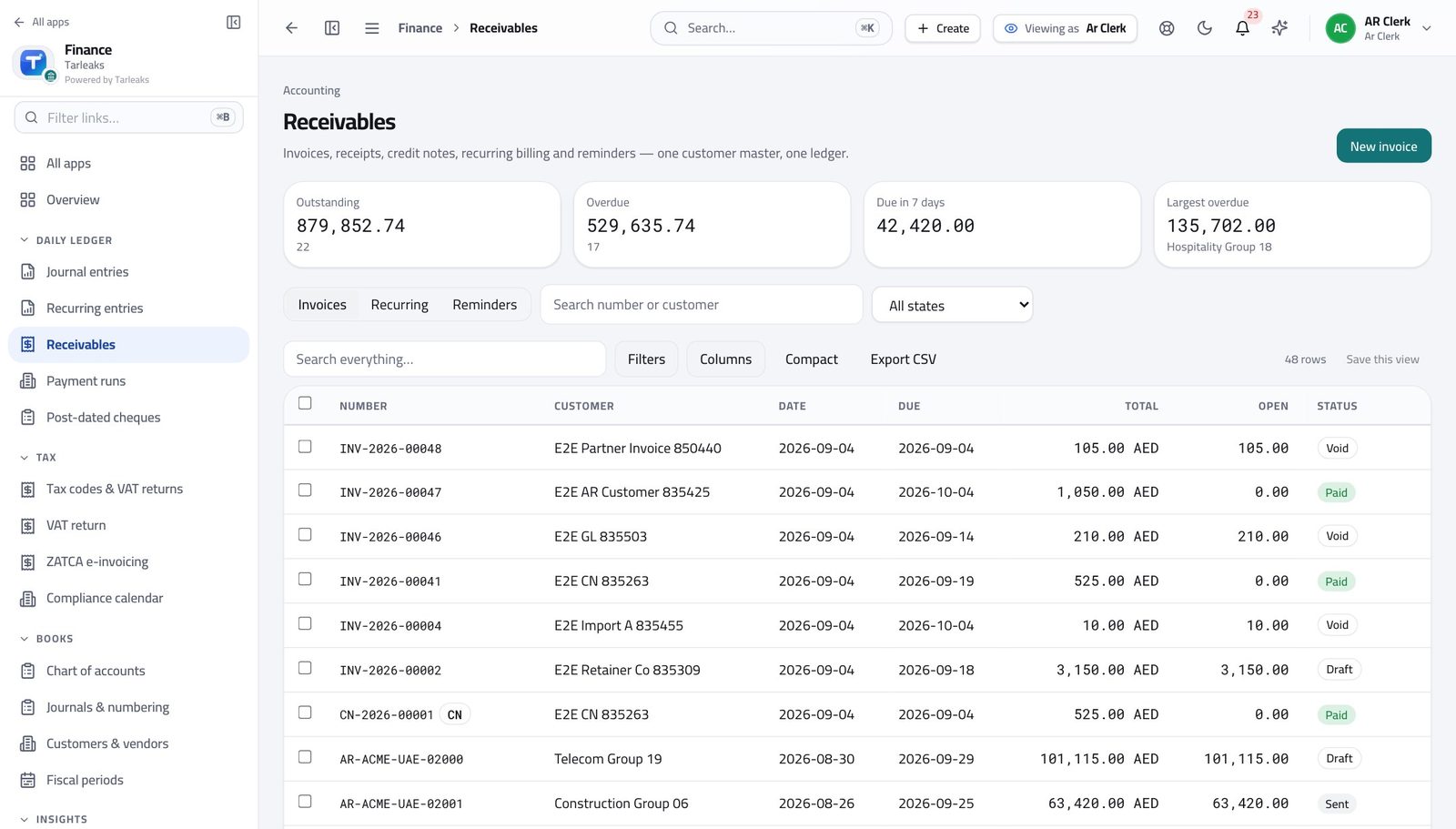
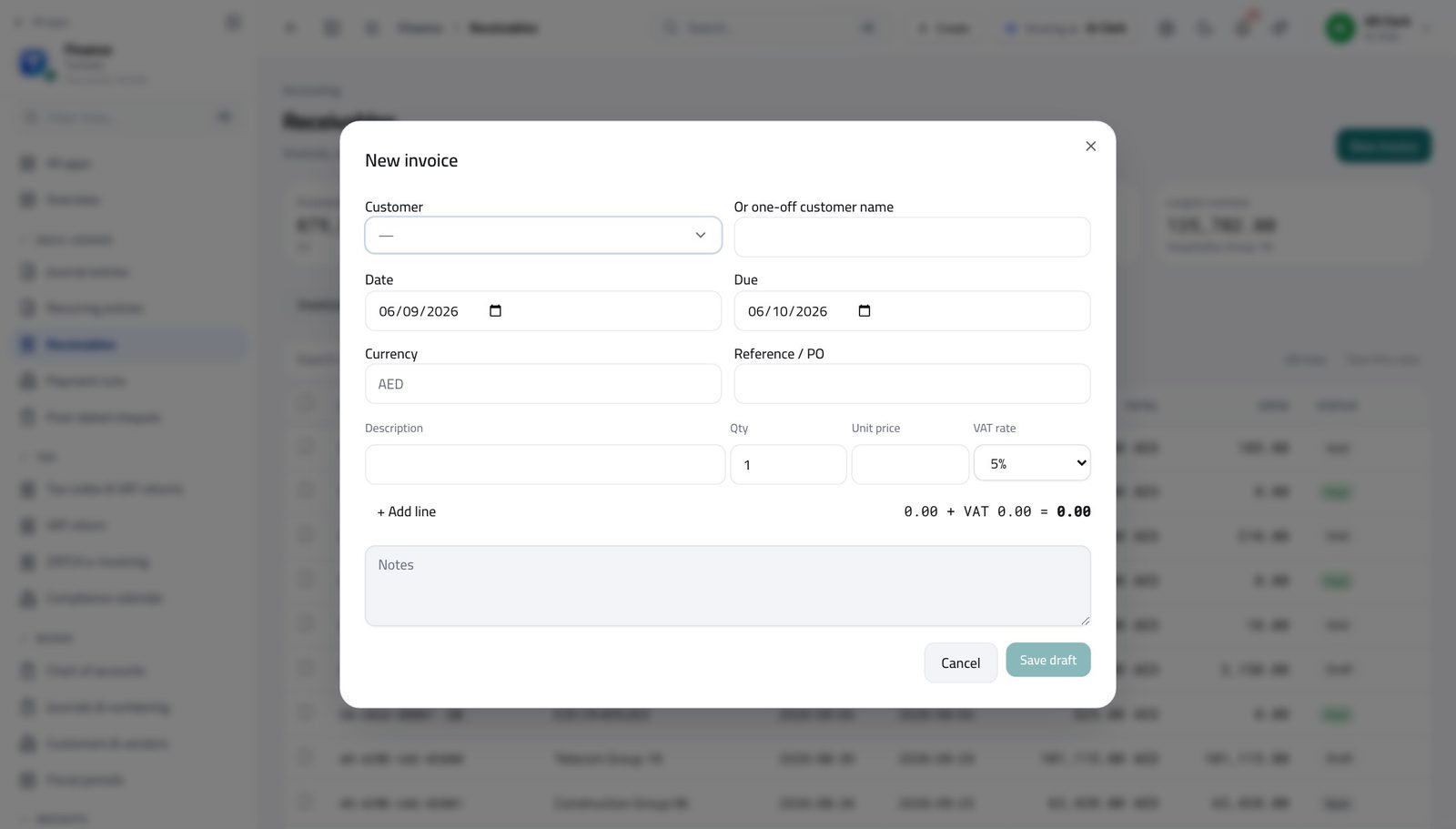
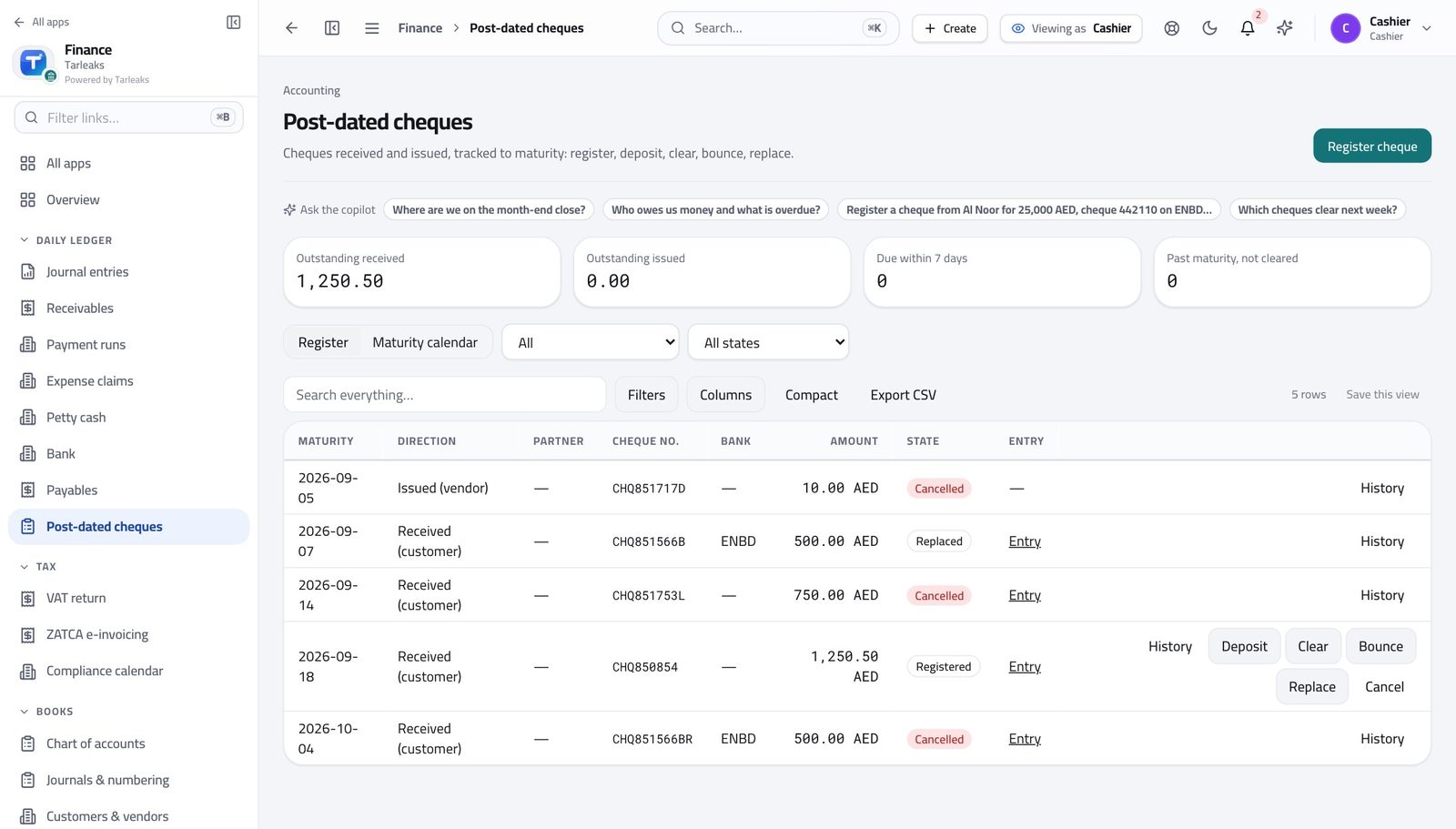
The costly mistake Registering cheques with the date you received them rather than the date they mature. The maturity view is only useful if the dates are the real ones.
Healthcare — clinics, hospitals, labs #
Clinic managers, hospital finance teams and diagnostic centres billing patients and insurers.
What usually hurts
- Two payers for one visit: the patient's share now, the insurer's share in sixty to ninety days.
- Insurers reject lines, pay part, and settle in bulk against many claims.
- Consumables and equipment tie up cash, and the equipment depreciates.
Set it up like this
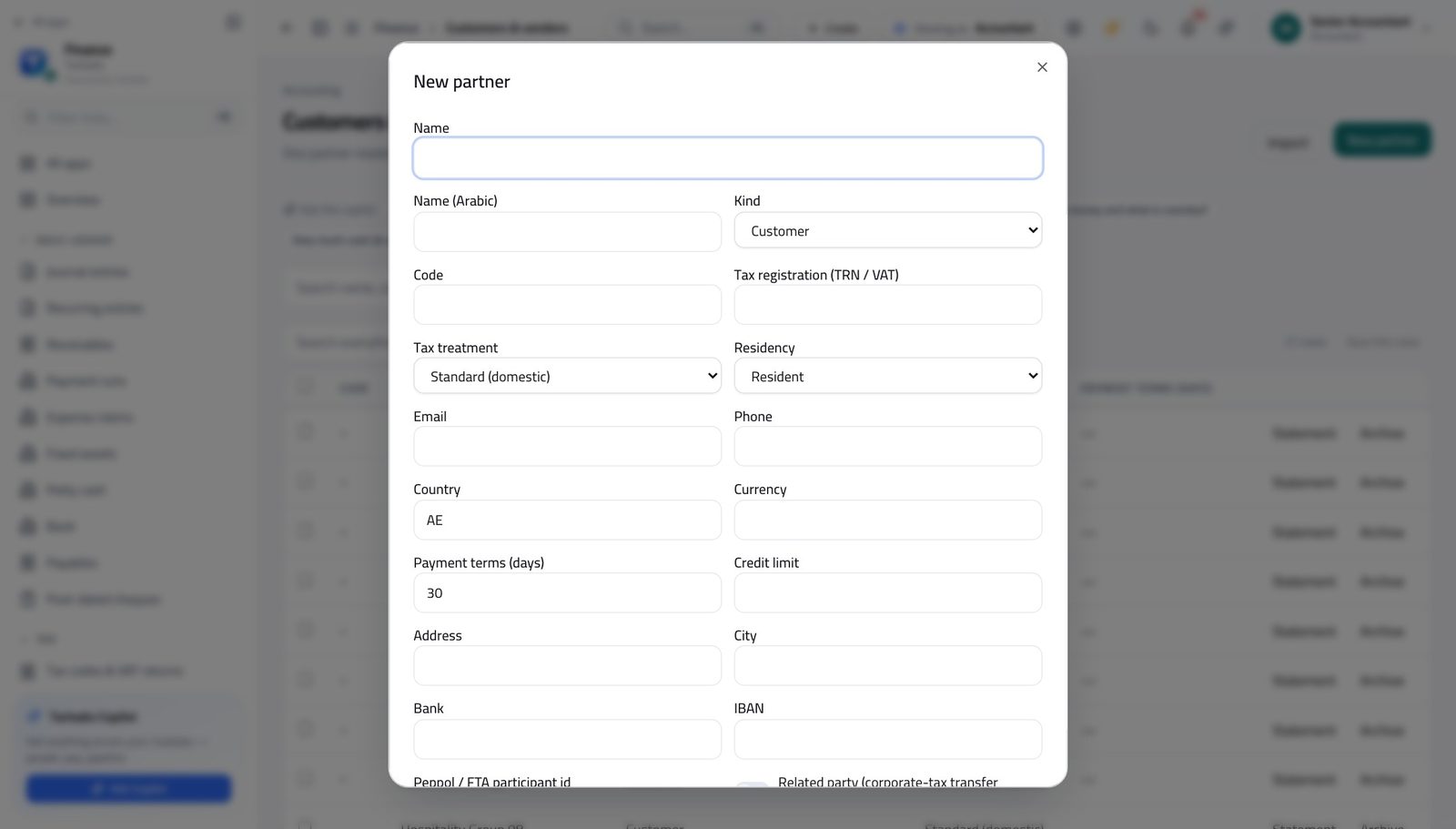
- Set up each insurer as a customer with realistic payment terms and a credit limit that reflects how they actually pay.
- Use analytic accounts per department — outpatient, laboratory, imaging, pharmacy — so each one's margin is visible.
- Put medical equipment on the fixed-asset register with the useful life your policy uses, and let depreciation run monthly.
The flows that carry the work
- Raise one invoice to the patient for their share and one to the insurer for theirs, each with the visit reference.
- Record the patient's payment at the counter; the insurer's sits in the ageing until it settles.
- When the insurer pays in bulk, record one receipt and allocate it across the invoices it covers.
- Allocate what was paid; leave the rest open rather than writing it off quietly.
- If the rejection is final, issue a credit note with the reason — never delete the invoice.
- Review rejections monthly by insurer; a pattern is a coding problem, not a finance one.
- Capitalise equipment on the register; expense consumables to the department's analytic account.
- Run depreciation monthly and check the schedule against the register.
- On disposal, use Dispose so the gain or loss is calculated rather than estimated.
What to watch every month
The screens this runs on
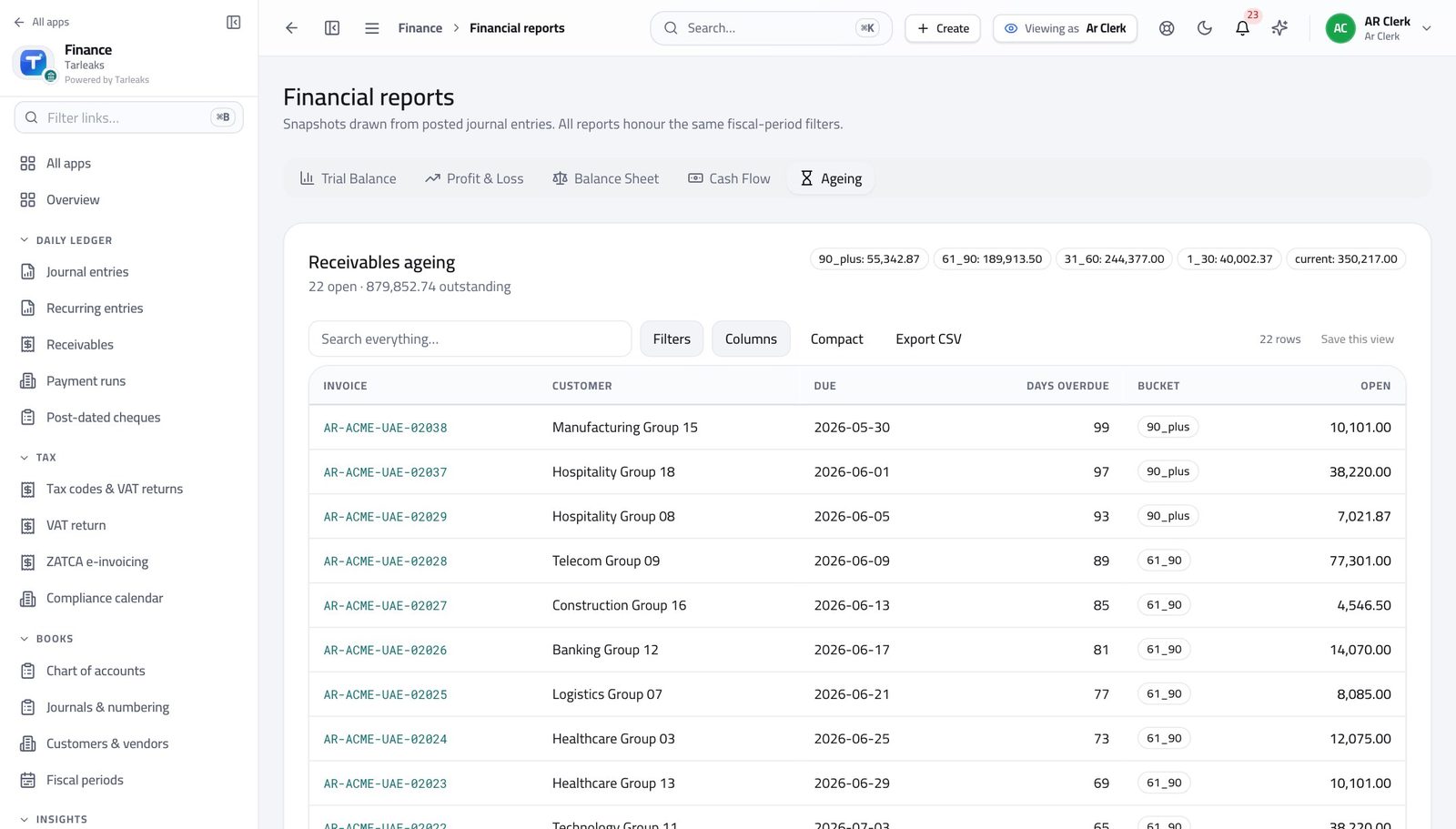
The costly mistake Treating an insurer's part-payment as the whole. Allocate what arrived and keep the balance visible, or the ageing quietly becomes fiction.
E-commerce & online retail #
Online sellers reconciling gateways, marketplaces and couriers.
What usually hurts
- The gateway settles a week of orders as one deposit, net of its fee.
- Refunds and chargebacks arrive after the sale is already in the books.
- Thousands of small transactions make manual reconciliation impossible.
Set it up like this
- Create a bank account per gateway and per marketplace, so each one reconciles on its own.
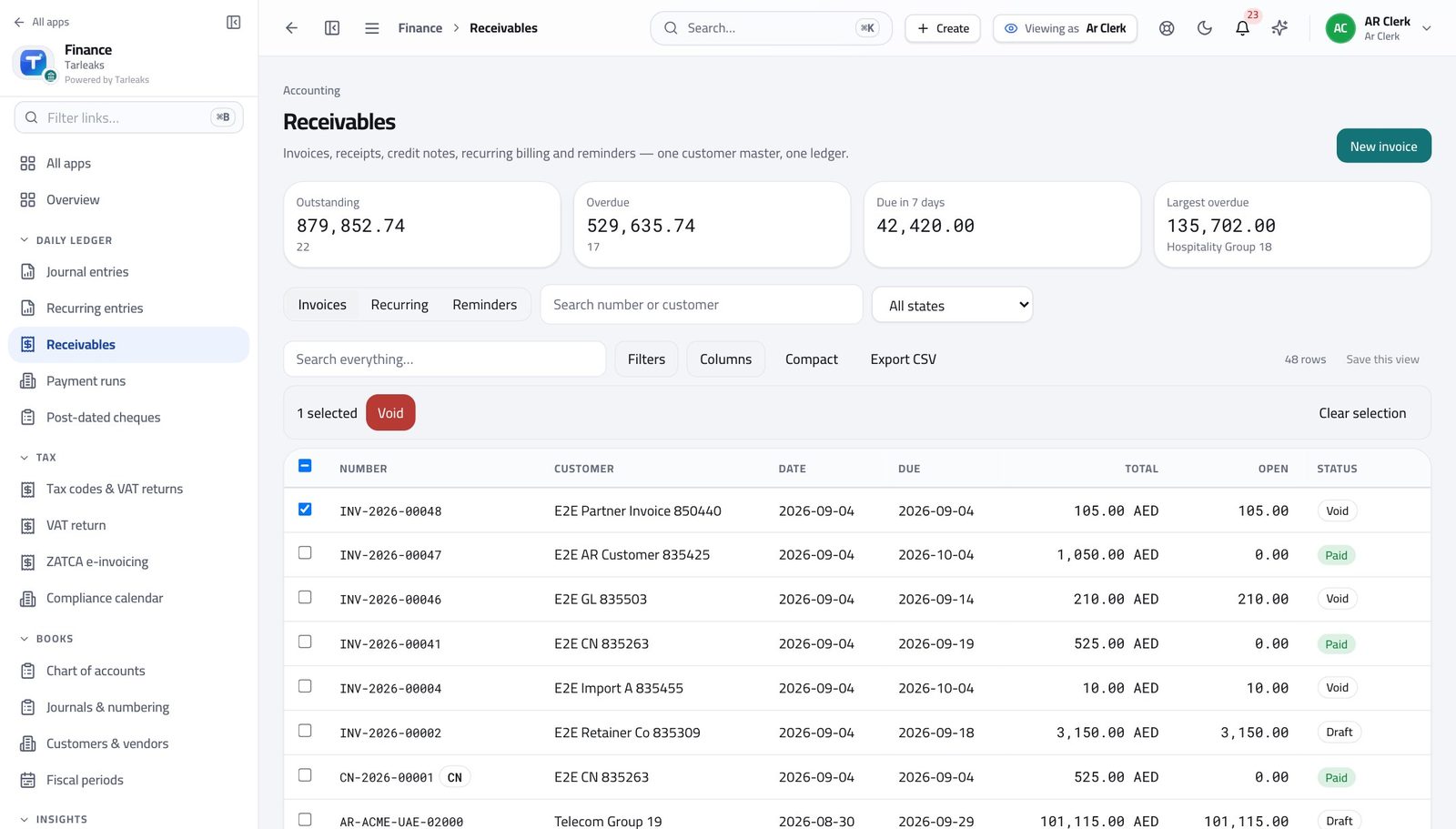
- Set up reconcile rules for the recurring patterns — the gateway's settlement line, its fee, the courier's charge.
- Keep a separate expense account for gateway fees; it is a real cost of sale, not a bank charge.
The flows that carry the work
- Import the statement or let the feed sync.
- Book the settlement line against the sales it covers; the fee books to the fee account on the same line.
- Let apply rules handle the repeat patterns, then work only what is left.
- A refund is a credit note against the original invoice.
- A chargeback is a credit note plus the bank's fee as its own expense line.
- Review both monthly by reason — the finance number is the symptom, the reason is the fix.
- Post one summary invoice or entry per day per channel rather than one per order.
- Keep the order reference on the line so a customer query still lands.
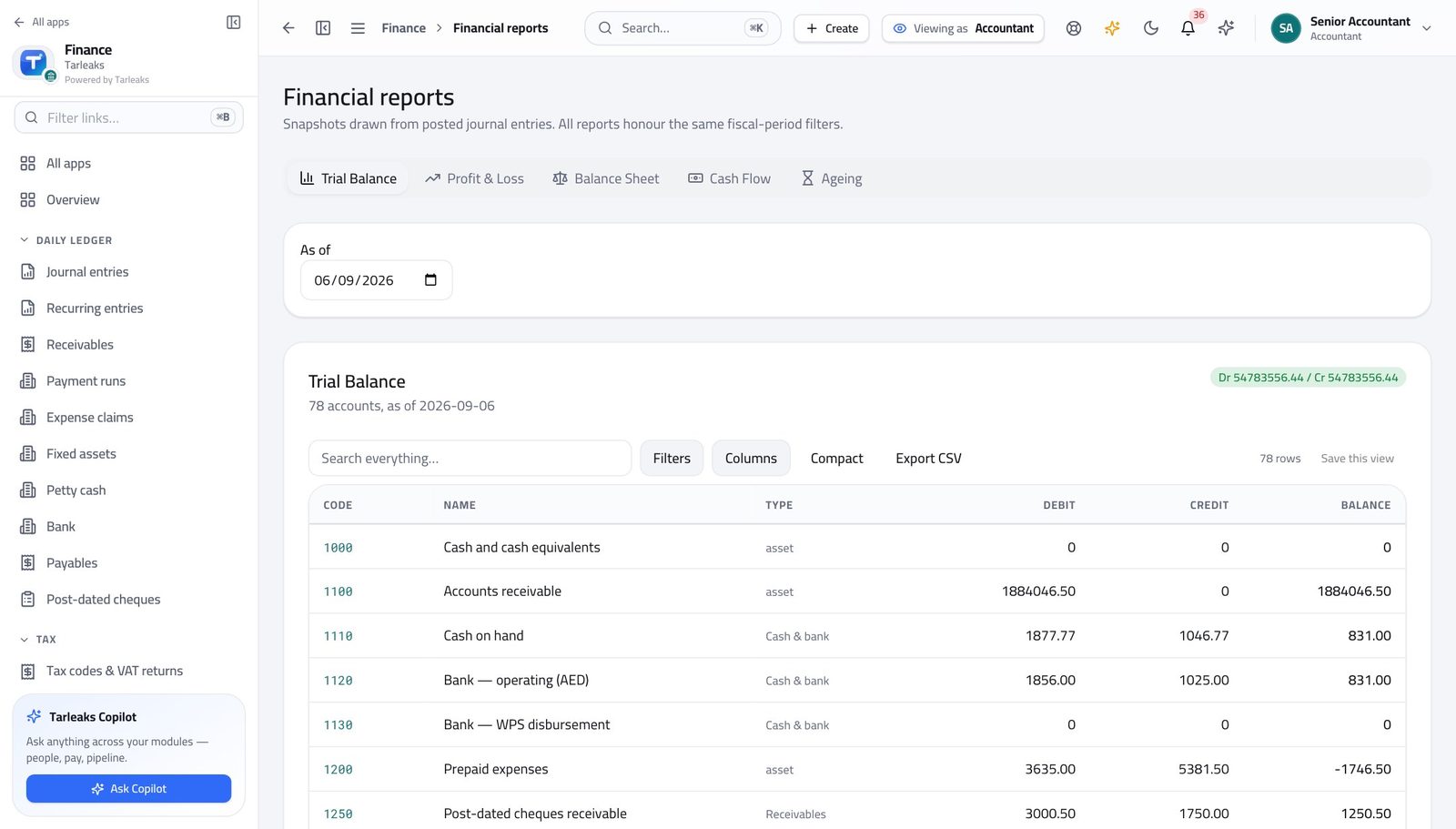
- Reconcile the day's total against the gateway before moving on.
What to watch every month
The screens this runs on
The costly mistake Booking the settlement net and losing the fee. The fee is a cost you can negotiate — only if you can see it.
Construction & contracting #
Contractors and subcontractors billing against progress, with retention held.
What usually hurts
- Invoices follow certified progress, not a calendar.
- Retention is withheld for months and has to be chased when it is due.
- Every project needs its own profit figure, and materials are bought per project.
Set it up like this
- Make each project an analytic account; every bill, invoice and expense carries it.
- Hold retention on its own account so it is visible rather than mixed into receivables.
- Budget per project and watch variance, not just the total.
The flows that carry the work
- Raise the invoice for the certified value, with the certificate number in Reference.
- Put retention on its own line so the invoice matches the certificate and the retention is tracked.
- Record the client's payment against the invoice; the retention stays open until it is released.
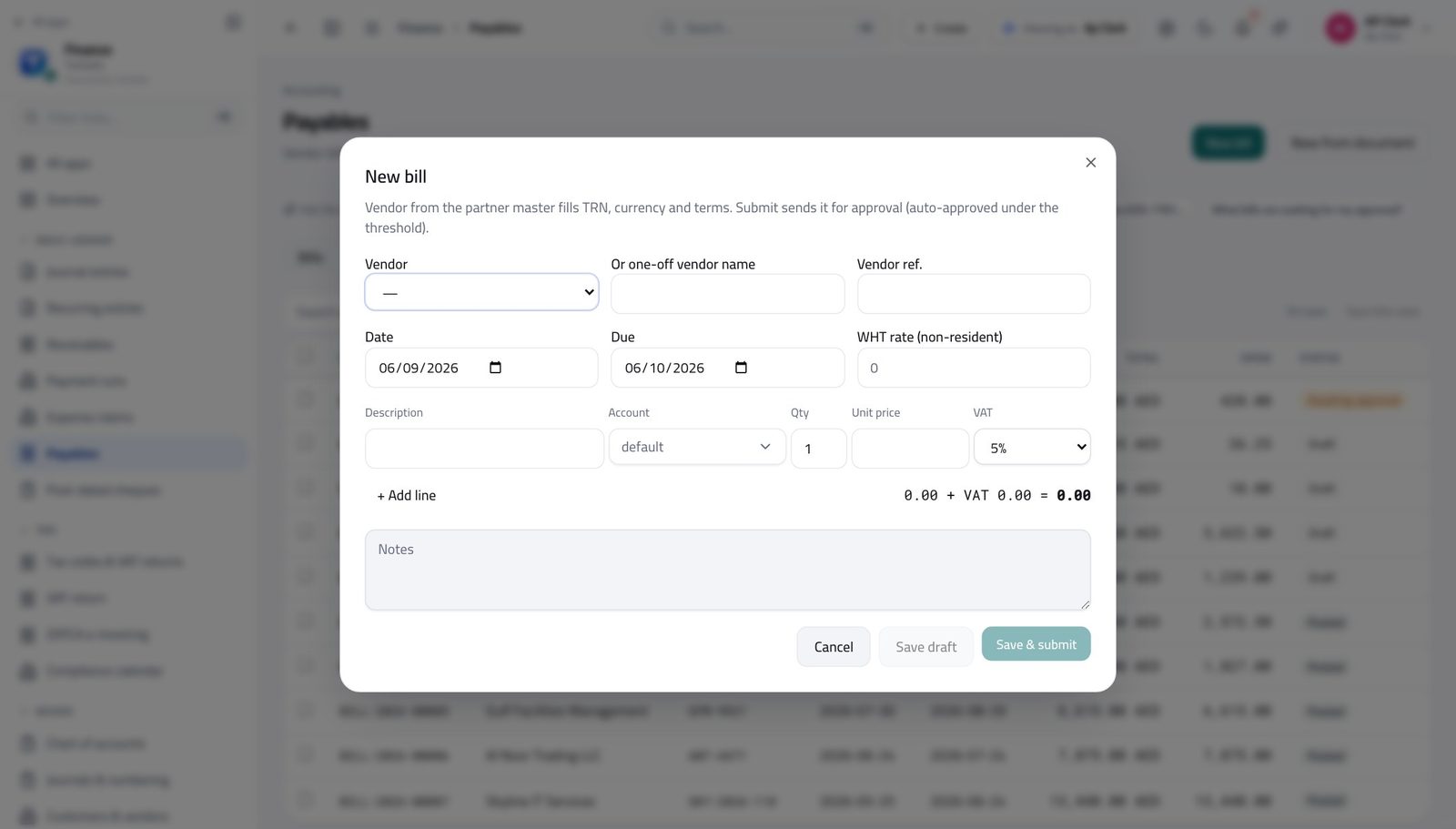
- Enter the subcontractor's bill against the project's analytic account.
- Set the WHT rate where the subcontractor is non-resident; the withholding is deducted and held.
- Issue the withholding certificate when you remit.
- Run P&L by dimension for the project.
- Compare with the project budget and read the variance monthly, not at the end.
- Ask why on any line over your threshold while the job is still open.
What to watch every month
The screens this runs on
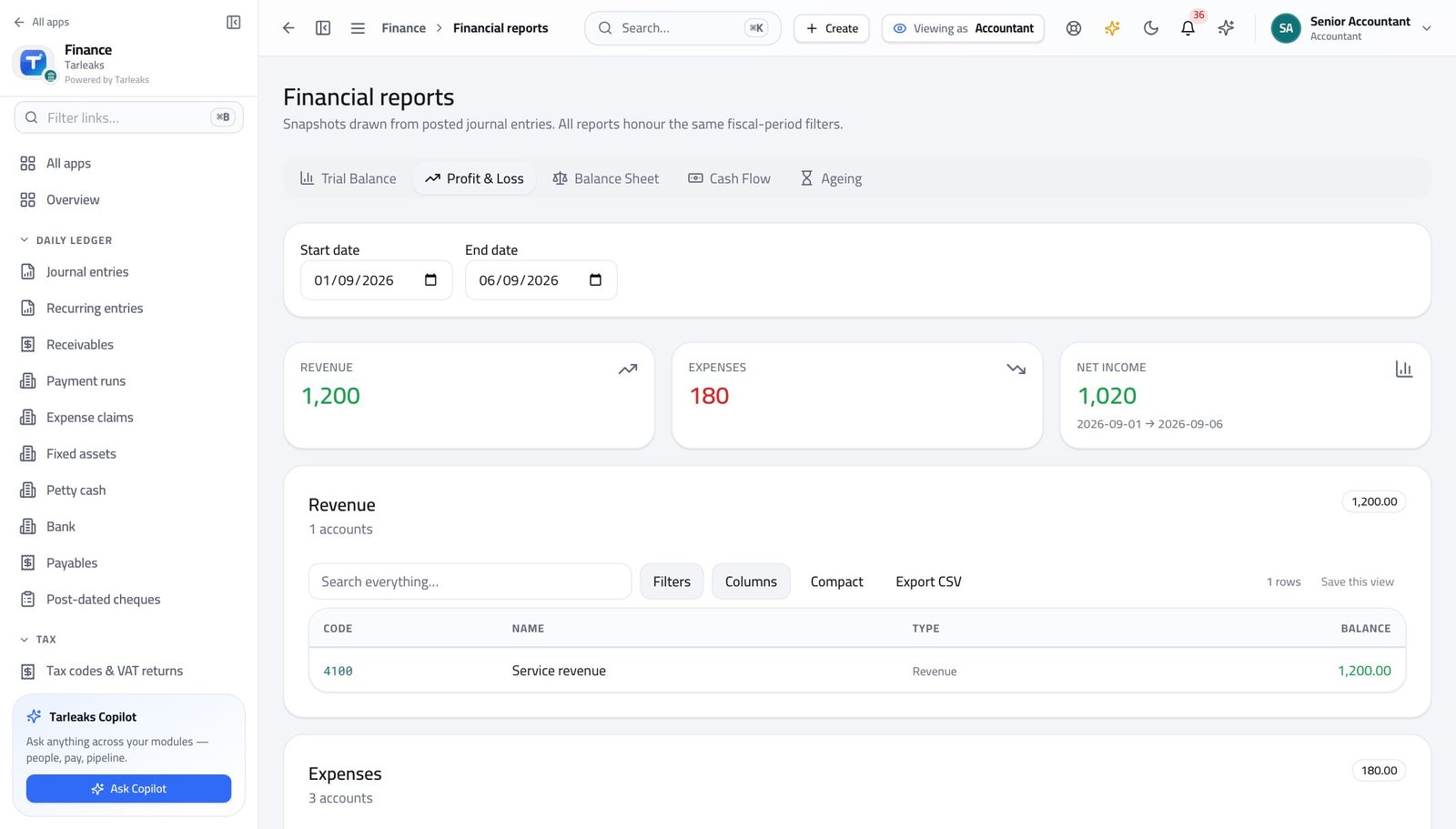
The costly mistake Letting retention sit inside ordinary receivables. It ages differently, it is chased differently, and it disappears if it is not tracked separately.
Professional services — consulting, legal, audit #
Firms billing time, retainers and disbursements.
What usually hurts
- Some clients are on a monthly retainer, others on time and materials.
- Disbursements are paid on the client's behalf and recharged.
- Unbilled work is the biggest number nobody looks at.
Set it up like this
- Set up a recurring invoice for each retainer with its schedule.
- Use analytic accounts per engagement so a client's profitability is answerable.
- Keep recharged disbursements on their own account so they are not read as revenue.
The flows that carry the work
- Create the recurring invoice once, with the client's payment terms.
- Review the schedule at the start of the month for changes.
- Let it raise itself, then send.
- Raise the invoice with a line per workstream and a line per disbursement, described in the client's own words.
- Attach the supporting documents to the invoice so the query answers itself.
- Chase using the ageing rather than memory.
- Run P&L by engagement.
- Compare fees billed with the cost carried on that engagement.
- Kill or reprice the ones that never come right.
What to watch every month
The screens this runs on
The costly mistake Recharged disbursements booked as income. It inflates revenue, distorts margin and confuses the tax treatment.
Hospitality — hotels, restaurants, catering #
Hotels, restaurant groups and caterers with daily takings and many small suppliers.
What usually hurts
- Cash and card takings every day, from several outlets.
- Dozens of small food suppliers, delivered daily and billed monthly.
- Each outlet needs its own margin, and rent and staff dominate the costs.
Set it up like this
- Use a branch or analytic account per outlet.
- Run a petty-cash float per outlet with a named custodian and a weekly count.
- Set supplier payment terms once so due dates stop being a negotiation.
The flows that carry the work
- Post one entry per outlet per day: takings split by payment method.
- Reconcile the card line against the settlement, and the cash line against what was banked.
- Anything that does not reconcile is a question for that day, not for month end.
- Enter deliveries as bills against the outlet.
- Submit the week's bills in one batch for approval.
- Pay on one weekly run rather than in dribs.
- Run P&L by outlet monthly.
- Watch food cost as a percentage of takings, not as an amount.
- Compare outlets against each other before comparing them with budget.
What to watch every month
The screens this runs on
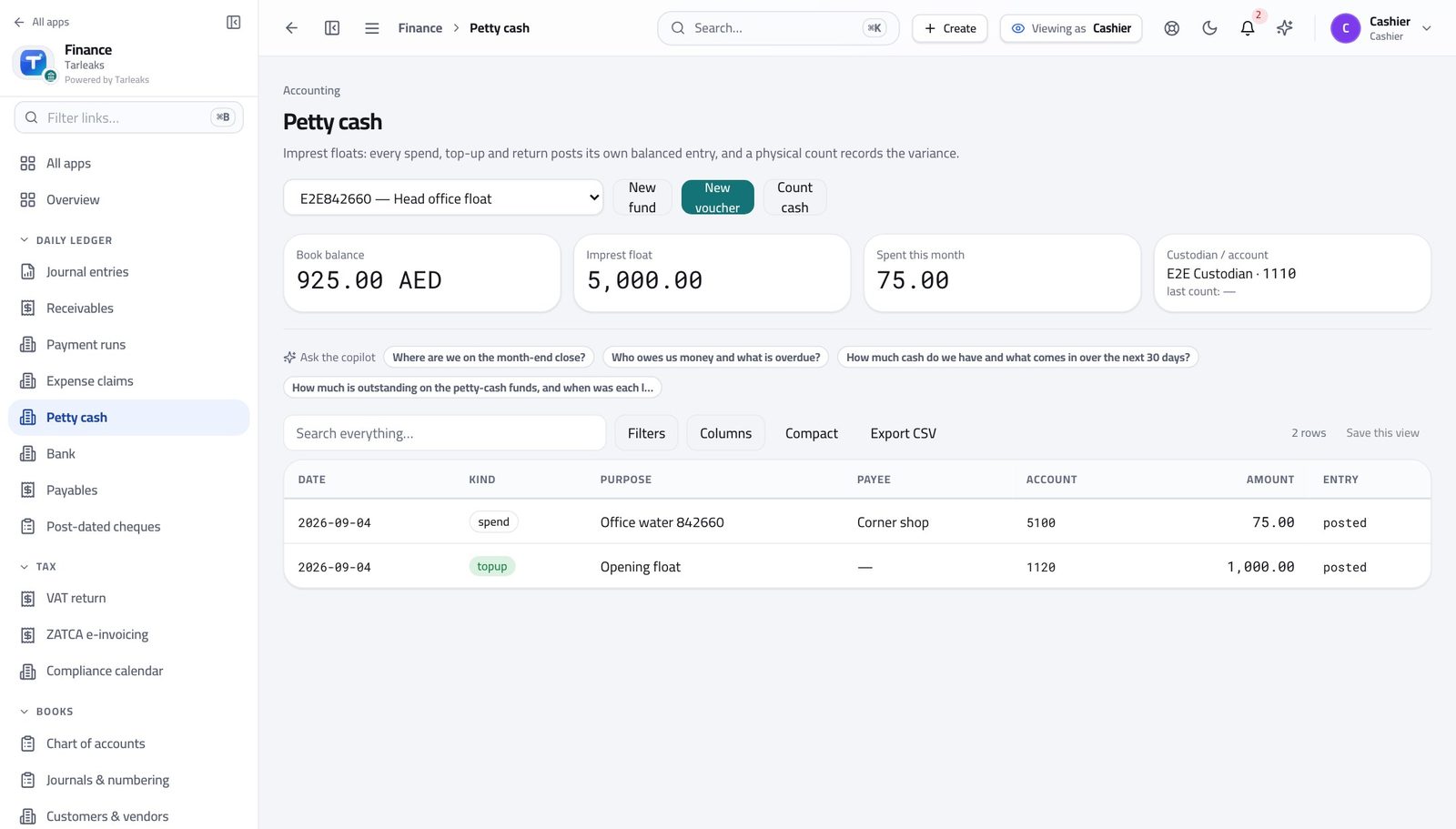
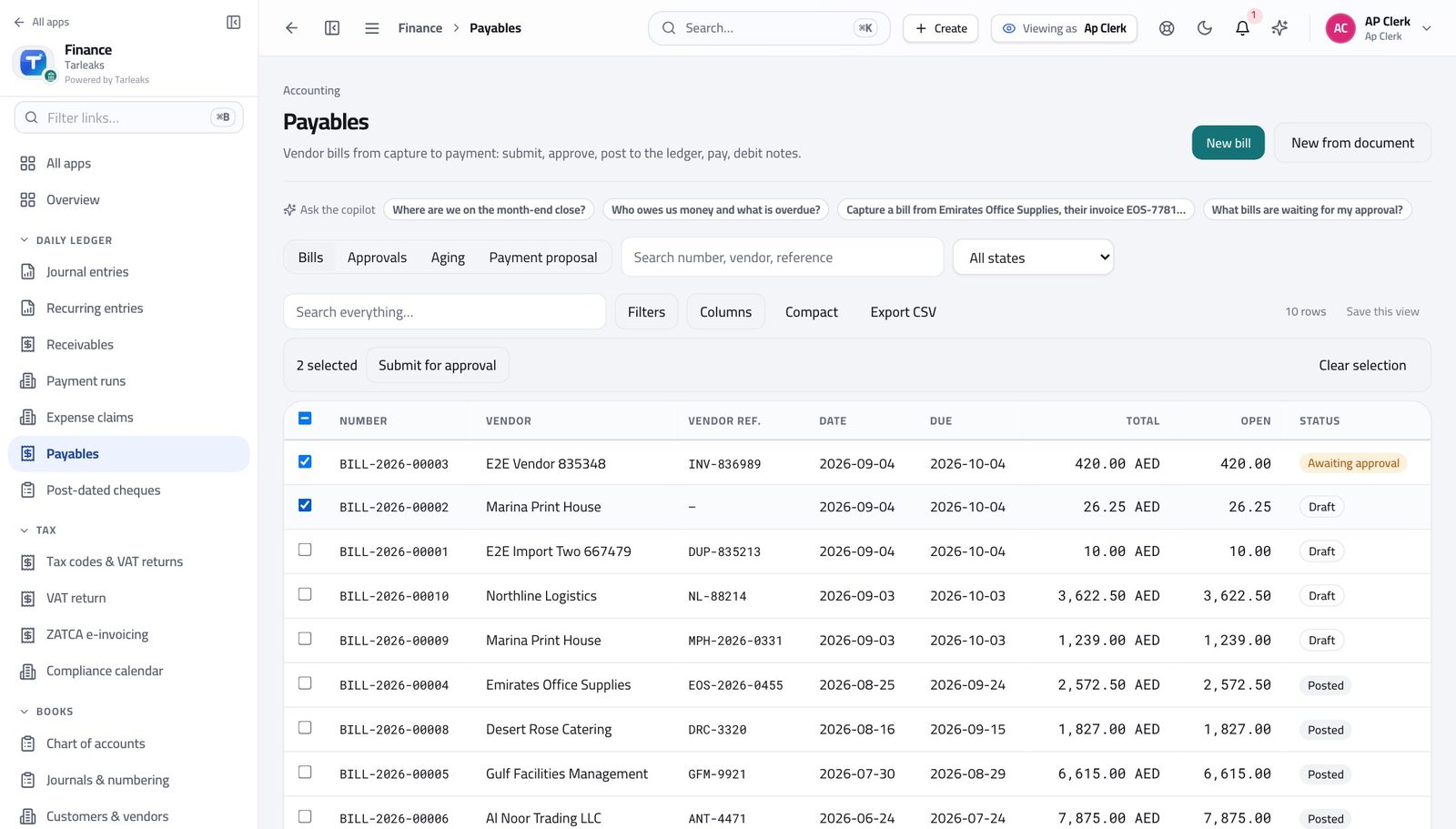
The costly mistake Banking the day's cash without recording it against that day. The reconciliation is only possible while somebody still remembers the day.
Logistics, freight & courier #
Freight forwarders, hauliers and last-mile operators.
What usually hurts
- Disbursements — duty, port charges — are paid for the customer and recharged.
- Jobs run across currencies and borders.
- Cash collected on delivery has to reach the bank and the ledger.
Set it up like this
- Analytic account per lane, branch or vehicle, depending on how you manage.
- Separate accounts for recharged disbursements and for your own margin.
- Set the FX rates source and revalue monthly if you hold foreign balances.
The flows that carry the work
- Enter the third-party costs as bills against the job.
- Invoice the customer with the disbursements shown separately from your fee.
- Check the margin per job, not per month.
- Record the receipt against the invoice the day it is collected.
- Bank it and reconcile the deposit against those receipts.
- A gap between collected and banked is the one number to watch daily.
- Invoice in the customer's currency; the rate applies on the invoice date.
- Revalue open balances at month end so the exchange difference is visible.
- Never restate an old invoice to today's rate.
What to watch every month
The screens this runs on
The costly mistake Mixing recharged disbursements with your own revenue. The margin looks healthy until somebody asks what the fee actually was.
Manufacturing & industrial #
Factories and workshops costing production and holding stock.
What usually hurts
- Raw material, work in progress and finished goods all sit in stock accounts.
- Machines are big assets with long lives and real maintenance costs.
- Cost per unit is the number that decides the price.
Set it up like this
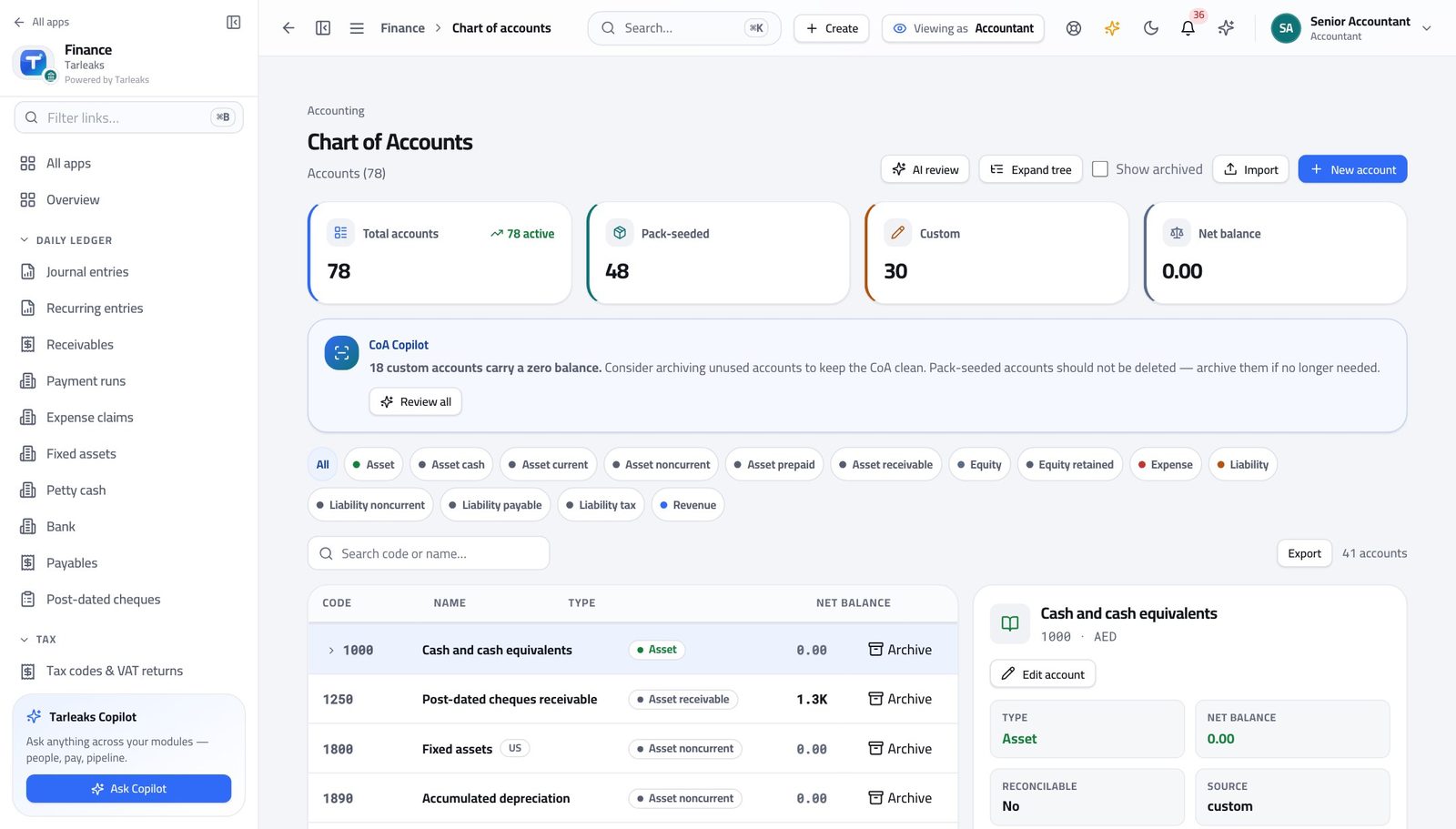
- Keep separate stock accounts for raw material, work in progress and finished goods.
- Analytic accounts per production line or product family.
- Every machine on the fixed-asset register, with maintenance as expense against the line it belongs to.
The flows that carry the work
- Supplier bills post to raw material stock.
- Production moves value from raw material to work in progress to finished goods.
- The sale moves it to cost of sales — so margin is real rather than assumed.
- Capitalise the machine; expense the maintenance.
- Run depreciation monthly.
- When a machine is replaced, dispose of the old one properly so the gain or loss lands where it should.
- Compare cost of sales against production volume for the month.
- Investigate any move in cost per unit before it reaches the price list.
What to watch every month
The screens this runs on
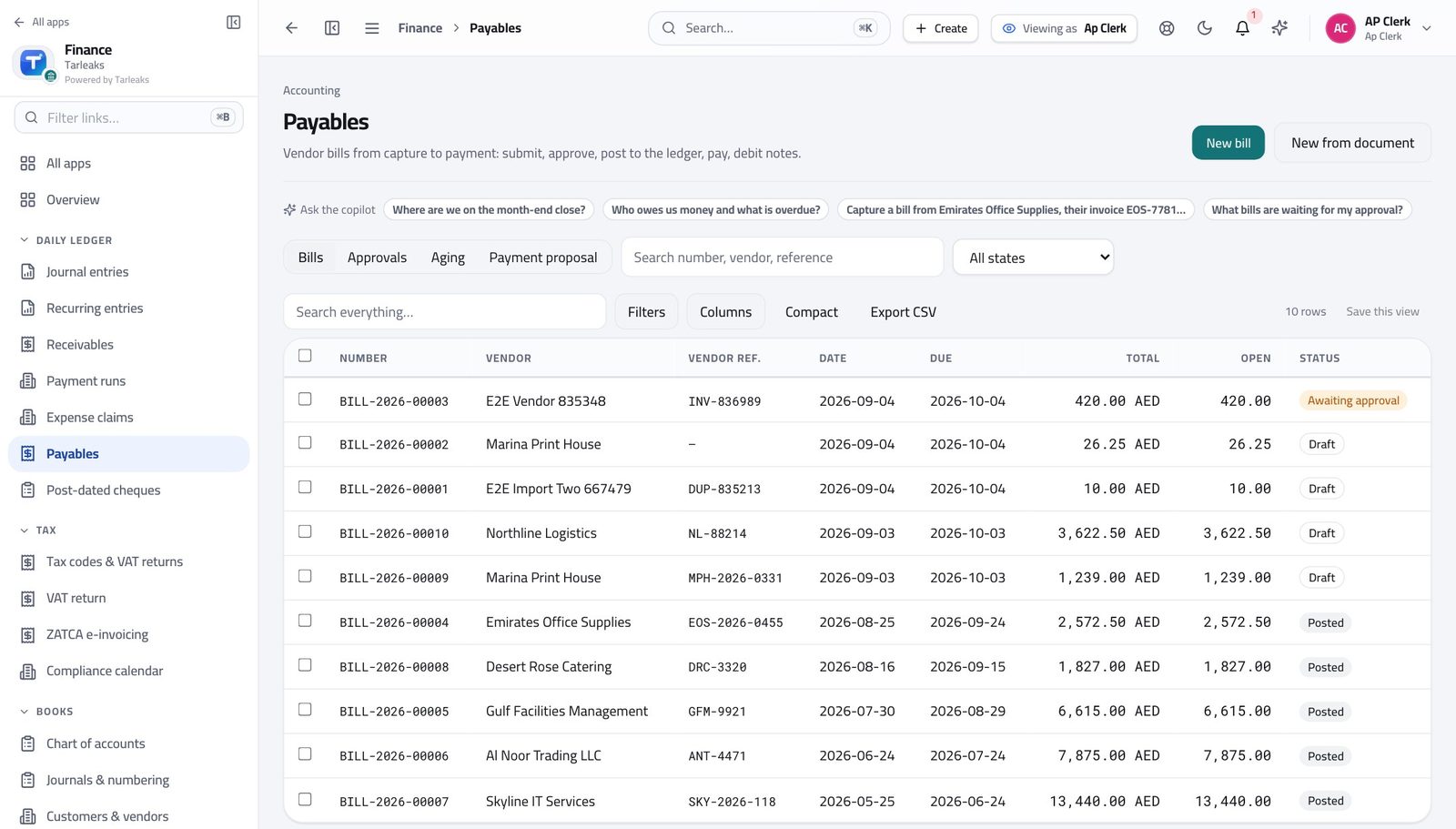
The costly mistake Leaving scrap and rework outside the costing. It is a real cost and it is the one that moves margin quietly.
Retail — shops and branches #
Multi-branch retailers with daily takings and stock.
What usually hurts
- Every branch is its own small business with its own cash.
- Stock is counted periodically and the difference has to go somewhere.
- Rent and staff dominate, and both are fixed.
Set it up like this
- A branch per store, so takings, costs and stock report separately.
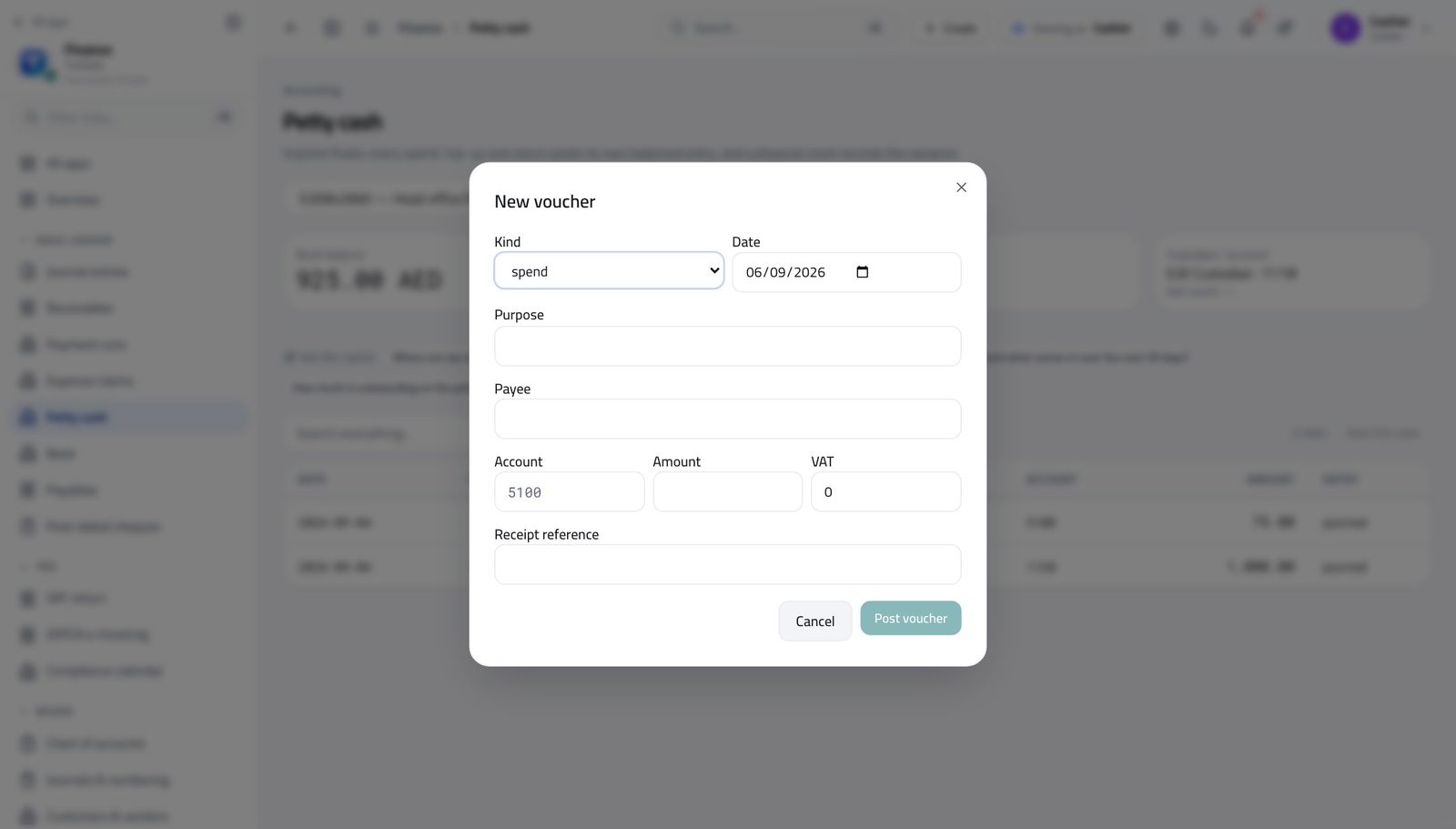
- A petty-cash float per store with a weekly count.
- A stock-adjustment account, so shrinkage is visible rather than absorbed.
The flows that carry the work
- Post the day's takings by payment method.
- Bank the cash and reconcile it.
- Record card settlements against the gateway's deposit.
- Count, then post the adjustment to the stock-adjustment account.
- Review adjustments by branch monthly — a pattern is a management problem, not an accounting one.
- P&L per branch each month.
- Compare like with like: sales per square metre, not just totals.
What to watch every month
The screens this runs on
The costly mistake Absorbing shrinkage into cost of sales. If it never has its own line, nobody ever manages it.
Education & training #
Schools, universities, training centres and academies.
What usually hurts
- Fees are billed per term to hundreds of families, with instalments.
- Discounts and scholarships have to be visible, not netted off.
- Grants and sponsorships come with conditions and reporting.
Set it up like this
- Import the fee schedule rather than typing it; the import validates every row first.
- Keep discounts and scholarships on their own account so gross fees stay gross.
- Analytic account per programme or campus.
The flows that carry the work
- Import or recur the invoices for the term.
- Set instalment due dates through payment terms so the ageing means something.
- Let dunning chase the late instalments on an agreed cadence.
- Invoice the full fee and record the award as a credit note or a discount line.
- Report gross fees, awards, and net — three numbers, not one.
- Give each grant its own analytic account.
- Report spend against it with P&L by dimension.
- Keep the evidence attached to the entries, not in a folder.
What to watch every month
The screens this runs on
The costly mistake Netting a scholarship off the invoice. The school then cannot say what it gave away, which is usually its biggest single number.
Oil, gas & energy services #
Service companies and contractors working for operators.
What usually hurts
- Contracts are long, milestones are certified, and payment terms are theirs, not yours.
- Mobilisation costs land before any revenue does.
- Equipment is heavy, expensive and moves between jobs.
Set it up like this
- Analytic account per contract; mobilisation costs go there too.
- Fixed-asset register with location, so equipment can be found and depreciated against the right job.
- Budget per contract, reviewed monthly.
The flows that carry the work
- Invoice on certification, with the certificate reference.
- Track what is certified but unbilled and what is billed but unpaid — they are different problems.
- Chase using the ageing and the contract's payment terms.
- Book mobilisation to the contract, not to overheads.
- Recognise it against the contract's revenue so early months are not read as losses.
- Move the asset's analytic allocation when it moves site.
- Depreciate monthly regardless of utilisation.
- Dispose properly at end of life.
What to watch every month
The screens this runs on
The costly mistake Charging mobilisation to overheads. The contract then looks more profitable than it is, and the next bid is priced from a lie.
Automotive — dealerships & workshops #
Dealers, service centres and parts businesses.
What usually hurts
- Vehicle stock is expensive and financed.
- Workshop jobs mix parts, labour and warranty claims.
- Warranty work is billed to the manufacturer, not the customer.
Set it up like this
- Separate accounts for vehicle stock, parts stock and work in progress.
- Analytic accounts for showroom, workshop and parts.
- The manufacturer set up as a customer for warranty claims, with realistic terms.
The flows that carry the work
- Invoice parts and labour as separate lines.
- Where warranty applies, invoice the manufacturer for their share and the customer for theirs.
- Chase warranty receivables like any other customer — they age too.
- Hold vehicles in stock at cost until sold.
- Record the finance cost against the stock it funds.
- Review ageing of stock as carefully as ageing of debt.
- P&L for showroom, workshop and parts separately.
- Compare labour recovery month by month.
What to watch every month
The screens this runs on
The costly mistake Treating warranty work as free because no customer paid. It is revenue owed by the manufacturer, and it ages.
Media, advertising & creative agencies #
Agencies billing retainers, projects and pass-through media spend.
What usually hurts
- Media bought on the client's behalf dwarfs the agency's own fee.
- Projects run across months and are billed in stages.
- Freelancers are paid quickly; clients pay slowly.
Set it up like this
- Keep pass-through media on its own account, never inside revenue.
- Analytic account per campaign.
- Set freelancer suppliers with short payment terms so the cash timing is visible.
The flows that carry the work
- Invoice media at cost on one line and the fee on another.
- Report the fee as revenue and the media as pass-through.
- Reconcile the media line against the supplier bill for the same campaign.
- Invoice per stage with the stage named on the line.
- Track unbilled work — the gap between delivered and invoiced is the agency's real risk.
- Watch the cash position: media suppliers are paid before clients pay you.
- Use the payment run to sequence deliberately rather than by whoever shouts.
What to watch every month
The screens this runs on
The costly mistake Reporting media spend as revenue. It flatters the top line and destroys every margin ratio the agency is judged on.
IT services & SaaS #
Software companies and IT service providers with subscriptions and projects.
What usually hurts
- Subscriptions are billed in advance and earned over time.
- Some revenue is one-off implementation, some is recurring.
- Customers are in several countries with different tax treatments.
Set it up like this
- A recurring invoice per subscription, with the renewal date as the schedule.
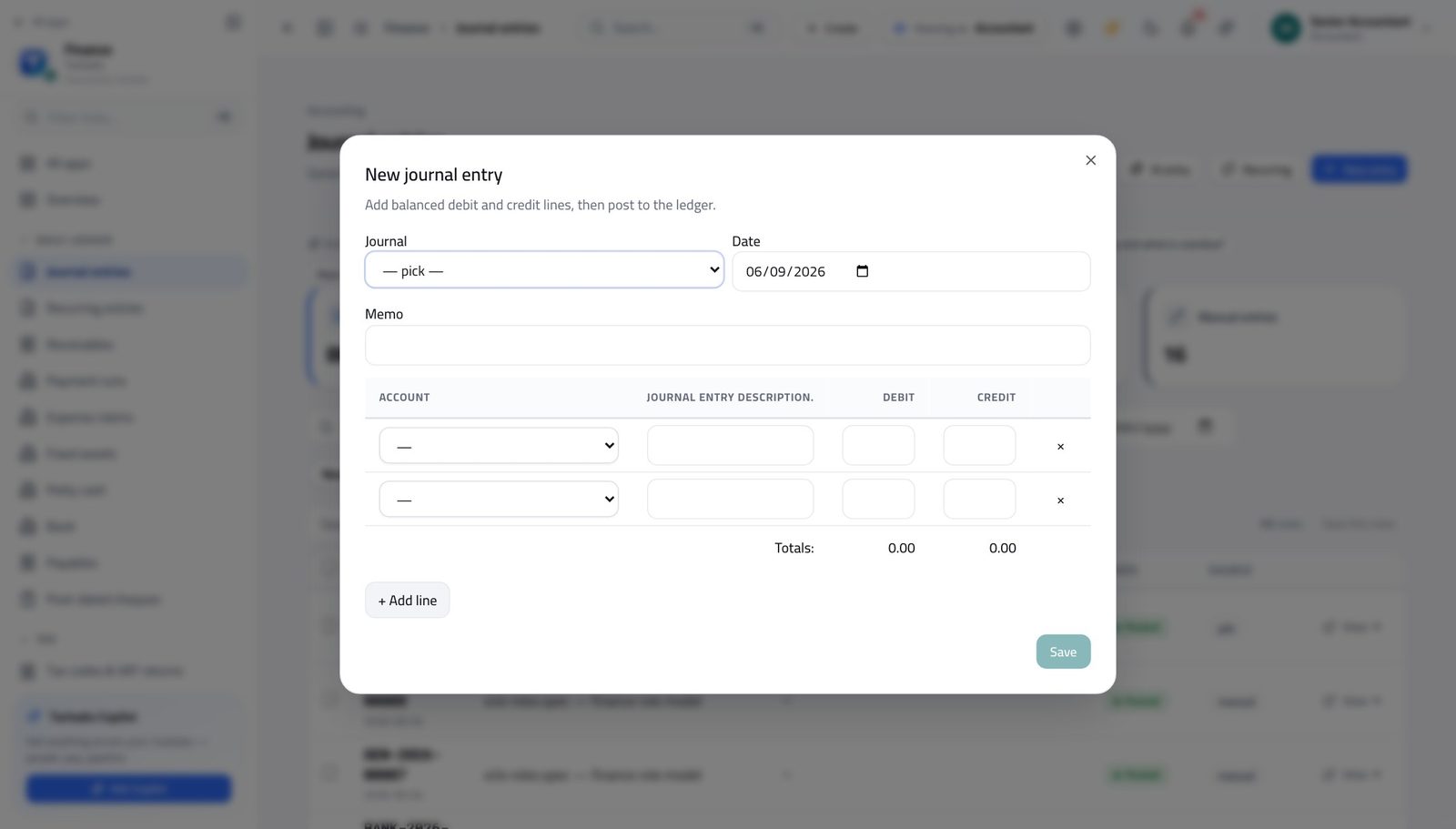
- A deferred-income account so billed-but-not-earned revenue is not read as profit.
- Tax treatment set per customer — export, zero-rated or standard — so invoices are right without thinking.
The flows that carry the work
- Raise the invoice for the year.
- Post the amount to deferred income, then release one twelfth each month with a recurring entry.
- The P&L then shows what was earned, not what was billed.
- Bill implementation on milestones against its own analytic account.
- Keep it separate from subscription revenue in reporting — investors and buyers always ask.
- Review the recurring schedule a month ahead.
- Change the price on the schedule, not on the invoice, so the next one is right too.
What to watch every month
The screens this runs on
The costly mistake Recognising a year's subscription in the month it was billed. Every month after it looks like a collapse.
Banking, finance & investment firms #
Lenders, brokers, investment managers and exchange houses.
What usually hurts
- Regulatory reporting is on a timetable that does not move.
- Fee income arrives in many small pieces from many counterparties.
- Client money must never mix with the firm's own.
Set it up like this
- Separate bank accounts and ledger accounts for client money.
- Analytic accounts per product or desk.
- Lock dates set as soon as a regulatory period is reported.
The flows that carry the work
- Close on a fixed day, not when everything feels ready.
- Set the lock date so nothing moves behind the report.
- Reconcile every client account before the close, not after.
- Post fees to the desk's analytic account.
- Reconcile against the counterparty's statement monthly.
- Investigate anything unreconciled within the month.
- Give auditors the read-only role rather than exports.
- Keep the flux commentary monthly so the year-end file writes itself.
What to watch every month
The screens this runs on
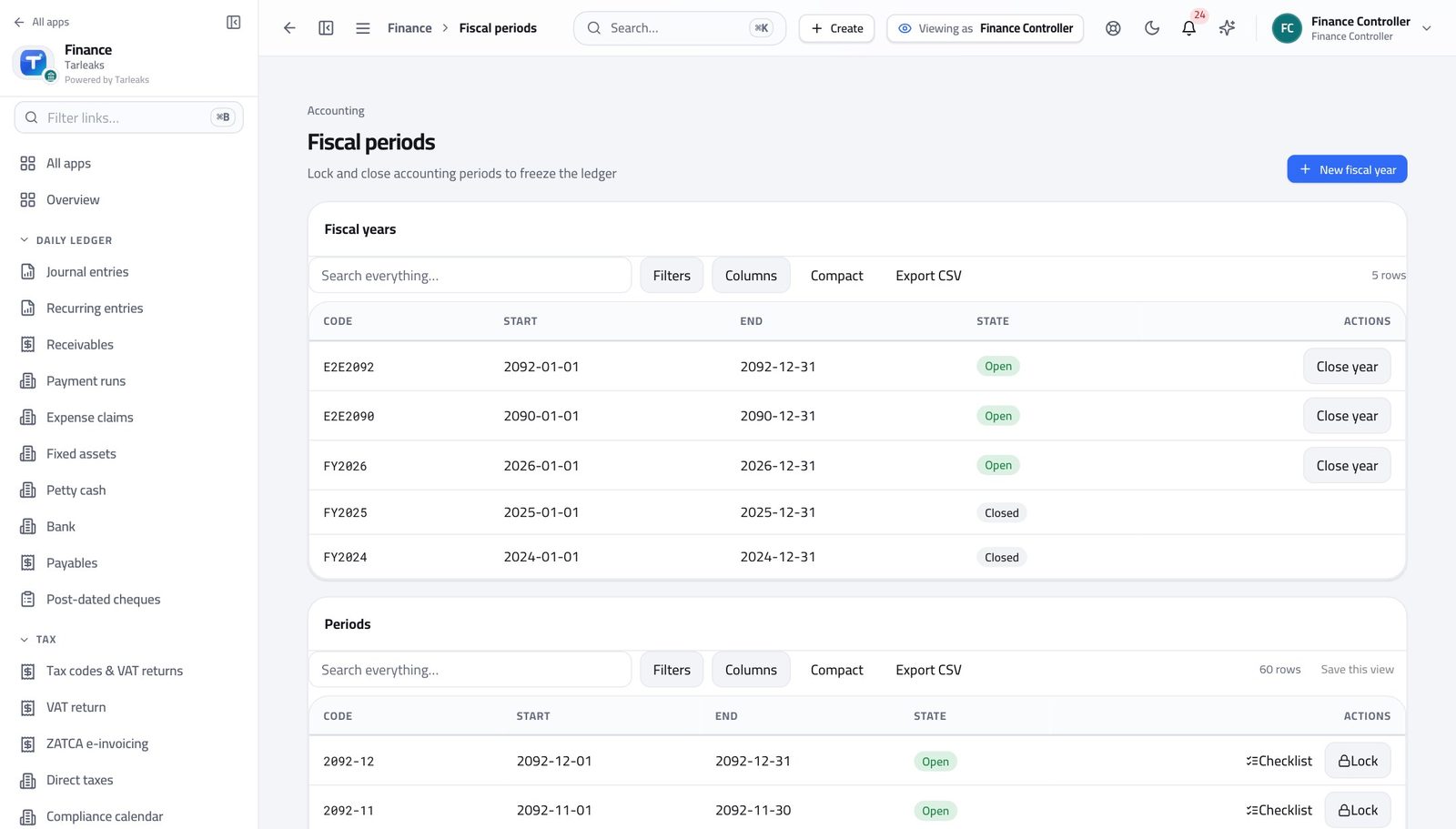
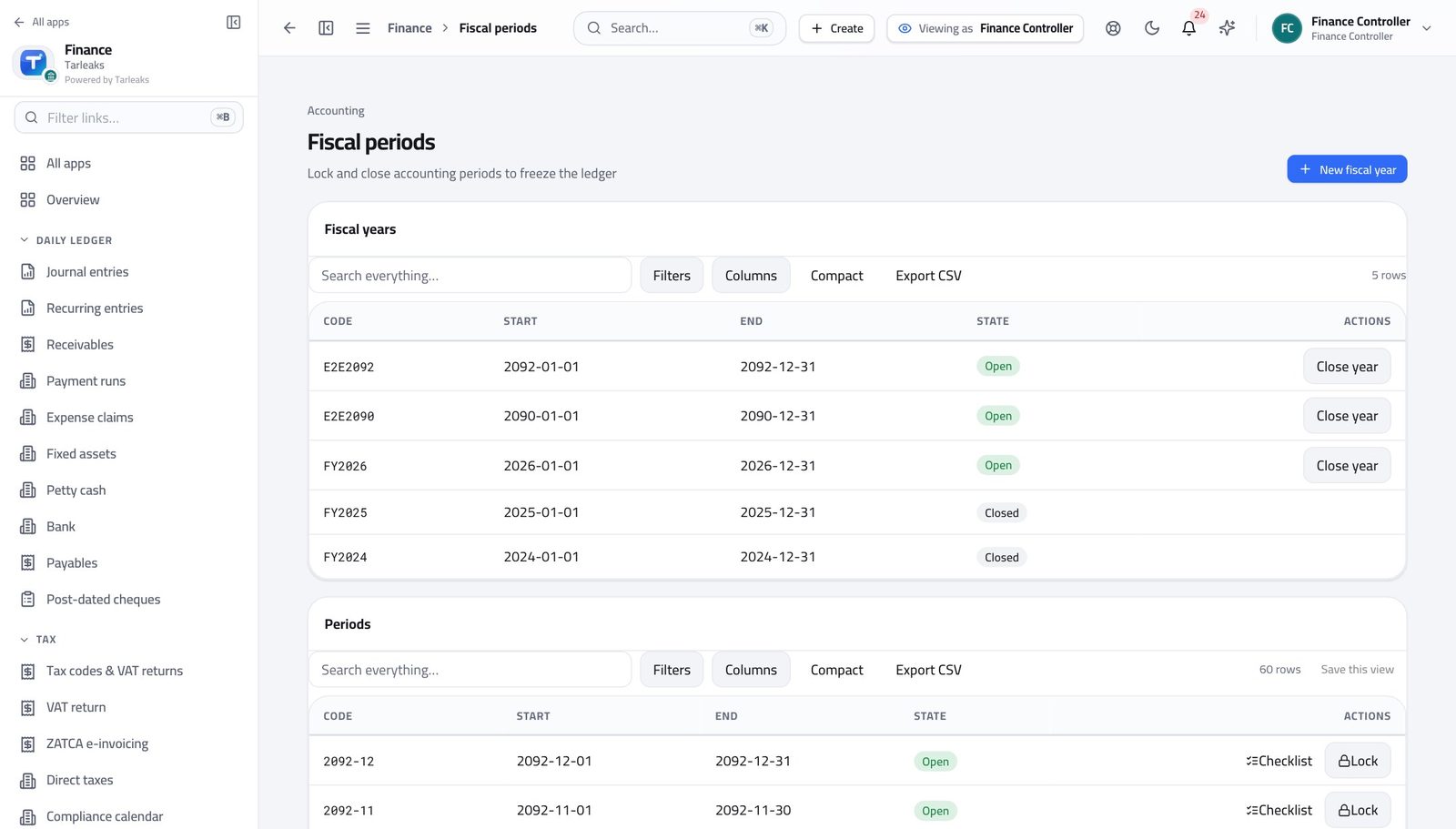
The costly mistake Closing late. In this sector the close date is the control, and missing it is the finding.
Insurance & brokerage #
Brokers and agencies earning commission on premium they collect.
What usually hurts
- Premium collected belongs to the insurer; commission belongs to you.
- Commission is often netted off the settlement.
- Policies renew annually and instalments run monthly.
Set it up like this
- Separate accounts for premium payable to insurers and commission income.
- Recurring invoices for instalment policies.
- Insurer set up as both customer and supplier where you both collect and settle.
The flows that carry the work
- Record the premium received in full.
- Recognise commission as income and the rest as payable to the insurer.
- Settle net, and reconcile against the insurer's statement.
- Review the recurring schedule ahead of renewal season.
- Chase lapsed instalments through dunning.
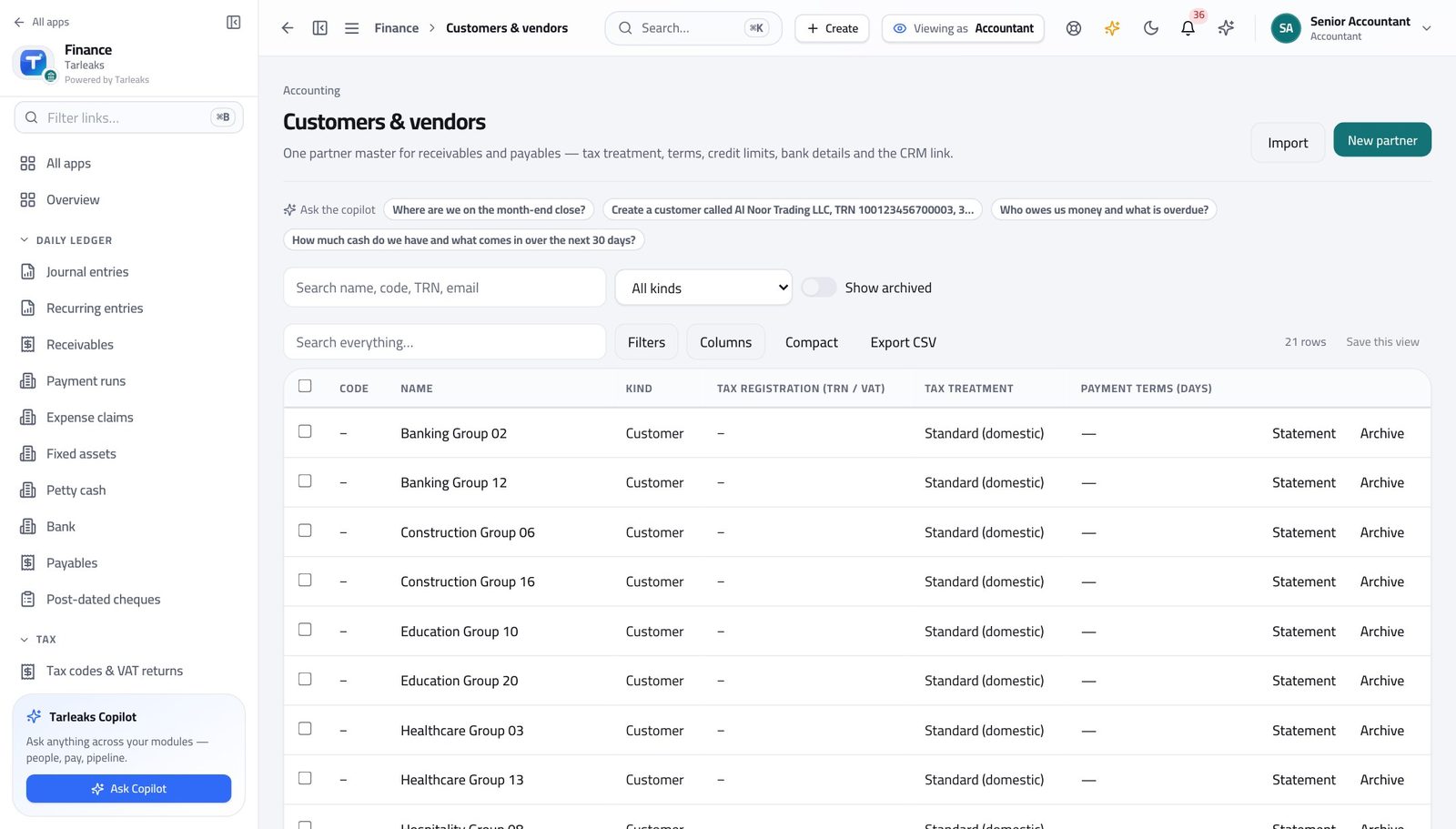
- Compare Partner 360 for the insurer with their statement monthly.
- Differences are usually commission rate changes nobody circulated.
What to watch every month
The screens this runs on
The costly mistake Booking gross premium as revenue. Only the commission is yours.
Telecom & internet providers #
Operators and ISPs billing subscribers monthly.
What usually hurts
- Very high volume of small recurring invoices.
- Usage charges vary on top of a fixed line rental.
- Network equipment is a large, long-lived asset base.
Set it up like this
- Recurring invoices for the fixed element; import usage charges monthly.
- Analytic accounts per service or region.
- Network assets on the register with the lives your regulator or policy expects.
The flows that carry the work
- Let the recurring schedule raise the line rentals.
- Import usage as a validated file rather than typing it.
- Send, then let dunning chase.
- Work the ageing by bucket, not by customer.
- Automate the first two reminders; escalate the rest by hand.
- Capitalise build costs, expense maintenance.
- Run depreciation monthly and review lives annually.
What to watch every month
The screens this runs on
The costly mistake Chasing every small debt with the same effort. Automate the small, escalate the large, and stop paying more than the debt is worth.
Government & public sector #
Ministries, authorities and government-owned entities.
What usually hurts
- Spending is against an approved budget, and overspending is a governance event.
- Procurement rules dictate the order of documents.
- Reporting is to a standard set outside the organisation.
Set it up like this
- Budget every department and enable the budget check on approvals.
- Analytic accounts matching the reporting structure you must file against.
- Strict role separation: entry, approval and payment in three different hands.
The flows that carry the work
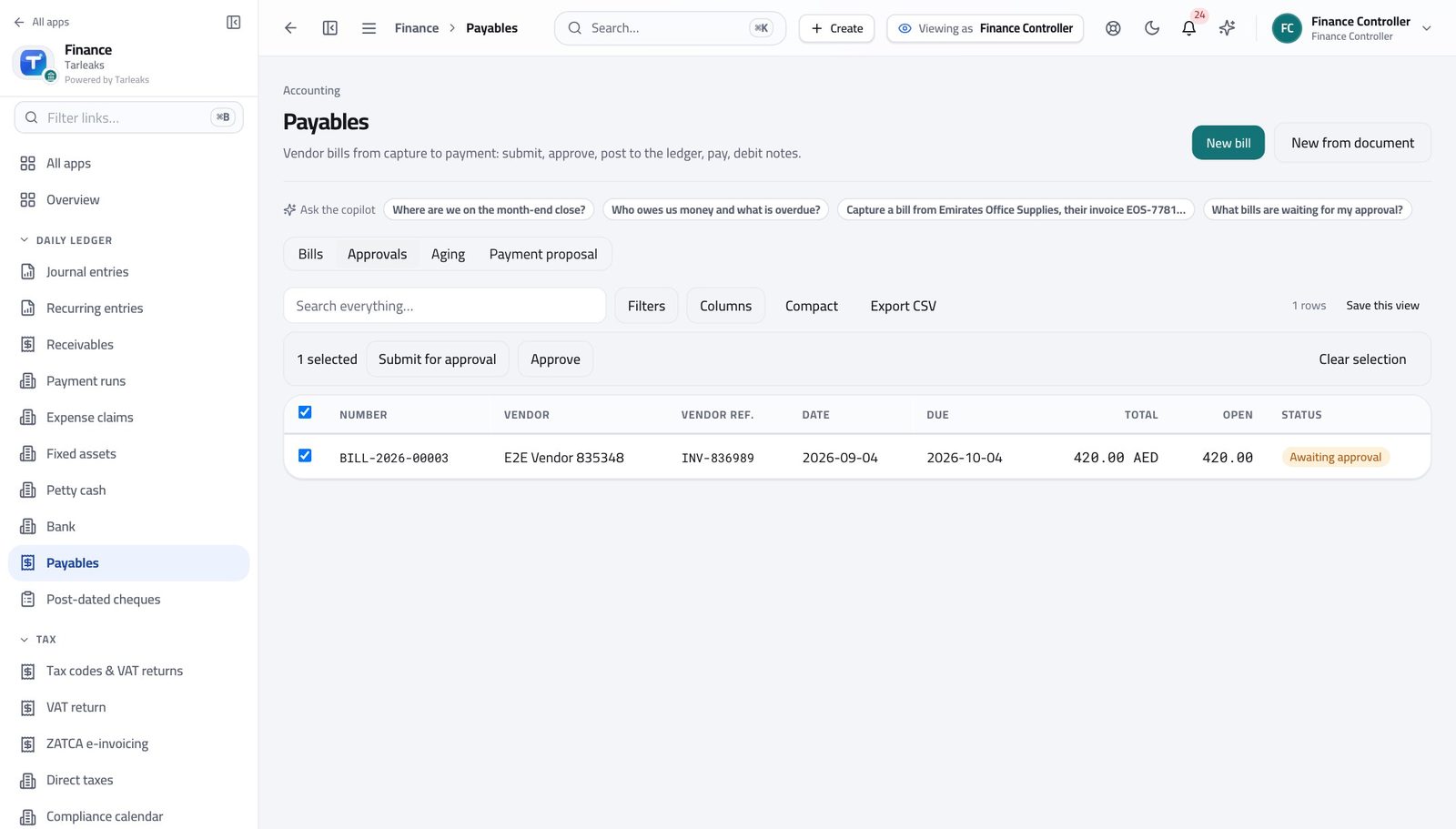
- The budget check reports an over-budget bill at approval.
- Approve deliberately with the reason, or reject it.
- Review variance monthly with the budget holder, not at year end.
- Attach the approval and the purchase order to the bill.
- The entry, the document and the approval then live together for audit.
- Build the layout once in the report designer.
- Schedule it so the same report goes out on the same day each period.
What to watch every month
The screens this runs on
The costly mistake Approving over budget without recording why. The overspend is survivable; the missing reason is not.
Non-profit, charity & foundations #
Charities and foundations spending restricted and unrestricted funds.
What usually hurts
- Donors restrict what their money may be spent on.
- Each grant reports separately, on its own timetable.
- Overheads have to be allocated fairly and defensibly.
Set it up like this
- An analytic account per fund or grant — that is what makes restriction real.
- Separate income accounts for restricted and unrestricted donations.
- A documented, consistent basis for allocating overheads.
The flows that carry the work
- Record income against the fund's analytic account.
- Spend from the same fund so the report is a query, not a reconstruction.
- Report spend against the fund whenever the donor asks.
- Run P&L by fund for the grant period.
- Attach evidence to the entries as you go.
- Schedule the report to the donor's own timetable.
- Post overheads centrally, then allocate with a recurring entry on the agreed basis.
- Document the basis once and keep it stable — changing it mid-year invites the question you cannot answer.
What to watch every month
The screens this runs on
The costly mistake Spending restricted money from the general account and reallocating later. It is the single fastest way to lose a donor.
Agriculture & food production #
Farms, packers and food producers with seasonal cash flow.
What usually hurts
- Income arrives in a season; costs run all year.
- Biological assets and crops are valued differently from machinery.
- Buyers are few, large, and slow.
Set it up like this
- Analytic accounts per crop, field or herd.
- Machinery on the fixed-asset register; inputs expensed to the crop.
- A cash forecast that respects the season rather than the calendar.
The flows that carry the work
- Book seed, feed, fertiliser and labour to the crop's analytic account.
- At harvest, invoice buyers with the delivery reference.
- Read the crop's P&L once the season closes, and use it to price the next one.
- Use the cash position with the payment runs to sequence supplier payments.
- Agree terms with input suppliers that match harvest, and record them as payment terms so due dates are honest.
- Capitalise and depreciate; expense the repairs.
- Review utilisation before buying more.
What to watch every month
The screens this runs on
The costly mistake Judging a season by the month it was harvested. The costs started months earlier and belong to the same crop.
Facilities management, cleaning & security #
Service contractors billing recurring contracts with large workforces.
What usually hurts
- Revenue is contracted and recurring; the cost is almost entirely payroll.
- Contracts renew annually with escalation clauses.
- Margin per contract is thin and needs watching monthly.
Set it up like this
- A recurring invoice per contract, with escalation applied on the schedule.
- An analytic account per contract so payroll cost can be matched to it.
- Budget per contract at bid margin, then track variance.
The flows that carry the work
- Let the recurring schedule raise the invoices.
- Apply escalation on the schedule at renewal, not by editing invoices.
- Chase through the ageing.
- Confirm the payroll journal posted, then read the cost per contract.
- Compare against billed revenue for the same contract.
- Investigate any contract where the margin moves two months running.
- Run P&L by contract for the last twelve months.
- Reprice or exit the ones that never reached bid margin.
What to watch every month
The screens this runs on
The costly mistake Bidding from last year's price without reading last year's contract P&L.
Travel, tourism & aviation services #
Agencies, tour operators and ground handlers.
What usually hurts
- Money is collected long before the service is delivered.
- Refunds and cancellations are constant.
- Suppliers are paid in several currencies.
Set it up like this
- A deferred-income account for money received in advance.
- Analytic accounts per product line — corporate, leisure, ground handling.
- FX rates maintained, and open balances revalued monthly.
The flows that carry the work
- Record the receipt against deferred income, not revenue.
- Release to revenue when the travel happens, with a recurring or manual entry.
- The P&L then reflects trips taken, not deposits held.
- Credit the invoice and record the supplier's cancellation charge as its own cost.
- Refund from the same account the money went into.
- Enter bills in the supplier's currency.
- Revalue at month end so exchange differences are visible.
- Sequence payments with the cash position.
What to watch every month
The screens this runs on
The costly mistake Reading customer deposits as profit. It is the classic way a travel business looks healthy right up until it is not.
Mining, quarrying & heavy materials #
Extractive and heavy-materials operations.
What usually hurts
- Very heavy fixed assets with long lives and real restoration obligations.
- Output is measured in tonnes, and cost per tonne decides everything.
- Royalties and permits are non-negotiable costs.
Set it up like this
- Analytic accounts per site or pit.
- The fixed-asset register with the lives your policy sets, and separate accounts for restoration provisions.
- Budget per site, reviewed monthly.
The flows that carry the work
- Book every site cost to the site's analytic account.
- Compare the site's costs with output for the month.
- Investigate a moving cost per tonne while the month is still open.
- Record royalties as they accrue, not when they are invoiced.
- Keep permit costs on their own account with the renewal date in the compliance calendar.
- Capitalise, depreciate monthly, and record major overhauls separately from routine maintenance.
What to watch every month
The screens this runs on
The costly mistake Expensing an overhaul that should be capitalised, or capitalising maintenance that should not. Decide the policy once and apply it.