The payroll calendar — who does what, and when
14 use cases across 4 roles, placed by when they happen. Each one opens as a numbered sequence with the screen behind every step — nothing here is advice we have not carried out in the product. Filter to your own role, or read it once to know what lands on your desk and from whom.
Nothing matches that. Try a shorter word, or pick Everyone.
Every day
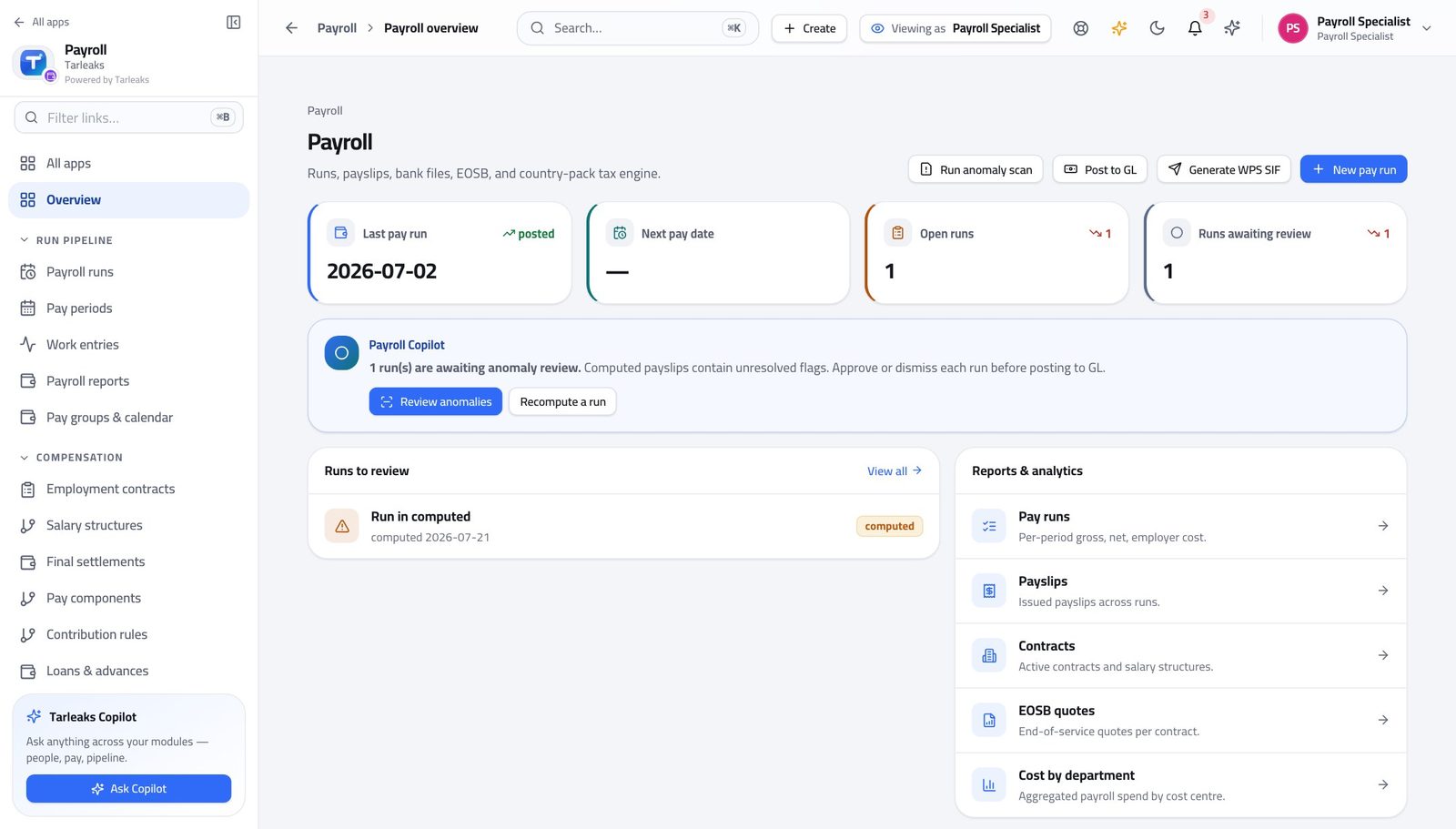
Payroll SpecialistA day of inputs, before anything is calculated
Everything the run pays comes from these four screens. A calculation is only as good as the day you spent on them.
6 steps, each with the screen it happens on.
Every week
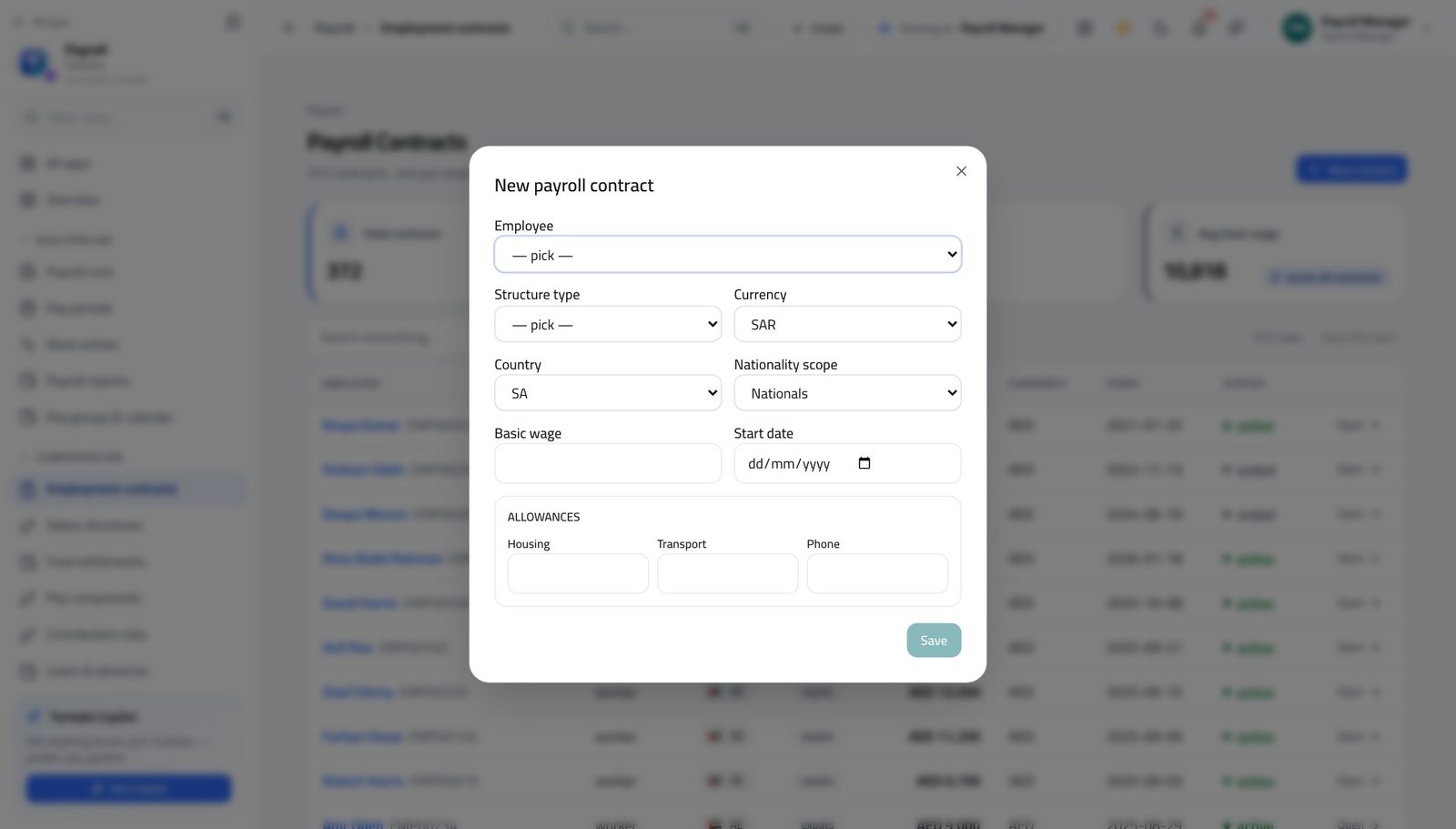
Payroll ManagerSomebody joined on the fifteenth
A joiner entered after the run is calculated is a joiner who is not paid, and nothing on the screen will tell you.
3 steps, each with the screen it happens on.

Payroll ApproverDecide the loans and the leavers waiting on you
Both queues are people waiting for an answer, and neither one sends you a reminder.
3 steps, each with the screen it happens on.
Every month
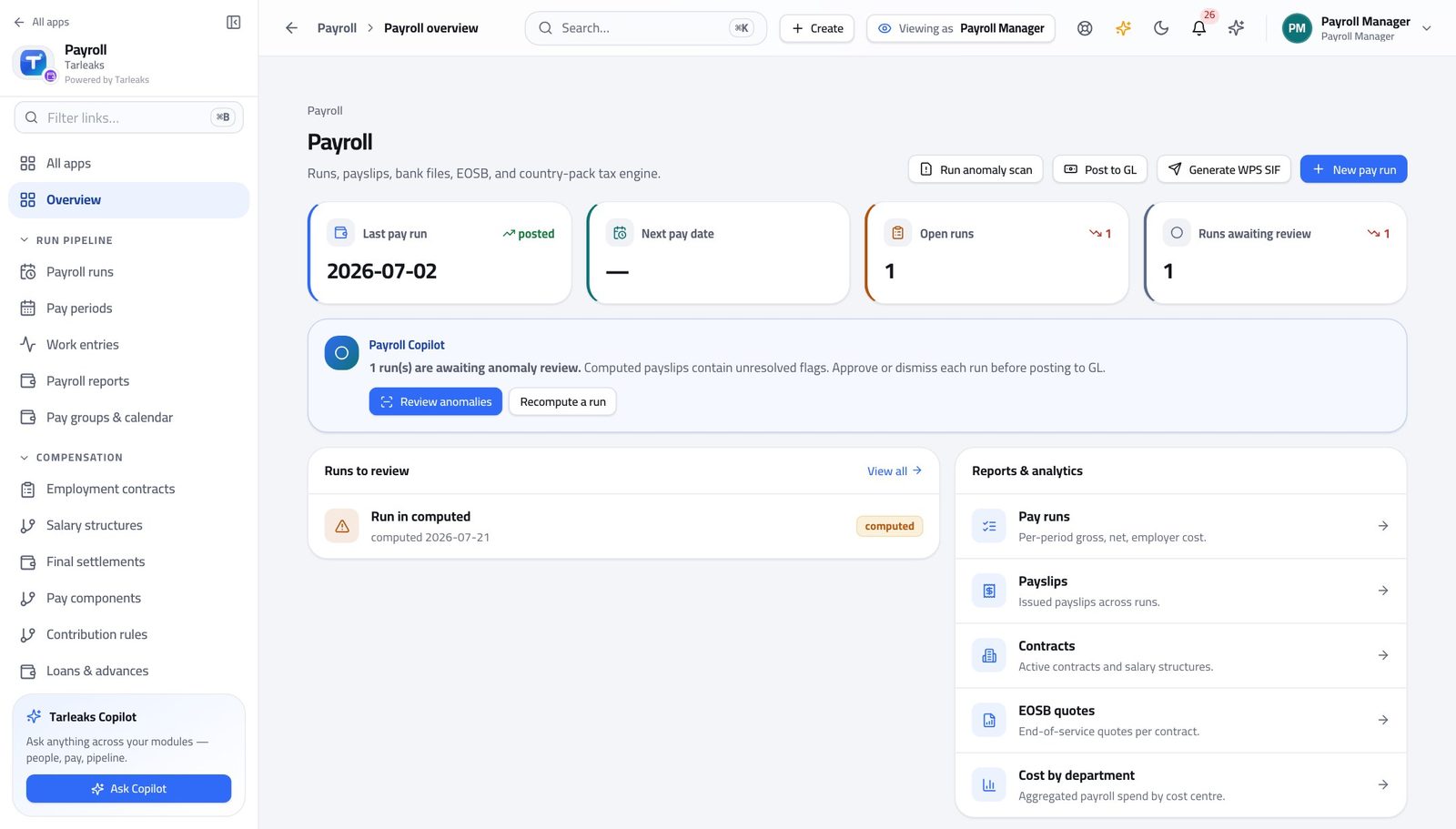
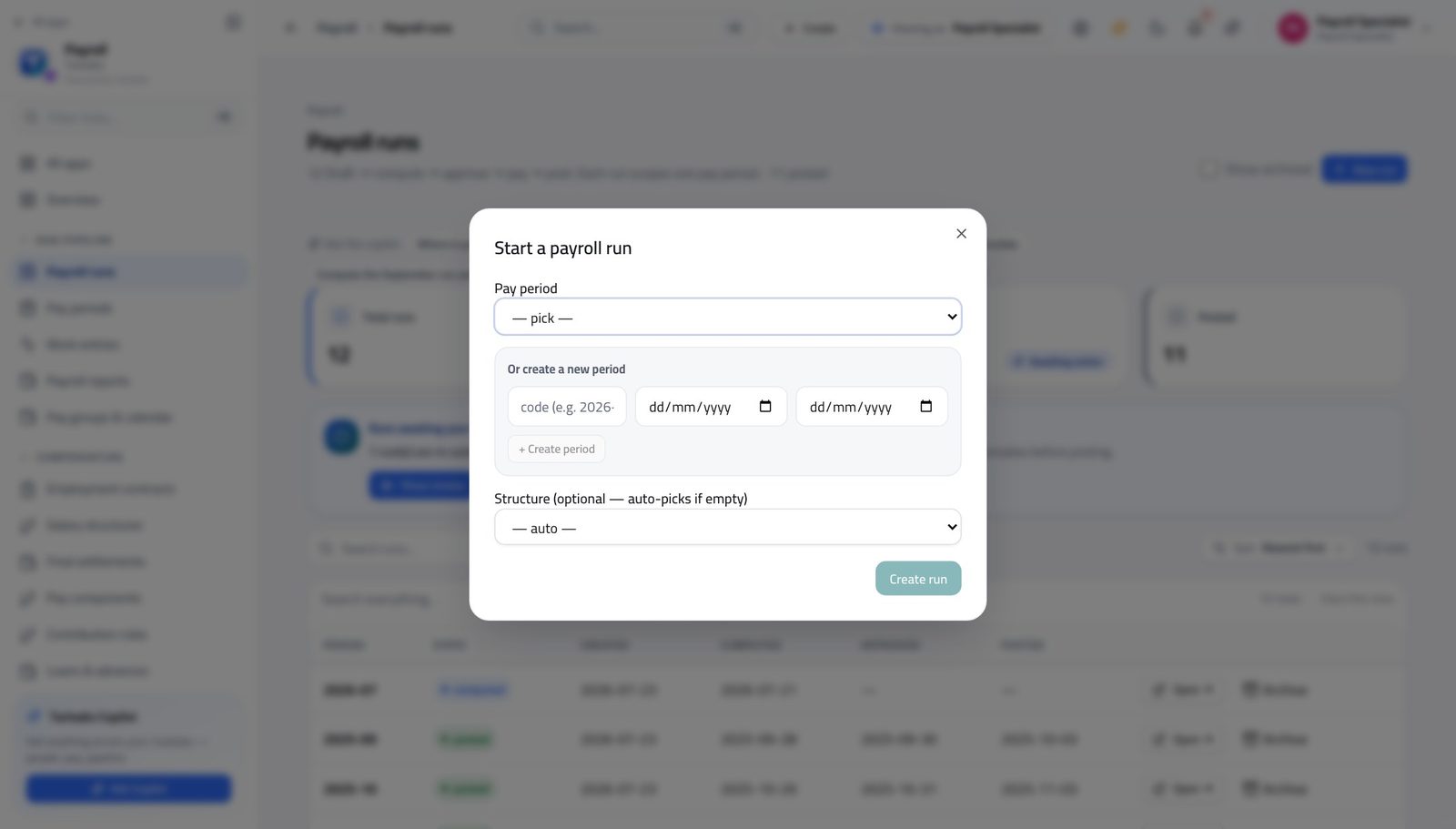
Payroll ManagerRun the month from an empty period to a posted journal
The order is not a preference. Every step depends on the one before it, and the two that people skip — the variance and the pre-flight — are the two that cost a day when they are skipped.
10 steps, each with the screen it happens on.
Payroll SpecialistCalculate the month, explain it, and hand it over
The handover is the product of this job. An approver who has to phone you has been handed an unfinished run.
5 steps, each with the screen it happens on.
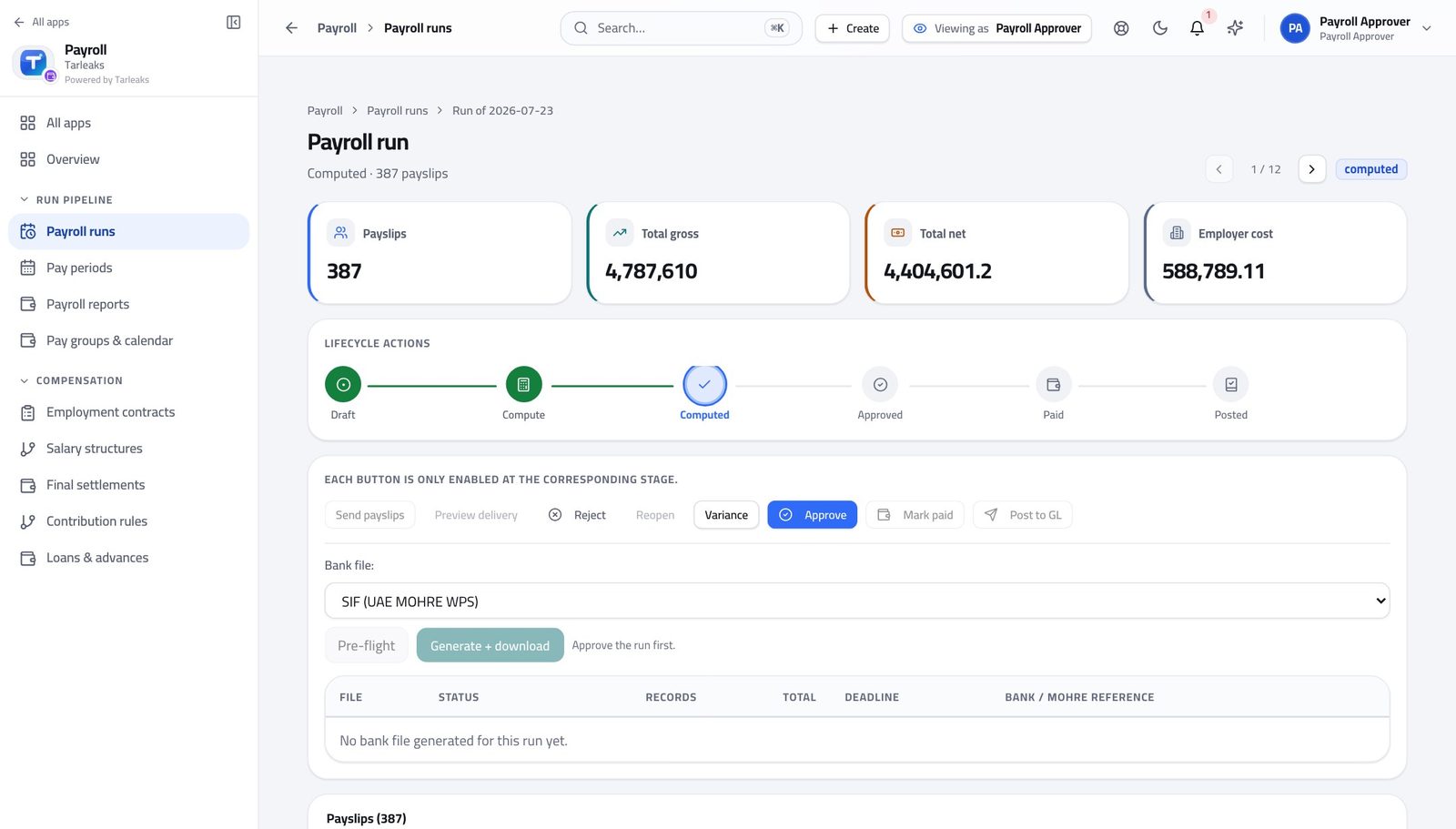
Payroll ApproverSign off a payroll you can defend
In this order, because the variance is the only screen that finds the eleven people a correct total hides — and once you have seen a reasonable total, you stop looking.
7 steps, each with the screen it happens on.
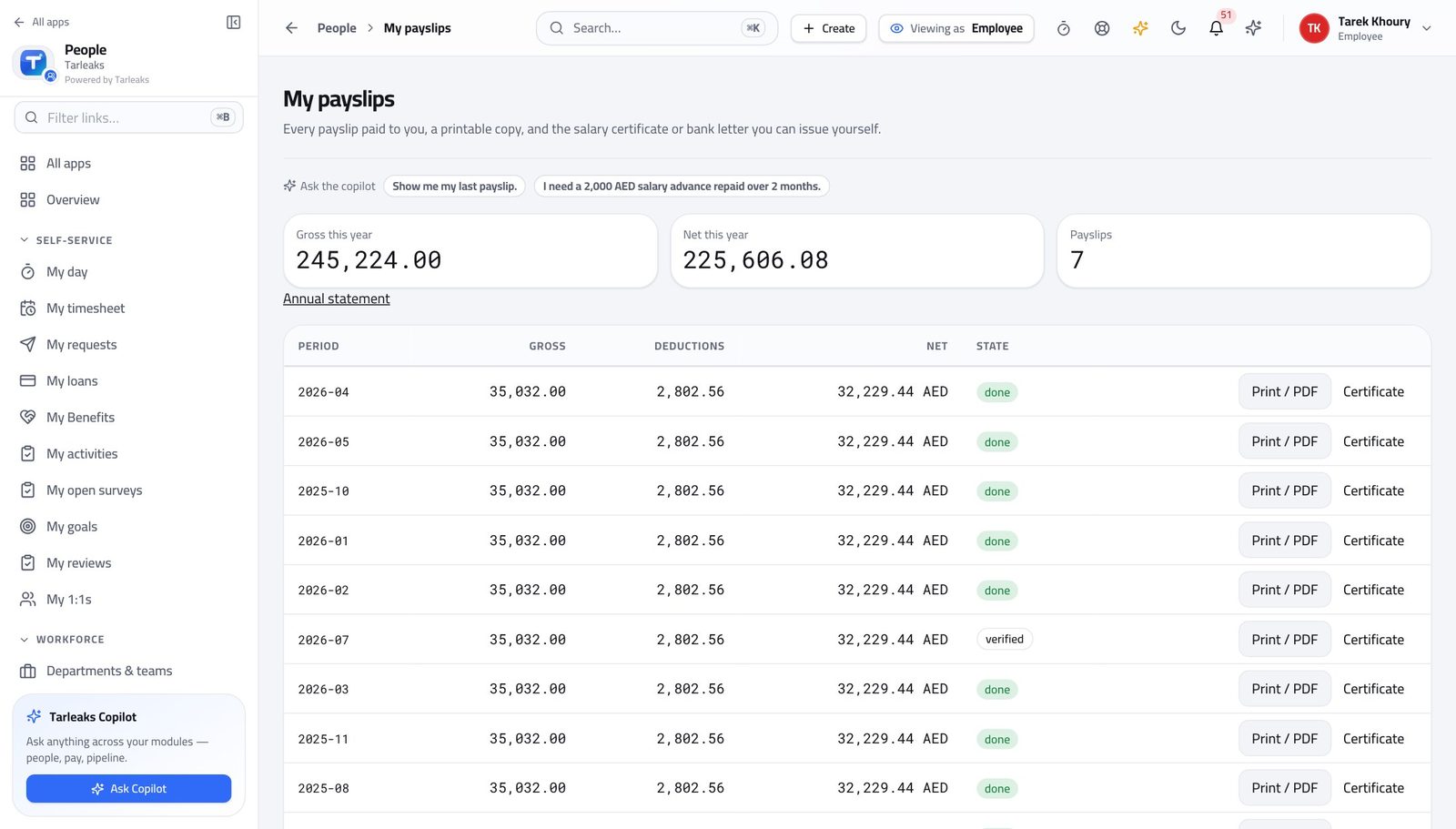
EmployeePayday: check your payslip properly
Five minutes on the day it lands is worth an hour three months later, when nobody remembers the month.
4 steps, each with the screen it happens on.
When something goes wrong
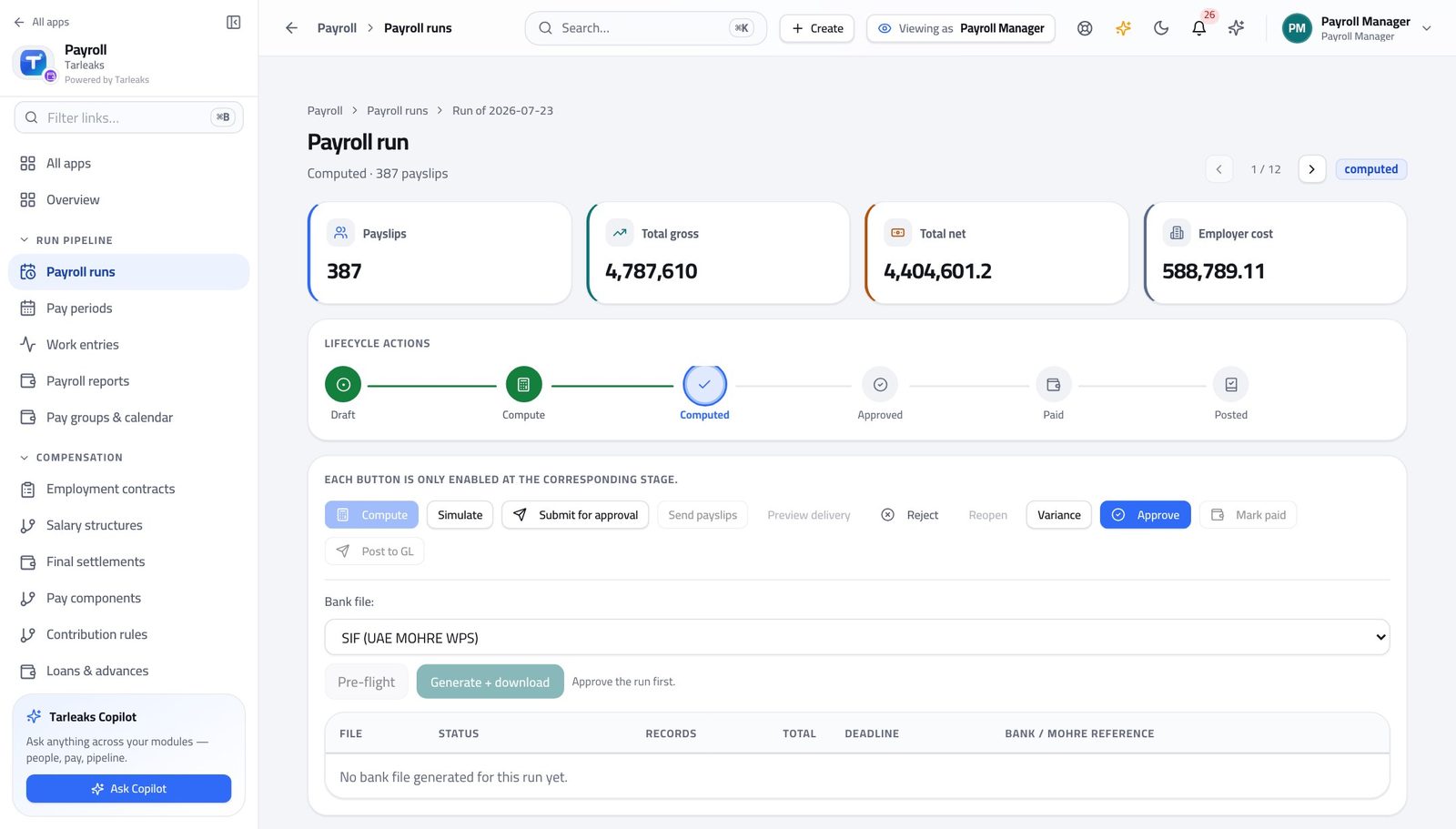
Payroll ManagerThe bank bounced the file and it is payday
The statutory clock did not stop when the bank said no, and it counts from the end of the pay period rather than from your rejection.
3 steps, each with the screen it happens on.
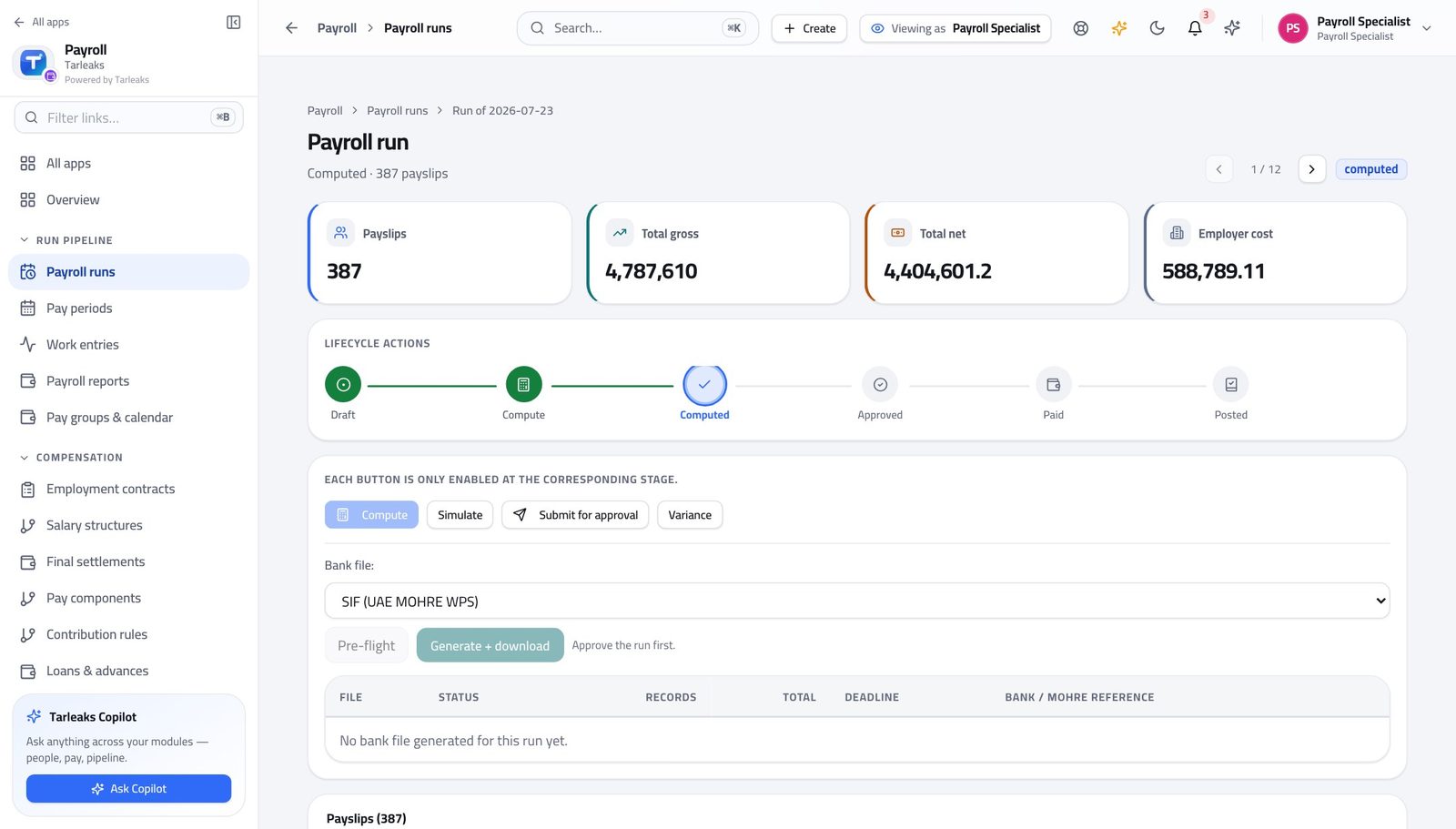
Payroll SpecialistThe approver sent it back
The reason stays on the run, so the fix does not depend on anybody remembering a conversation.
4 steps, each with the screen it happens on.
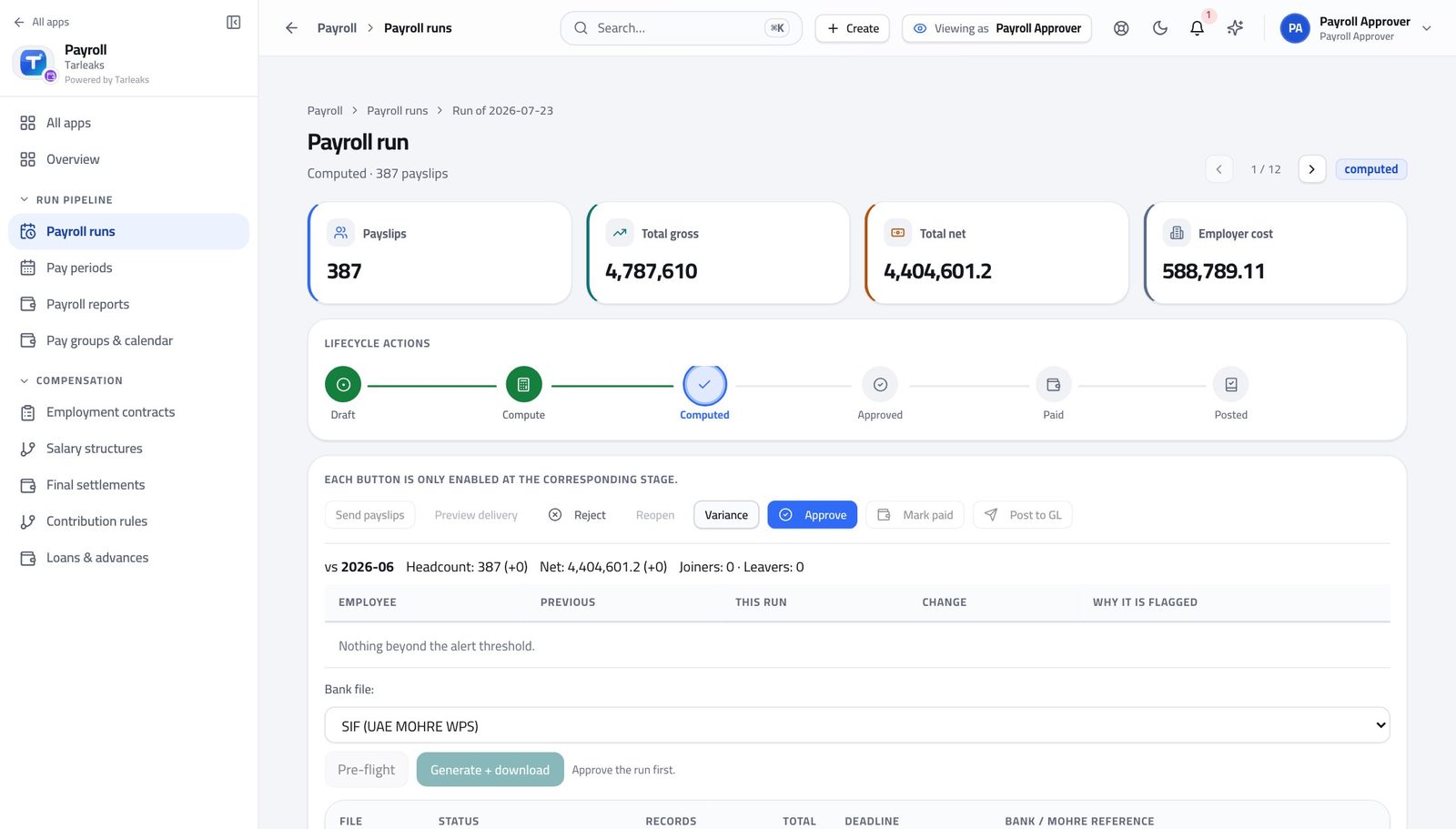
Payroll ApproverSomething does not look right — send it back
Fixing it yourself would destroy the only thing that makes your approval worth having.
4 steps, each with the screen it happens on.
EmployeeA bank asked for proof of salary today
This used to be an e-mail to HR and a three-day wait. It does not need to be one.
3 steps, each with the screen it happens on.
The awkward cases
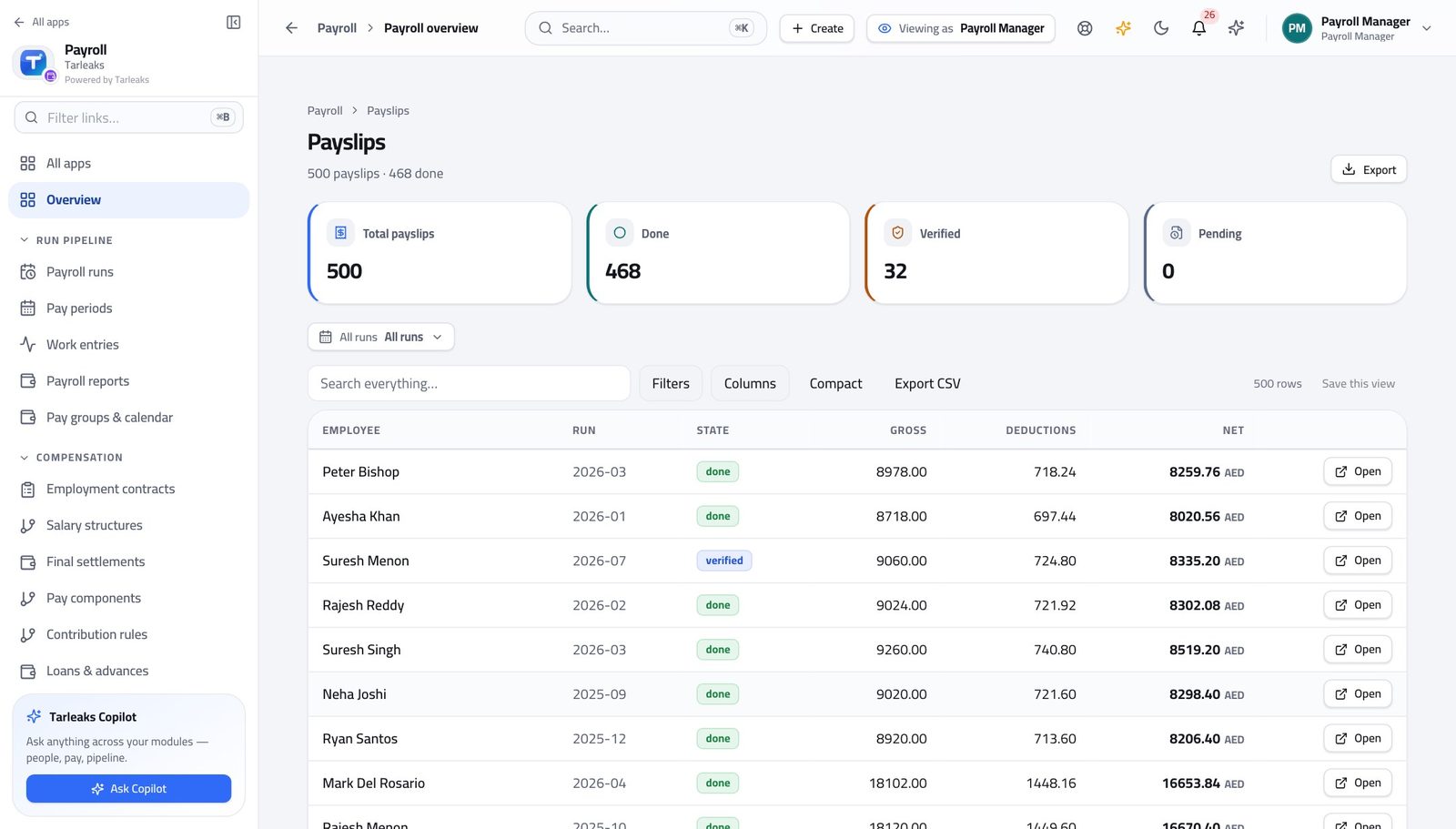
Payroll ManagerA payslip was wrong and the run is already paid
A booked payslip is deliberately immutable. The correction is a new figure in a new period, which is exactly what an auditor expects to see.
4 steps, each with the screen it happens on.
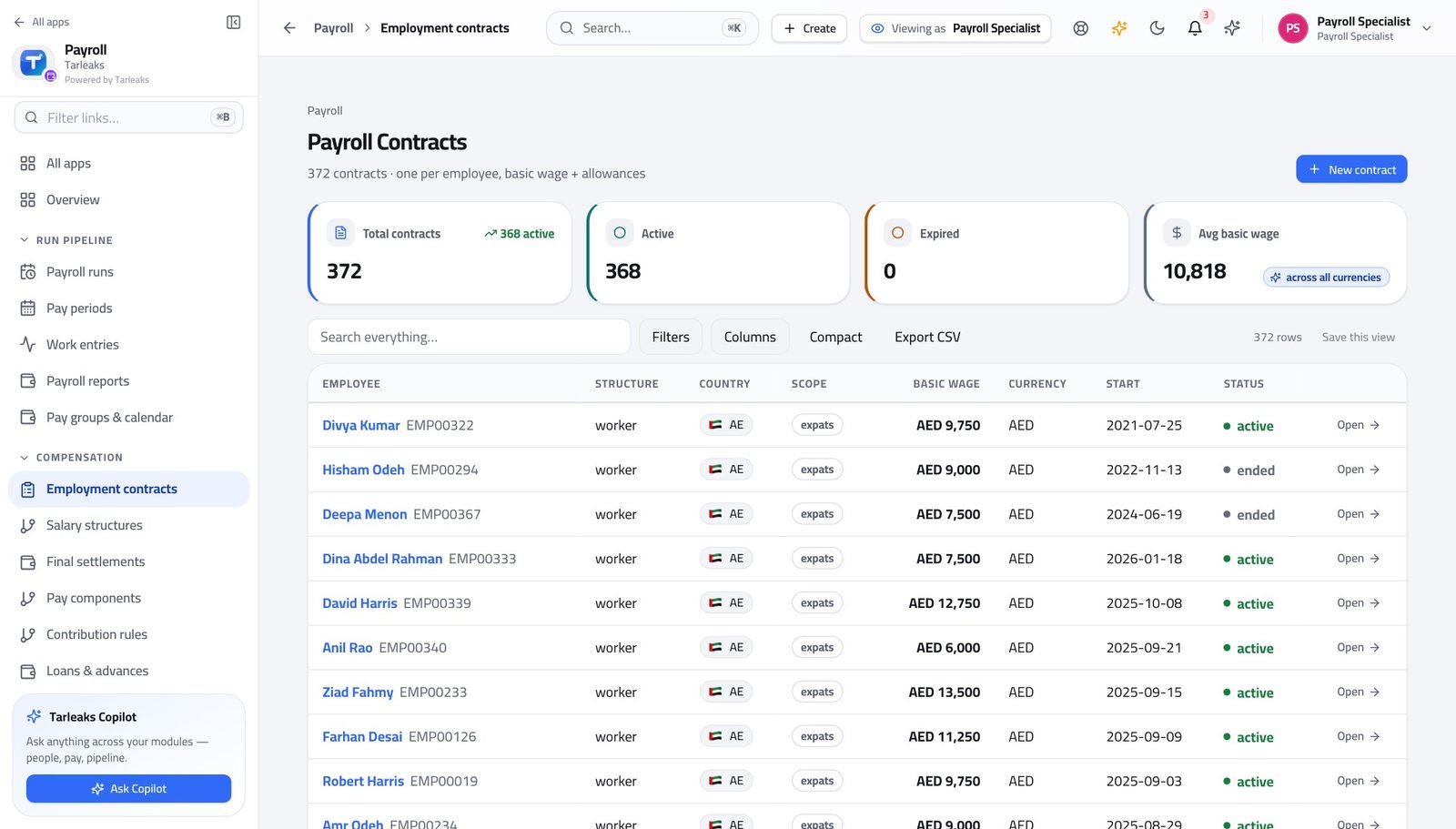
Payroll SpecialistSomebody is leaving on the twentieth
The quote is free and creates nothing, so there is no reason to guess what a leaver costs.
4 steps, each with the screen it happens on.
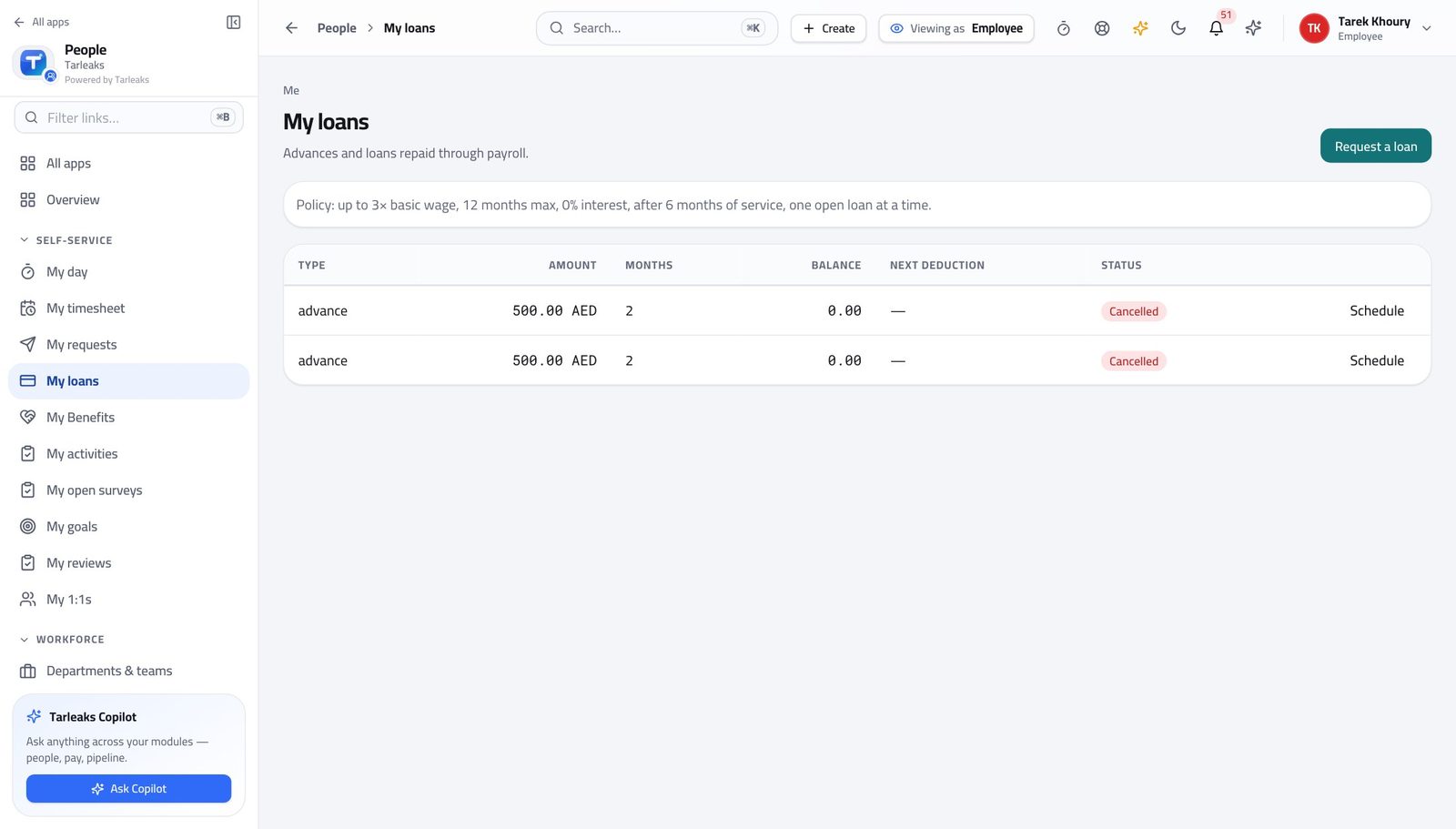
EmployeeAsk for an advance, and watch it come off
The rules are on the screen before you ask, so a request inside them is one nobody has to argue with.
4 steps, each with the screen it happens on.
Handovers — who passes what to whom
Finance rarely breaks inside a job. It breaks at the join: a bill nobody approved, a receipt nobody allocated, a month closed before the tax agent had it.
| When this happens | From → to | What happens next |
|---|---|---|
| A manager approves a week of timesheets | Line manager → Payroll specialist Payroll → Work entries | One work entry per worked day arrives in payroll by itself, marked as coming from attendance rather than typed by hand. Hours still sitting unapproved are NOT here and will not be paid. Chase the approval, do not re-type the hours. |
| Somebody is hired | HR → Payroll specialist Payroll → Employment contracts → New contract | A payroll contract is created against the employee record, with the wage, the currency, the country and the allowances. Without a contract the person is simply absent from every run. There is no error and no warning. |
| An employee asks for an advance | Employee → Payroll specialist Me → My loans → Request a loan, landing in Payroll → Loans & advances | The request arrives as a pending loan with the amount, the term and the reason. Nothing is deducted while it is pending. Approval is what builds the schedule. |
| A loan is pending | Payroll specialist → Payroll approver Payroll → Loans & advances → open the loan → Approve | Approving generates the instalment schedule that every future run deducts on its own. Nobody can approve a loan they asked for themselves. If the loan is the approver's, somebody else decides it. |
| The run is calculated and the flags are explained | Payroll specialist → Payroll approver Payroll → Payroll runs → open the run → Submit for approval | Submit for approval moves the run to review and it appears in the approver's queue. Submit deliberately, when the variance looks like the month you lived through — not the moment the calculation finishes. |
| Something in the run is wrong | Payroll approver → Payroll specialist Payroll → Payroll runs → open the run → Reject | Reject sends the run back with a reason, which stays on it. The preparer fixes the input and recomputes. The approver must never fix it themselves. Doing so destroys the only thing that makes their approval worth having. |
| The run is approved | Payroll approver → The bank Payroll → Payroll runs → open the run → Bank / WPS | Pre-flight, generate the country's file, send it through the bank or the portal, then record the submission with its reference. The statutory deadline counts from the end of the pay period, not from when the file was generated. |
| The bank confirms | Payroll approver → Accounting Payroll → Payroll runs → open the run → Post to GL | Mark paid, then Post to GL. Posting sends the payroll's journal entry to accounting, where it appears against the payroll source. A run that is approved and paid but never posted is money that left the bank and never reached the accounts. |
| The payroll journal lands in accounting | Payroll approver → Accountant Finance → Journal entries, filtered by source | The accountant confirms one entry arrived for the run and that the total agrees with the run. Two entries for one run means something was posted twice. Investigate it; do not delete anything. |
| Somebody resigns | HR → Payroll specialist Payroll → Final settlements → New settlement | A final settlement is quoted and created: end of service, unused leave, notice and the final unpaid month, less loans and anything not handed back. Outstanding clearance items block approval. Chase the laptop before the last working day, not after. |
| A settlement is prepared | Payroll specialist → Payroll approver Payroll → Final settlements | Approve, then Pay, then Post to GL — the same one-way road a run walks. Cancel is only available before it is paid. |
| Payslips are ready | Payroll approver → Every employee Payroll → Payroll runs → open the run → Send payslips | Send payslips messages everyone that theirs is ready. The message never carries the amount. Preview delivery first: it tells you how many people would be messaged without messaging anybody. |
| An employee needs proof of salary | Employee → Nobody Payroll → My payslips → Certificate | They issue their own salary certificate or bank letter from the payslip that was actually paid. This used to be an e-mail to HR and a three-day wait. It no longer needs to be. |