Anyone at work — the assistant guide
Ask in your own words. Get an answer from your company's own data.
Ask a question in your own words and get an answer from your company's own data — inside whatever you can already see.
What you will be able to do
- Open the assistant from any page without losing your place
- Ask about what is on the screen in front of you
- Get an answer built from your data, not from the internet
- Have it do the small thing you were about to do by hand
What this role can and cannot do
| Can | Cannot |
|---|---|
|
|
3 steps, each one carried out in the product on .
Check that the assistant is yours to use #
Where Your name, top right » Profile
- Open your company's address in the browser — it looks like yourcompany.tarleaks.com.
- Type the e-mail address your administrator set up for you, then your password.
- You land on the app launcher: a grid of the apps your company uses.
- Click your name, top right.
- Choose Profile.
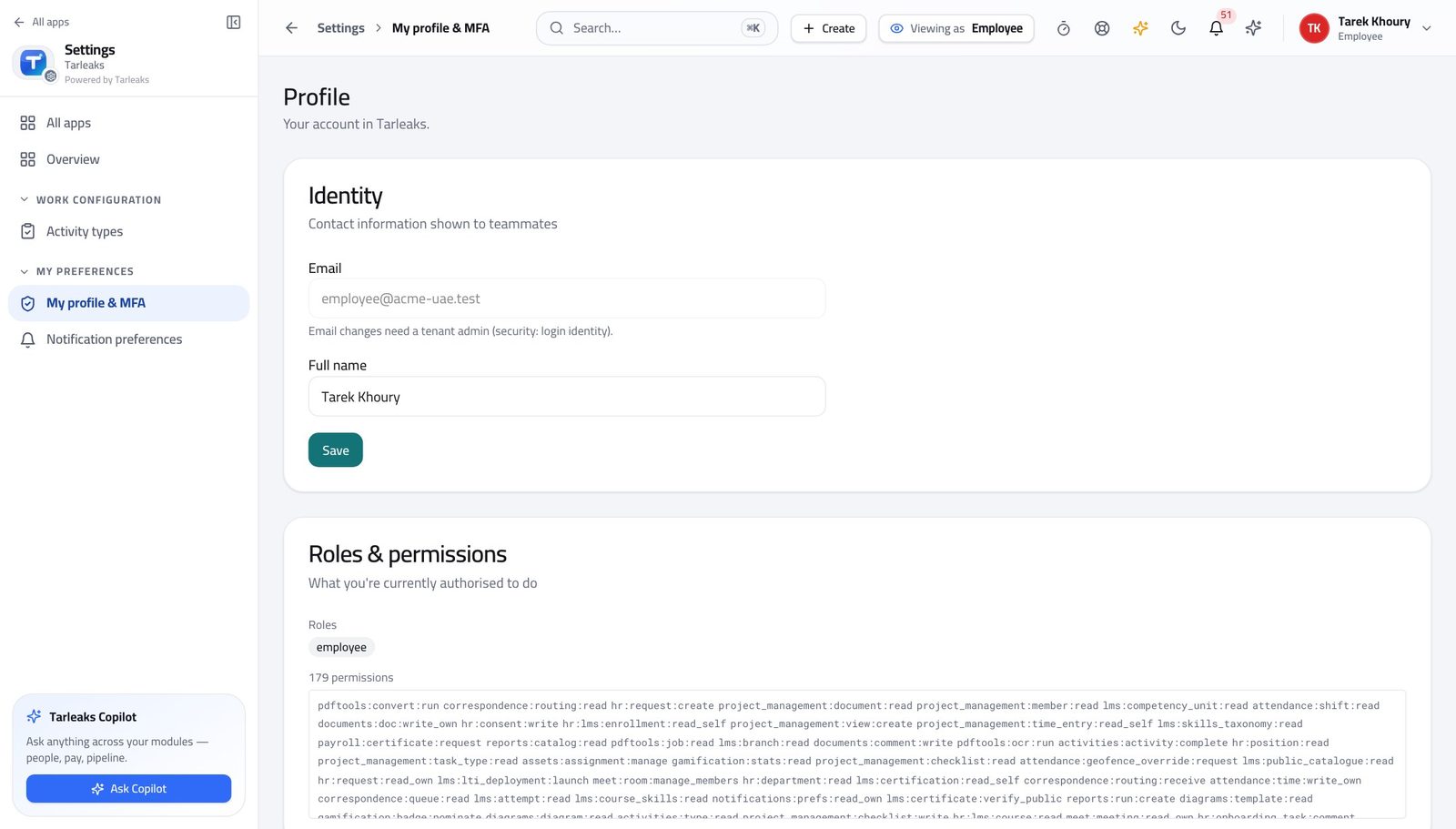
You should see No special role is needed. Everybody can ask; what comes back depends on what that person is allowed to see.
Watch out What comes back is limited to what YOU may see. Two people asking the same question can get different answers, and that is correct.
Open the assistant from wherever you are #
Where Any page » the assistant button, bottom right
- Open any page with a list on it.
- Click the round assistant button in the bottom-right corner, or press ⌘J.
- Type a question in your own words and press Enter.
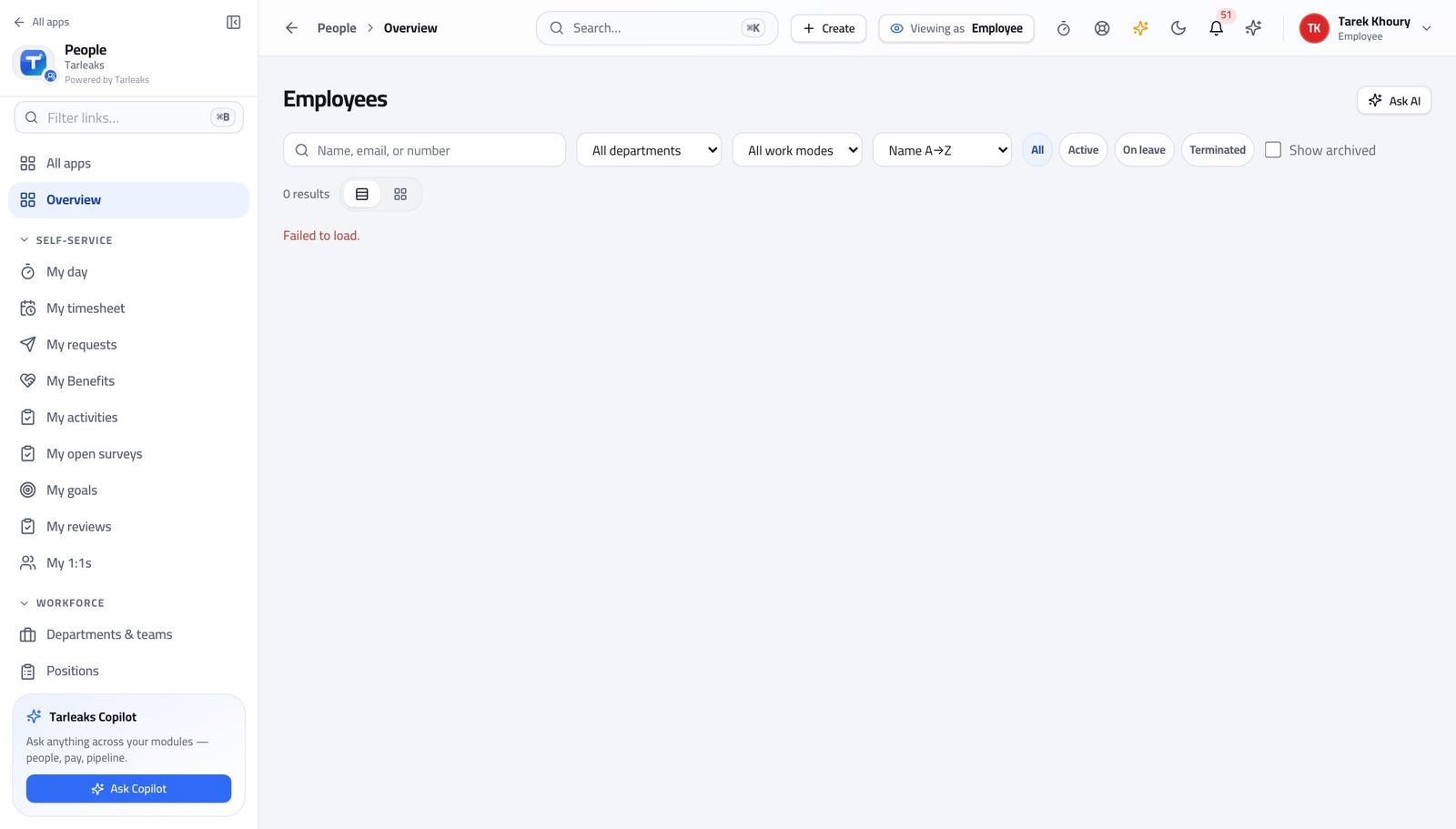
You should see It opens over the page you were on, so you do not lose your place — and it already knows which screen you were looking at.
Watch out Ask about what is in front of you. 'Who is on leave next week' works; 'what is our strategy' does not, because that is not in the data.
Worth knowing Ask about the screen you are on: 'who is on leave next week', 'which of these is overdue'. It reads that page's data.
Use the full assistant page for a longer session #
Where Assistant
- Open Assistant from the launcher.
- Ask a longer question, or one that needs a table or a chart.
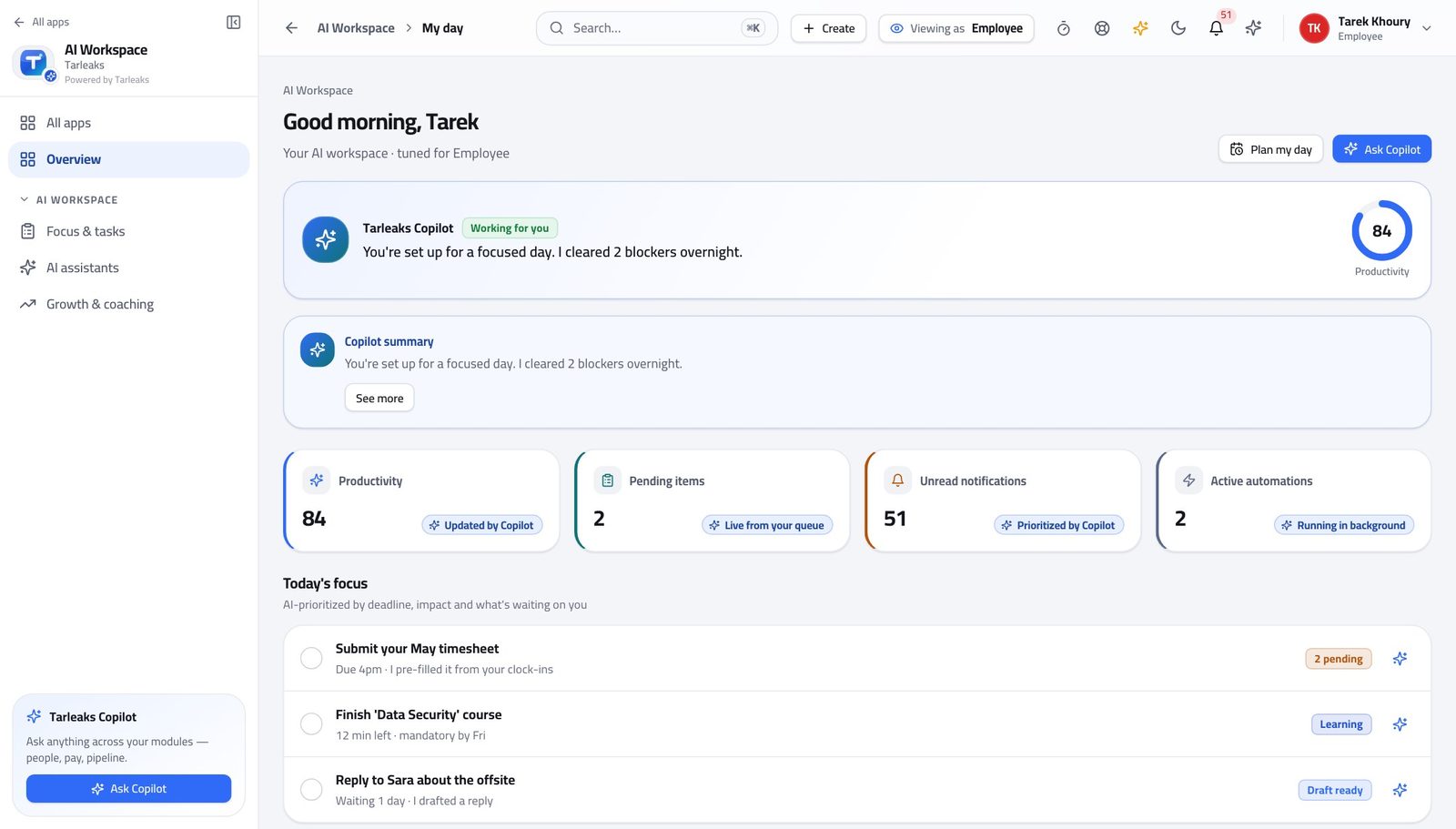
You should see The same assistant, with space to read a table or a chart it produced.
Use cases — the work, step by step
Each one is a sequence somebody actually performs, with the screen behind every step. Every screen here was opened in the product as this role before it was published.
dailyAsk about the screen in front of you #
The assistant already knows which page you are on, so the question can be as short as you would say it out loud.
Open a page with a list on it — the people directory, for example.
Any page » the assistant button, bottom right — verified: the page says “copilot” Press the assistant button (or ⌘J) and ask in your own words. The answer is built from the data you are allowed to see.
Any page » the assistant button, bottom right — verified: the page says “copilot” For a longer session, or when you want a table or a chart with room to read it, open the full assistant page.
Assistant — verified: the page says “Assistant”
It can only see and do what YOU can. Ask it about a colleague's salary and it will refuse in exactly the same way the product would.