Employee — Meetings guide
Join a meeting in a click and find what was decided afterwards.
Joins and starts meetings, uses chat, polls and captions, and reads the minutes of meetings they were in. Cannot record, share a recording or read the compliance register.
What you will be able to do
- See your meetings and join them
- Find a past meeting and read its minutes
- Search what was said
What this role can and cannot do
| Can | Cannot |
|---|---|
|
|
3 steps, each one carried out in the product on .
See your meetings and join them #
Where Meetings » Upcoming
- Open your company's address in the browser — it looks like yourcompany.tarleaks.com.
- Type the e-mail address your administrator set up for you, then your password.
- You land on the app launcher: a grid of the apps your company uses.
- Click the Meetings tile.
- Upcoming → Join now.
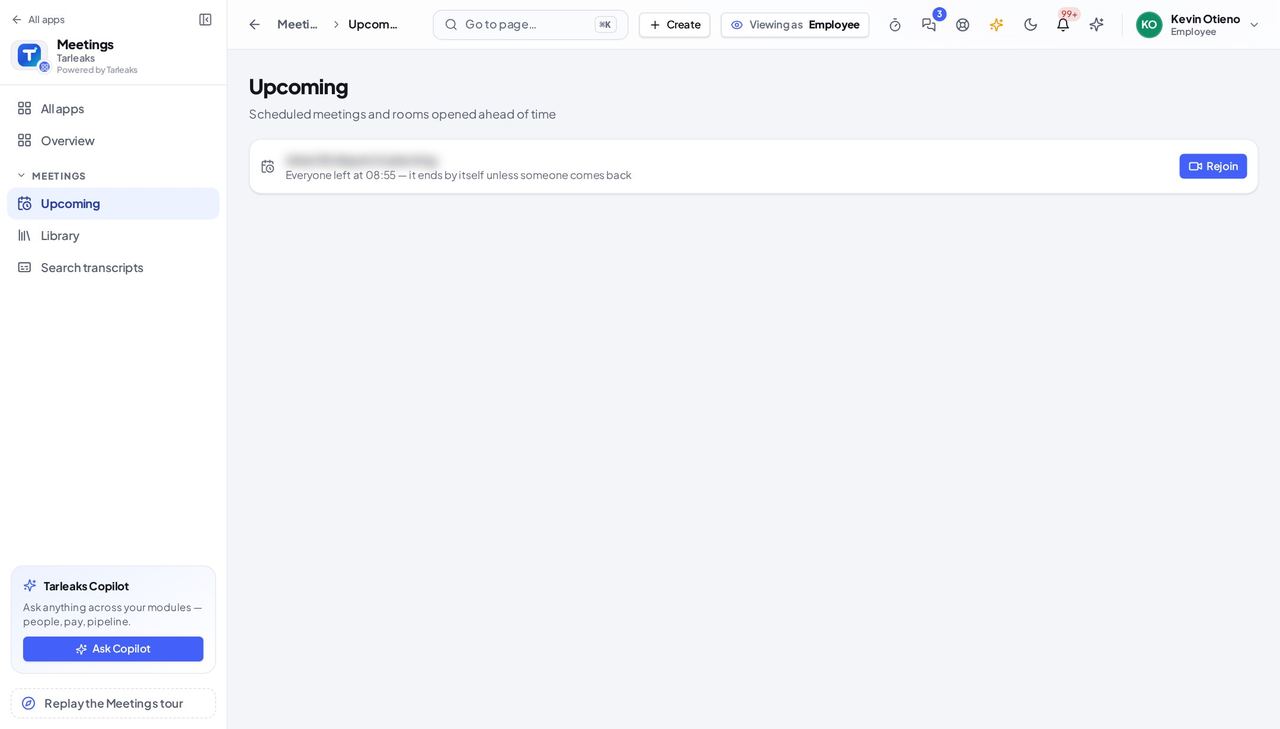
You should see The meetings you created or were invited to.
Find a past meeting #
Where Meetings » Library
- Open Library.
- Press Open on a meeting to read its minutes; a recording appears only if you were given access.
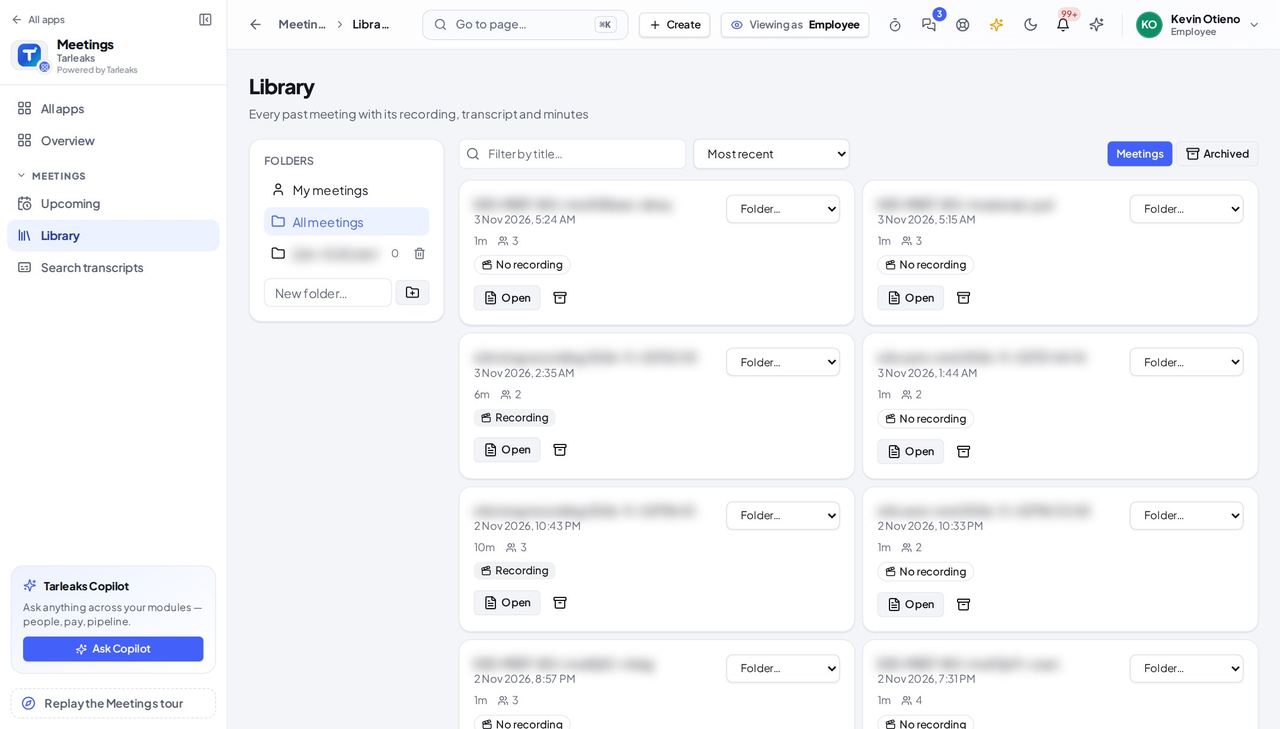
You should see Meetings you were part of, newest first.
See what is not yours #
Where Meetings (the menu)
- Look at the Meetings menu: there is no Compliance entry.
- A recording cannot be started or shared from your account.
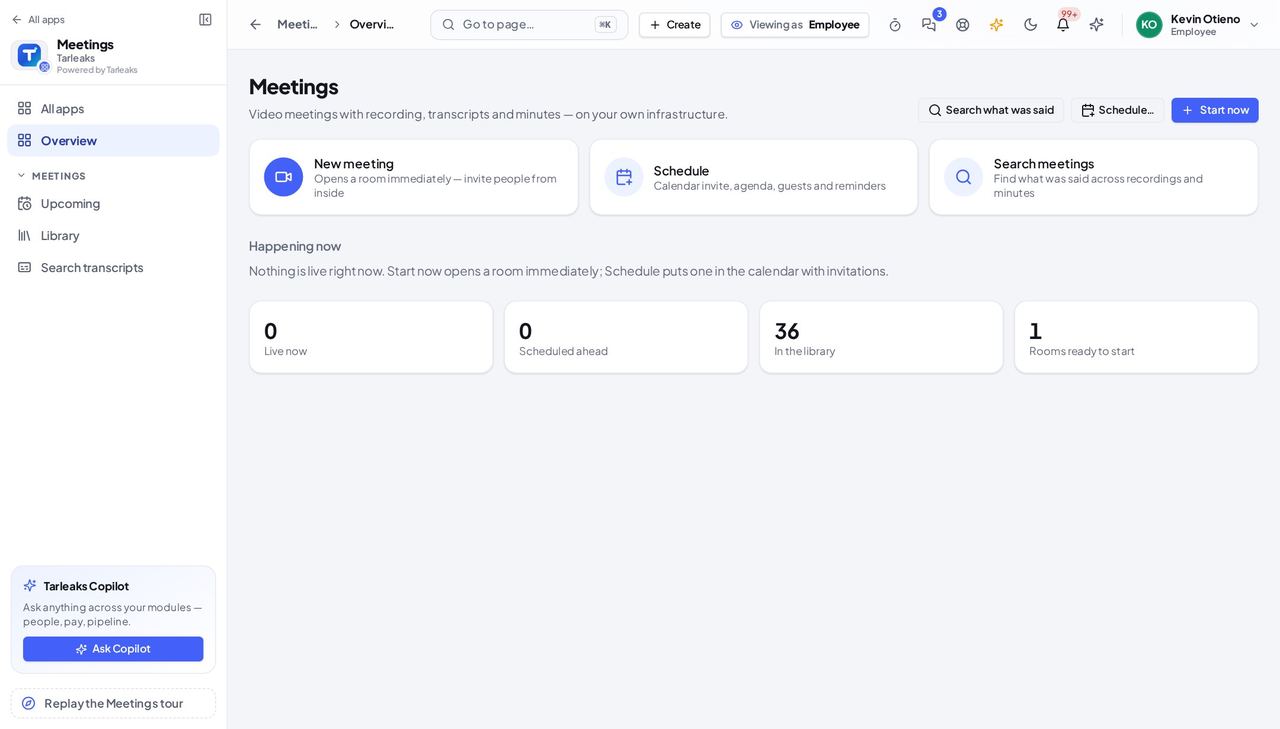
You should see The Meetings menu without Compliance (the permission list in step 1 shows recording and sharing are not held).
Use cases — the work, step by step
Each one is a sequence somebody actually performs, with the screen behind every step. Every screen here was opened in the product as this role before it was published.
dailyJoin today's meeting #
One click from the list to the pre-join screen.
Upcoming → Join now on the meeting that has started.
Meetings » Upcoming — verified: the page says “Upcoming”
Recording, sharing a recording and the compliance register are not yours — those controls are simply not there.