The support calendar — who does what, and when
3 use cases across 2 roles, placed by when they happen. Each one opens as a numbered sequence with the screen behind every step — nothing here is advice we have not carried out in the product. Filter to your own role, or read it once to know what lands on your desk and from whom.
Nothing matches that. Try a shorter word, or pick Everyone.
Every week
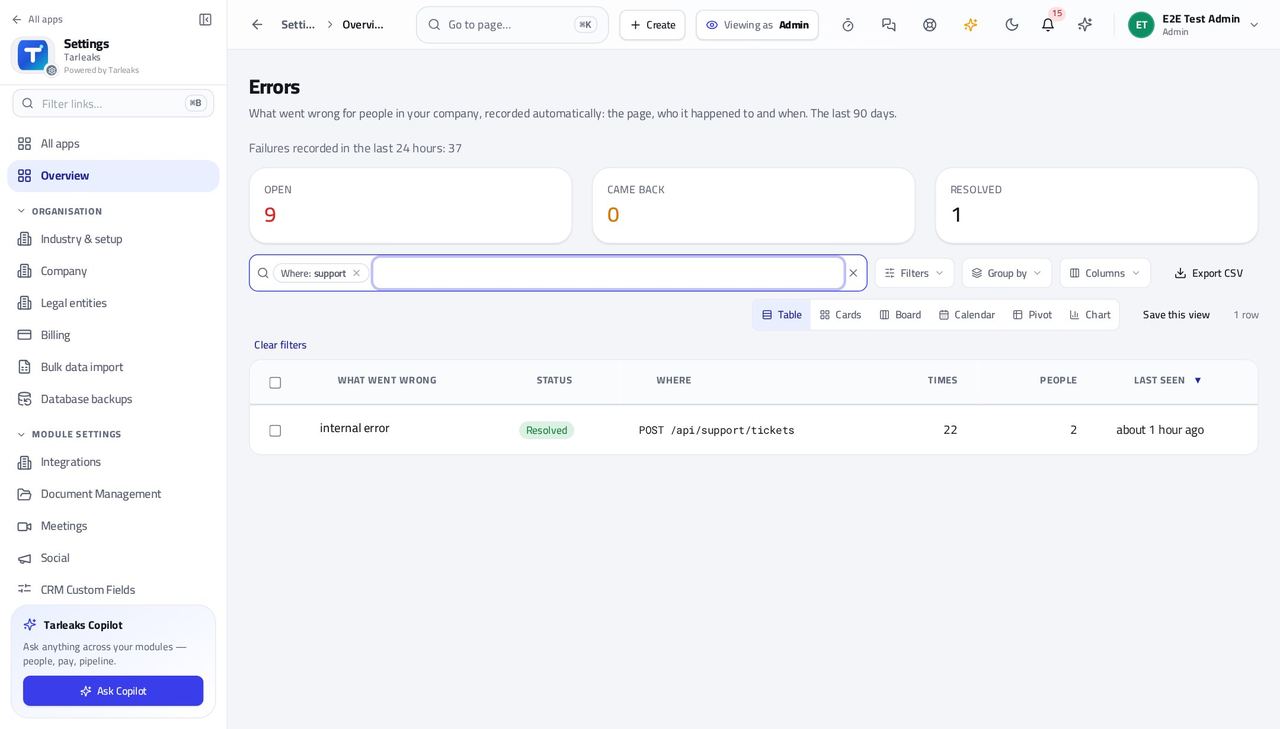
Company administratorMonday check: what went wrong last week
A problem nobody reports is a problem nobody fixes. One list shows every failure your people hit, whether they said anything or not.
3 steps, each with the screen it happens on.
When something goes wrong
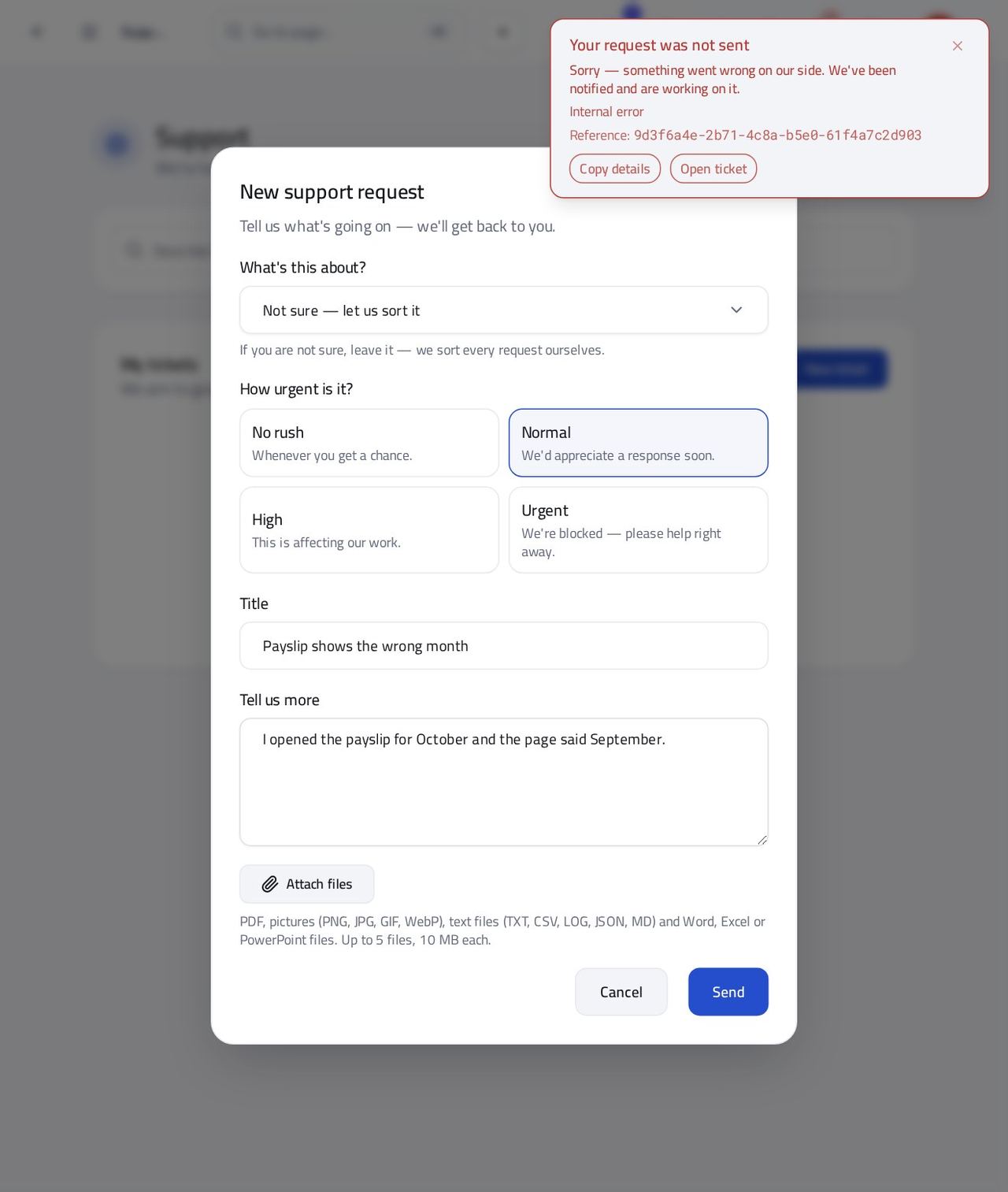
Anyone at workSomething failed while you were working
You should not have to describe a failure from memory. The message already holds what support needs, and it takes ten seconds to hand over.
3 steps, each with the screen it happens on.
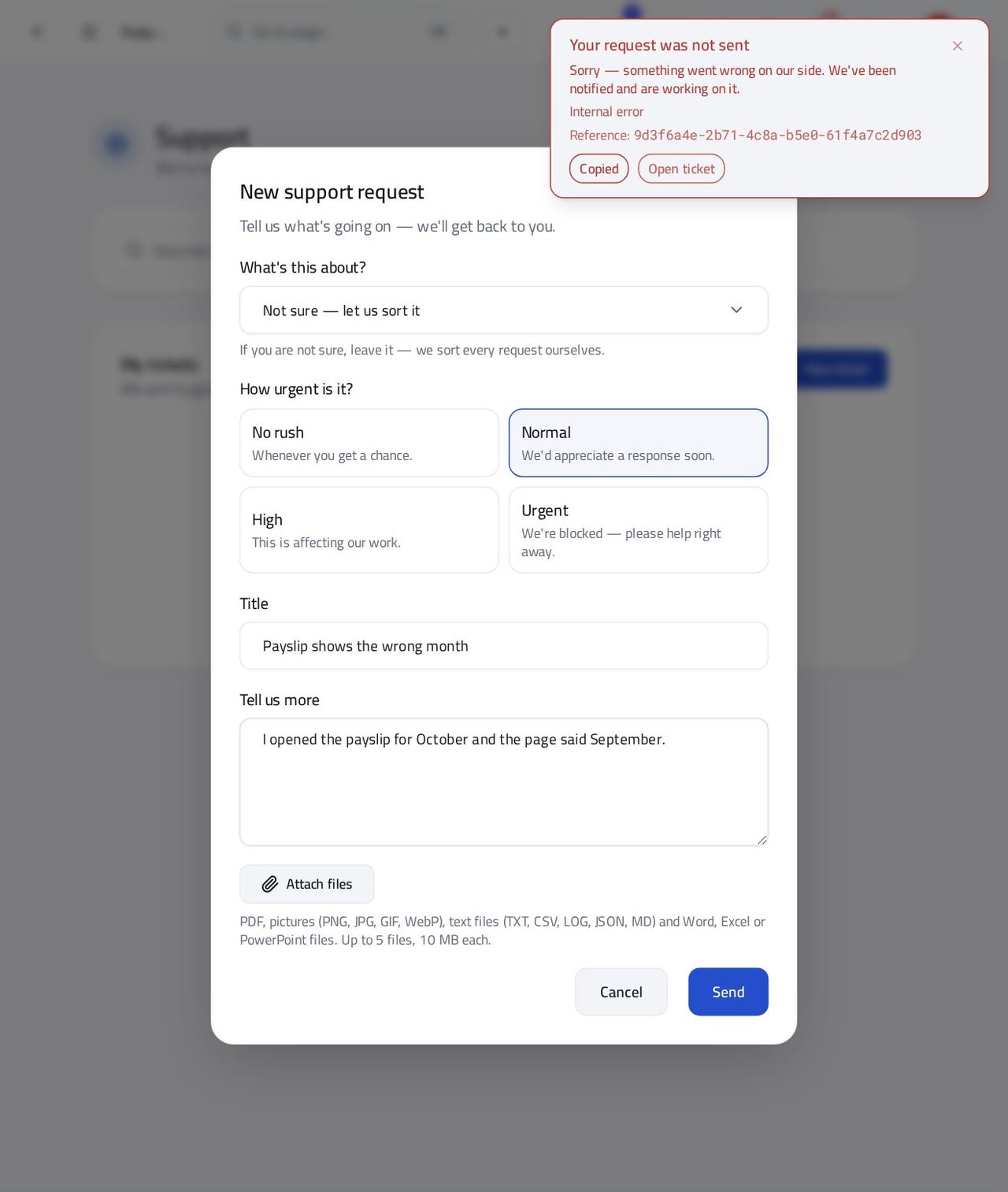
Anyone at workAsk a colleague or your administrator for help instead
Sometimes the quickest help is the person next to you. The details travel with you either way.
2 steps, each with the screen it happens on.