The assets calendar — who does what, and when
4 use cases across 3 roles, placed by when they happen. Each one opens as a numbered sequence with the screen behind every step — nothing here is advice we have not carried out in the product. Filter to your own role, or read it once to know what lands on your desk and from whom.
Nothing matches that. Try a shorter word, or pick Everyone.
Every week
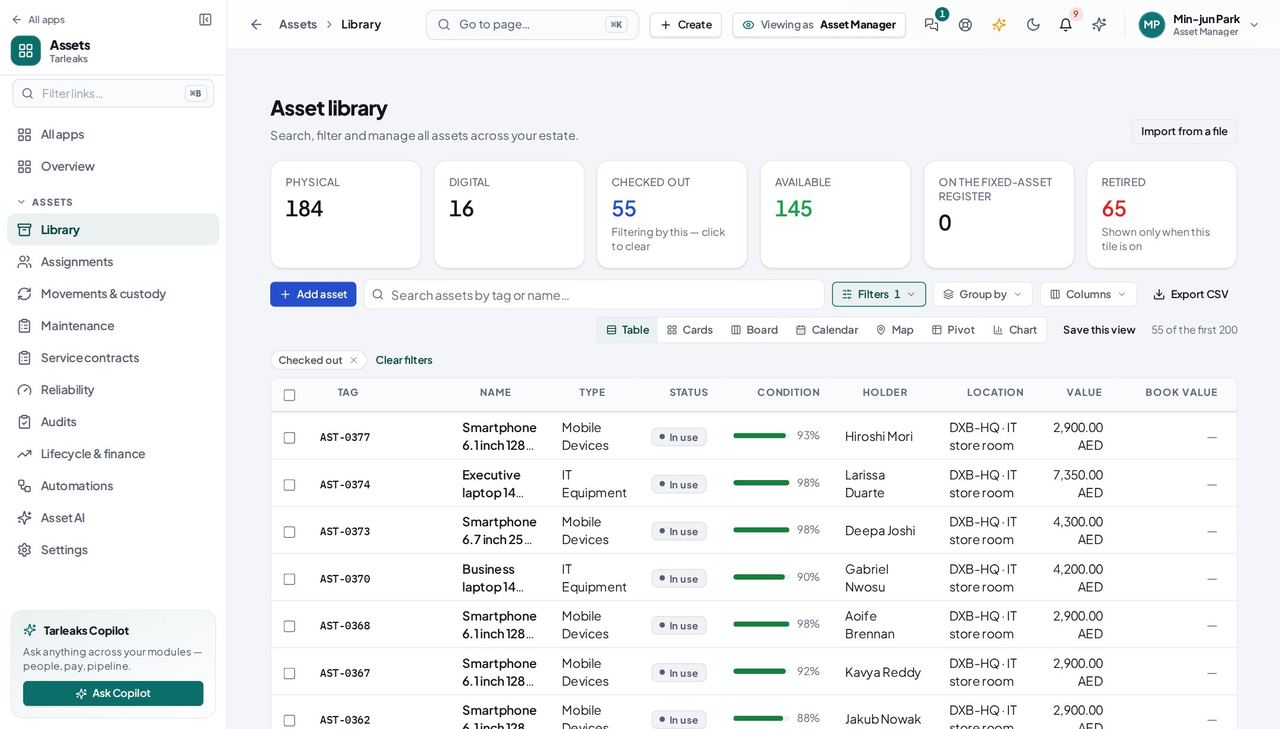
Asset ManagerA new laptop arrives
Register it with the fields its type asks for, give it a value, and check it out to the person who gets it — accounting capitalises it on its own when the value is above the threshold.
3 steps, each with the screen it happens on.
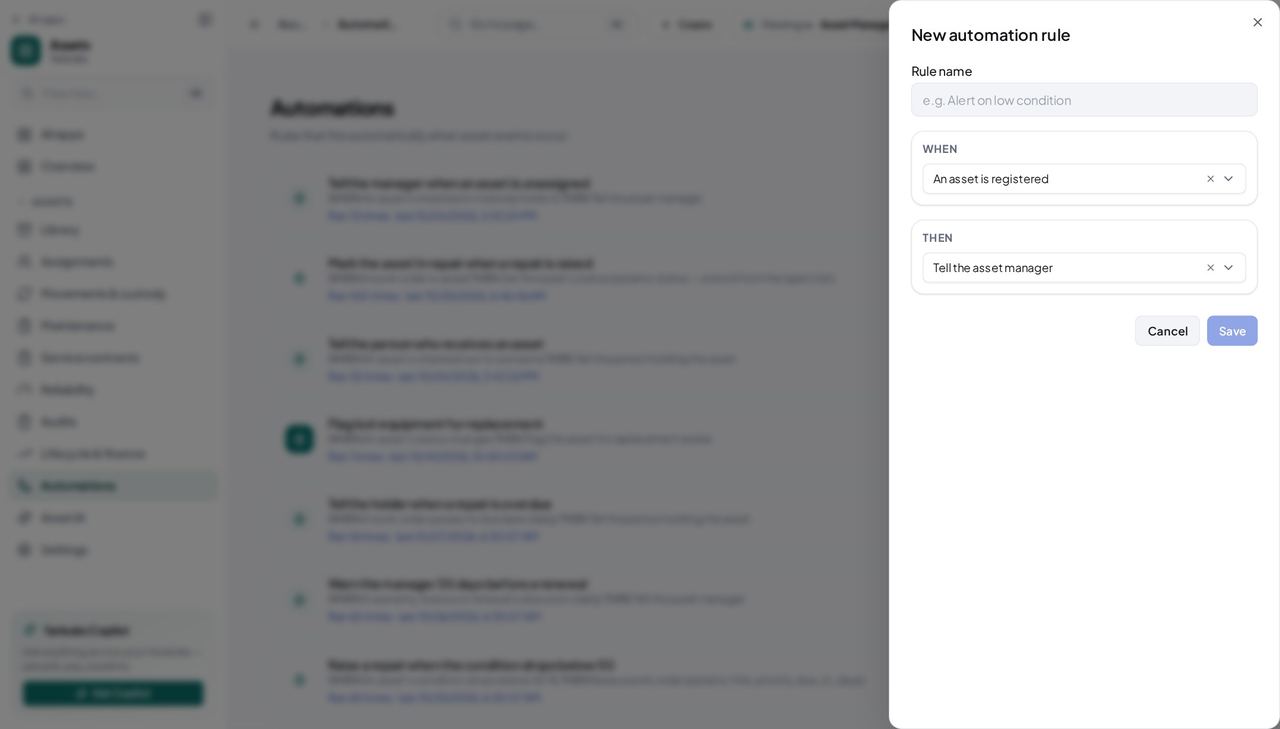
Asset ManagerWarranties and licences are about to end
A rule chases them; you read the run log instead of a spreadsheet.
2 steps, each with the screen it happens on.
Every month
Asset ManagerSomebody is leaving
HR's offboarding lists every asset in the leaver's custody as a return task; checking each one in ticks the task by itself.
2 steps, each with the screen it happens on.
Handovers — who passes what to whom
Finance rarely breaks inside a job. It breaks at the join: a bill nobody approved, a receipt nobody allocated, a month closed before the tax agent had it.
| When this happens | From → to | What happens next |
|---|---|---|
| An asset is registered at or above the capitalisation threshold | Asset manager → Accounting The asset's Accounting card; Accounting → Fixed assets | A fixed asset is created with the asset's cost and category; the book value, accumulated depreciation and status come back onto the asset after every depreciation run. A tenant with no asset category gets nothing — create one first. |
| HR starts an offboarding | HR → Asset manager HR → Offboarding journey → tasks; Assets → Assignments | One return task per asset the leaver holds lands on the checklist; a check-in ticks it. An employee with no login holds nothing on the register. |
| A rule fires | Automations → Whoever the action names Assets → Automations → the rule → runs | A work order, a status change, a replacement flag, or a notification on the bus — each logged in the rule's run log. A notify action with nobody holding the asset logs Not done. |