Tenant Admin — Assets guide
Define the words the register speaks, once, and let everyone use them.
Defines the vocabulary the register speaks: types and their fields and statuses, custody states, the registries, the workspace settings — and hands the asset_manager role to whoever runs the estate.
What you will be able to do
- Create types with their fields and status words
- Keep the custody states and registries tidy
- Set the capitalisation threshold and the daily-check window
- Give the asset manager their role
What this role can and cannot do
| Can | Cannot |
|---|---|
|
|
2 steps, each one carried out in the product on .
Give a type its fields and statuses #
Where Assets » Settings » Types
- Open Settings → Types and expand a type.
- Under Statuses add a word (say In repair) with a colour; rename one — every asset carrying the old word follows; delete one — refused while assets still use it, with the count.
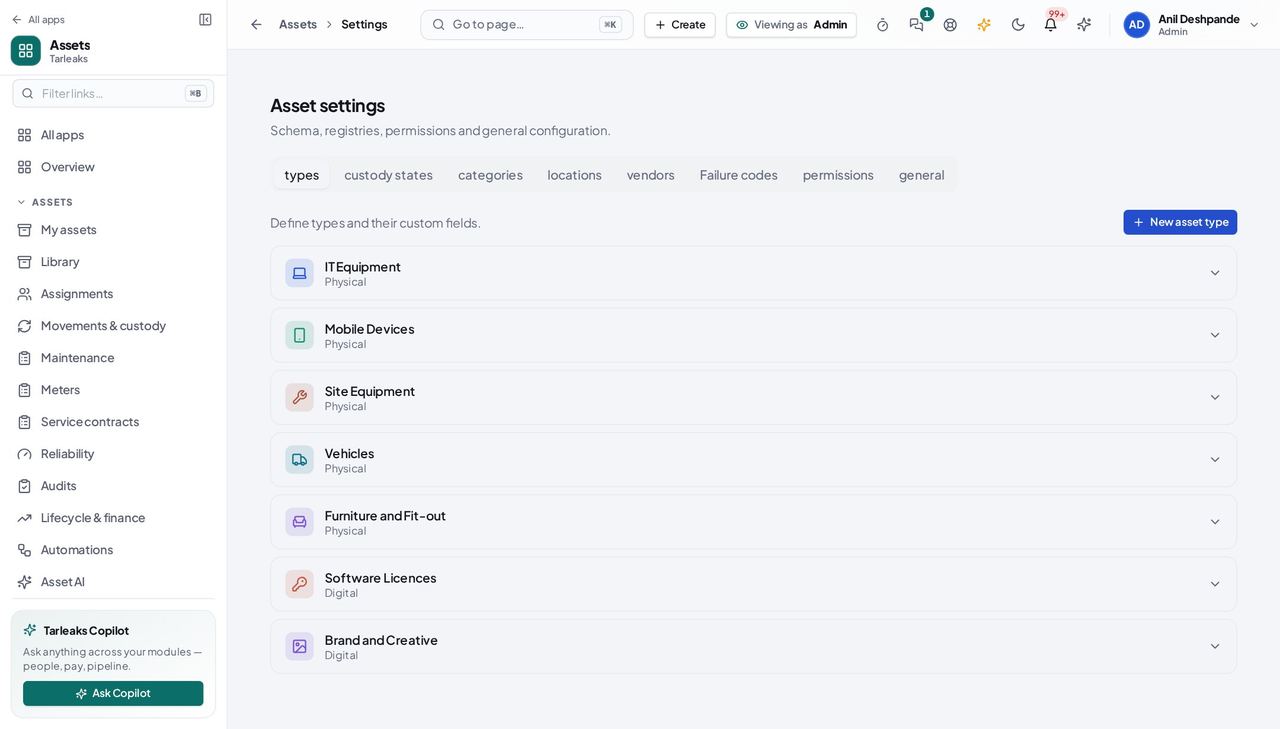
You should see The list an asset's Edit dialog offers is exactly this one.
Keep custody states and registries tidy #
Where Assets » Settings » Custody states / Vendors
- Open Custody states: every row has Edit and Delete.
- Open Vendors: Edit shows the eleven vendor fields.
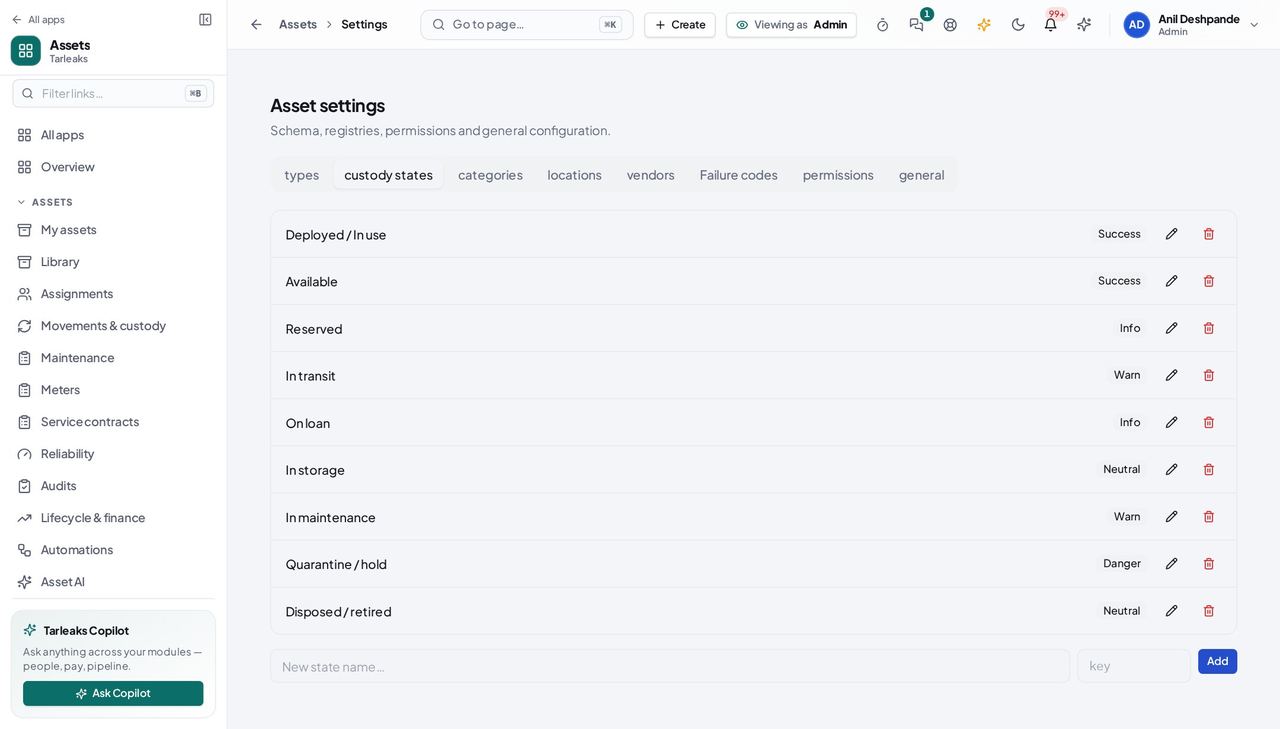
You should see Nothing is read-only that the API can change.
Day-to-day custody is the asset manager's job; you set the stage.