How every finance number is worked out — and how to check it
Before you sign something, you should be able to say where the figure came from and prove it in two minutes. For each number: where it lives, the arithmetic behind it, the check that proves it, and what a difference usually means.
Nothing matches that. Try a shorter word.
Headcount #
Where HR » Analytics
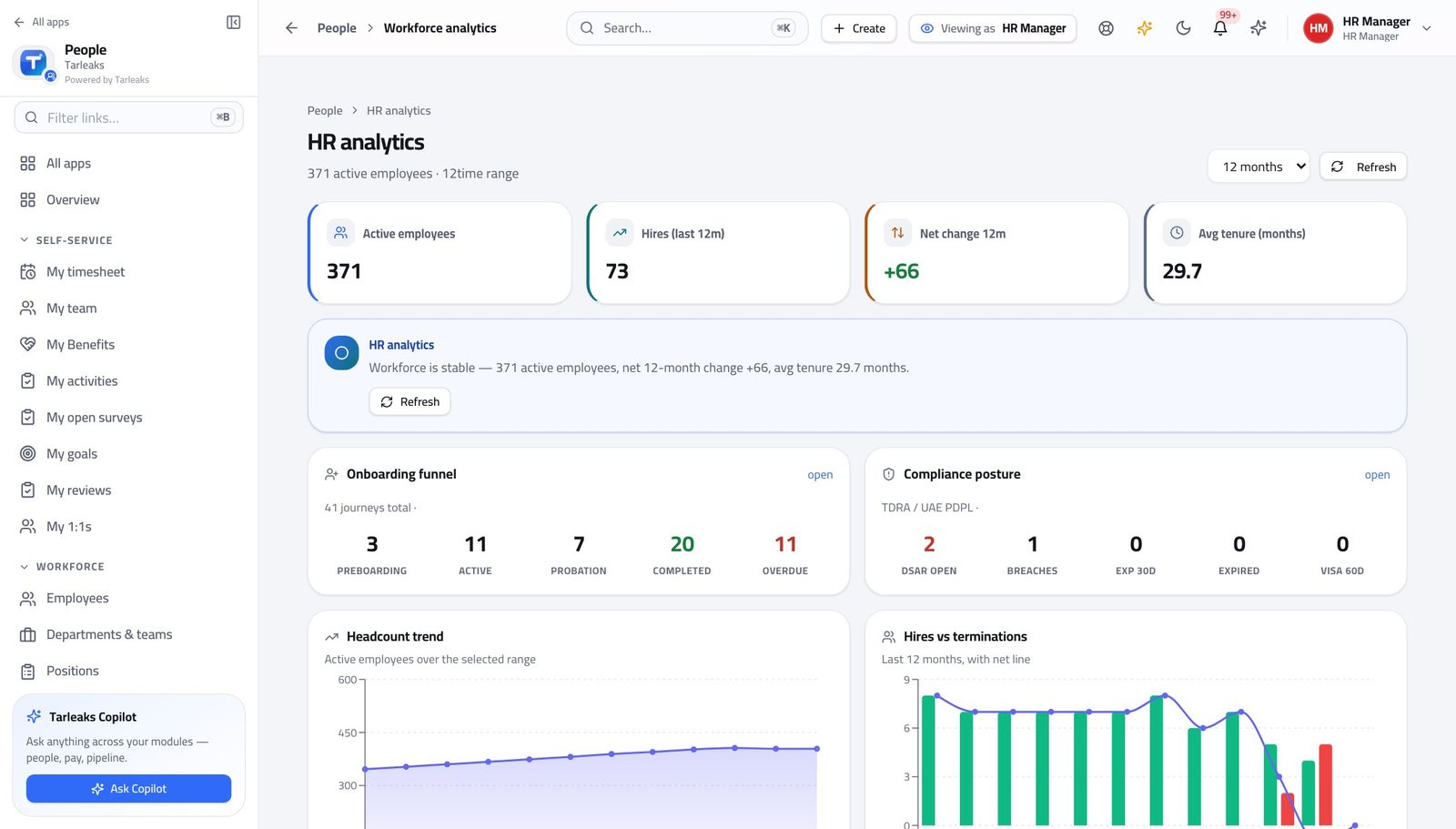
How it is worked out Active employee records at the date chosen — not contracts, and not people who have accepted but not started.
Check it like this Filter the directory to active and compare the count.
If it disagrees A gap is usually somebody with a start date in the future, or a leaver whose last day has passed but whose record was never closed.
Who reports to whom #
Where HR » Org chart
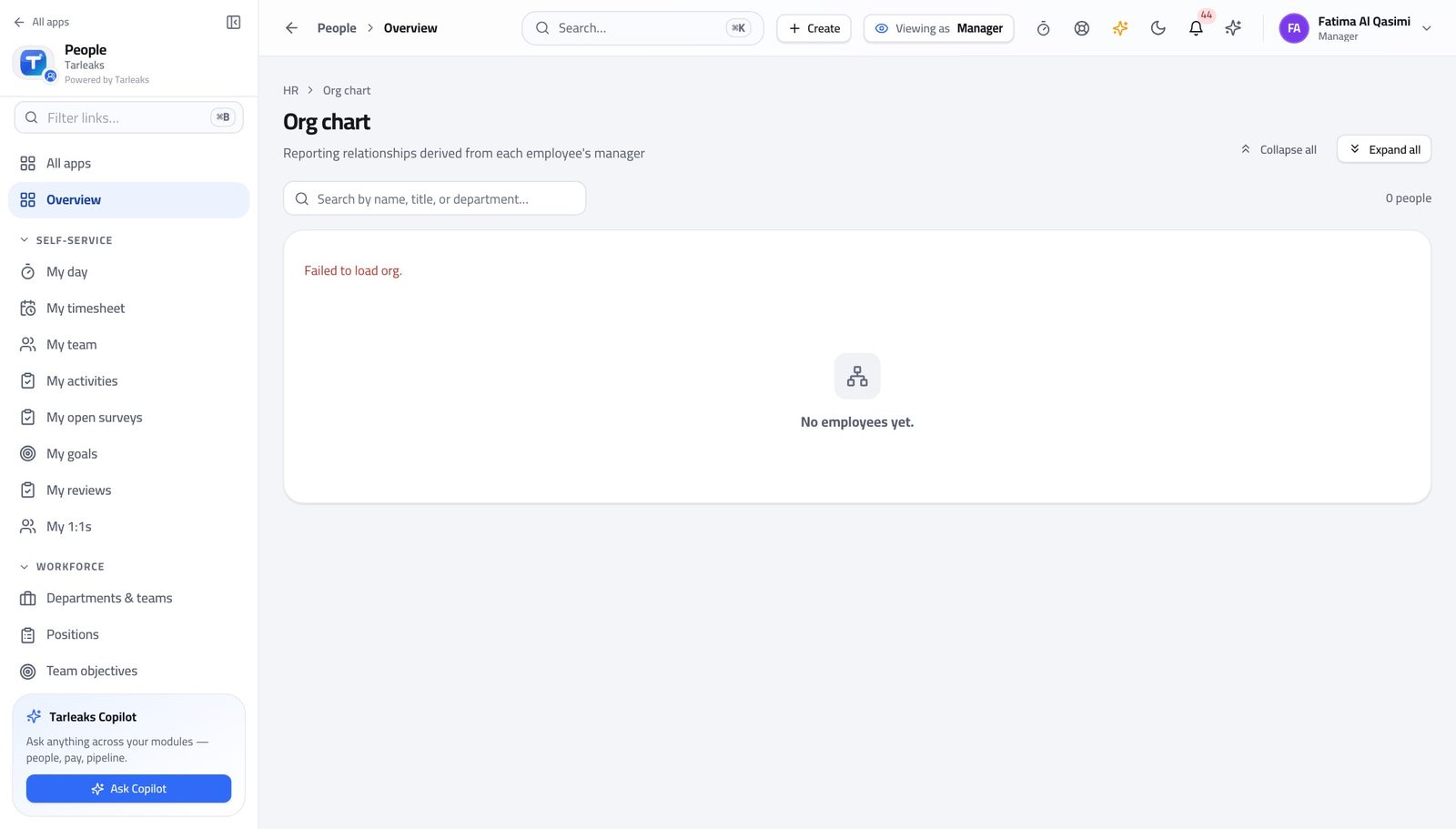
How it is worked out Drawn from the manager field on each employee record.
Check it like this Open a person and read their manager; the chart must agree.
If it disagrees A person missing from the chart has no manager set, or no login linked.
A manager's team list #
Where HR » My team
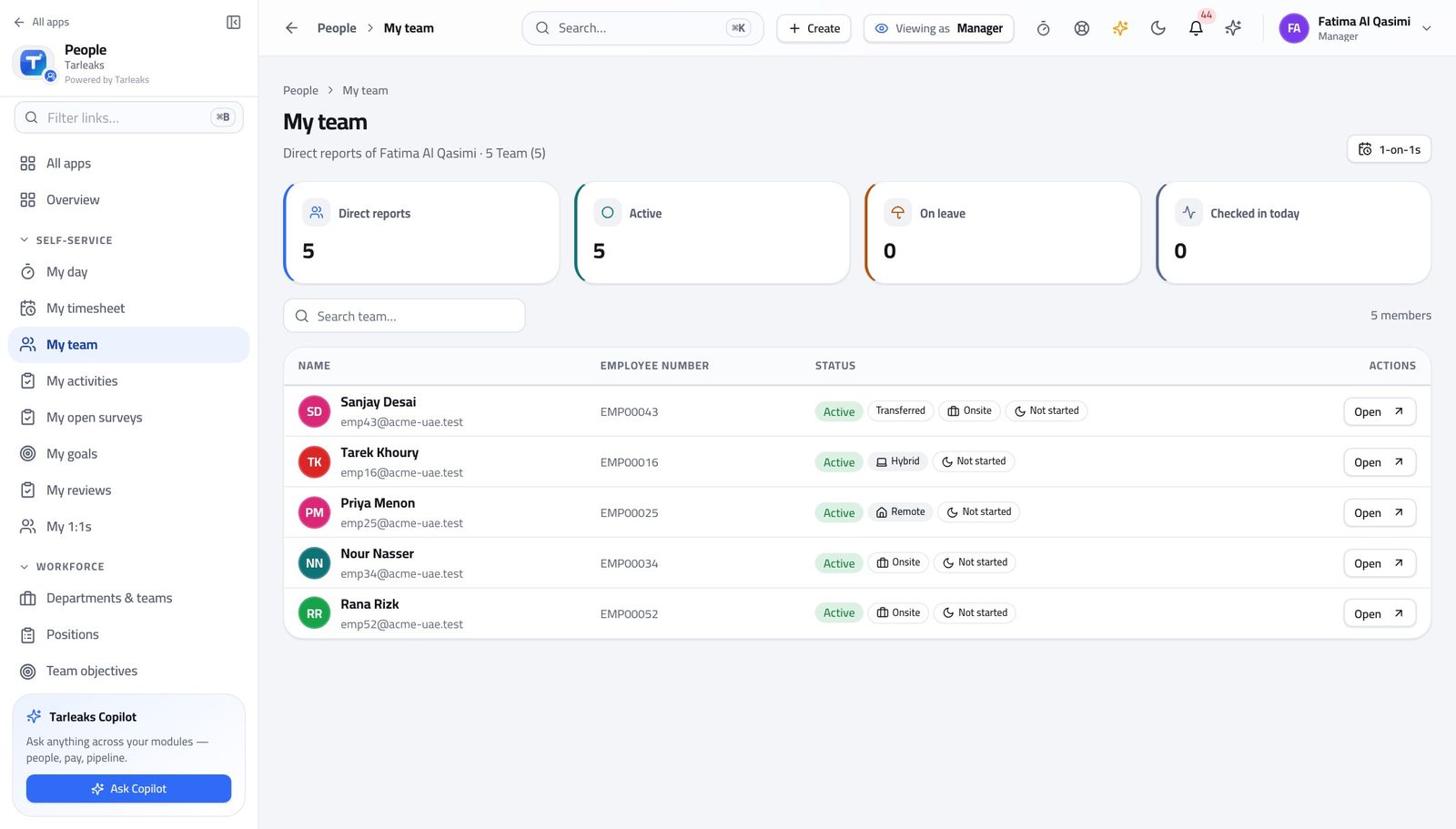
How it is worked out Employees whose manager is you, resolved through the login on your record — not a list anybody maintains.
Check it like this Compare with the org chart for the same department.
If it disagrees Somebody missing is almost always an employee record with no linked login, which is what the system recognises people by.
Leave balance on a request #
Where HR » Requests, and Attendance » Leave
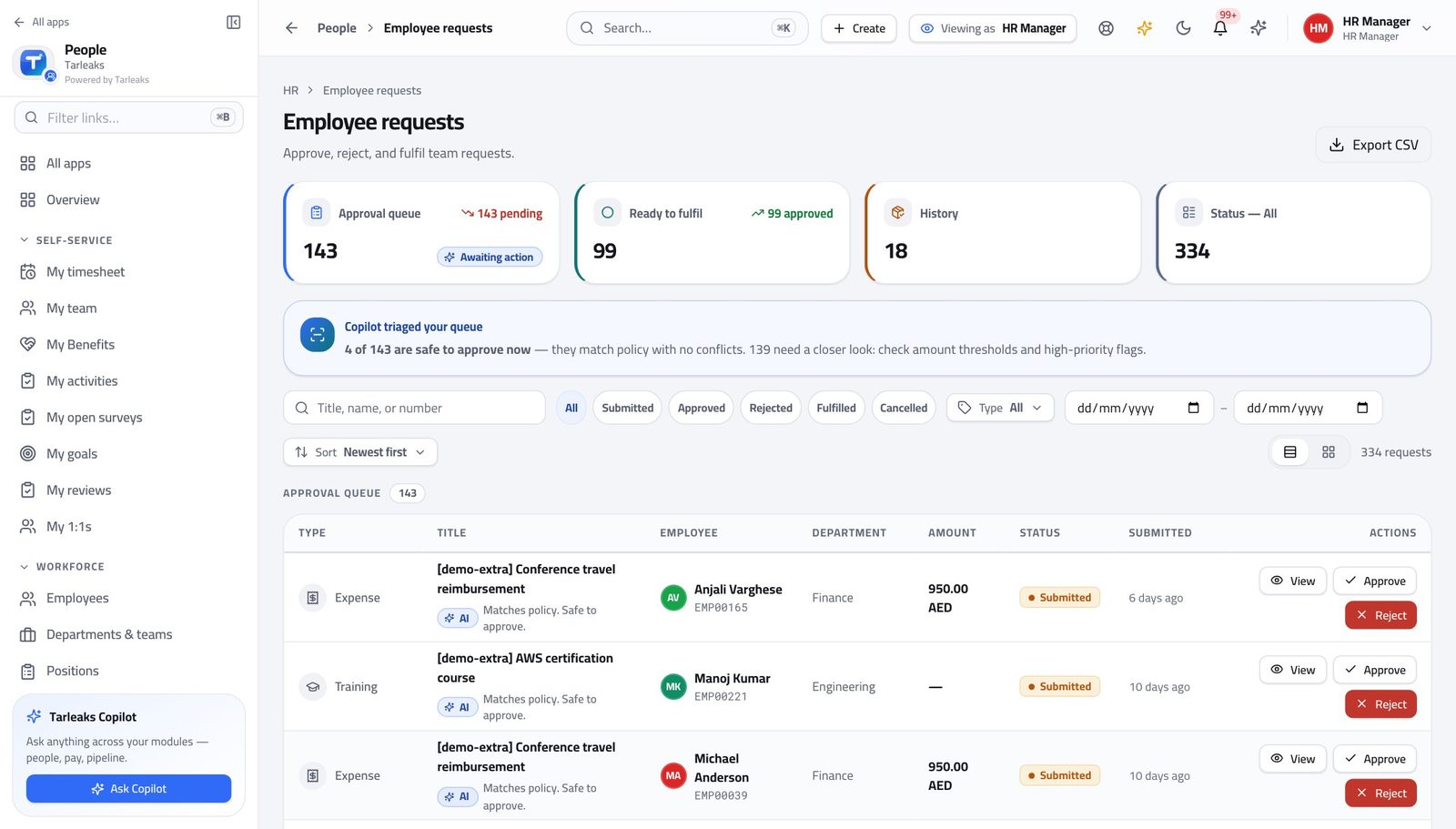
How it is worked out Accrued less taken, in hours, from the leave ledger.
Check it like this Open the person's leave balance and read the ledger behind it.
If it disagrees A balance that looks wrong is usually an adjustment posted directly rather than through the ledger.
Days until a document expires #
Where HR » Visa tracker
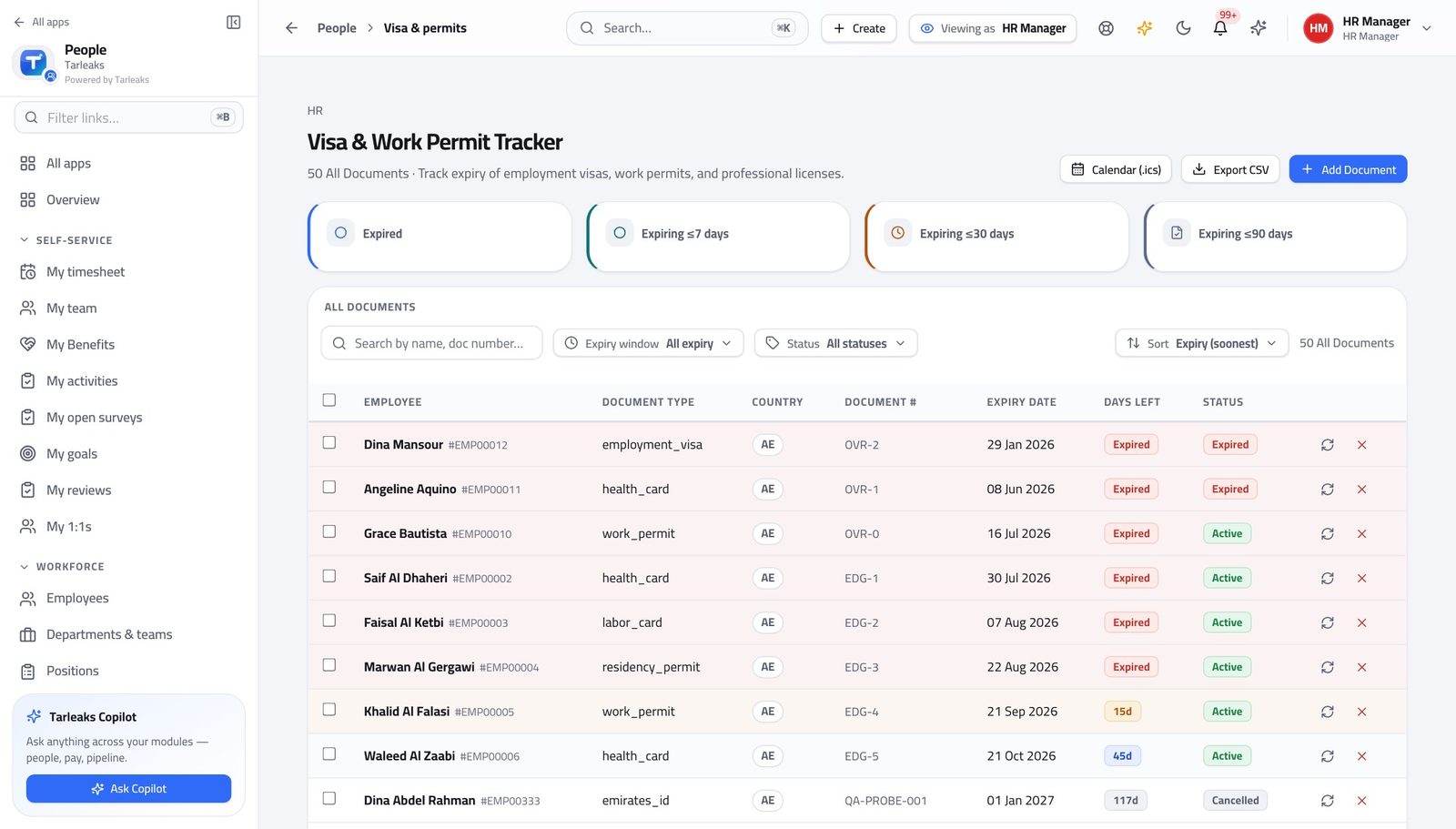
How it is worked out The expiry date on the document, counted from today; the reminder schedule fires at ninety, sixty, thirty, fifteen and seven days.
Check it like this Open the document and read its expiry date.
If it disagrees A document with no expiry date never appears in the tracker at all.
Faster ways to do the same work
| What you want | How |
|---|---|
| Find a person without opening the directory | Press ⌘K (or Ctrl K) and type their name. |
| Send a colleague the exact list you are looking at | Copy the address bar — the filters are written into it. |
| Move between people without going back to the list | The ‹ › arrows at the top of a record walk the list in the order you came from. |
| Act on many records at once | Tick the rows and use the bar at the bottom. It only offers what your role can do, and each row is still checked on its own. |
| Ask instead of hunting | The copilot strip on each page answers questions about that screen — 'who is on leave next week', 'whose visa expires this quarter'. |
| Start onboarding without retyping anything | Start the journey from the person's own record; the template supplies the tasks and their owners. |
| Stop chasing the same approval | Fix the request type's approval chain rather than the individual request — it is configuration. |