The hr calendar — who does what, and when
10 use cases across 5 roles, placed by when they happen. Each one opens as a numbered sequence with the screen behind every step — nothing here is advice we have not carried out in the product. Filter to your own role, or read it once to know what lands on your desk and from whom.
Nothing matches that. Try a shorter word, or pick Everyone.
Every day
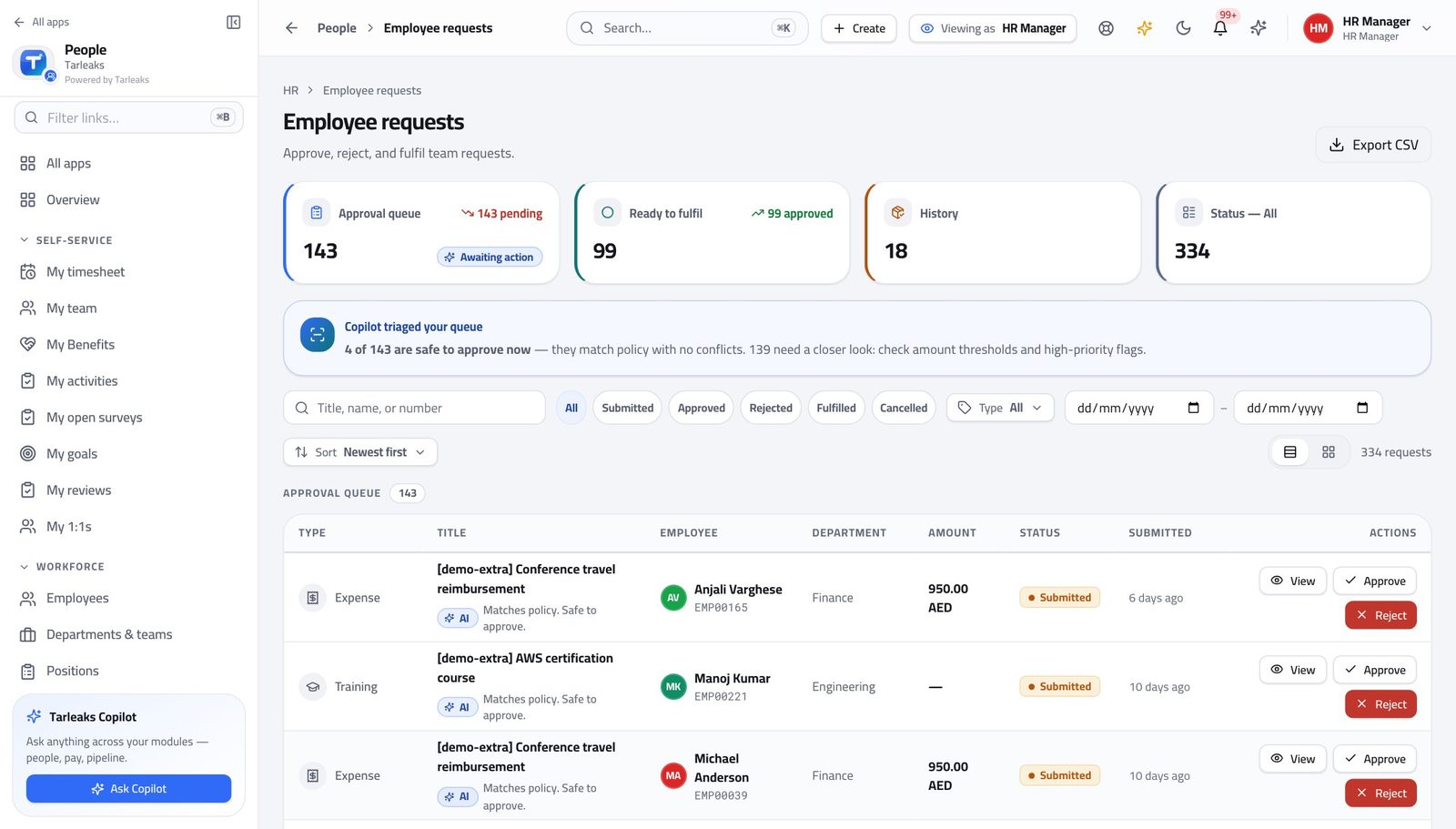
HR ManagerThe morning pass: approvals, joiners, leavers
Three screens answer 'what needs me today' better than any inbox.
3 steps, each with the screen it happens on.
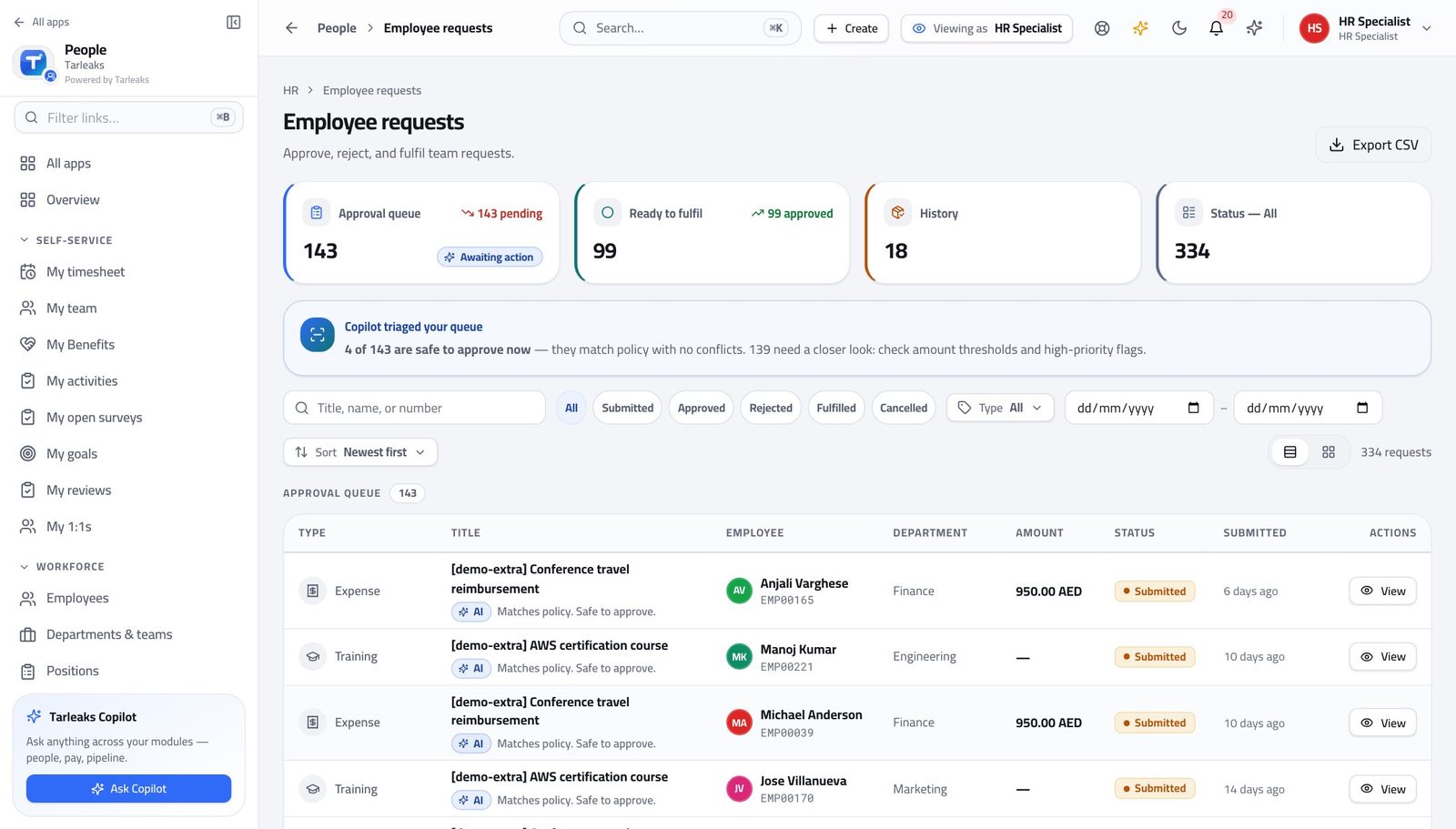
HR SpecialistWork the request queue without guessing
Every request carries its own approval chain, so the question is never who signs this one — only whether it is complete.
3 steps, each with the screen it happens on.
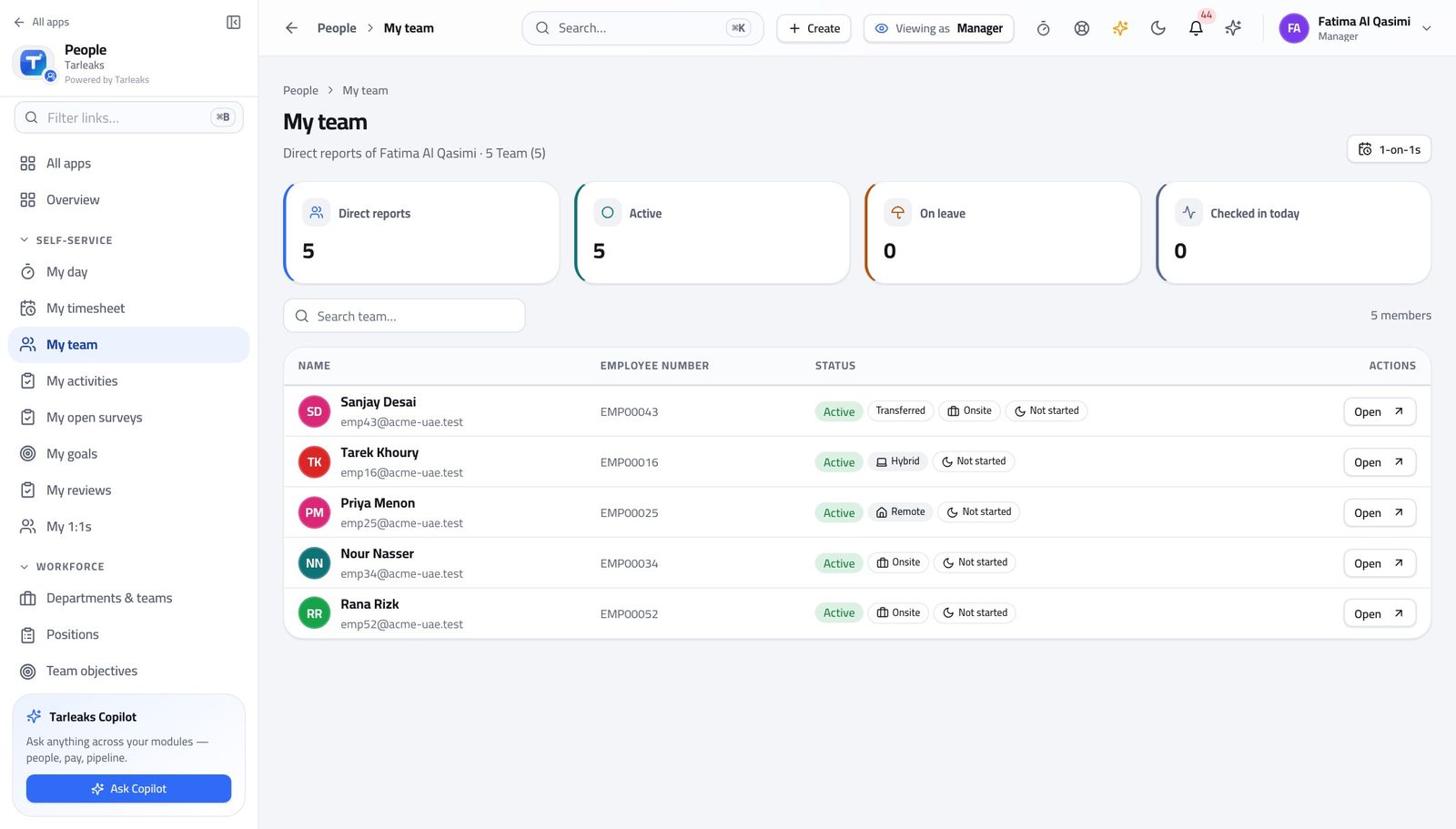
Line ManagerDecide your team's leave without leaving the page
Your people are waiting on you, and their balance is checked before the request ever reaches you.
2 steps, each with the screen it happens on.
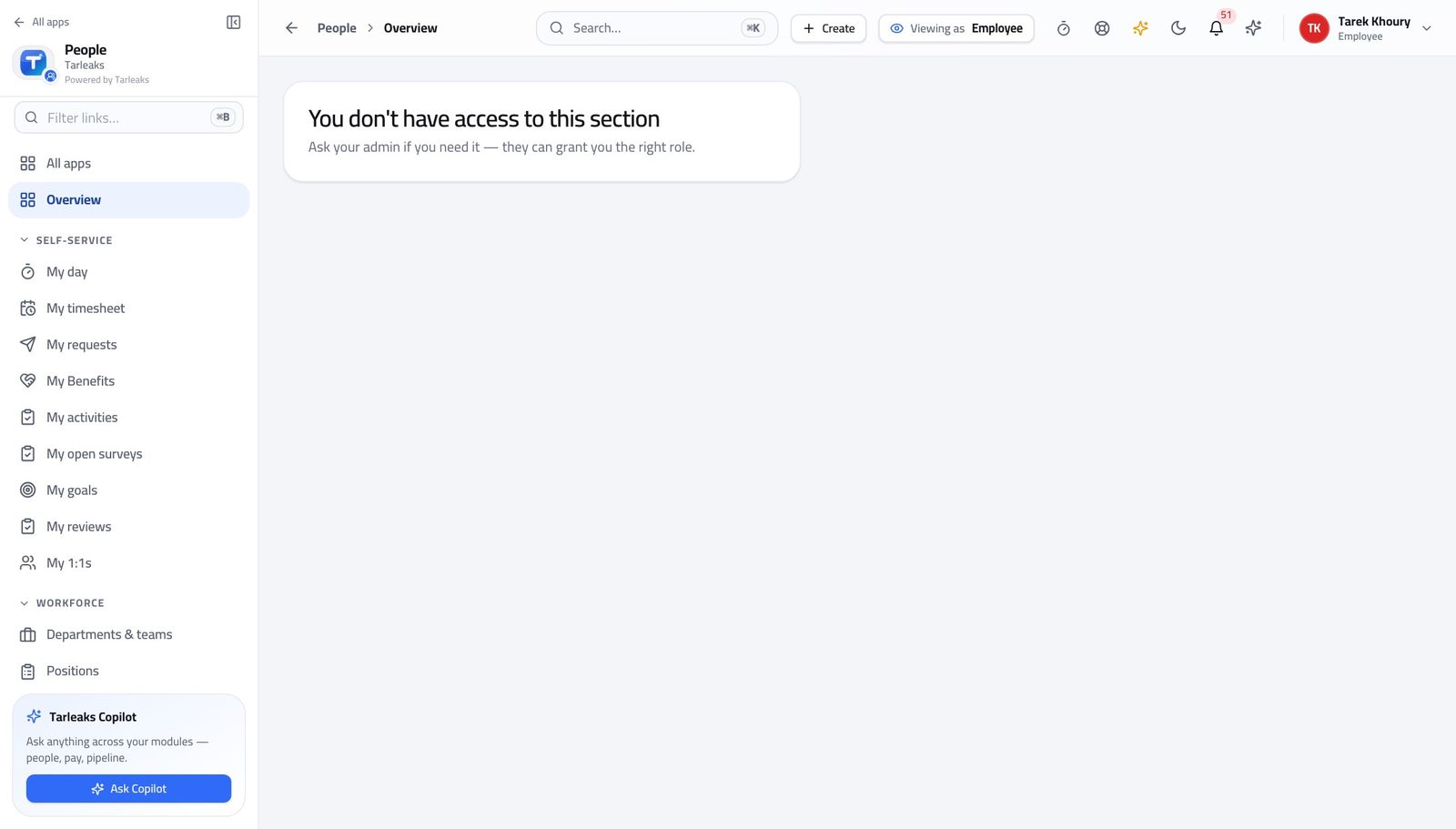
EmployeeAsk for leave and follow it
You can see who it is with at any moment, so chasing is a click rather than an e-mail.
2 steps, each with the screen it happens on.
Every week
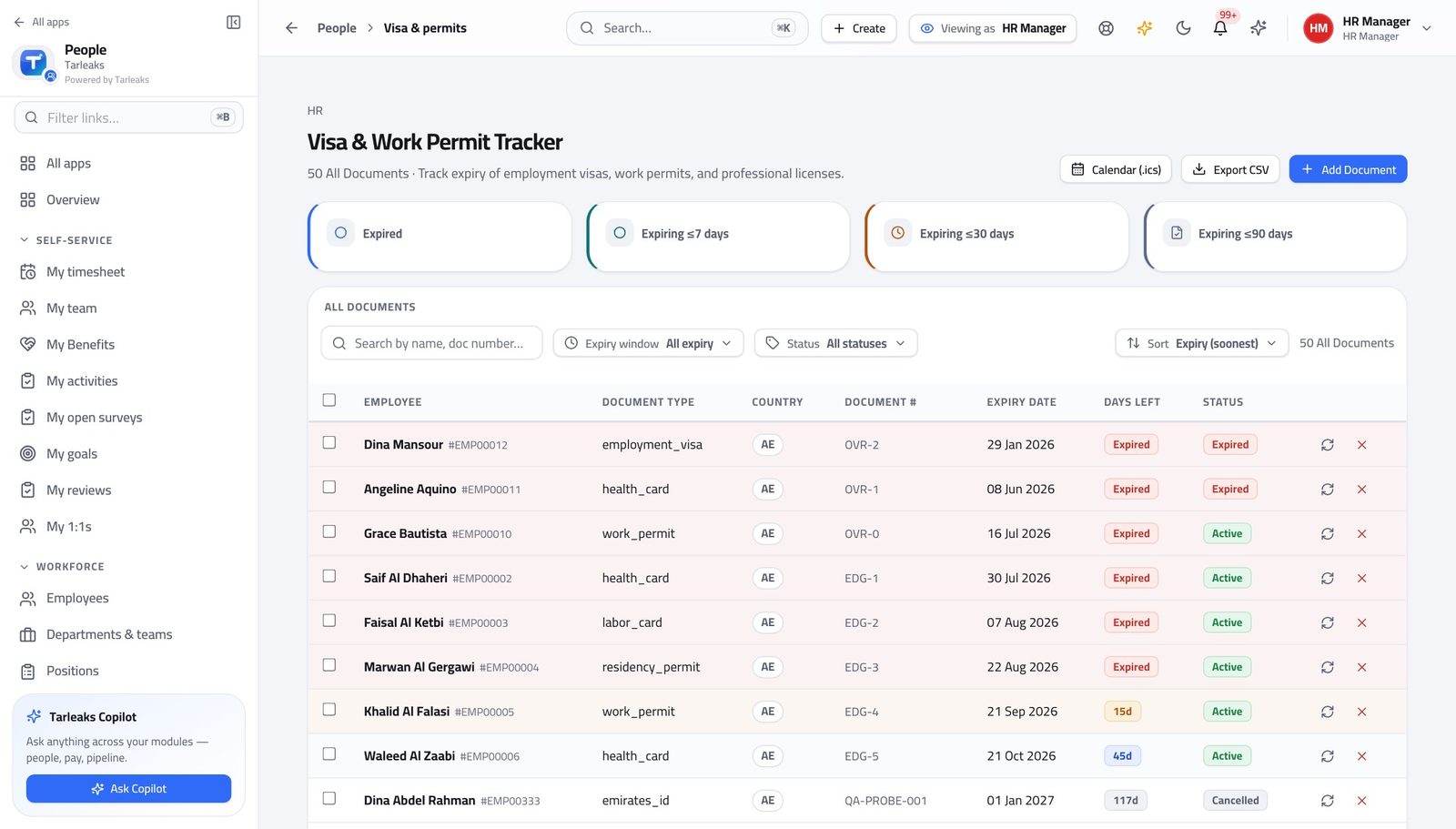
HR ManagerNobody's permit expires on your watch
An expired visa is a fine and a person who legally cannot work. Renewals take weeks, so the ninety-day reminder is the one to act on.
2 steps, each with the screen it happens on.
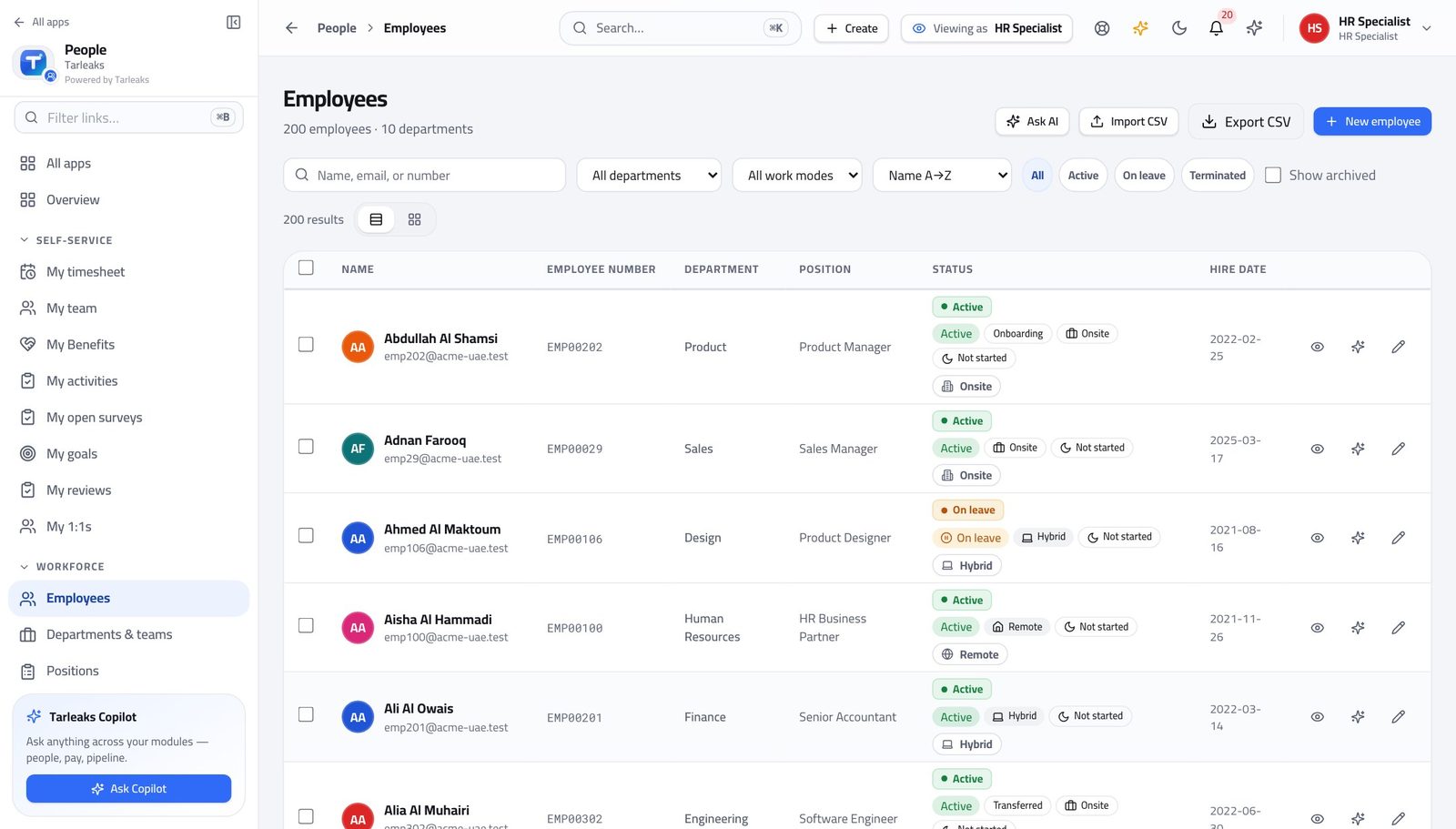
HR SpecialistA new joiner, from record to first week
Everything downstream — payroll, access, attendance, their manager's team list — reads the one record you create here.
4 steps, each with the screen it happens on.
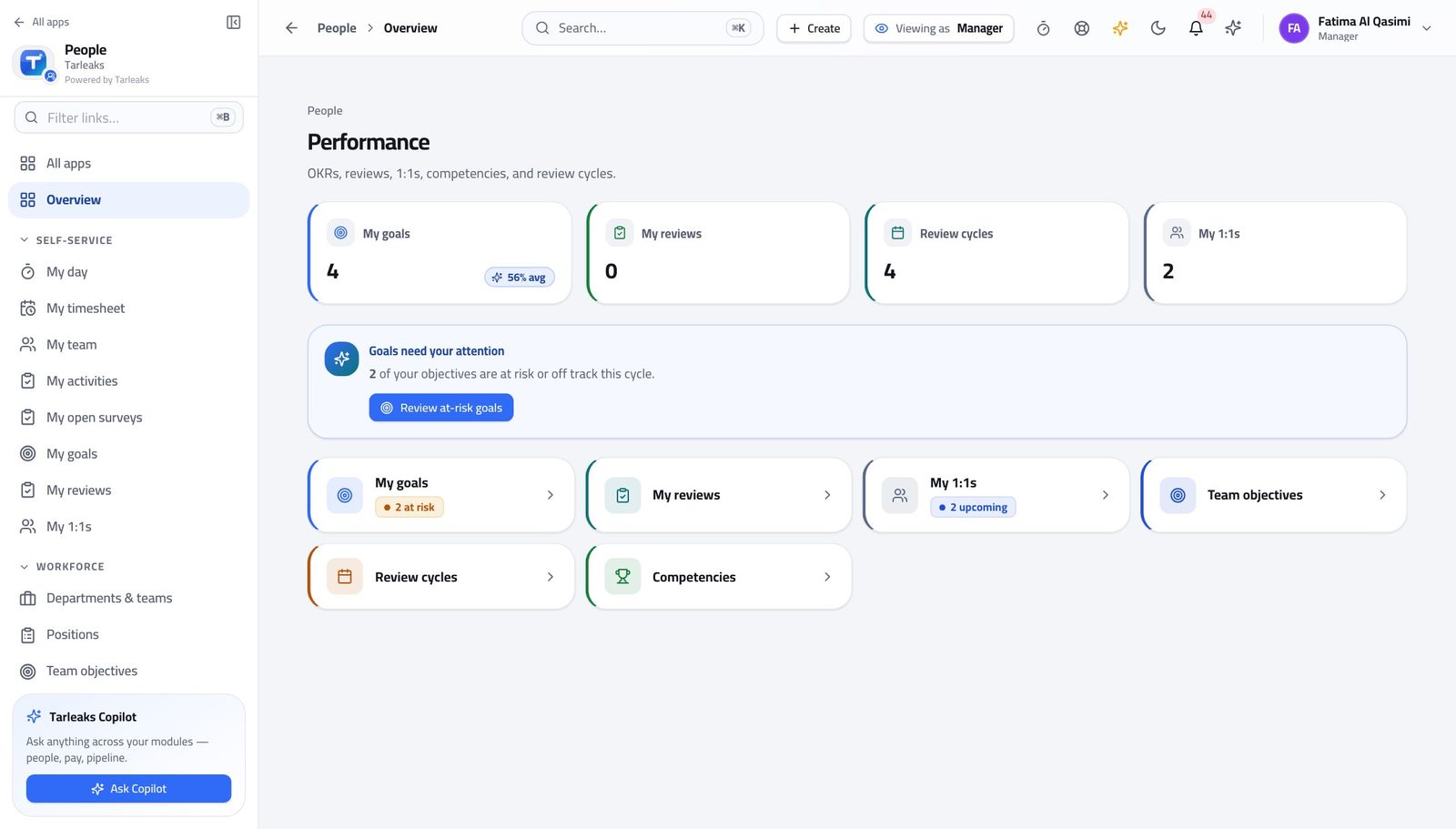
Line ManagerPrepare for a one-to-one in five minutes
Everything you need is already recorded — you are reading, not collecting.
2 steps, each with the screen it happens on.
Every month
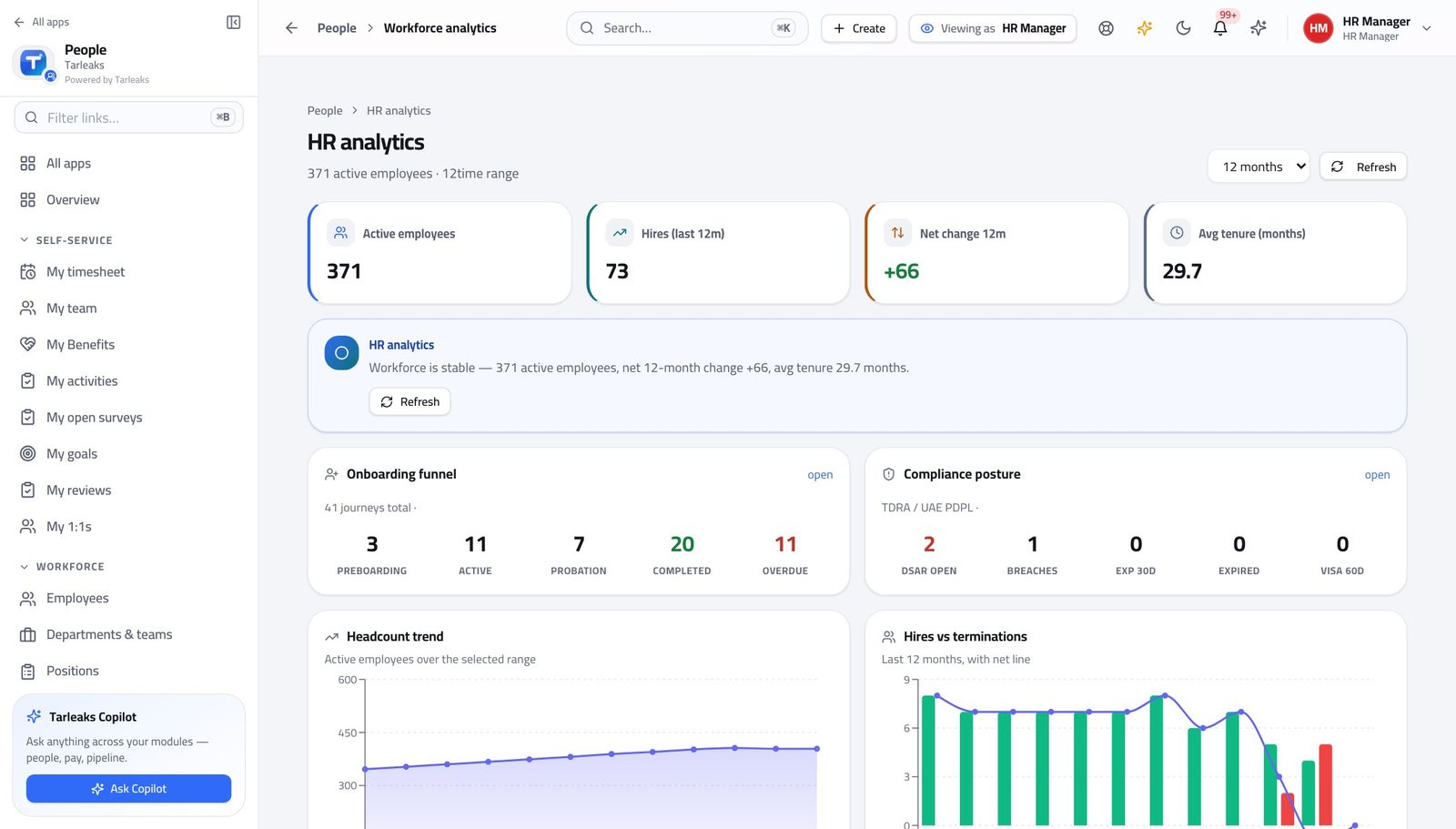
HR ManagerAnswer a headcount question in two minutes
The numbers come from the records themselves, so the answer you give matches the directory somebody else will check.
3 steps, each with the screen it happens on.
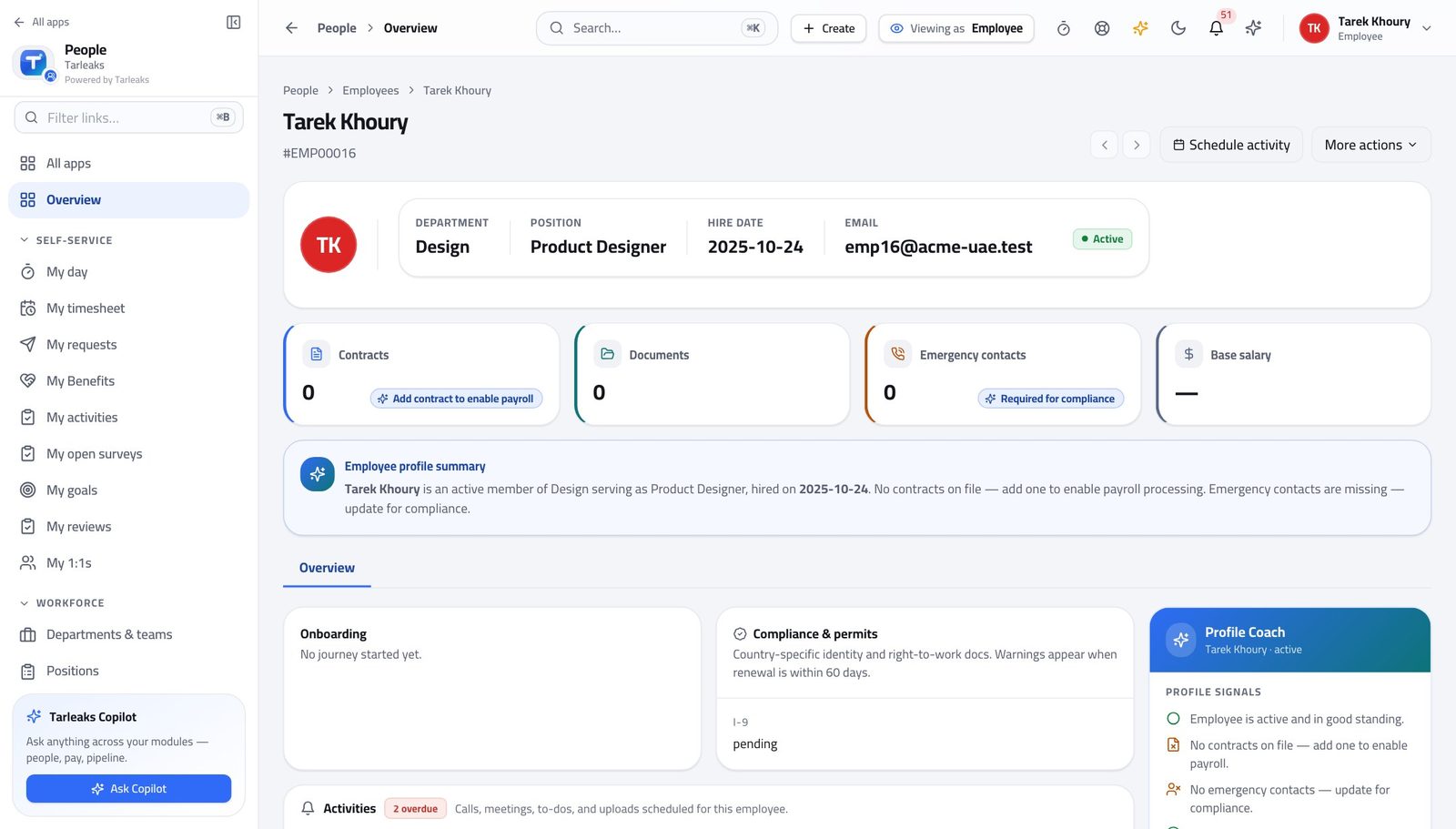
EmployeeCheck what the company holds about you
Nothing about you is hidden from you, which is what makes a correction a request rather than an argument.
2 steps, each with the screen it happens on.
Every year
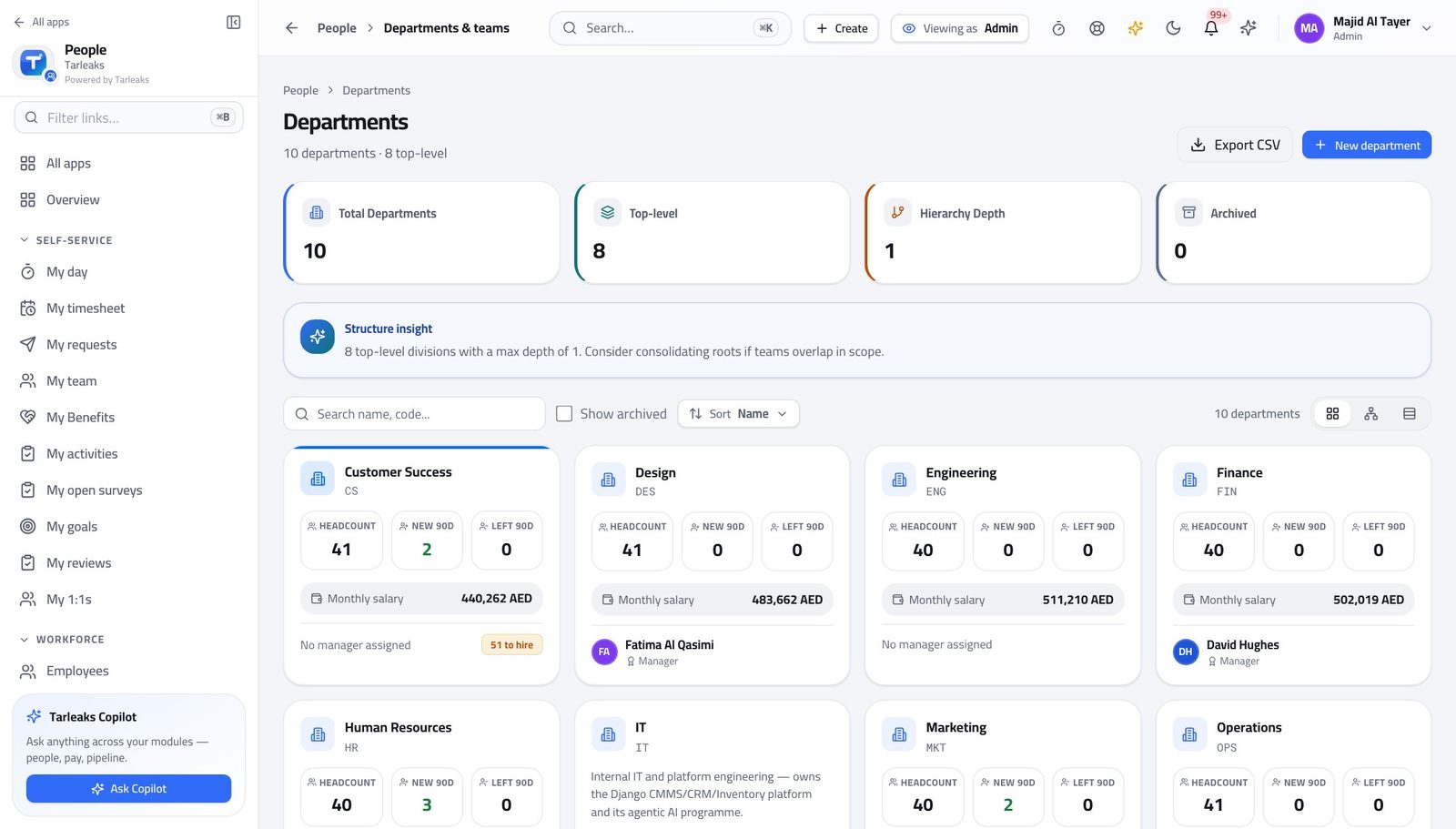
Tenant AdministratorSet up HR for a new department
Structure is an access decision: a line manager sees the departments they manage, so the department is what gives them sight of anybody.
3 steps, each with the screen it happens on.
Handovers — who passes what to whom
Finance rarely breaks inside a job. It breaks at the join: a bill nobody approved, a receipt nobody allocated, a month closed before the tax agent had it.
| When this happens | From → to | What happens next |
|---|---|---|
| A candidate accepts an offer | HR specialist → Line manager HR » People » New employee, then Onboarding | The employee record is created and an onboarding journey starts; the manager sees them in My team from the moment the record is linked to a login. Without the login link, the person exists but no manager, self-service screen or activity assignment can recognise them. |
| An employee asks for leave | Employee → Line manager HR » Requests | The request carries its own approval chain; the manager decides with a reason and the balance updates. A refusal with no reason is the single most common cause of the same request arriving again. |
| A manager approves something that costs money | Line manager → HR manager HR » Requests | Compensation events and anything above the manager's authority go up the chain rather than through it. The chain is configuration — if it is wrong, fix the request type, not the individual request. |
| Somebody resigns | HR manager → HR specialist HR » Offboarding | An offboarding journey starts: assets, access and final pay become a checklist with owners. The last day is the deadline for the checklist, not the start of it. |
| A document is about to expire | HR manager → Employee HR » Visa tracker | Staged reminders fire from ninety days out; the employee supplies the renewal and HR files it against the same document type. Filing a renewal under a different type restarts the wrong retention clock. |
| The month closes | HR manager → Payroll manager HR » Analytics, then Payroll | Joiners, leavers and compensation events are what payroll computes from. A back-dated change after payroll has run means a retro run, which is a new payroll run rather than an edit. |