How every finance number is worked out — and how to check it
Before you sign something, you should be able to say where the figure came from and prove it in two minutes. For each number: where it lives, the arithmetic behind it, the check that proves it, and what a difference usually means.
Nothing matches that. Try a shorter word.
Project progress #
Where Projects » a project
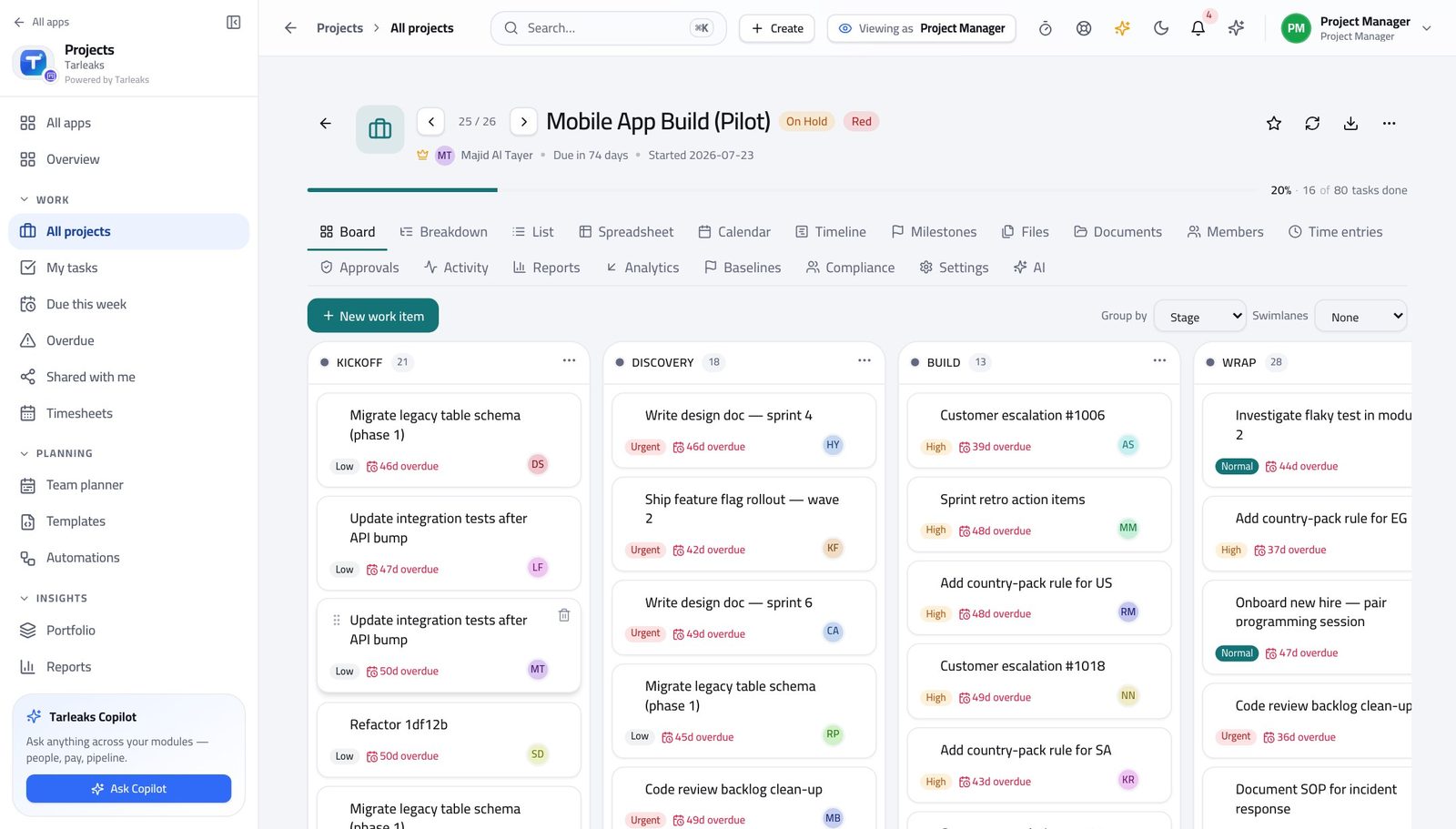
How it is worked out Completed work items against the project's total, rolled up through the type ladder where a parent has children.
Check it like this Count the cards in the done column against the board's total, then use Recalculate progress on the breakdown and see whether the figure moves.
If it disagrees A project stuck at the same percentage usually has work that was never broken into items — not a team that stopped.
Throughput #
Where Projects » Reports
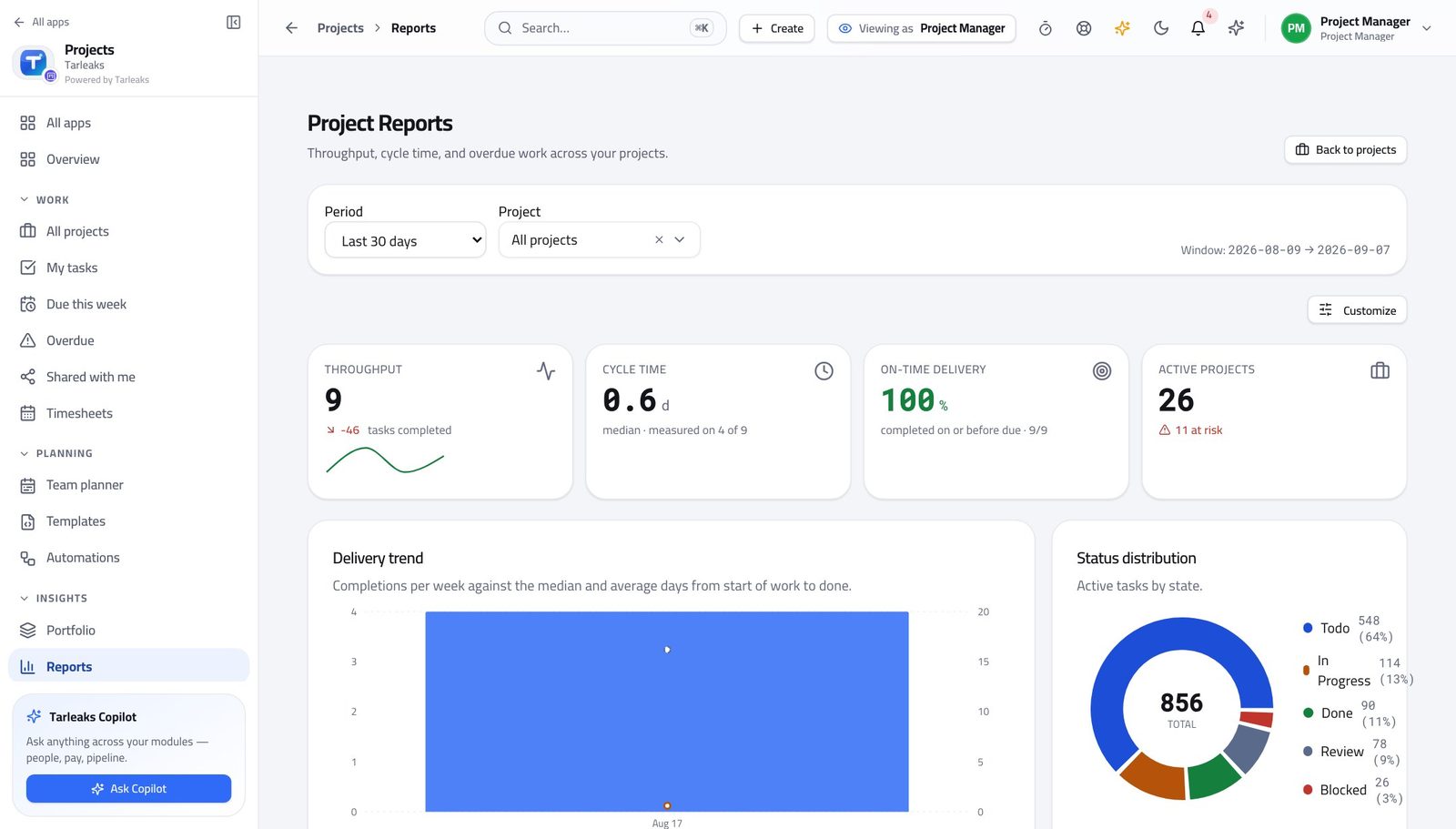
How it is worked out Work items completed per week, taken from when each one was actually closed.
Check it like this Compare the last two weeks against the board itself.
If it disagrees A spike is usually a batch of items closed at once rather than work finished at once. Check the closing dates before you celebrate.
Cycle time #
Where Projects » Reports
How it is worked out How long a work item takes from the moment it starts moving to the moment it is done — a median, so one outlier does not dominate it.
Check it like this Open three recently finished items and read their history: the first move and the completion.
If it disagrees Cycle time far shorter than reality usually means items are created already in progress. Create them in To do.
Sprint velocity #
Where Projects » a Scrum project » Sprints
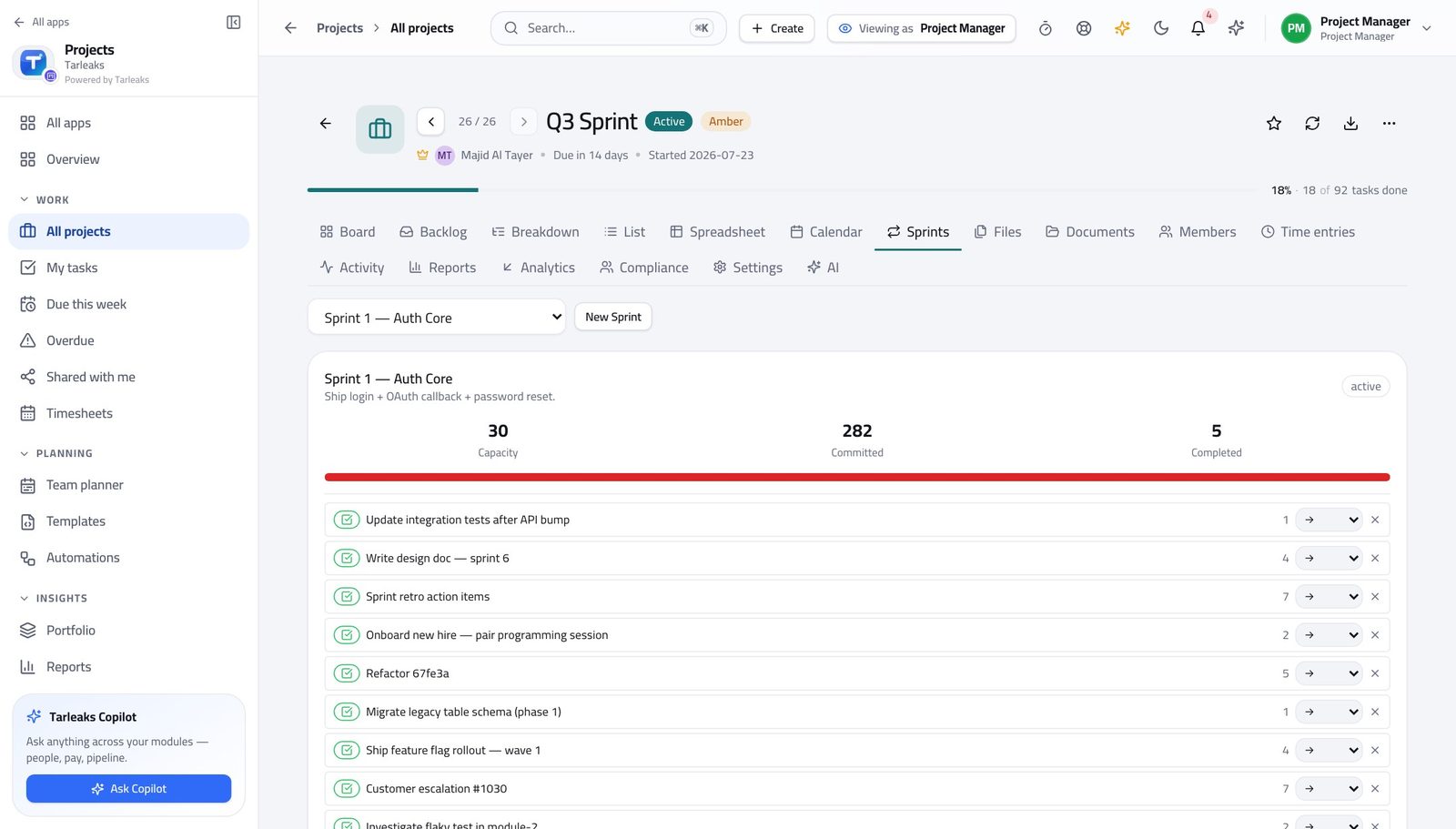
How it is worked out Story points completed per closed sprint, and a rolling average across the recent ones.
Check it like this Open a closed sprint's report and add the points on the completed items yourself.
If it disagrees Velocity that swings wildly is inconsistent sizing far more often than an inconsistent team. Nothing sized means nothing counted.
Hours on a project #
Where Projects » a project » Time entries
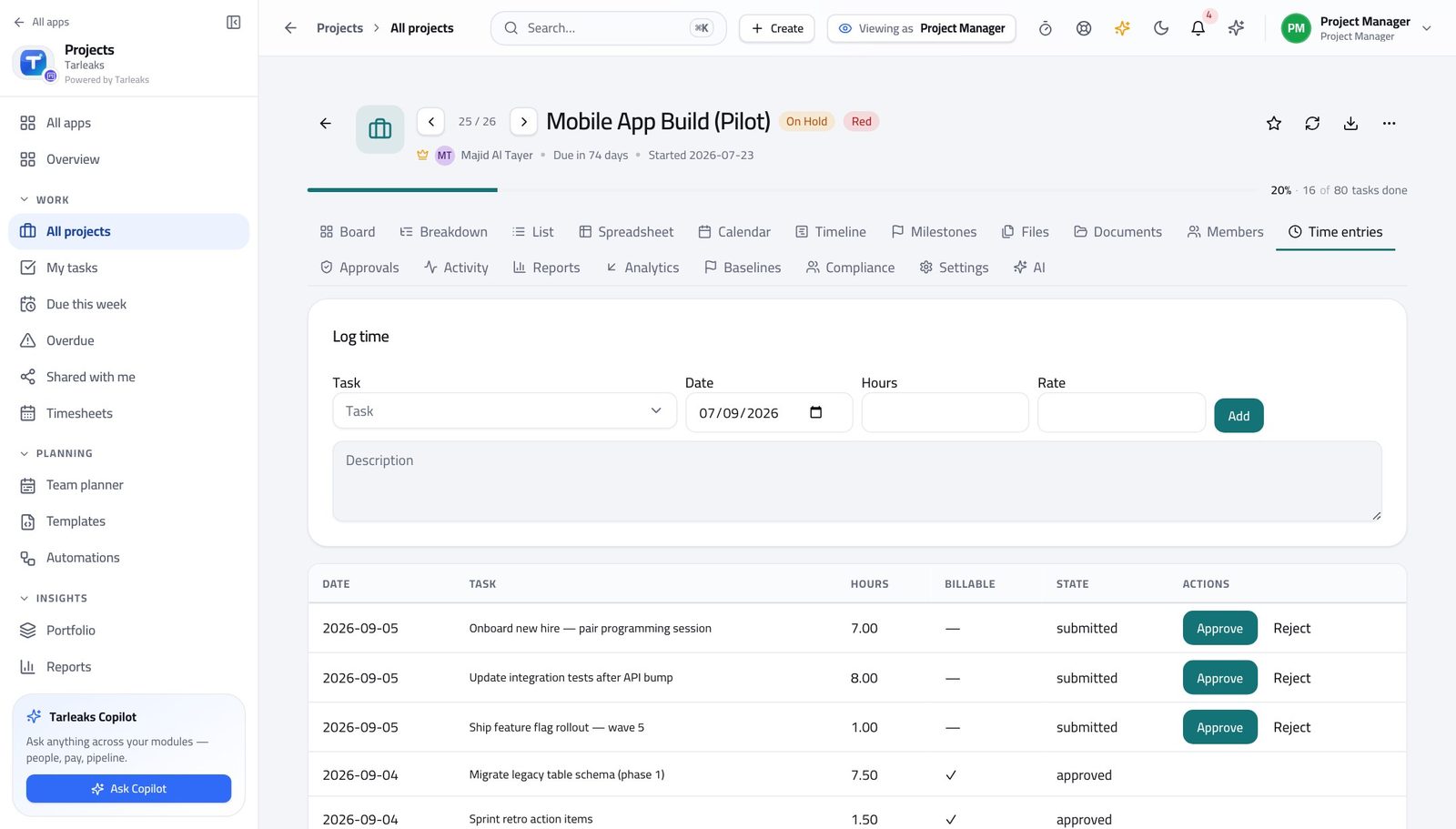
How it is worked out Time entries against that project's work items, with a state each: draft, submitted, approved, rejected or posted.
Check it like this Open the person's week on Timesheets and add the days.
If it disagrees Submitted-but-unapproved hours are not counted as cost — that is usually the whole of the difference somebody is asking about.
Utilisation #
Where Projects » Reports
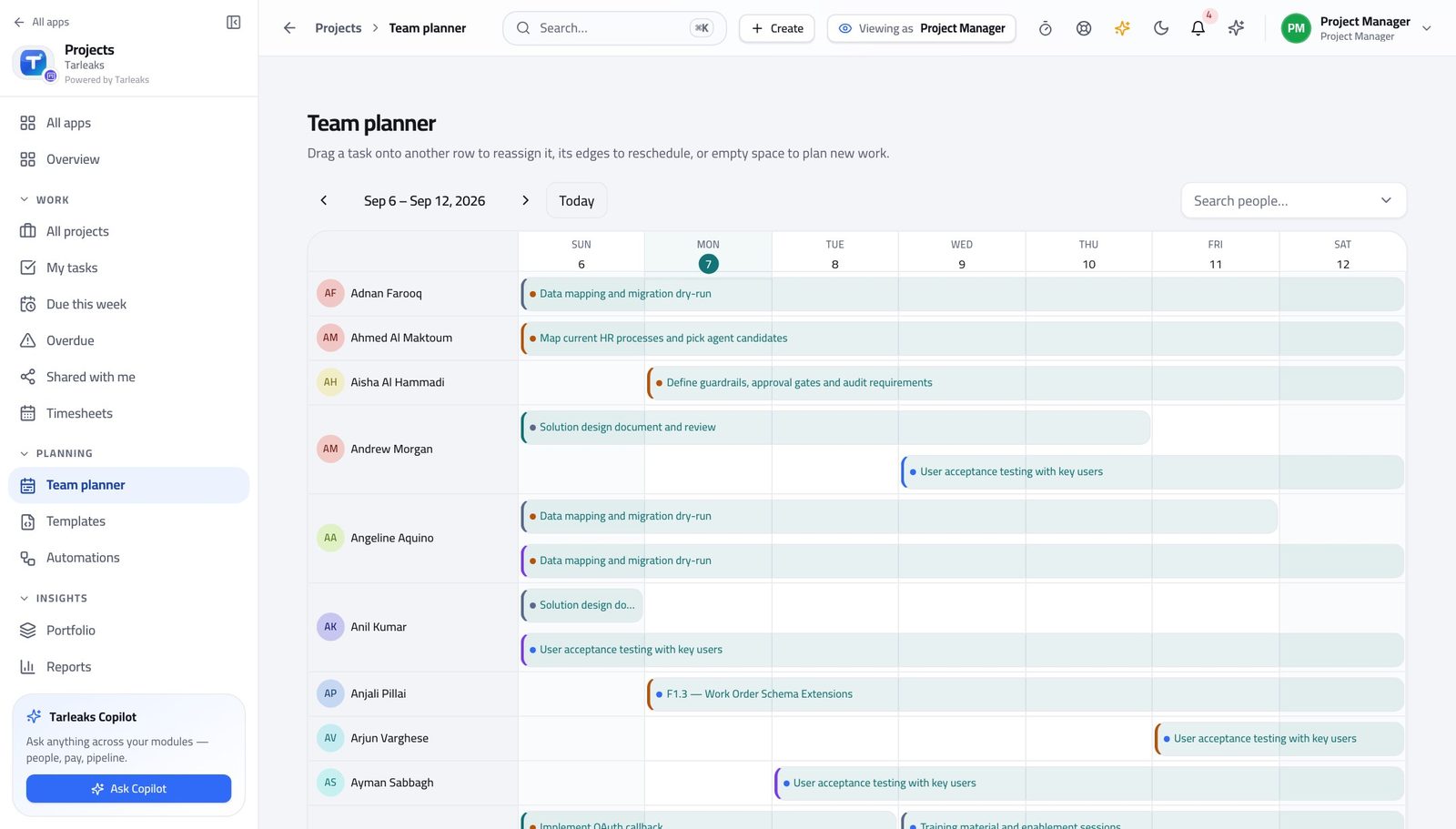
How it is worked out Hours logged against working days times hours per day, minus approved leave.
Check it like this Pick one person and one week, and work it out by hand once. It takes two minutes and it settles the question for good.
If it disagrees Over a hundred per cent is either genuine overtime or hours logged on days somebody was away. Check the leave first.
Schedule and cost performance #
Where Projects » a project » Analytics
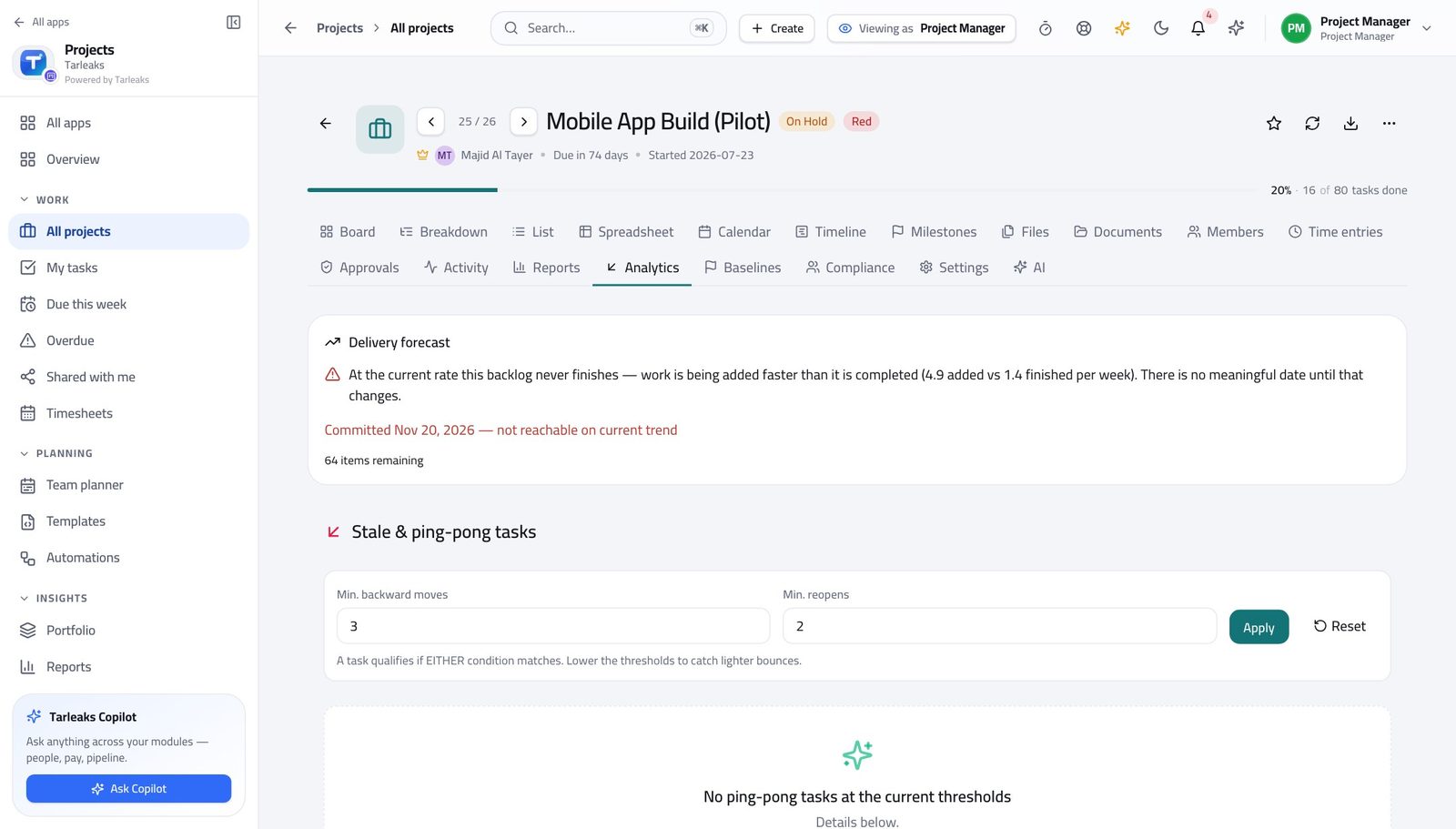
How it is worked out What the plan said should be complete by now, what actually is, and what it cost — expressed as two indexes around one.
Check it like this Read the budget and the dated work behind them. Both are needed; with neither, the figures correctly say nothing.
If it disagrees Behind on schedule and over on cost are different problems. One index below one and the other above it tells you which.
Completion forecast #
Where Projects » a project » Analytics
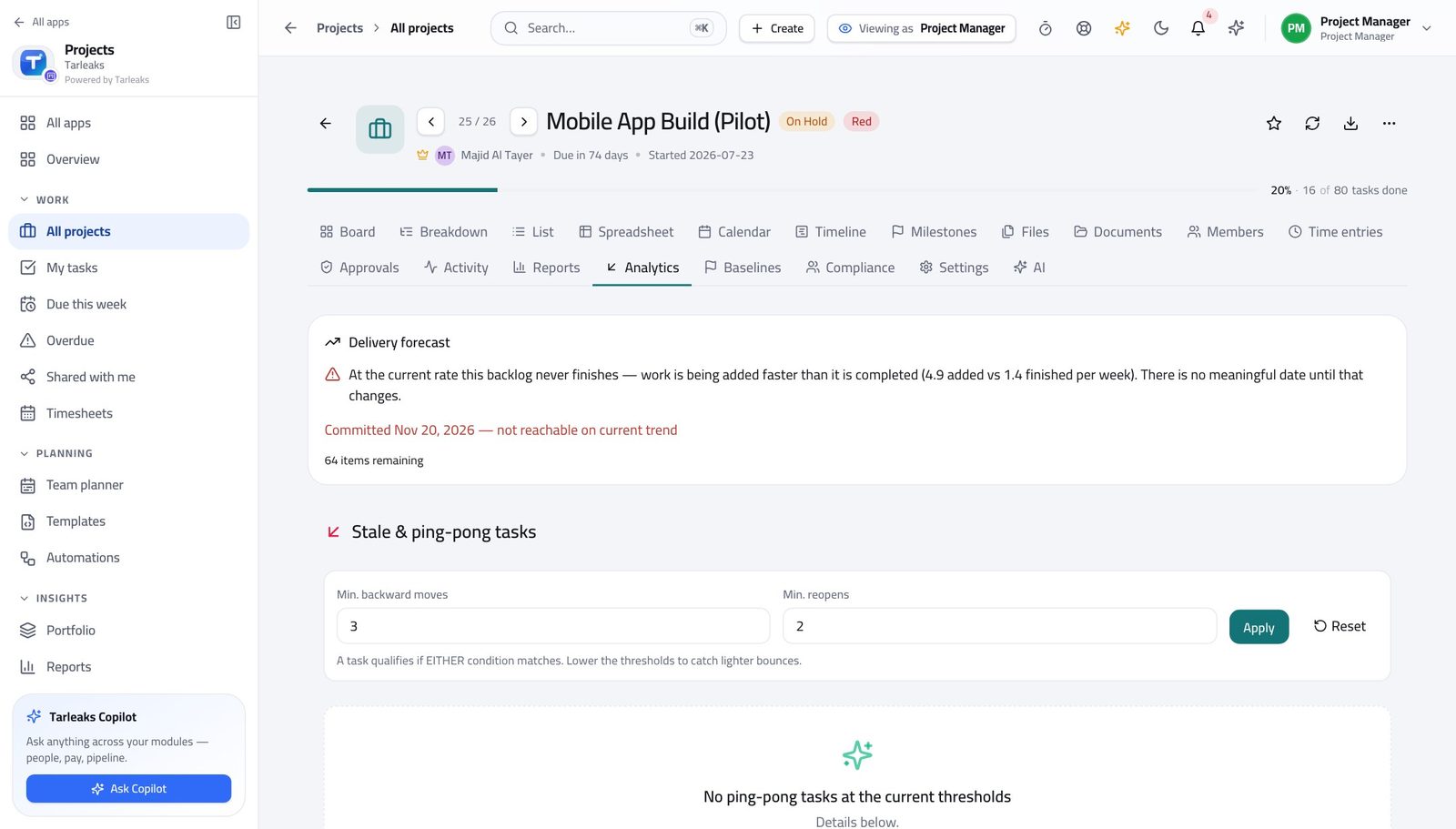
How it is worked out The project's own recent delivery rate, run many thousands of times over the remaining work, reported as dates at increasing confidence.
Check it like this Divide the remaining items by the weekly throughput on the Reports page. You should land inside the range.
If it disagrees A forecast years away is a project closing almost nothing per week. The chart is right; the flow is the problem.
What is overdue #
Where Projects » Overdue
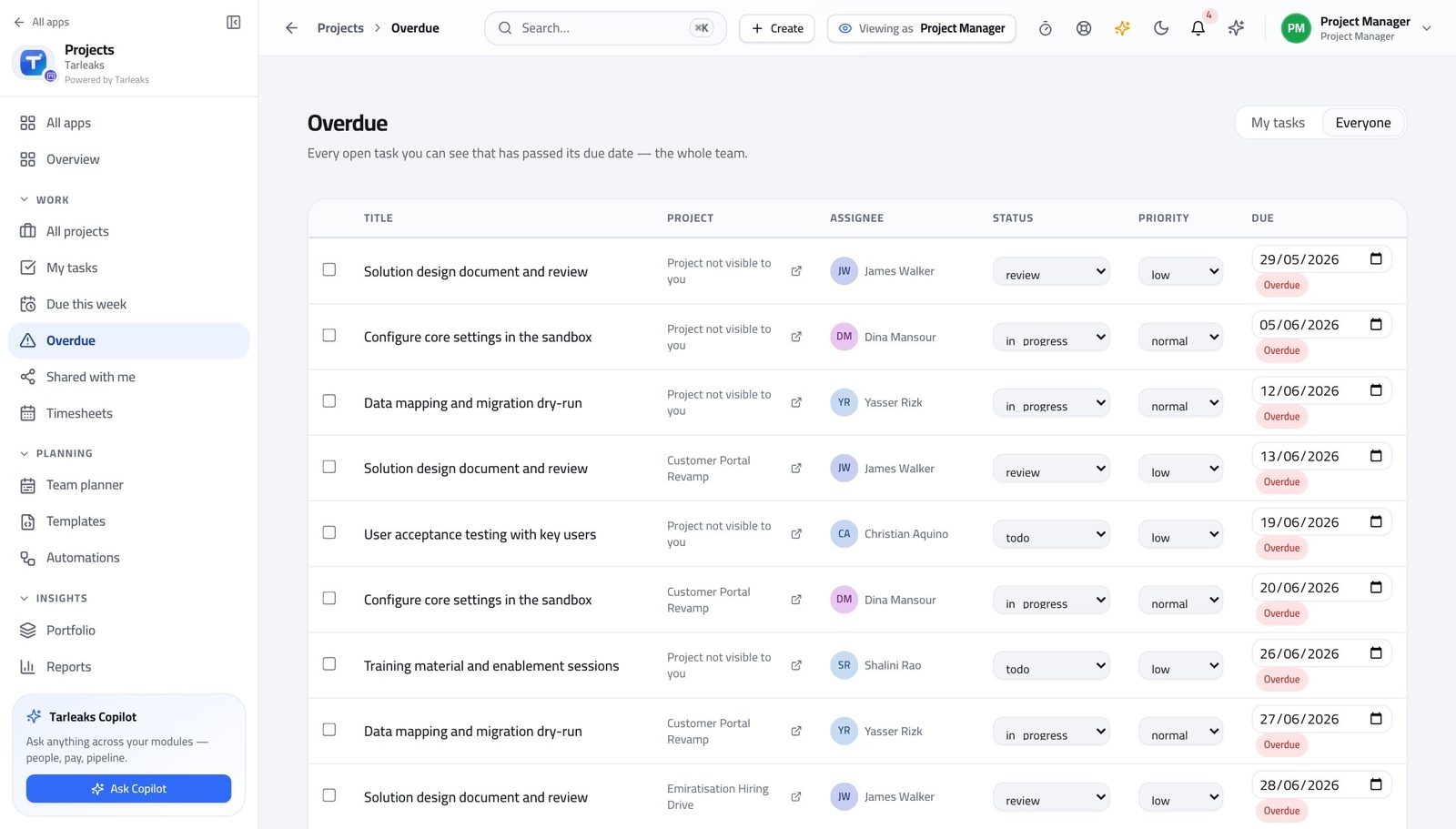
How it is worked out Open work items whose due date is before today, in the scope you chose — your own, or everyone's.
Check it like this Switch between My tasks and Everyone and compare the counts.
If it disagrees A list that looks too short is usually still scoped to you. The choice is remembered on this browser, not in the address.
Faster ways to do the same work
| What you want | How |
|---|---|
| Move a task without dragging | Open the card and change its state — the board updates behind you, and so does everybody else's. |
| Find any project or task | Press ⌘K (or Ctrl+K) and type part of the title. |
| Send somebody the exact view you are looking at | Copy the address bar. The search, the status filter, the sort and the tab you are on all travel with it. |
| Open a task without losing your list | Click its title in any cross-project list. It opens in place, so your filters and your scroll position survive. |
| Move between projects one at a time | The arrows at the top of a project page step through the list you came from, in the same order — ⌘+← and ⌘+→ do the same thing. |
| See only your own work | My tasks is the same data filtered to you, and it is the screen to start the day on. |
| Widen a due list past yourself | Press Everyone on Due this week or Overdue. The choice is remembered on this browser. |
| Stop chasing status | A rule that flags a blocked task does it for you — Projects » Automations. Check its History a week later to see whether it actually fired. |
| Start a project without a blank page | New project » choose a template. The stages, the first tasks and the labels are created with it. |
| Ask why the tabs differ between two projects | They are on different ways of working. Settings » Way of working lists what each one turns on. |