Employee — Social guide
Lead capture is not part of your job, so it is not in your way.
Everybody else in the company. Capturing leads is not part of this job, so the leads, their sources and the tracked links are not in this person's menu, and the pages refuse when opened by their address.
What you will be able to do
- Know why Leads and Tracked links are not in your menu
What this role can and cannot do
| Can | Cannot |
|---|---|
|
2 steps, each one carried out in the product on .
Leads and lead sources are not yours #
Where The left menu, under Social
- Look down the Social menu.
- Leads is not there.
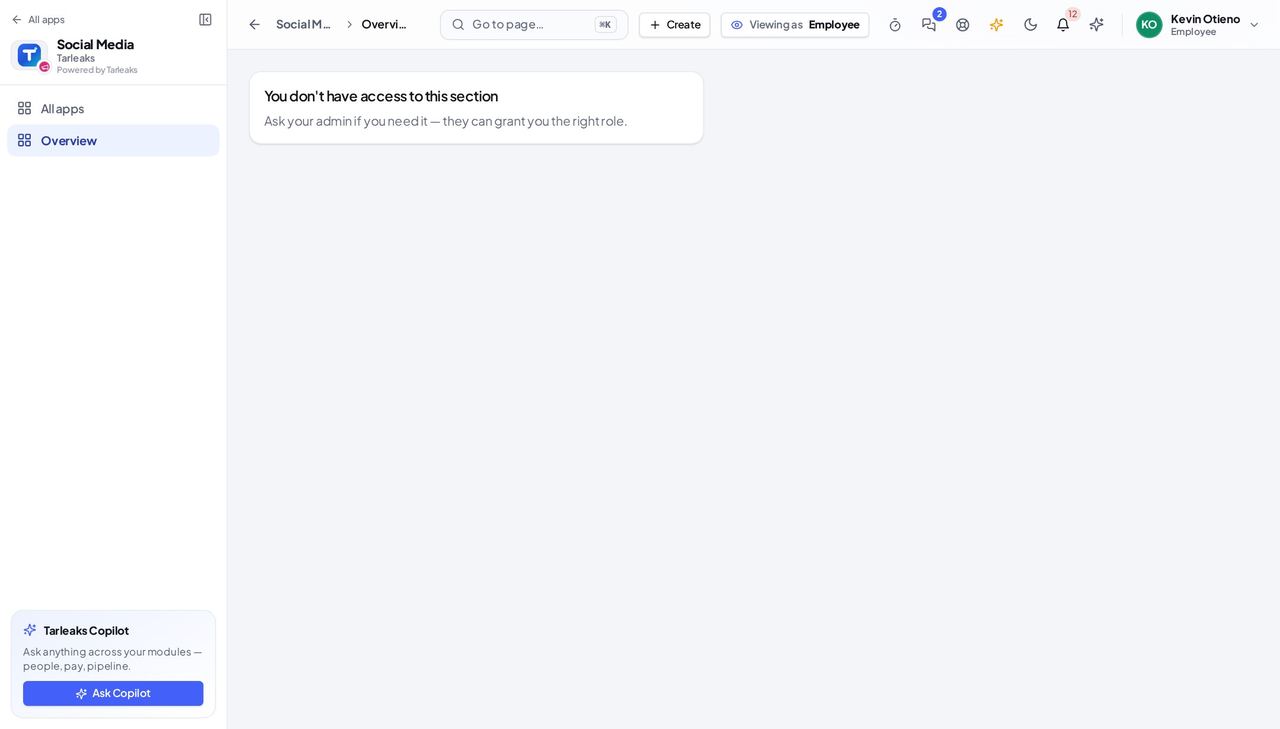
You should see Captured leads carry people's names, phone numbers and what they wrote. They are shown to the people who work them, and to nobody else.
Watch out A link a colleague sends you to a lead gets the same answer as the menu does.
Tracked links are not yours #
Where The left menu, under Social
- Look down the Social menu: there is no Leads page to open Tracked links from.
- Opening it by its address answers that this sign-in does not have access to it.
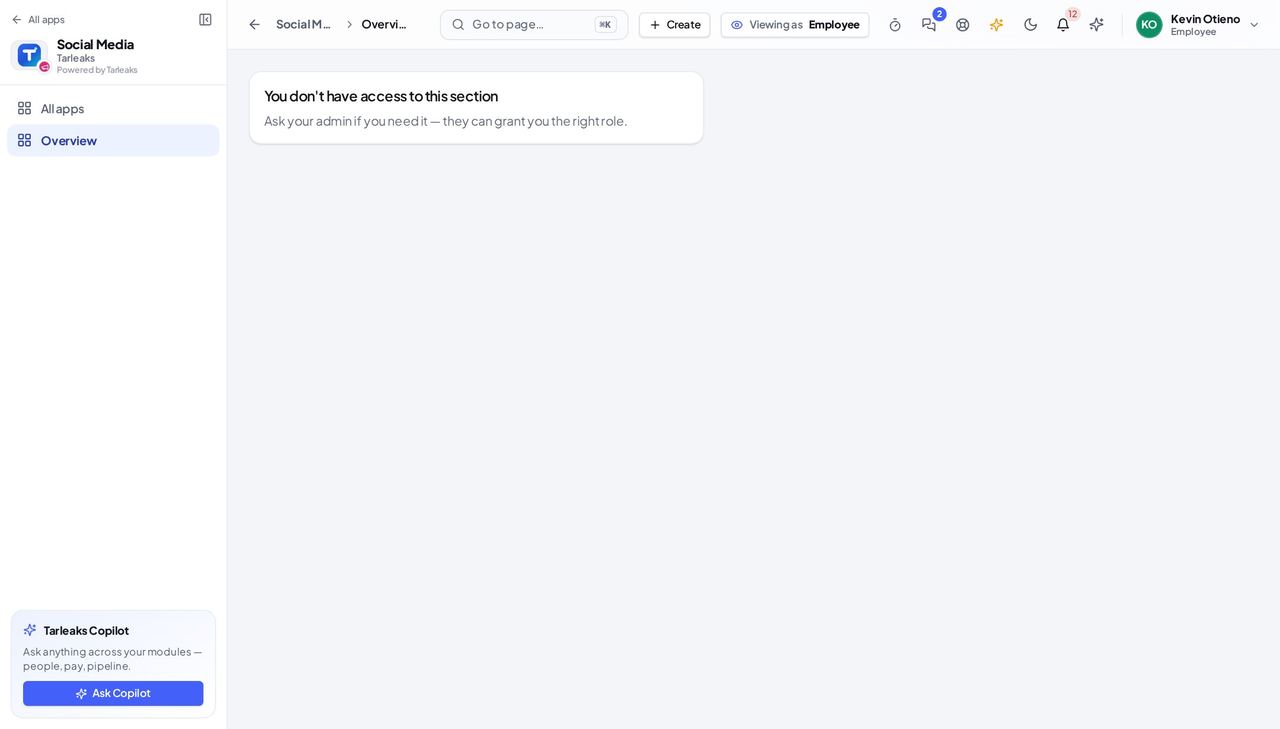
You should see A link's clicks are marketing's measurement. If you were given a short link to share, share it — every click still counts.
Watch out Sharing a short link you were given is fine — every click is still counted.
Captured leads carry people's names, phone numbers and what they wrote. They are shown to the people who work them and to nobody else — which is what makes it safe for a customer to fill in a form.