How every number is worked out — and how to check it
Before you sign something, you should be able to say where the figure came from and prove it in two minutes. For each number: where it lives, the arithmetic behind it, the check that proves it, and what a difference usually means.
Nothing matches that. Try a shorter word.
This week's line on Leads #
Where Social » Leads, under the title
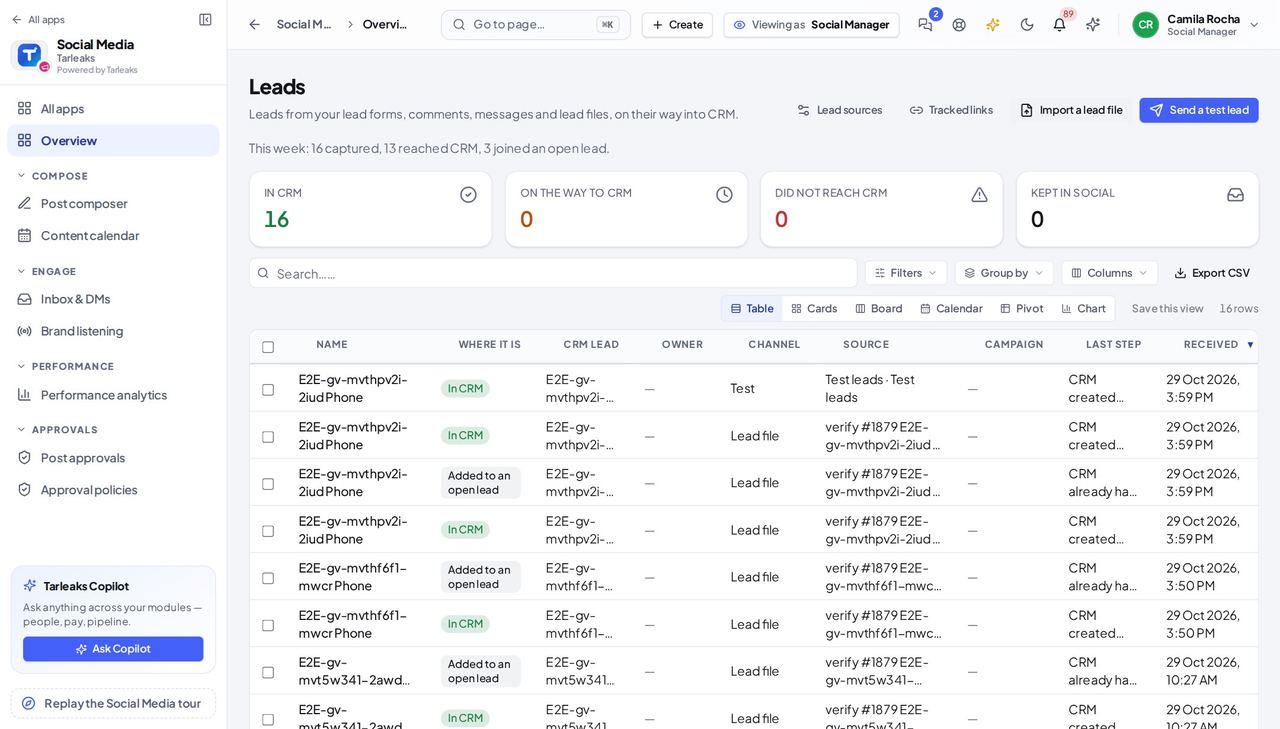
How it is worked out Every lead received in the last seven days. Of those, reached CRM counts the ones CRM created a lead for, and joined an open lead counts the ones CRM added to a lead it already had. Test leads are included.
Check it like this Sort the list by Received and count the last seven days' rows marked In CRM, then those marked Added to an open lead.
If it disagrees The In CRM tile shows both kinds together, and is not limited to this week — so its count is bigger than either number in the line.
Leads this week on a source #
Where Social » Leads » Lead sources
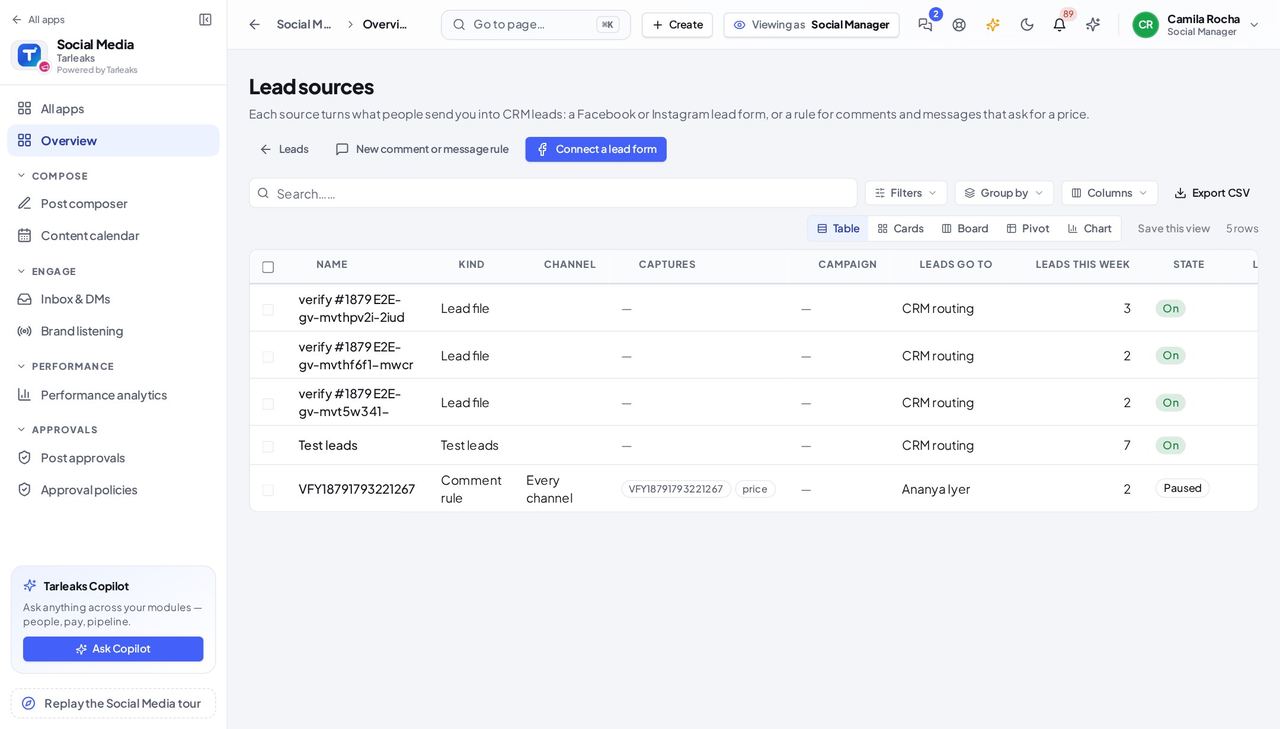
How it is worked out The leads that one source captured in the last seven days, whatever happened to them afterwards.
Check it like this On Leads, read the Source column for the last seven days and count that source's rows.
If it disagrees A paused source still shows the leads it captured before it was paused; a zero means nothing arrived, not that the source is broken.
Clicks and People on a tracked link #
Where Social » Leads » Tracked links
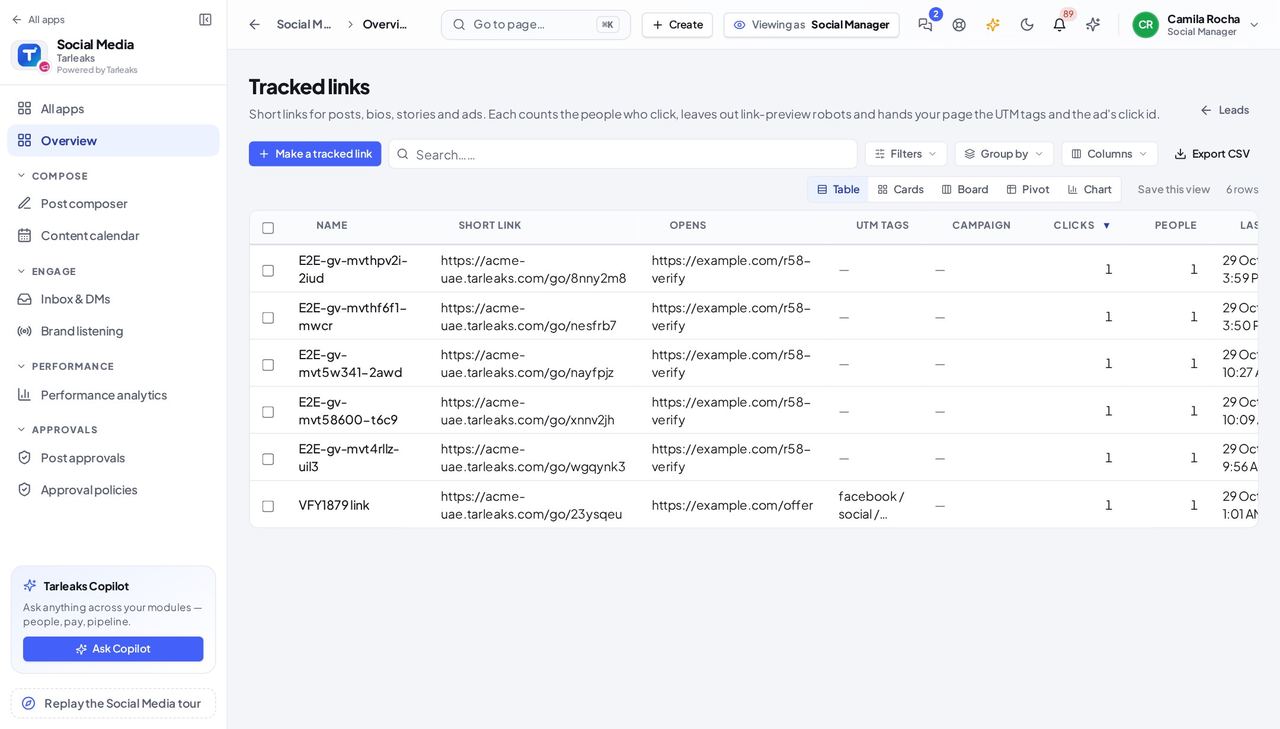
How it is worked out Clicks counts every click except the robots that build link previews. One visitor clicking again within 10 seconds counts once. People counts visitors, each recognised for one day.
Check it like this Open the link: the clicks per day for the last 30 days add up to Clicks for a link younger than 30 days.
If it disagrees People is not unique people for all time: somebody coming back on another day is counted again.
An import's answer #
Where Social » Leads » Import a lead file
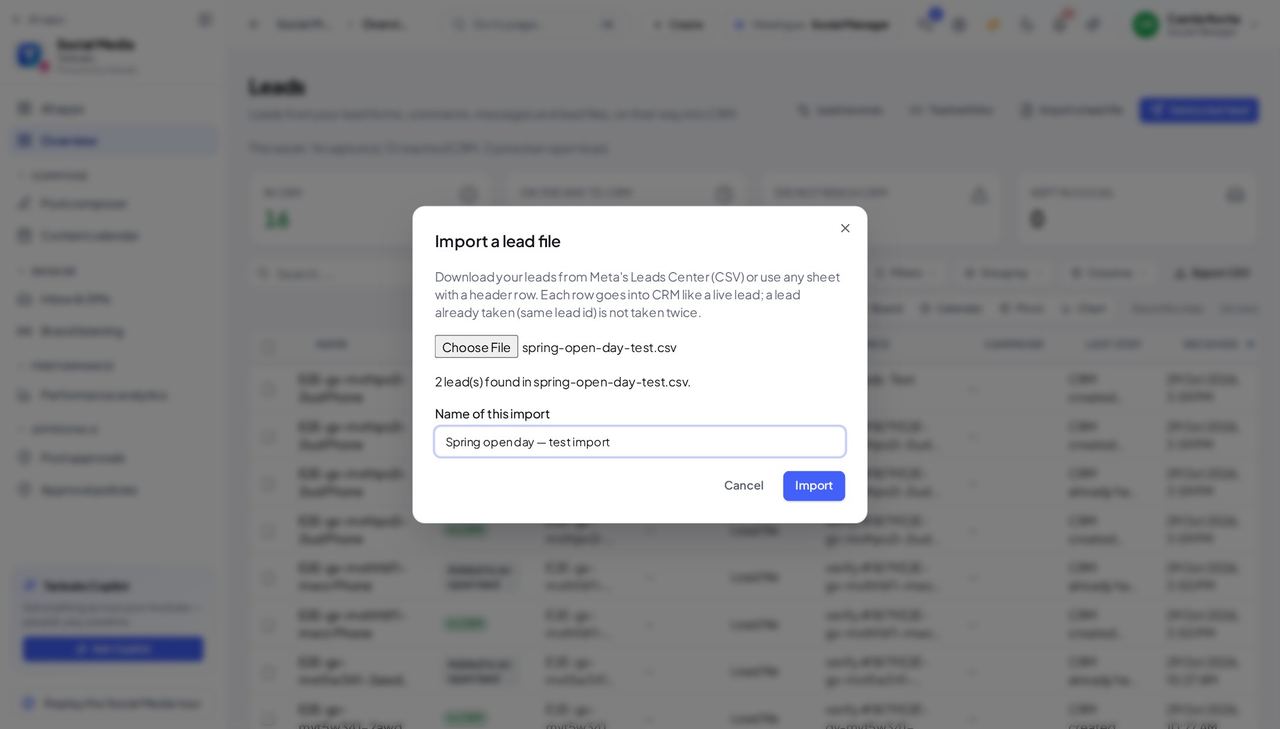
How it is worked out New, already taken and skipped add up to the rows taken from the file — at most the first 500.
Check it like this Compare the three numbers with the count of leads found shown before Import.
If it disagrees A file over 500 rows was cut, and the rows past 500 are in none of the three numbers. The box says so before you press Import.
Faster ways to do the same work
| What you want | How |
|---|---|
| Reach Lead sources and Tracked links without the menu | Press ⌘K (or Ctrl K) and type Lead sources or Tracked links. In the menu they are buttons at the top of Leads. |
| Test one source rather than the whole path | Test on the source's row sends a test lead through that source, under its campaign — straight away, with no form to confirm. |
| Read a lead form now rather than waiting | Read now on a lead form's row asks Facebook for its new leads straight away. |
| Stop a source without losing its leads | Pause it. A source that captured leads cannot be deleted, so their history stays. |
| Send a colleague exactly the list you are looking at | Copy the address bar. The tile you clicked and your search are written into it. |
| Copy a short link without opening it | Copy on the link's row puts it on your clipboard. |