Payroll Manager (in accounting) — Finance guide
See exactly what payroll touches in the accounts — and nothing else.
Sees only what payroll needs from the ledger — the accounts it posts to and the reports that show the cost. Payables and receivables are closed to this role.
What you will be able to do
- Find the accounts a pay run posts to
- Read the trial balance and profit and loss
- Check payroll cost where the business reads it
- Stay clear of supplier and customer money
What this role can and cannot do
| Can | Cannot |
|---|---|
|
|
4 steps, each one carried out in the product on .
Check what your sign-in can do #
Where Your name, top right » Profile
- Open your company's address in the browser — it looks like yourcompany.tarleaks.com.
- Type the e-mail address your administrator set up for you, then your password.
- You land on the app launcher: a grid of the apps your company uses.
- Click your name, top right.
- Choose Profile.
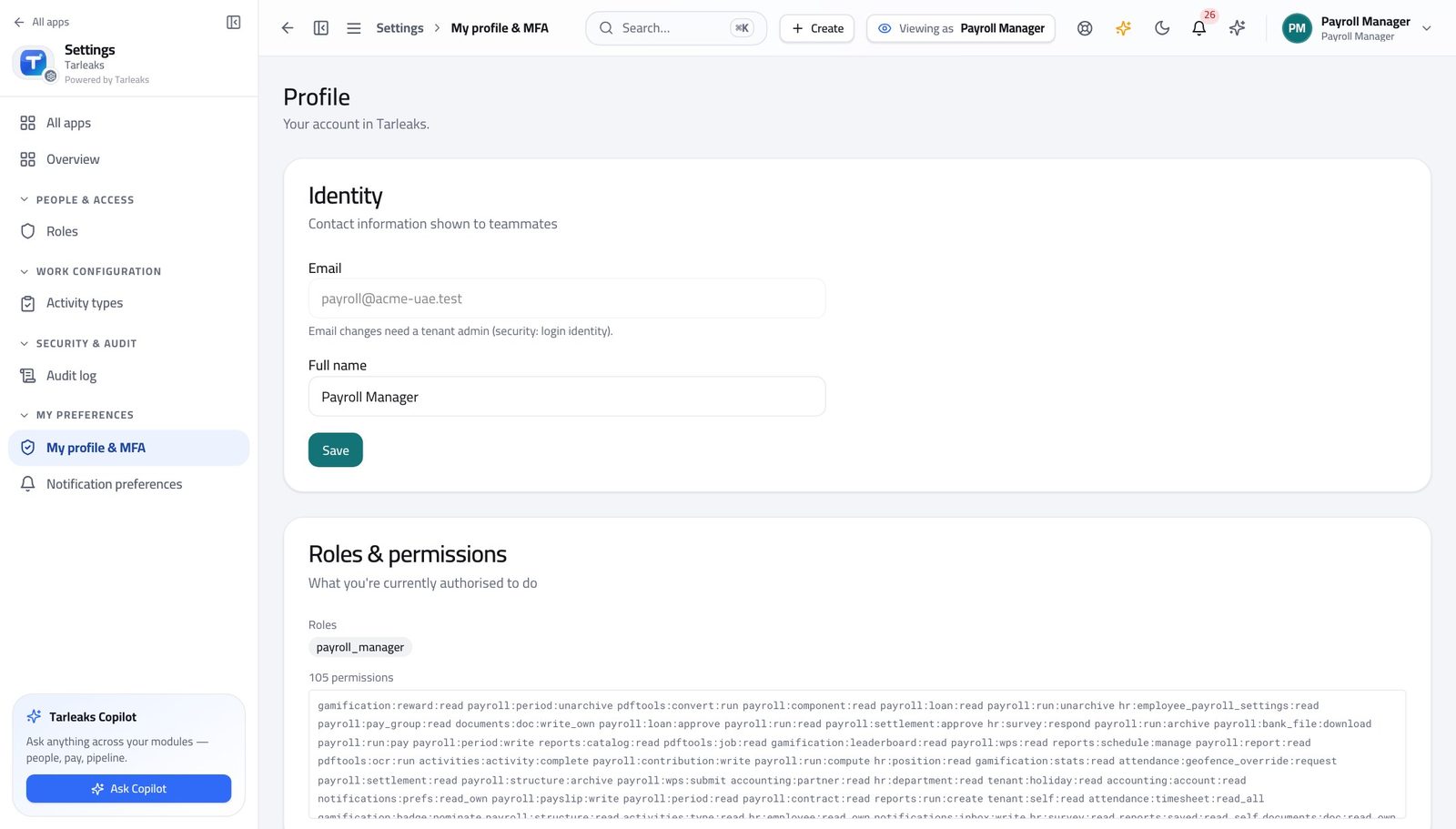
You should see It says Payroll Manager. In finance you can read the accounts and the reports — supplier and customer money is closed to you.
Find the accounts pay runs post to #
Where Finance » Chart of accounts
- Open Finance, then Chart of accounts.
- Search for salary, or open the expense branch.
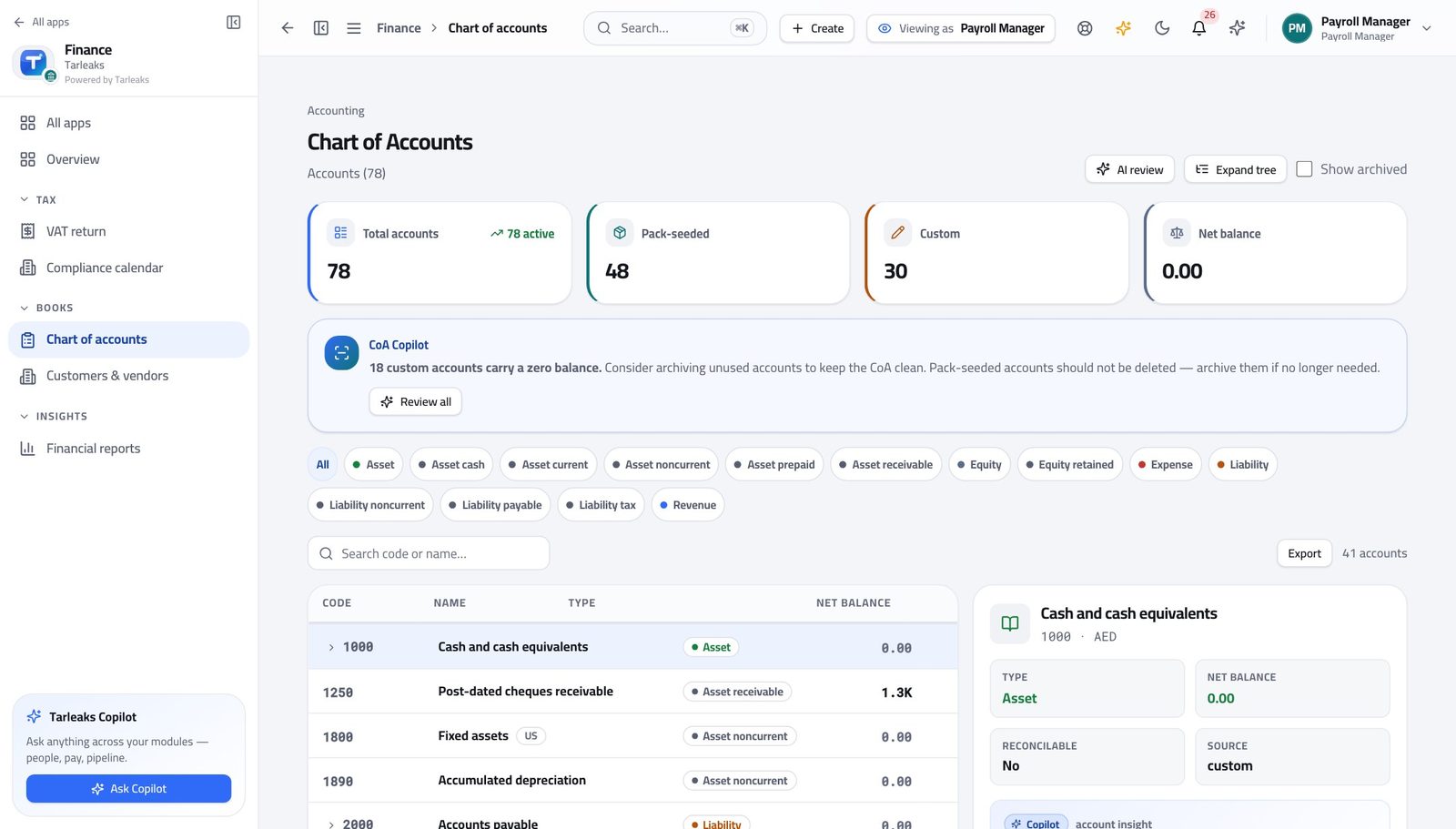
You should see You can check the mapping before a pay run rather than after it.
See payroll cost where the business reads it #
Where Finance » Reports
- Open Reports.
- Read the trial balance, then switch to Profit & Loss.
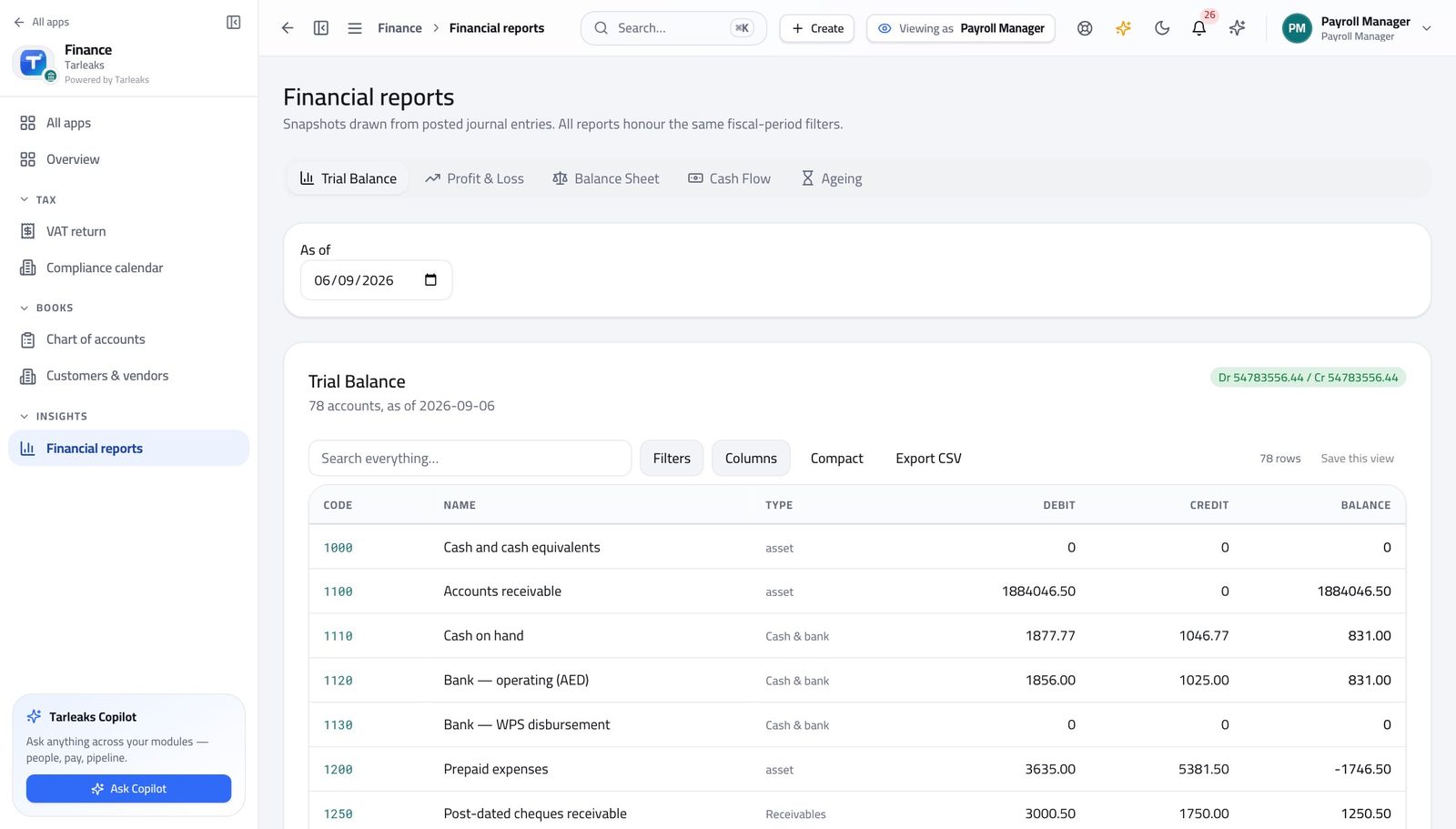
You should see The cost of people appears in the same statements everyone else uses — no separate spreadsheet.
Supplier bills are closed to you #
Where Finance » Payables
- Look at the left menu under Finance.
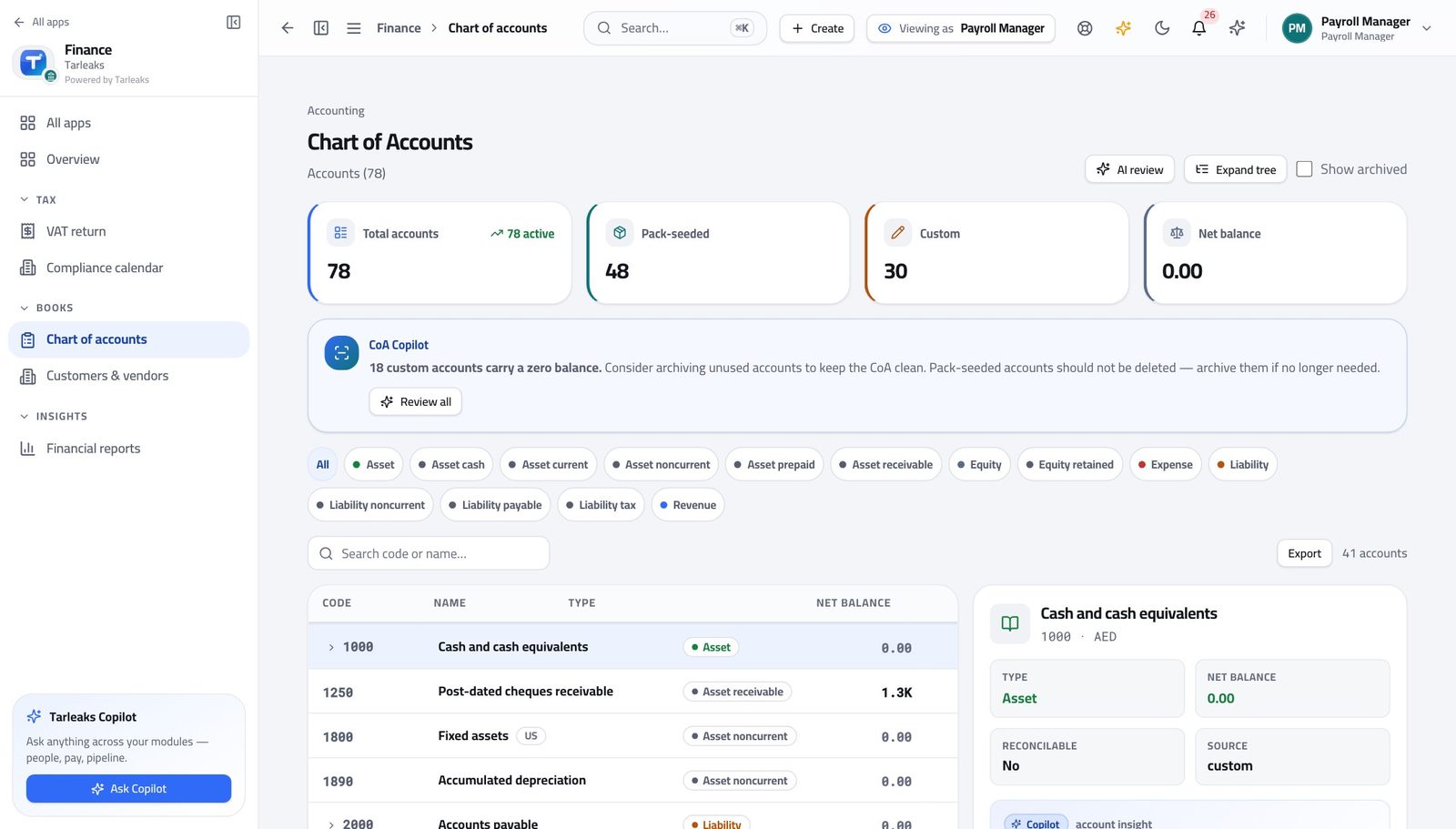
You should see Responsibility for salaries does not extend to what the business owes its suppliers.
Use cases — the work, step by step
Each one is a sequence somebody actually performs, with the screen behind every step. Every screen here was opened in the product as this role before it was published.
monthlyConfirm the payroll journal landed — once #
Two entries for one run means something was re-posted. Zero means the run never reached posted.
Check the accounts payroll posts to still exist and are not archived.
Finance » Chart of accounts — verified: 41 row(s) listed Read the trial balance and the profit and loss where the business reads payroll cost.
Finance » Reports — verified: the page says “Trial Balance”
Salaries are sensitive in both directions. You can see the cost of people; you cannot see who the company owes for a delivery.