The the assistant calendar — who does what, and when
3 use cases across 2 roles, placed by when they happen. Each one opens as a numbered sequence with the screen behind every step — nothing here is advice we have not carried out in the product. Filter to your own role, or read it once to know what lands on your desk and from whom.
Nothing matches that. Try a shorter word, or pick Everyone.
Every day
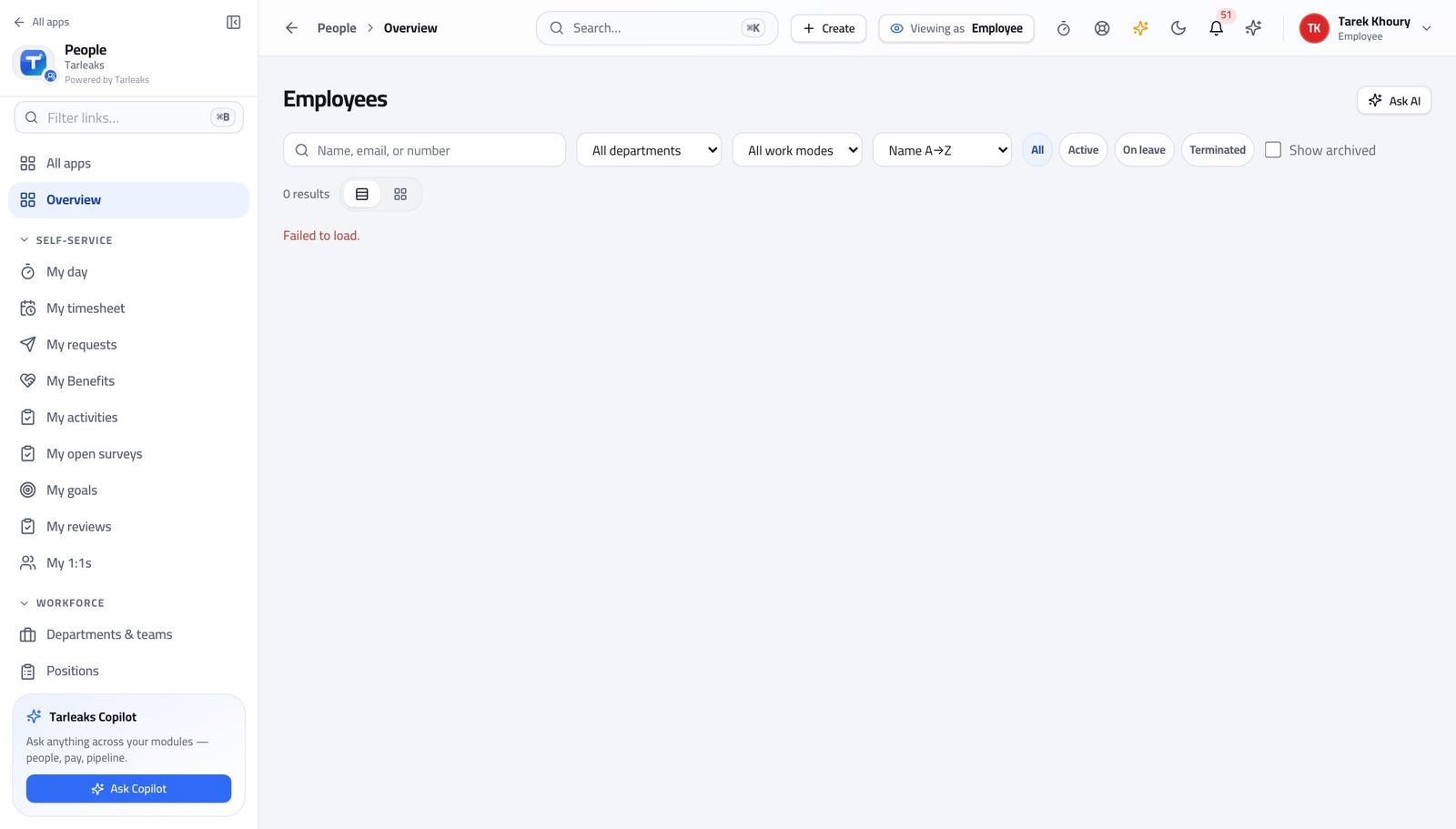
Anyone at workAsk about the screen in front of you
The assistant already knows which page you are on, so the question can be as short as you would say it out loud.
3 steps, each with the screen it happens on.
Every month
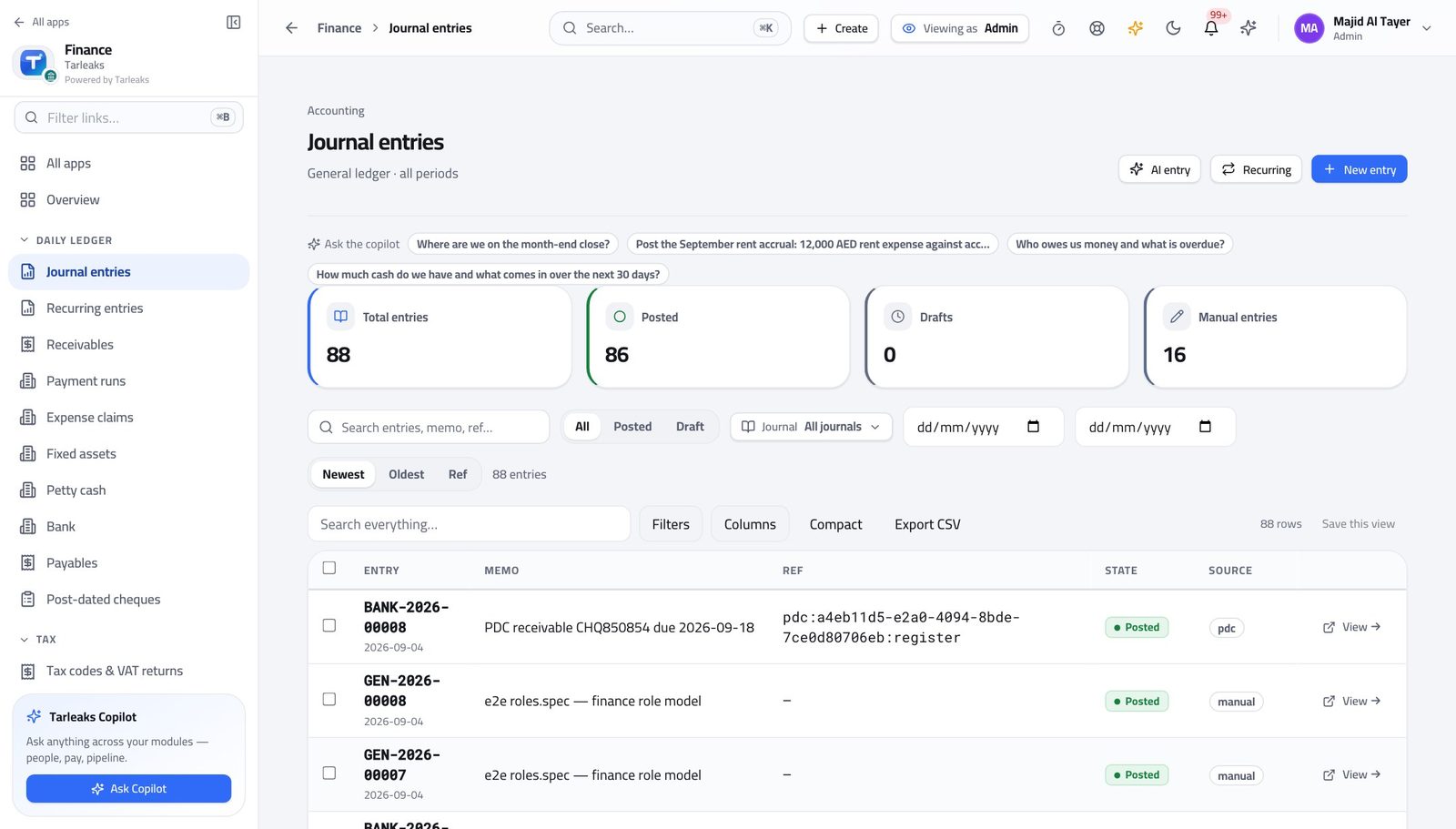
Tenant AdministratorShow a team the prompts written for their screens
A blank box is intimidating; a row of questions somebody already wrote is how people start using it.
2 steps, each with the screen it happens on.
Every year
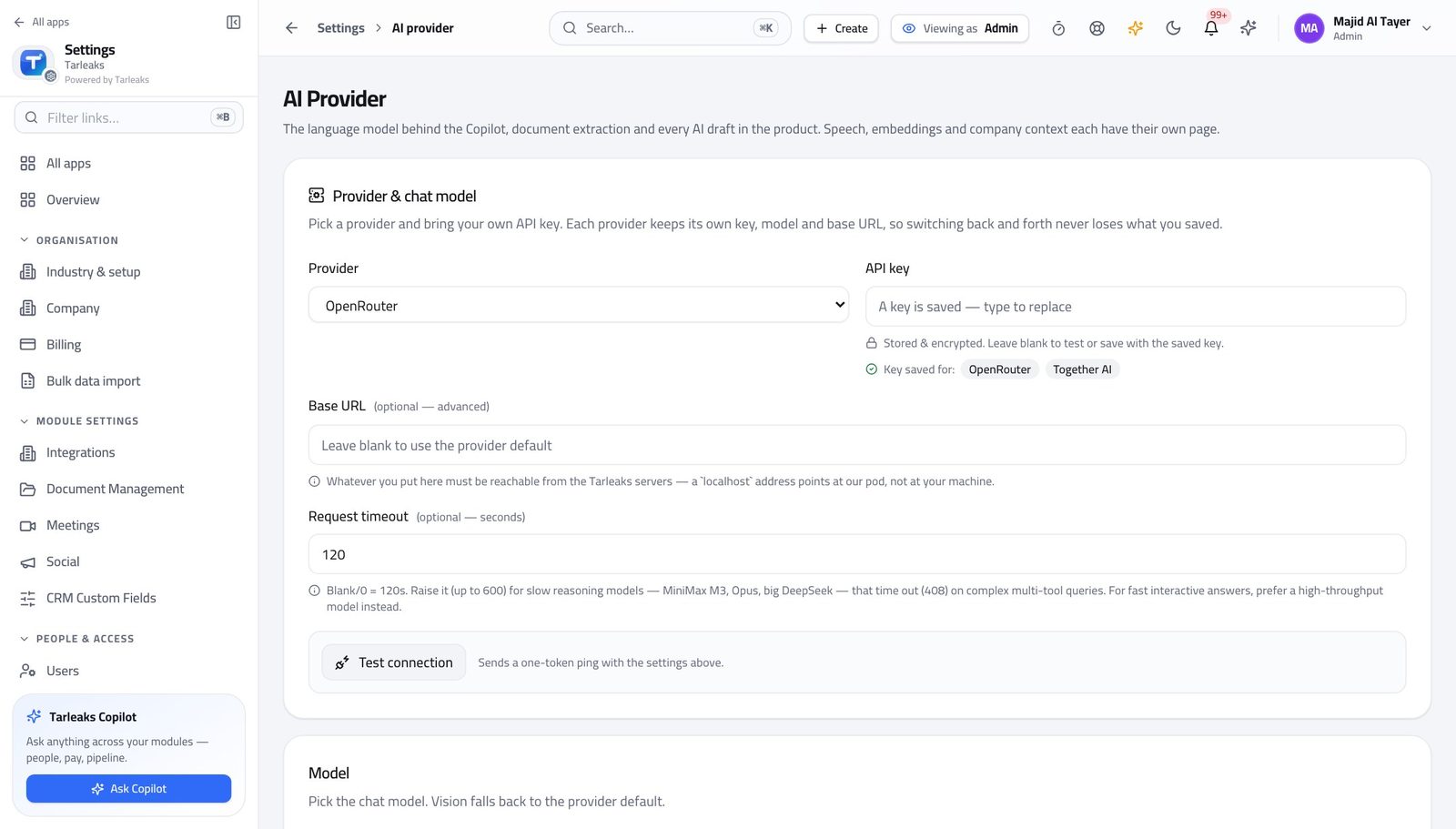
Tenant AdministratorPoint the assistant at your own AI account
The key is yours, the bill is yours, and the assistant answers inside each person's own permissions either way.
3 steps, each with the screen it happens on.
Handovers — who passes what to whom
Finance rarely breaks inside a job. It breaks at the join: a bill nobody approved, a receipt nobody allocated, a month closed before the tax agent had it.
| When this happens | From → to | What happens next |
|---|---|---|
| Somebody asks the assistant to do something | Any person → The module that owns it Any page » the assistant | The assistant calls the same tool the screen would, with that person's own permissions. It cannot widen anybody's access by a single record — a refusal from the assistant is the product refusing, not the model. |
| The assistant is asked for something destructive | Any person → The person The assistant panel | It asks for confirmation rather than acting, and names what it is about to do. Read the confirmation. It is the same action you would have clicked. |