Approver — the register guide
What is waiting on you, in one list, with enough to decide on.
Decides. Sees what is waiting on them, approves or refuses it with a reason, and hands it on when they are away.
What you will be able to do
- See every approval addressed to you — by name, by department or by post
- Approve, or refuse with a reason the author can act on
- Hand your decisions to somebody else while you are away, for a fixed period
What this role can and cannot do
| Can | Cannot |
|---|---|
|
|
5 steps, each one carried out in the product on .
Everything waiting on you #
Where Correspondence » My queue
- Open My queue.
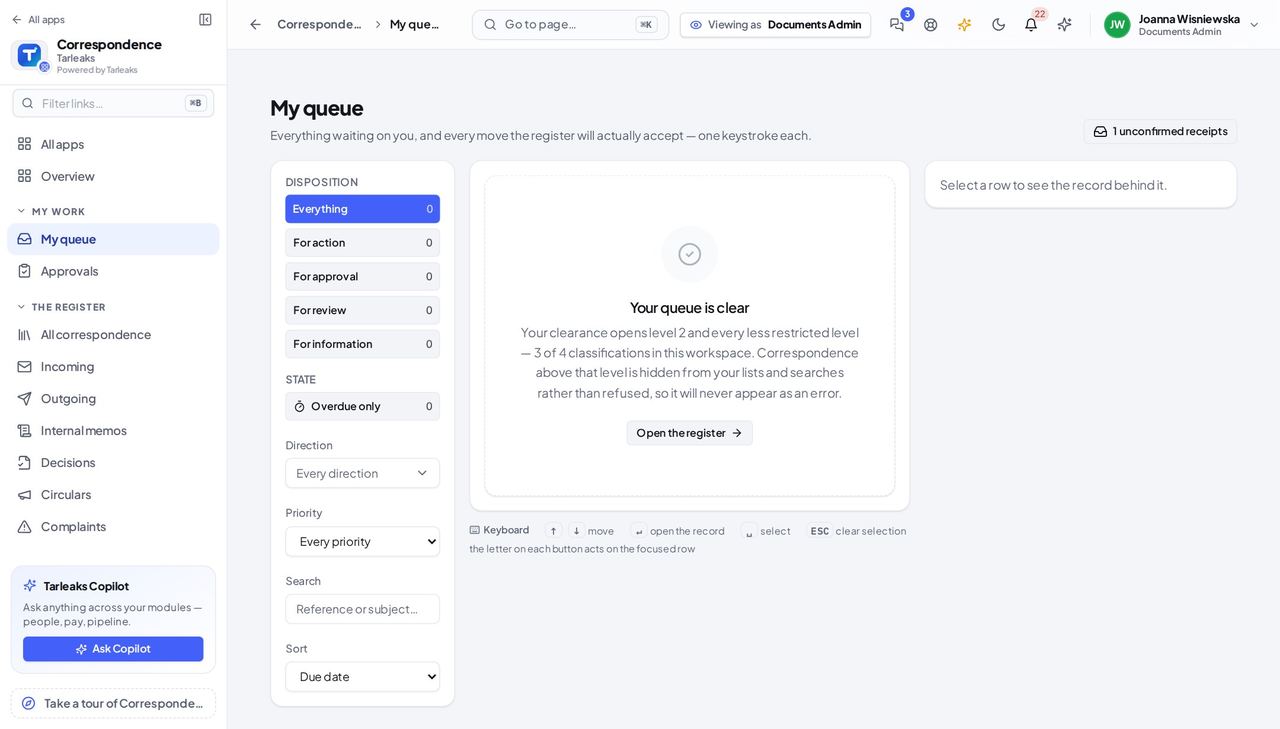
You should see Approvals addressed to you by name, to a department you manage, and to a post you hold — all three in one list.
Decide, with a reason #
Where Correspondence » Approvals
- Sidebar » Approvals.
- Open the letter.
- Read it, then Approve or Refuse.
- If you refuse, say what needs to change.
| Field | What to put in it |
|---|---|
| Decision | Approve, refuse, or send back for changes |
| Reason | Required on a refusal — it is what the author acts on |
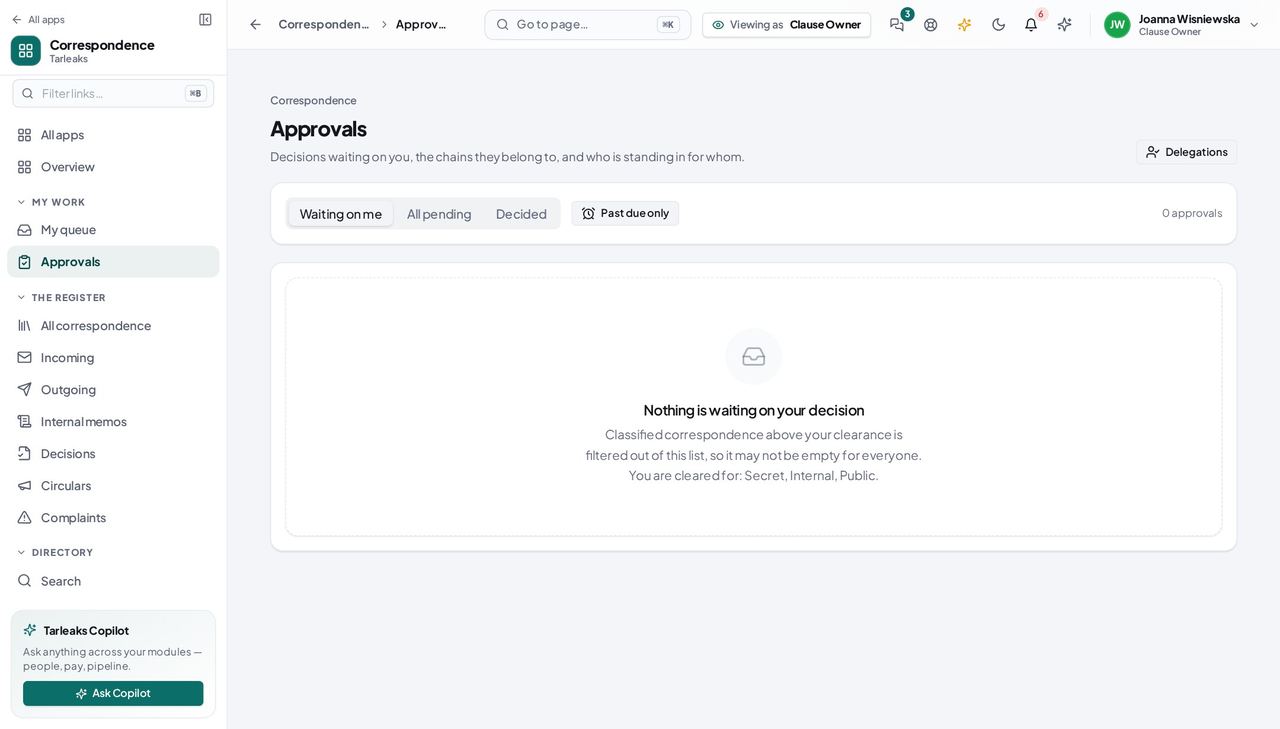
You should see A refusal without a reason is a dead end for whoever wrote the letter, so the register asks for one.
Worth knowing Decide here, not from the letter's own status menu — this is the door that records who decided, in what order, and why.
Hand your decisions on while you are away #
Where Correspondence » Approvals » Delegations
- Open Delegations and name who stands in for you, from when until when.
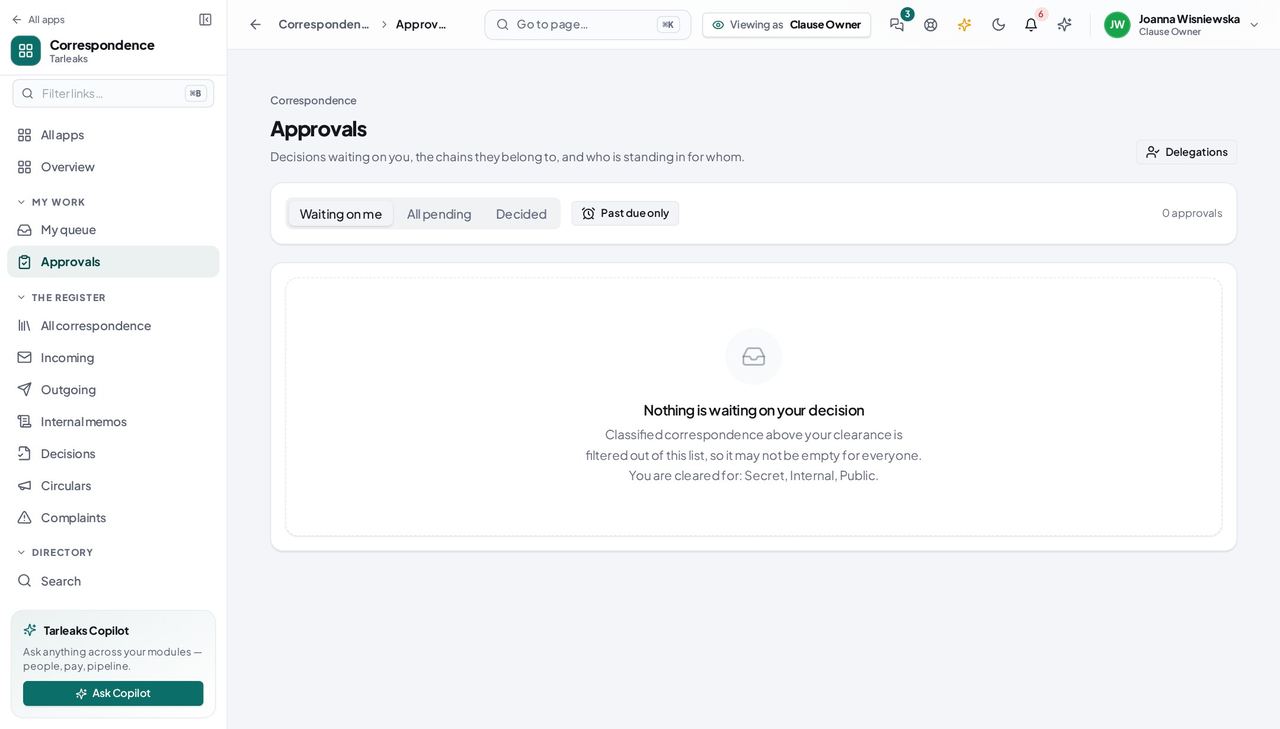
You should see Time-boxed and revocable: it ends on the date you set, and you can end it sooner.
You do not write what you decide on #
Where Correspondence » Outgoing
- Open Outgoing and look for a New letter button.
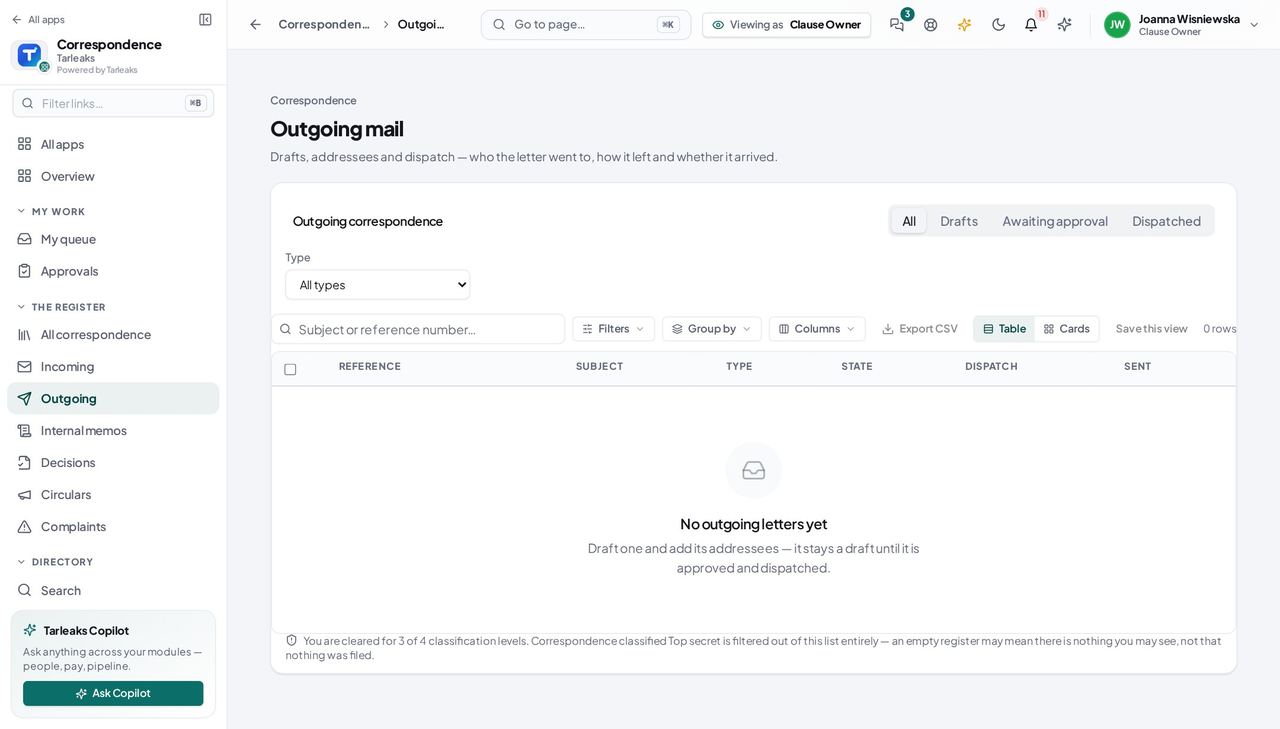
You should see Deciding and drafting are separate roles, so the button is absent rather than present and refusing.
Search with the filters you may use #
Where Correspondence » Search
- Open Search and click Filters.
- Narrow by direction, state, type, priority, classification, tags, owner or dates.
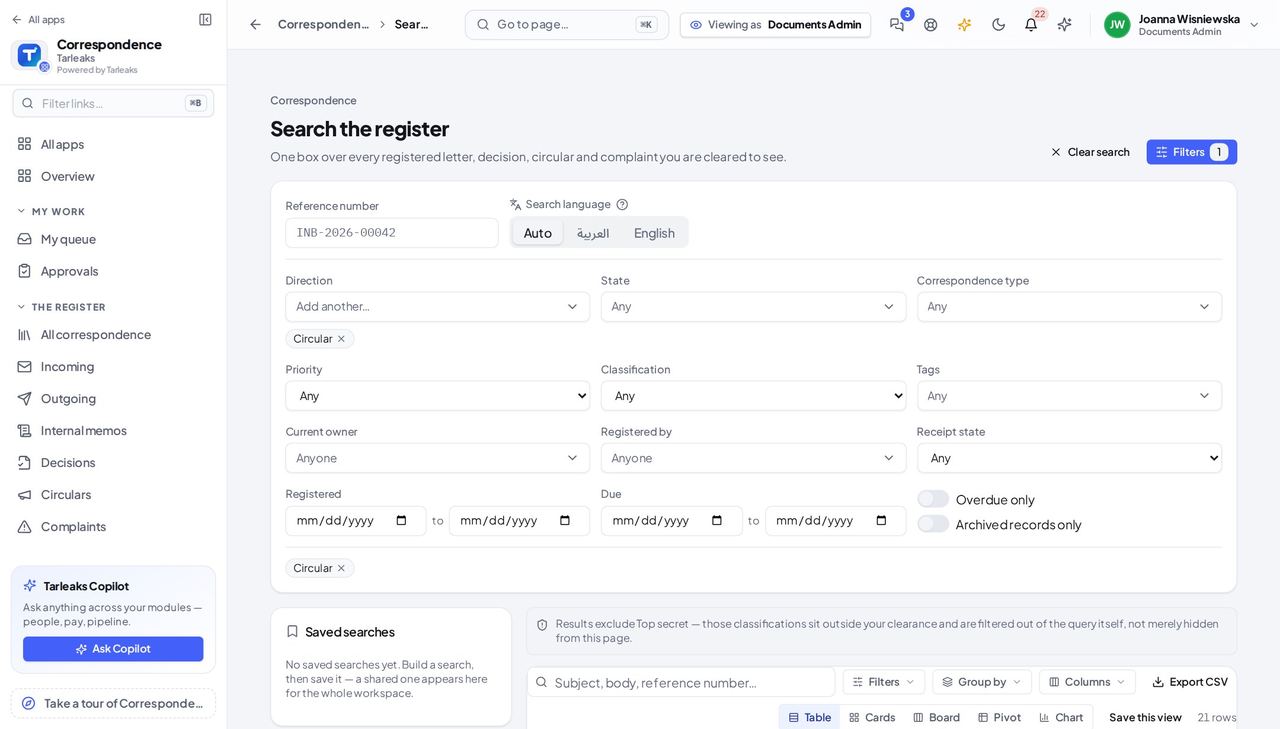
You should see There is no Party filter: listing the party register is not part of your role, so the panel neither shows the filter nor asks the server for a list it would refuse.
Use cases — the work, step by step
Each one is a sequence somebody actually performs, with the screen behind every step. Every screen here was opened in the product as this role before it was published.
dailyDecide what is waiting on you #
Everything in this list is somebody else's work, stopped until you look at it.
Open My queue: approvals addressed to you by name, to a department you manage, and to a post you hold.
Correspondence » My queue — verified: the page says “queue” Open one and decide. If you refuse, say what needs to change — that sentence is what the author acts on.
Correspondence » Approvals — verified: the page says “Approvals”
before any absenceGo on leave without stopping the register #
An approval with nobody able to decide it is a letter nobody can send.
Open Delegations and name who stands in for you, from when until when.
Correspondence » Approvals » Delegations — verified: the page says “Approvals” Check the queue once before you go: anything already assigned to you personally still needs deciding or delegating.
Correspondence » My queue — verified: the page says “queue”
A refusal without a reason is a dead end for the person who wrote the letter, so the register asks for one.