Correspondence Officer — the register guide
Write it, get it approved, send it — and have the register know all three happened.
Writes outgoing letters, memos, decisions and circulars — and sends them for approval before they leave the building.
What you will be able to do
- Draft an outgoing letter and register it for a number
- Name who must approve it, and see what they decided
- Dispatch it and record how it went out
- Write memos, decisions and circulars in the same register
What this role can and cannot do
| Can | Cannot |
|---|---|
|
|
6 steps, each one carried out in the product on .
Draft what is going out #
Where Correspondence » Outgoing
- Open Outgoing and start a new letter.
- Add the addressees; a draft has no number yet.
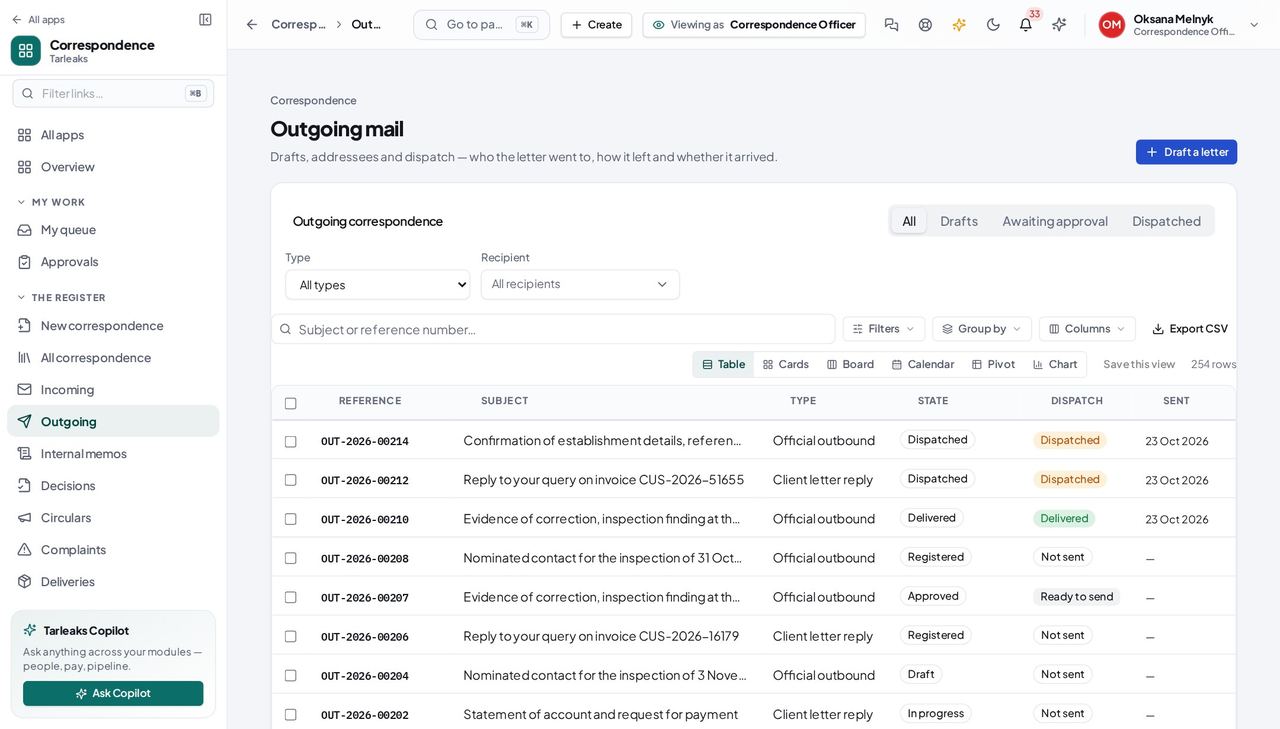
You should see Drafts, letters awaiting approval and dispatched letters, in one list.
Register it for a number #
Where a draft » Register
- Open your draft and choose Register.
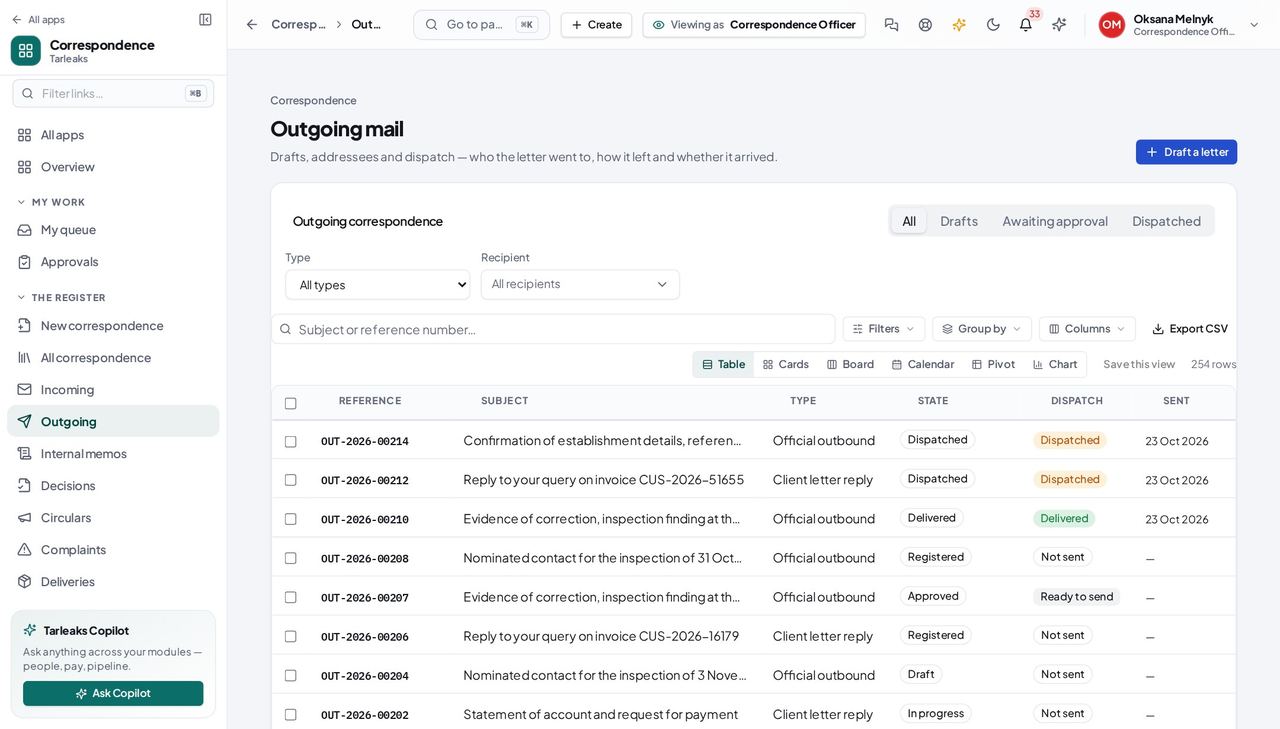
You should see OUT-2026-000NN — the number everybody quotes from here on, minted from the sequence for that direction.
Say who must approve it #
Where a letter » Request approval
- Open your registered letter.
- Choose Request approval.
- Search for the person who must decide and pick them.
- Add a note saying what you want them to look at.
- Send.
| Field | What to put in it |
|---|---|
| Approver | The person who decides — search by name |
| Note to the approver | What you want them to check |
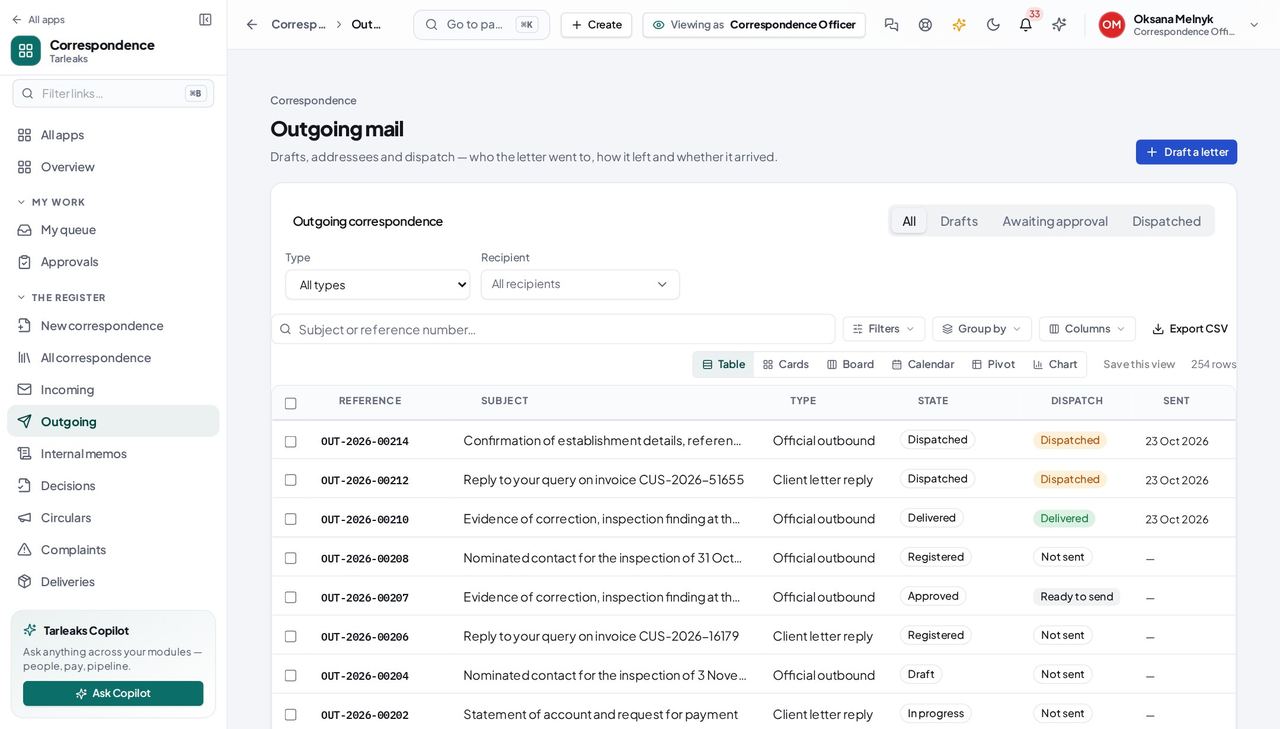
You should see Naming the approver is what makes the letter appear on their desk. Without it the letter would sit in 'awaiting approval' with nobody able to reach it.
Watch out Do not use the status menu to mark it approved. That door is closed on purpose: it would skip the person you named and the order they decide in.
Worth knowing If the dialog says the letter is already with somebody, look at Approvals — it has been raised once already.
See what they decided #
Where Correspondence » Approvals
- Open Approvals.
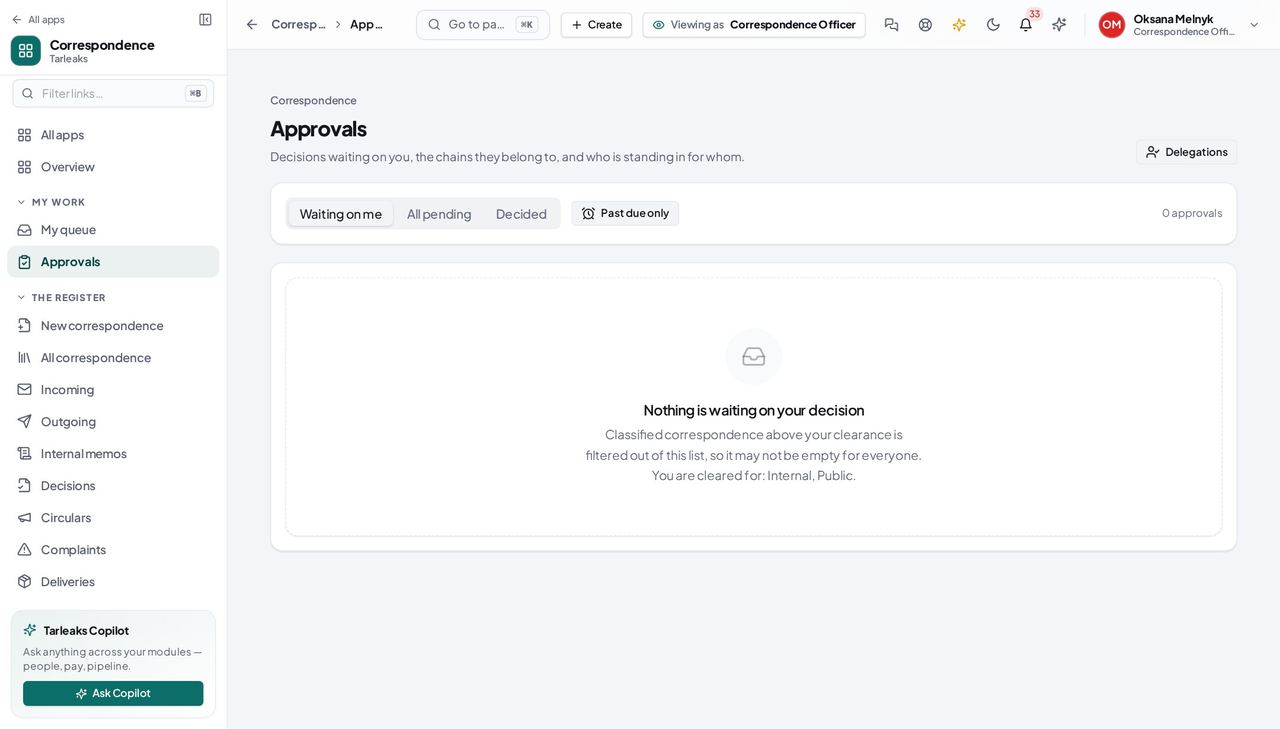
You should see Who has each letter, and what they said — including the reason behind a refusal, which is what tells you what to change.
Memos and decisions are the same register #
Where Correspondence » Memos
- Open Memos, or Decisions, or Circulars.
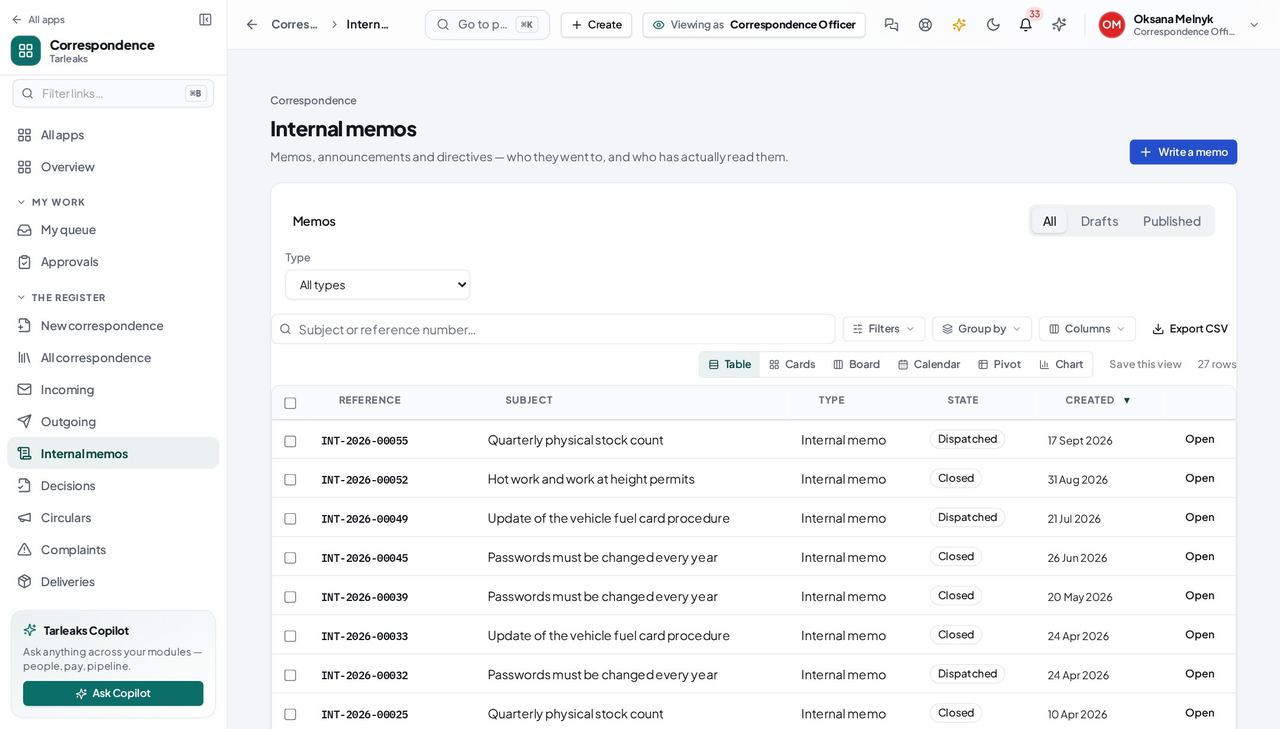
You should see An internal note is a registered record too: numbered, classified, retained and searchable like everything else.
You do not approve your own letter #
Where your own letter, awaiting approval
- Open a letter you sent for approval and look for Approve.
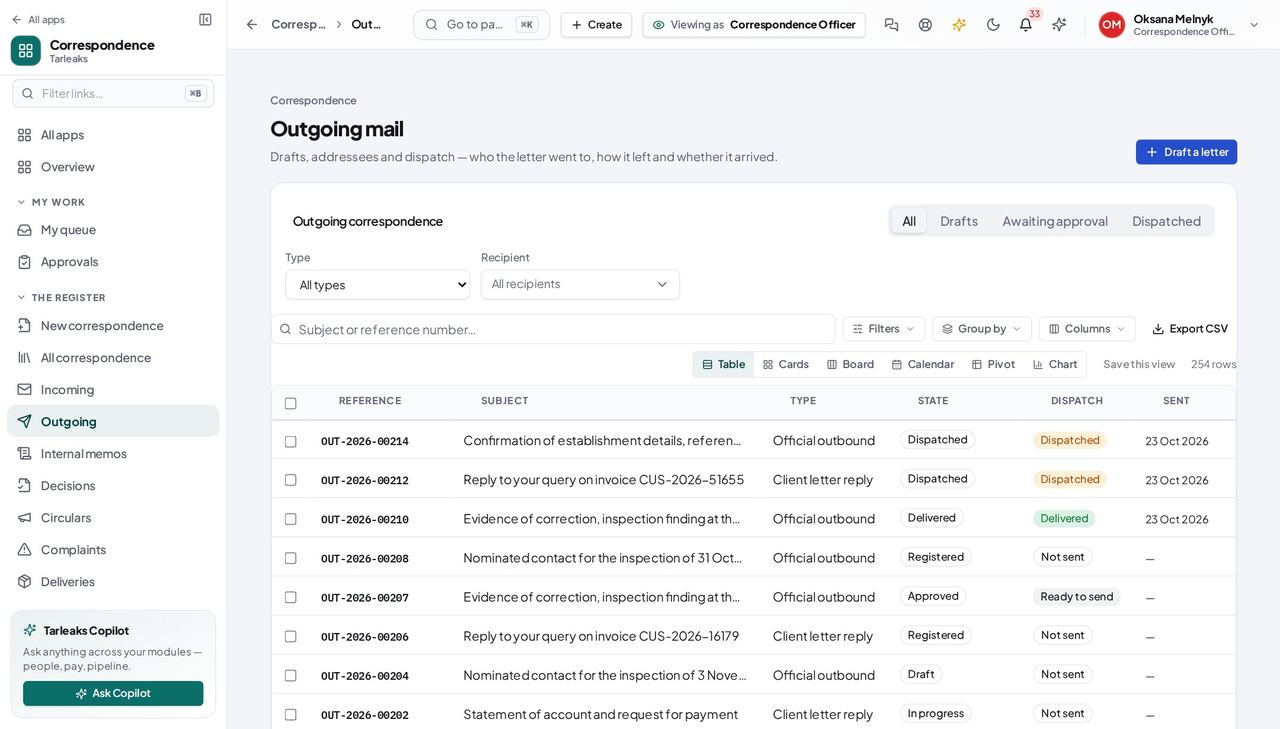
You should see The person who asks is not the person who decides. That is the whole point of the step, and the register records both sides of it.
Use cases — the work, step by step
Each one is a sequence somebody actually performs, with the screen behind every step. Every screen here was opened in the product as this role before it was published.
dailySend a letter out of the building #
This is the whole job, and every step of it is recorded — which is what makes the register worth keeping.
Draft it in Outgoing and add the addressees.
Correspondence » Outgoing — verified: the page says “Outgoing” Register it. That is when it gets its number — the one everybody will quote from here on.
a draft » Register — verified: the page says “Outgoing” Send it for approval, and NAME who must approve it. That is what puts it on their desk.
a letter » Request approval — verified: the page says “approval” Watch for the decision. If it comes back refused, the reason tells you what to change.
Correspondence » Approvals — verified: the page says “Approvals”
occasionallyIssue a circular to the whole organisation #
A circular is the one record whose entire purpose is to reach people who have nothing else to do with it — so its audience is the thing to get right.
Draft it in the same register as everything else.
Correspondence » Memos — verified: the page says “Memo” Build its audience from named people, departments and roles — or publish it to everyone.
Correspondence » Memos — verified: the page says “Memo”
You do not approve your own work. That is not a limitation of the screen — it is the separation the register exists to record.