Mailroom Clerk — the register guide
Every envelope that arrives is on the register within a minute, and on somebody's desk.
The counter. Registers incoming mail, routes it to the right desk, and records what was delivered where.
What you will be able to do
- Register incoming mail and get a reference number back
- Send it to a person, a department, or a post — whichever you actually know
- Record that it was delivered, and who signed
- Find last month's letter without remembering who had it
What this role can and cannot do
| Can | Cannot |
|---|---|
|
|
9 steps, each one carried out in the product on .
Register what arrived #
Where Correspondence » Incoming
- Sidebar » Incoming.
- Click Register mail.
- Fill in the subject and choose who it is from.
- Save.
| Field | What to put in it |
|---|---|
| Subject | What the letter is about, as written on it |
| From | The organisation or person who sent it — pick from the directory |
| Type | Which brings the priority, classification and retention with it |
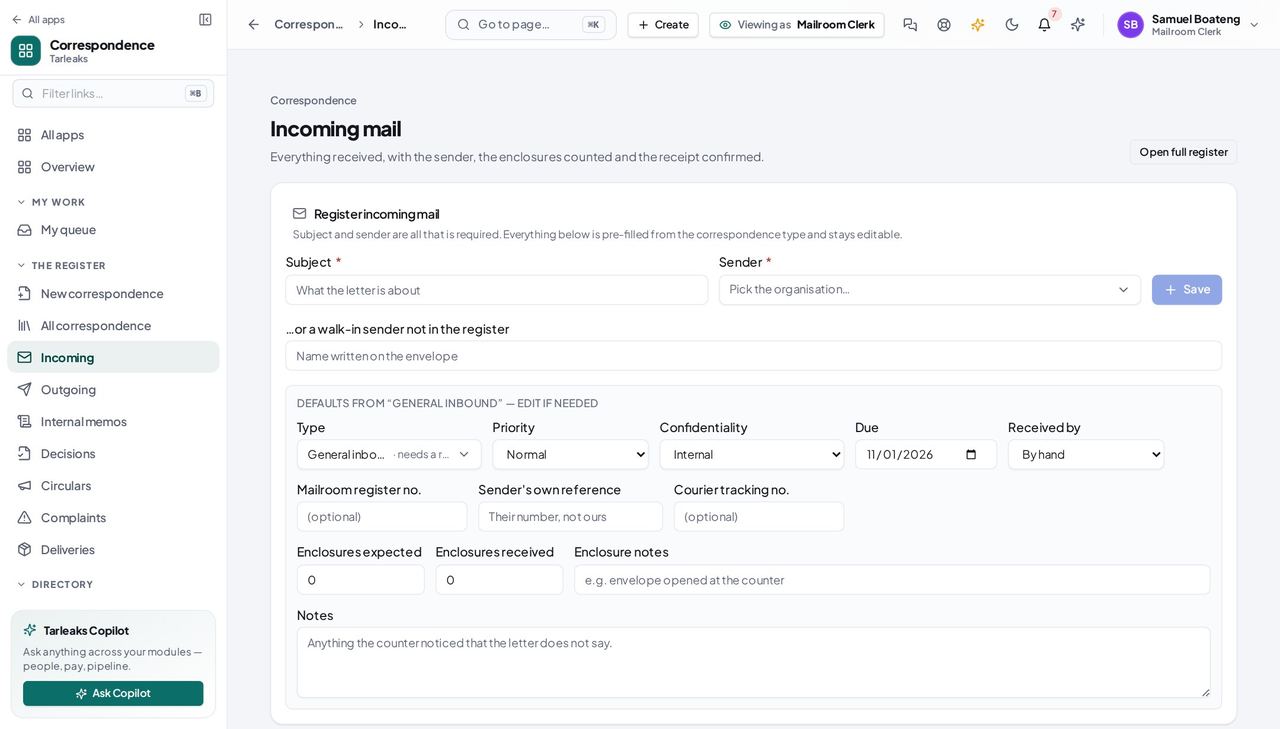
You should see The envelope is on the register before it leaves your desk.
Worth knowing Subject and sender are all it needs. Everything else — priority, classification, how long it is kept — comes from the type you pick.
Send it to the right desk #
Where a letter » Route
- Open the letter you registered.
- Choose Route.
- Pick a person, a department, or a post.
- Say what you want done: for action, for information, for review.
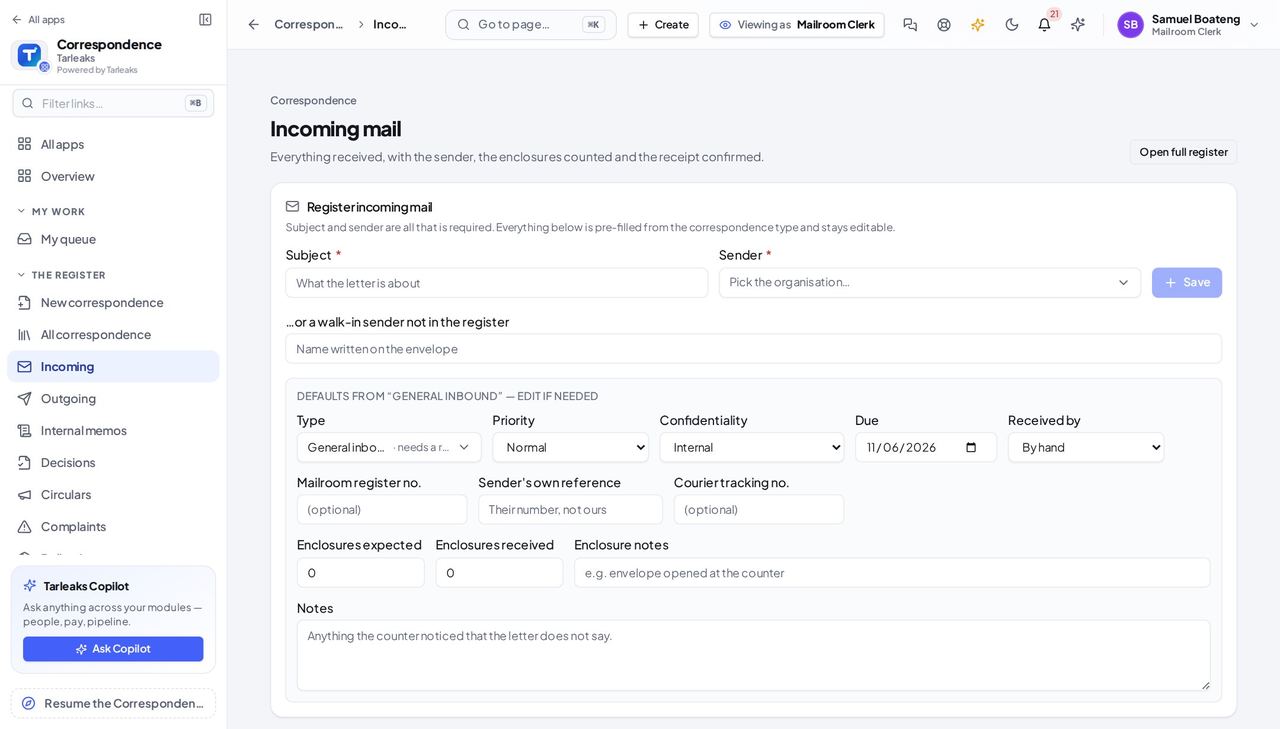
You should see All three reach somebody. Whichever you know is enough.
Watch out If you do not know who is in today, route to the POST — everybody holding that job will see it.
Worth knowing Routing to a post is the one to use when you do not know who is in today: everybody holding that job sees it.
Work down your own desk #
Where Correspondence » My queue
- Open My queue.
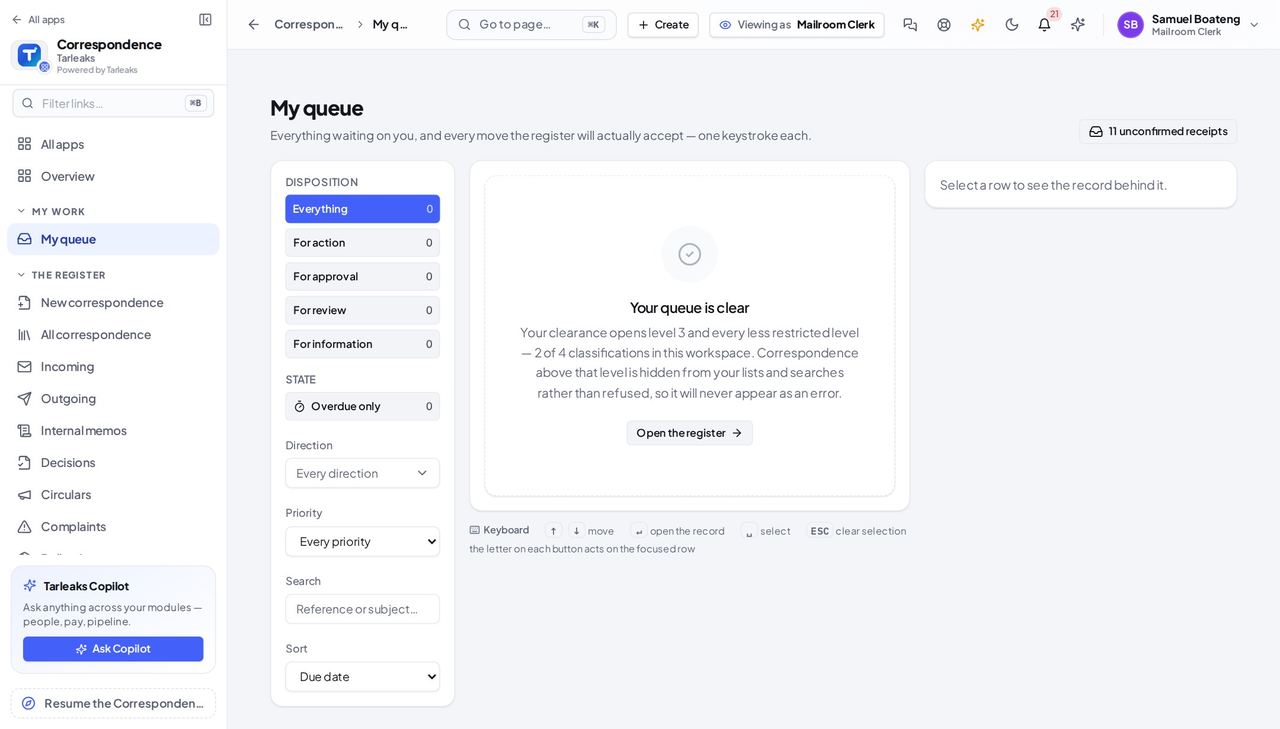
You should see What was routed to you, and what you owe somebody — with the tiles above counting exactly what the list below shows.
Record that it actually arrived #
Where Correspondence » Deliveries
- Sidebar » Deliveries.
- Add a leg for each recipient.
- Record the method and the tracking number.
| Field | What to put in it |
|---|---|
| Method | By hand, courier, registered post, e-mail |
| Tracking number | What the courier gave you |
| Delivered / Acknowledged | When it arrived, and when somebody signed |
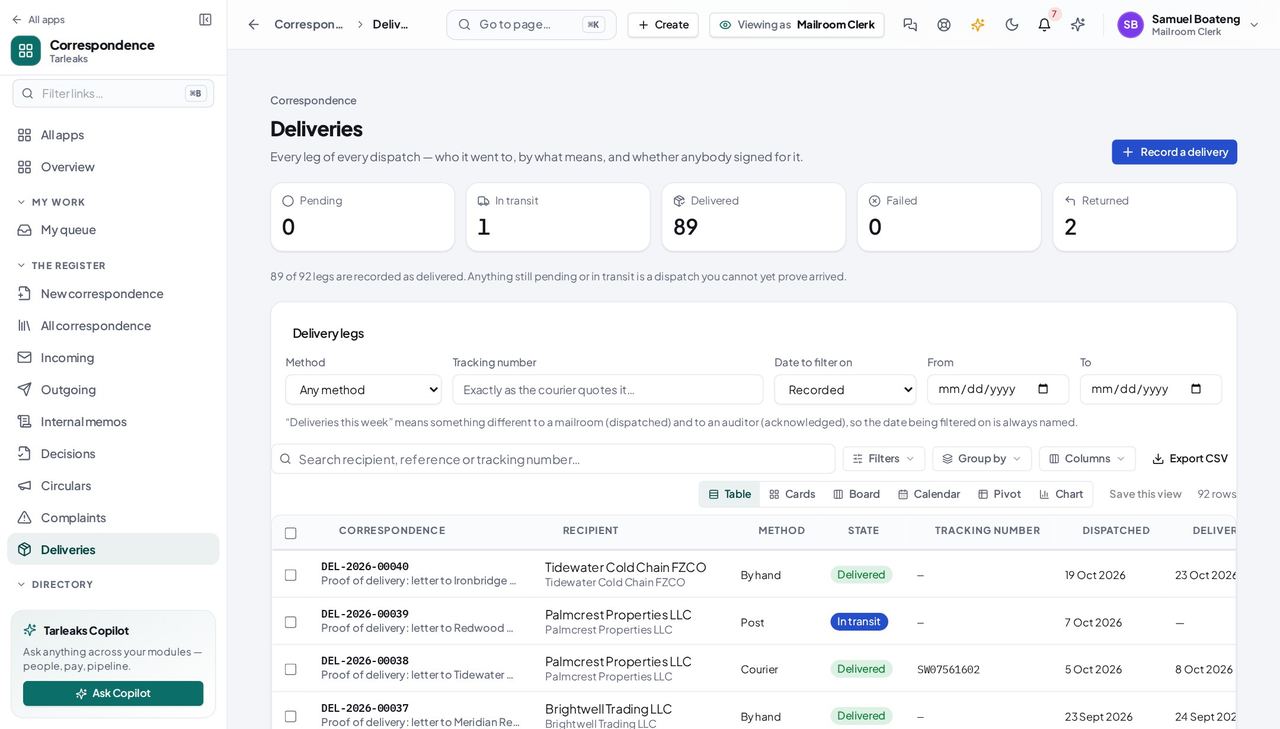
You should see This is what you show an auditor who asks whether the letter arrived.
Keep the directory correct #
Where Correspondence » Parties
- Open Parties and correct an address or add a body you have started receiving from.
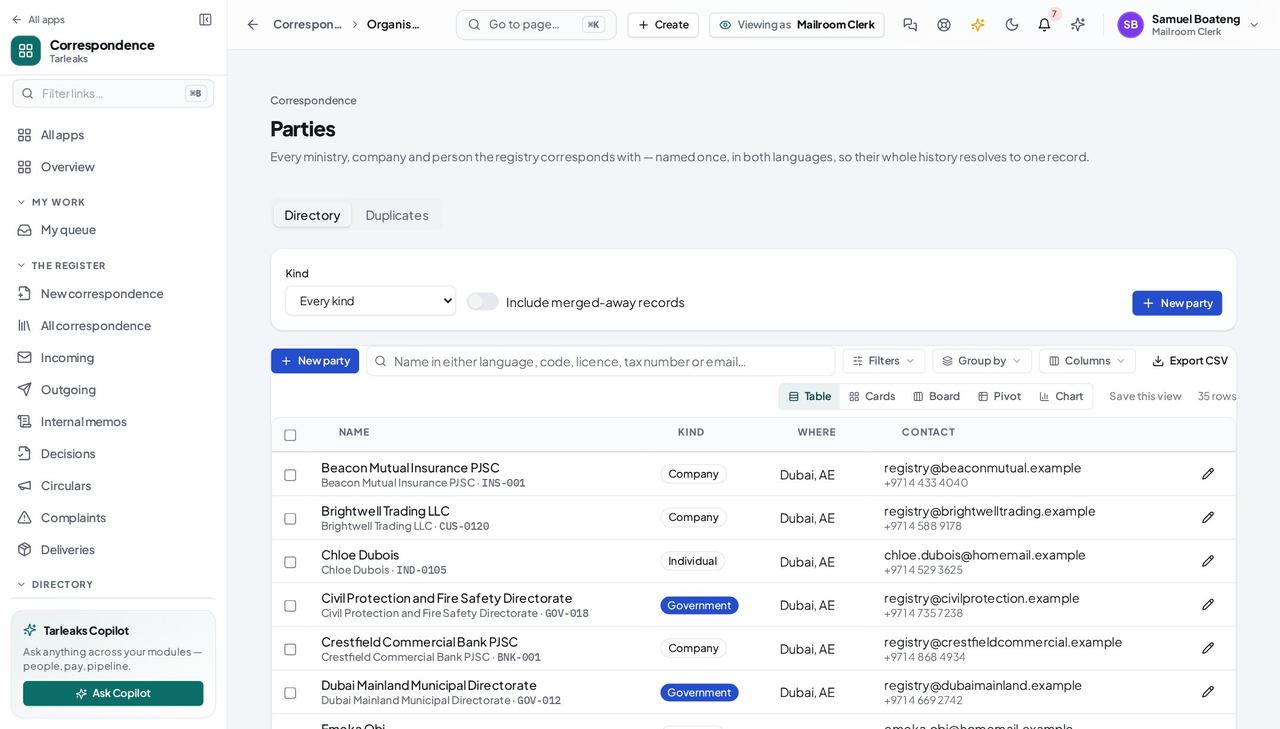
You should see You register mail from these organisations all day, so you are the person who notices when one has moved.
Retention is closed to you #
Where Correspondence » Archive
- Look for Archive or Retention in the sidebar.
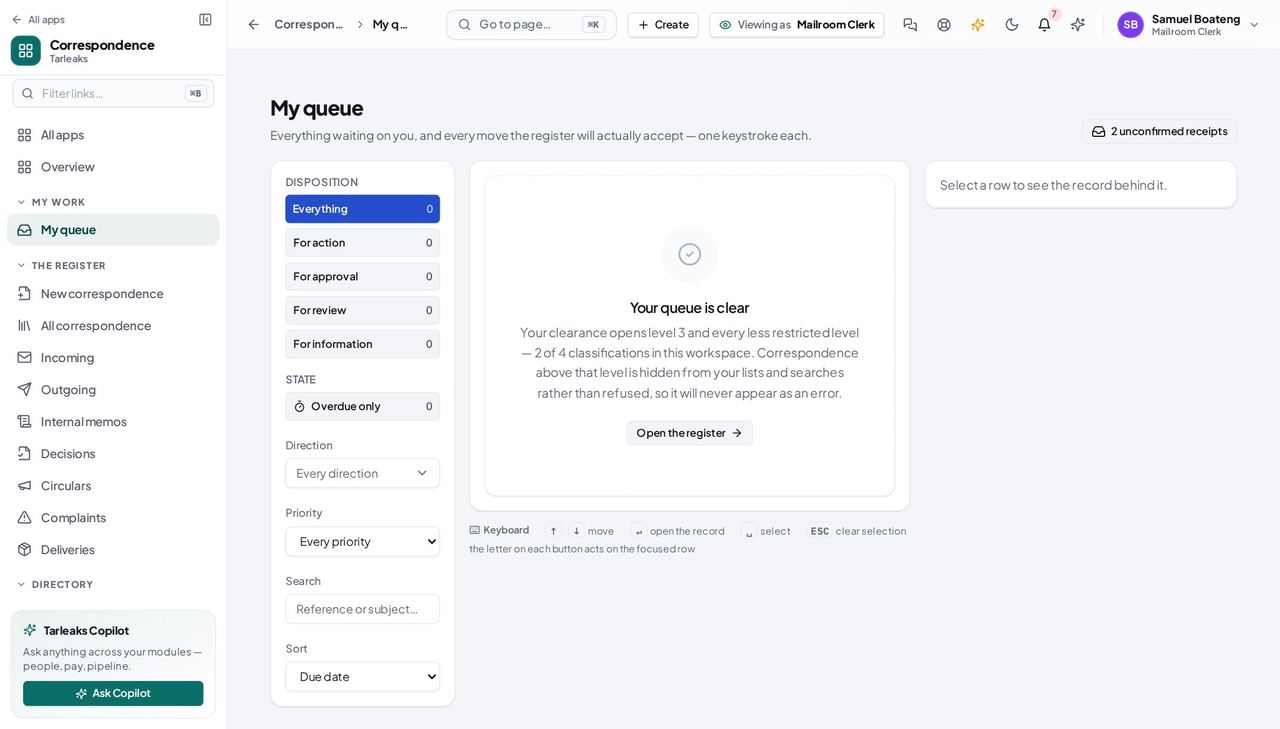
You should see You address envelopes. How long a record is kept, and when it is destroyed, is not a counter decision — so the screen is not there, rather than there and refusing.
So is the user list #
Where a Route-to picker
- Open a Route-to picker and read what it shows you.
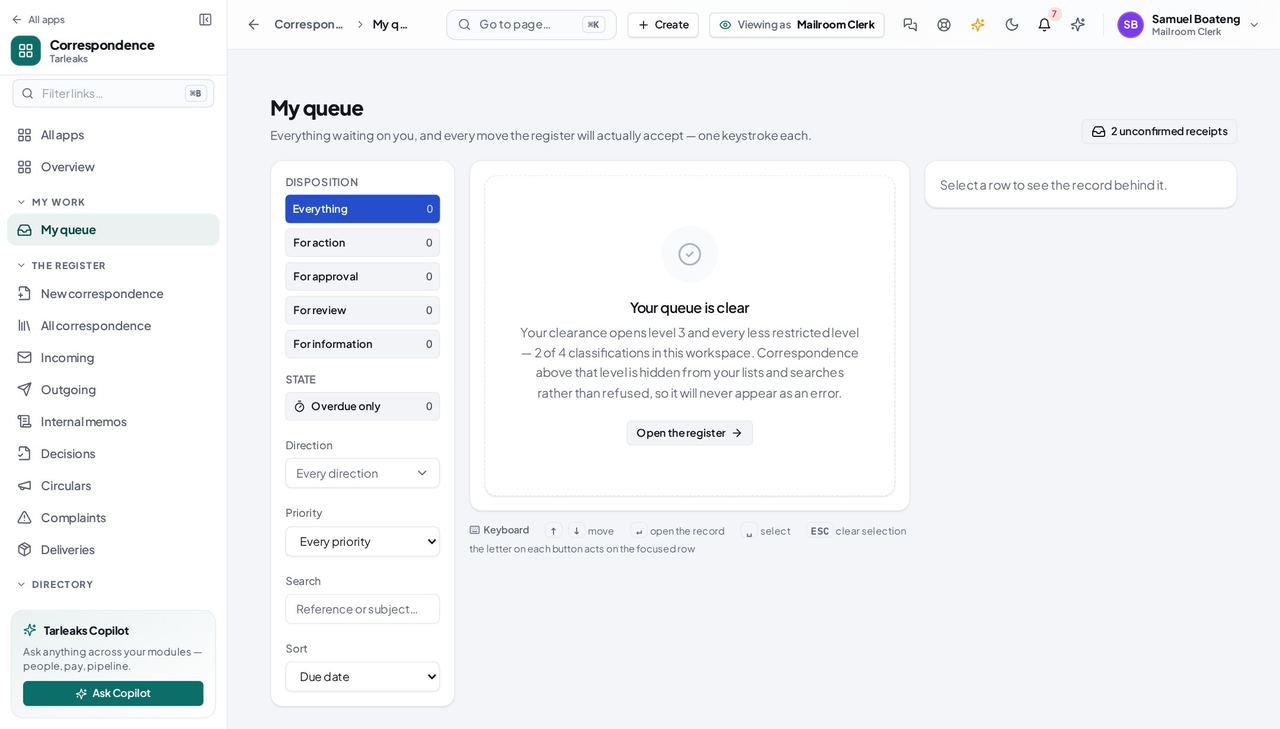
You should see Names and e-mail addresses — not who is locked out of their account and how many times they have failed to sign in. You need to address an envelope, not to audit a colleague.
Search finds what you are cleared for #
Where Correspondence » Search
- Search for a reference number you have not handled.
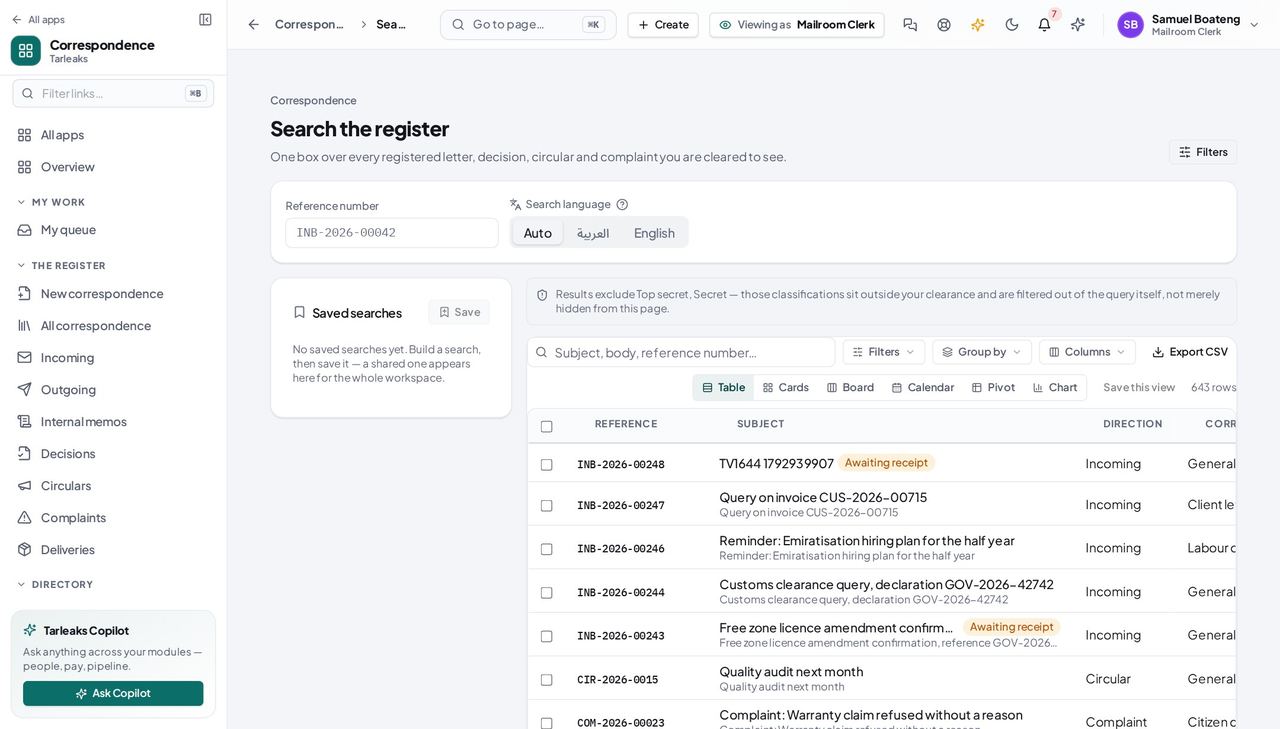
You should see Classified records you are not cleared for never appear — so a narrow search and a missing clearance look the same, and the page says so.
Letter templates belong to the people who write letters #
Where Correspondence » Settings » Templates
- Open Settings and click the Templates tab.
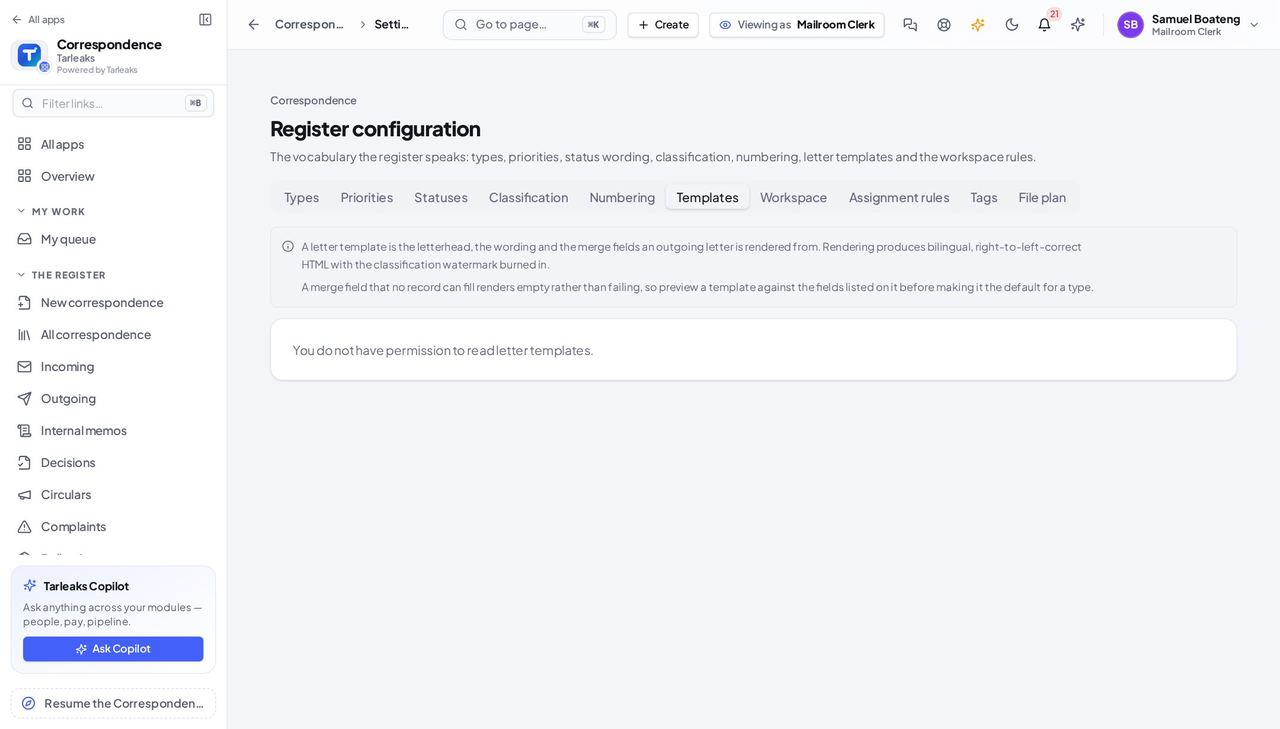
You should see The tab says you do not have permission to read letter templates — a plain answer instead of an empty list that looks as if the templates were lost.
Use cases — the work, step by step
Each one is a sequence somebody actually performs, with the screen behind every step. Every screen here was opened in the product as this role before it was published.
dailyPut the morning's post on the register #
A letter that is not on the register has no clock on it and nobody owns it. Registering it is what starts both.
Open Incoming and register the envelope: subject, who it is from, and the type. You get a reference number back.
Correspondence » Incoming — verified: the page says “Incoming” Send it to the right desk. If you know the person, name them; if you know the team, send it to the department; if you only know the job, send it to the post.
a letter » Route — verified: the page says “Incoming” Check your own queue afterwards — anything you kept is on it.
Correspondence » My queue — verified: the page says “queue”
whenever something goes out by hand or courierProve a letter arrived #
'We sent it' is not evidence. A delivery leg with a tracking number and a signature is.
Open Deliveries and add a leg for each recipient of the dispatch.
Correspondence » Deliveries — verified: the page says “Deliveries” Record the method and the tracking number while you still have the receipt in your hand.
Correspondence » Deliveries — verified: the page says “Deliveries”
as you noticeKeep the directory of senders correct #
You register mail from these bodies all day, so you are the first person to know when one has moved or been renamed — and every letter after that resolves to the right organisation.
Open Parties and correct the address, or add the body you have started receiving from.
Correspondence » Parties — verified: the page says “Parties”
You address envelopes. What is in them, how long it is kept and who may read it are somebody else's decisions — which is why those screens are closed to you rather than merely hidden.