Employee — Documents guide
Your documents, and the ones people meant to give you.
Your own documents, and the ones shared with you — nothing else.
What you will be able to do
- See your own files in one place
- Open what a colleague shared with you
- Know that nothing else is visible to you — or you to anyone else
What this role can and cannot do
| Can | Cannot |
|---|---|
|
|
3 steps, each one carried out in the product on .
Check what your sign-in can do #
Where Your name, top right » Profile
- Open your company's address in the browser — it looks like yourcompany.tarleaks.com.
- Type the e-mail address your administrator set up for you, then your password.
- You land on the app launcher: a grid of the apps your company uses.
- Click your name, top right.
- Choose Profile.
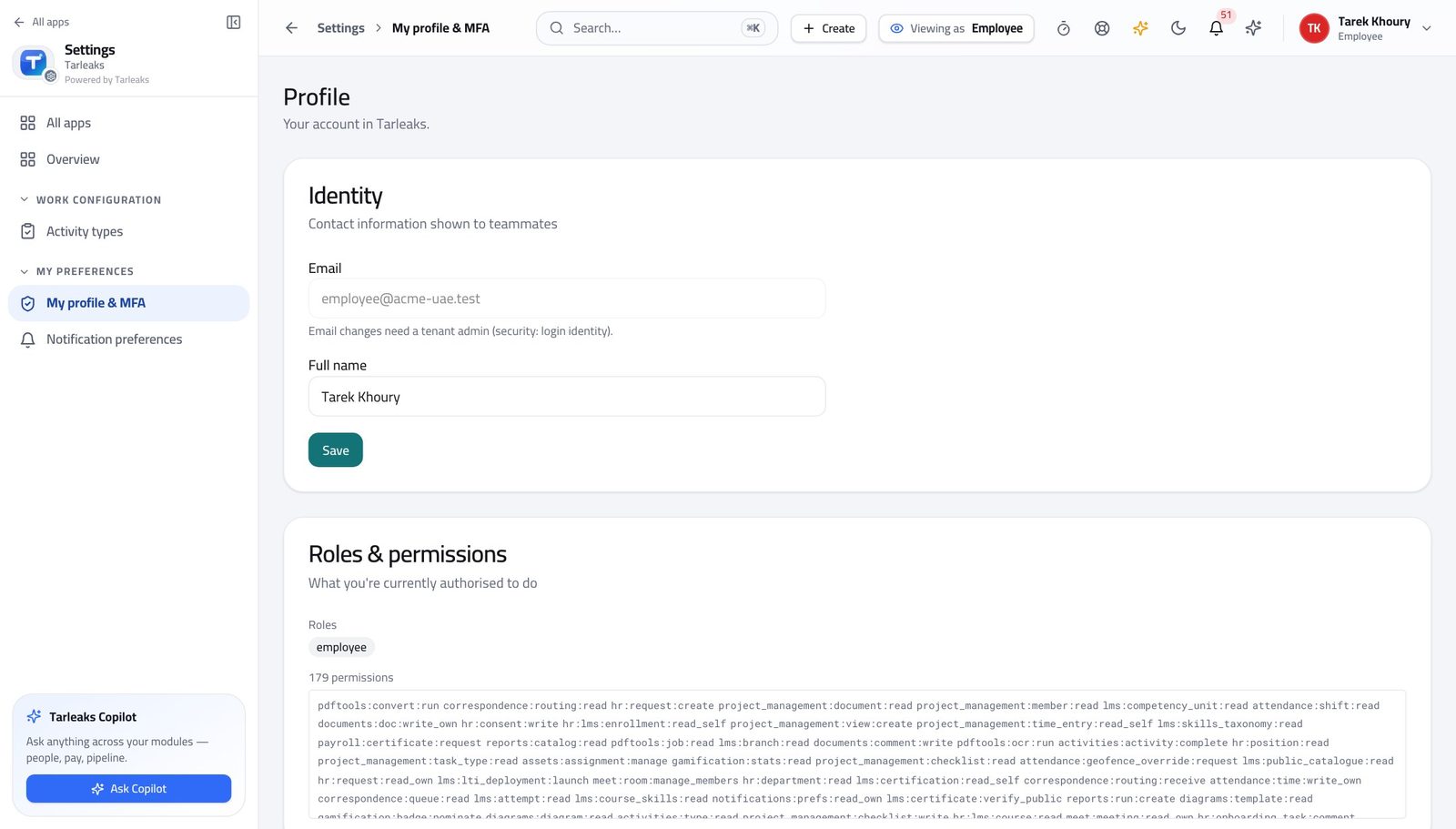
You should see You can see your own documents and the ones shared with you.
Open your documents #
Where Documents » Home
- Open Documents from the launcher.
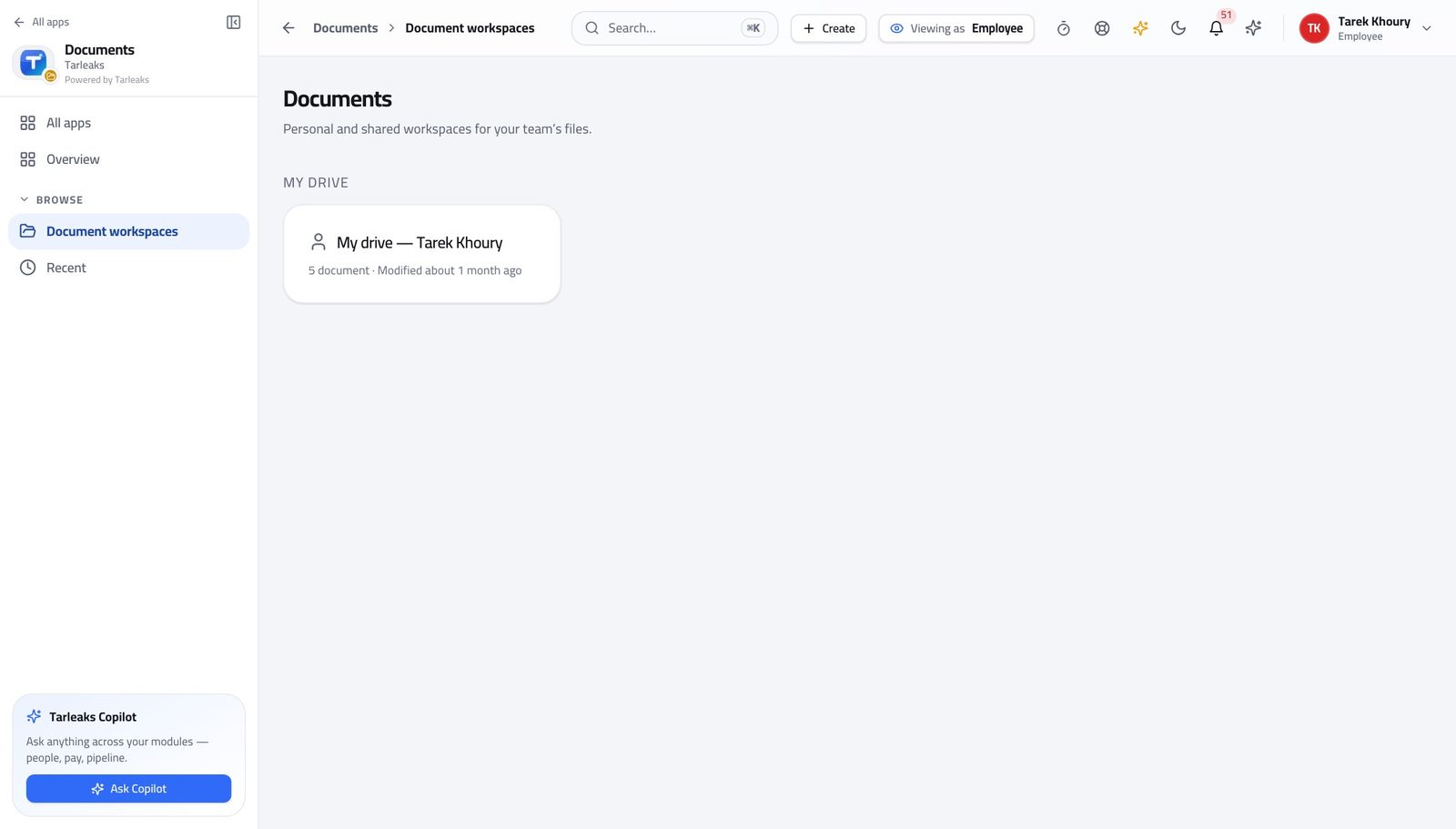
You should see Nothing you should not have is listed — the vault decides that, not a folder name.
See what somebody shared with you #
Where Documents » Shared with me
- Open Shared with me.
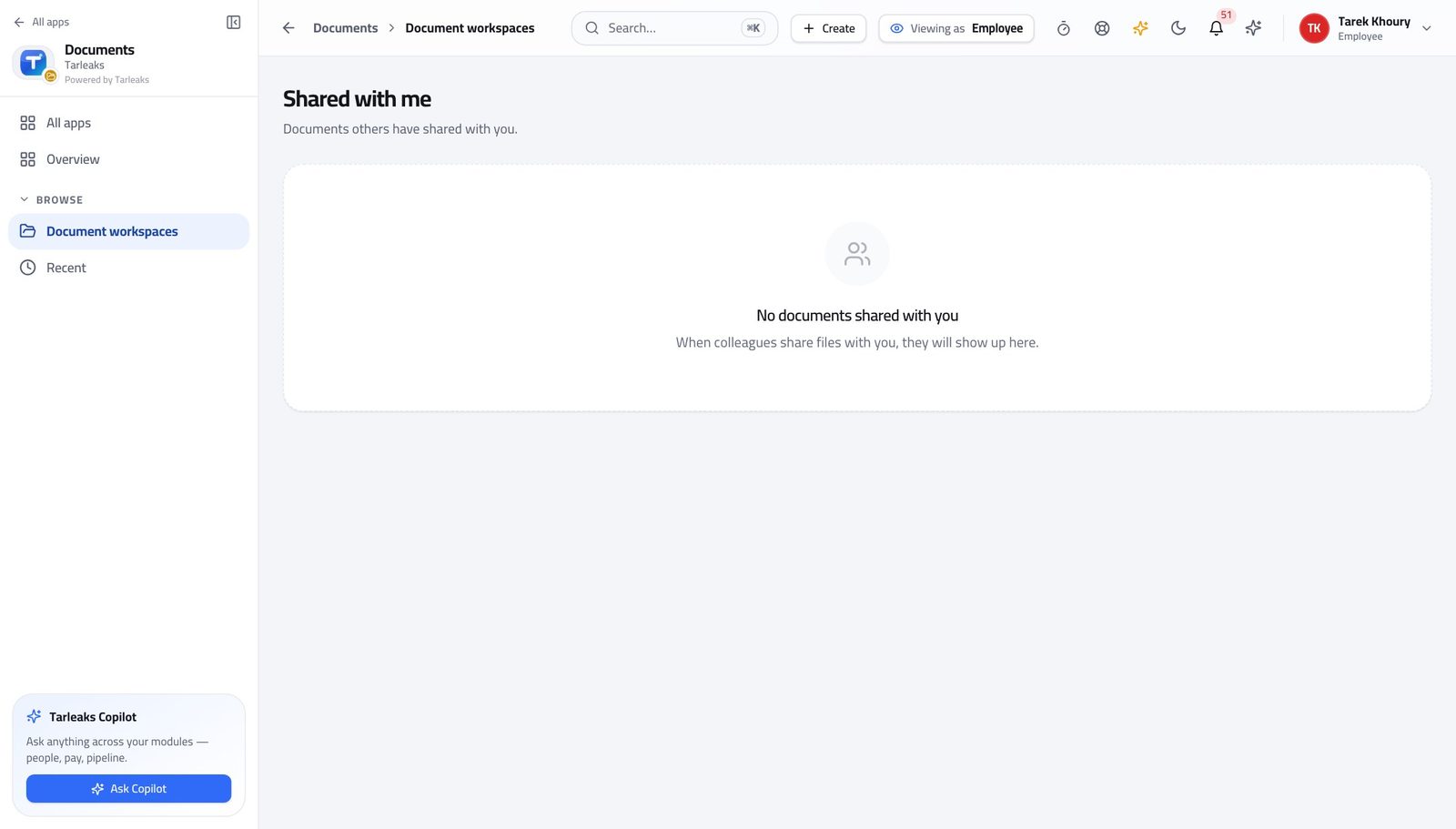
You should see A share is a deliberate act with a record, not a link somebody forwarded.
Watch out If you cannot open something a colleague says they shared, they shared the workspace rather than the file, or the other way round.
Use cases — the work, step by step
Each one is a sequence somebody actually performs, with the screen behind every step. Every screen here was opened in the product as this role before it was published.
dailyFind the document a colleague sent you #
A share is a deliberate act with a record — not a link in an e-mail you have to keep.
Open Documents; you see your own workspace and anything you were added to.
Documents » Home — verified: the page says “Document” Open Shared with me for files somebody gave you specifically, with who shared them and when.
Documents » Shared with me — verified: the page says “Shared”
You see your own workspace and what was deliberately shared. The same rule keeps your documents out of everybody else's search.