Employee — HR guide
Everything about you, in one place, without asking anyone.
Everything about you, in one place: your details, your requests, your documents and your goals.
What you will be able to do
- Read and correct your own details
- Ask for leave, a letter or a change, and track it
- See what is on today across the whole system
- Know exactly what the company holds about you
What this role can and cannot do
| Can | Cannot |
|---|---|
|
|
5 steps, each one carried out in the product on .
Check what your sign-in can do #
Where Your name, top right » Profile
- Open your company's address in the browser — it looks like yourcompany.tarleaks.com.
- Type the e-mail address your administrator set up for you, then your password.
- You land on the app launcher: a grid of the apps your company uses.
- Click your name, top right.
- Choose Profile.
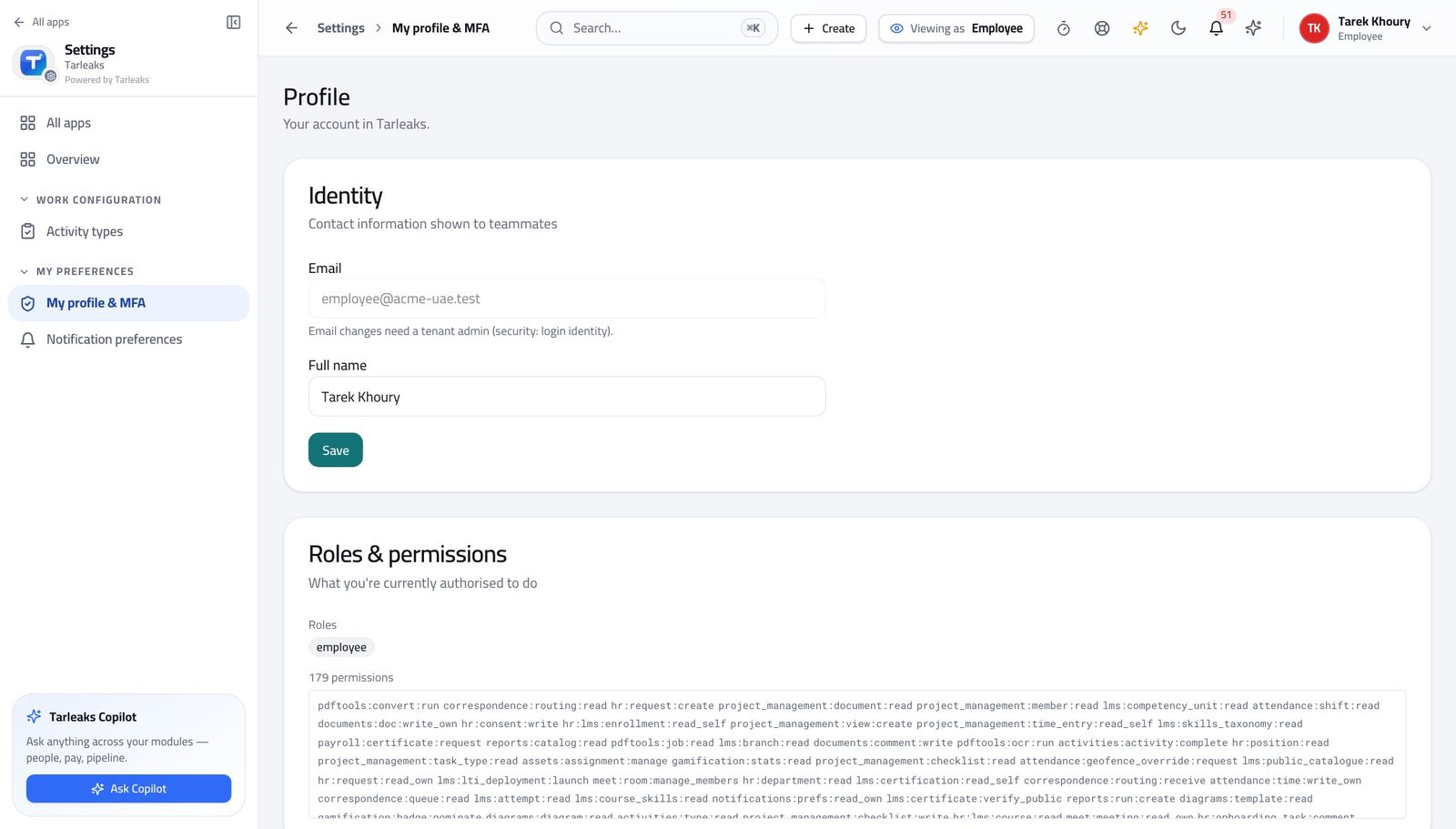
You should see It says Employee. You can see your own record and nobody else's.
See what the company holds about you #
Where HR » My profile
- Open your own record.
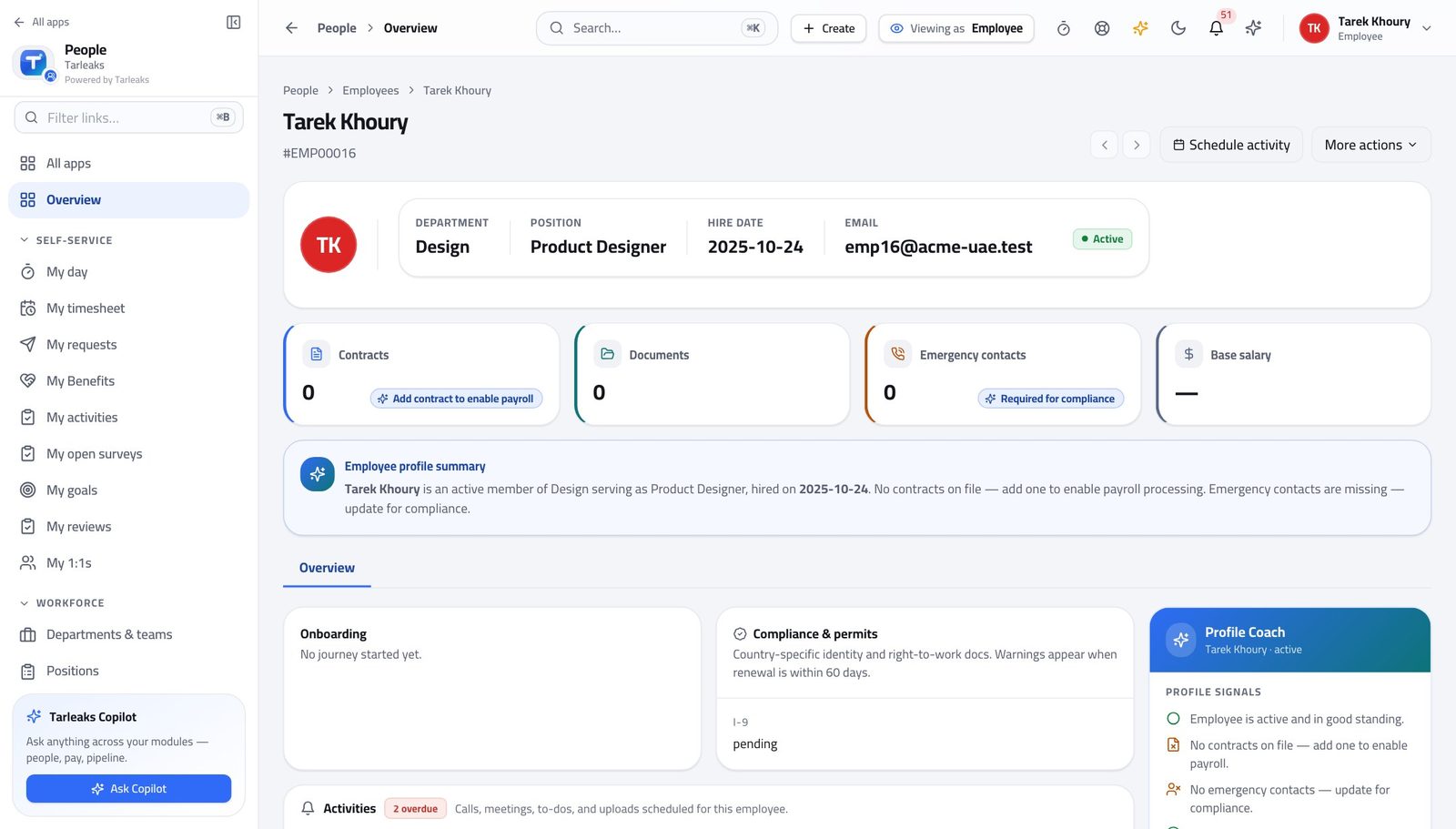
You should see Nothing about you is hidden from you — which is also what makes a correction request straightforward.
Ask for leave, a letter or a change #
Where HR » My requests
- Open My requests.
- Start a new request.
- Choose the type and describe what you need.
- Submit.
| Field | What to put in it |
|---|---|
| Type | Leave, a letter, a data change — the type decides who approves it. |
| Dates | For leave, the first and last day away. The balance is checked as you type. |
| Reason | One line your manager can act on without calling you. |
You should see You can see who it is with at any moment, so chasing is a click rather than an e-mail.
See what is on today #
Where My » Day
- Open My day.
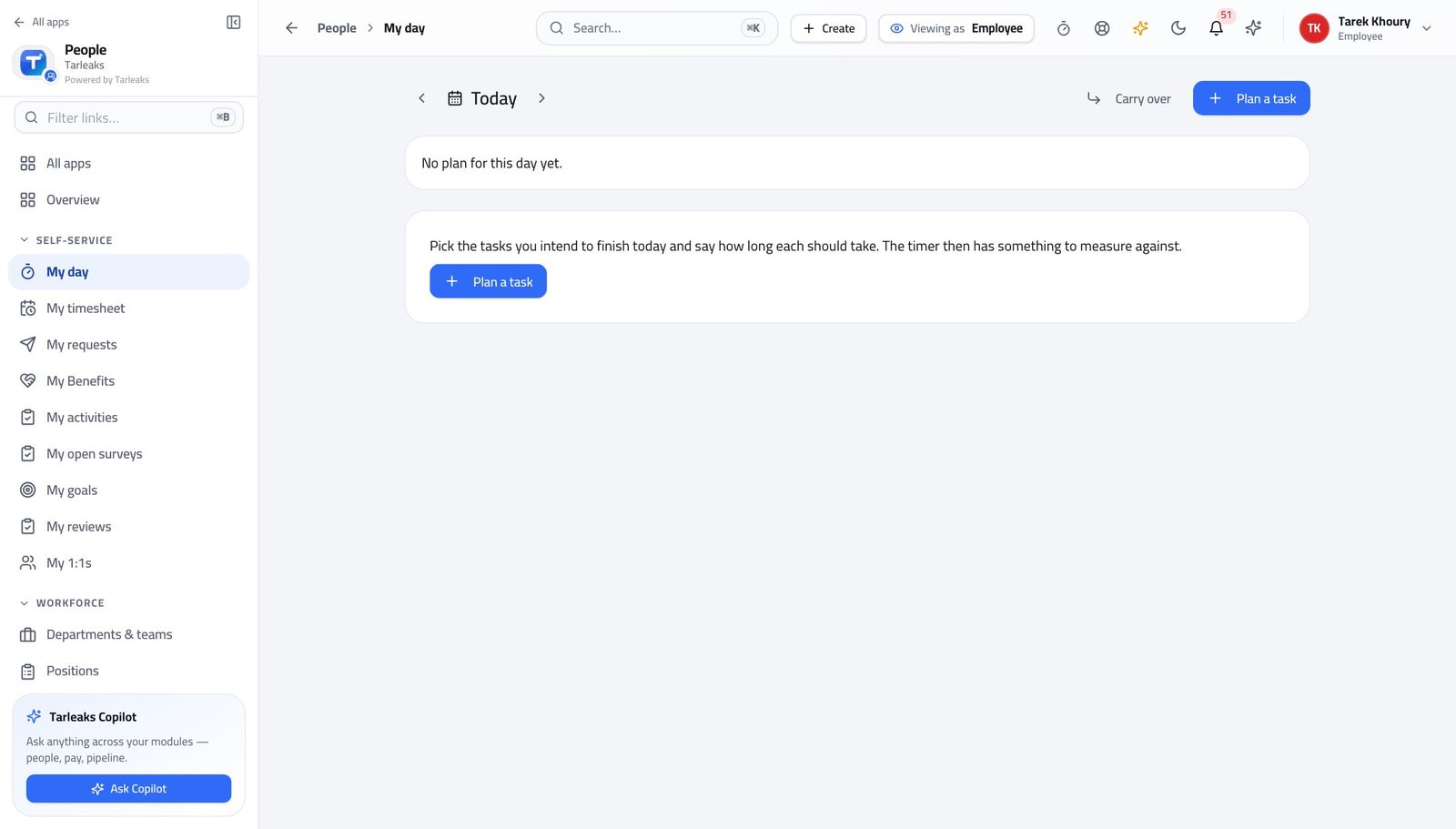
You should see One screen instead of five, and it is built from your own records.
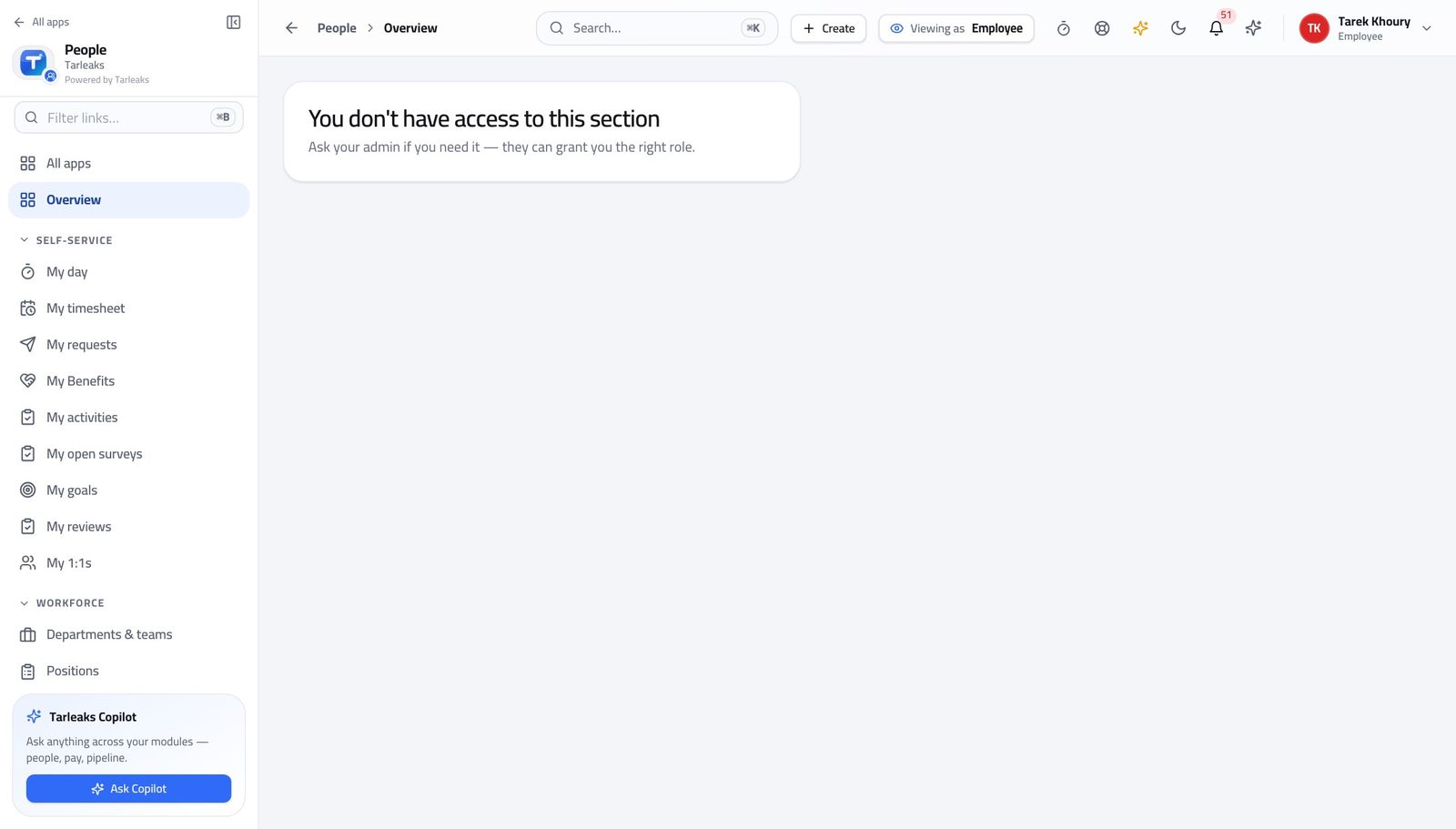
The full directory is not yours to browse #
Where HR » People
- Look at the left menu under HR.
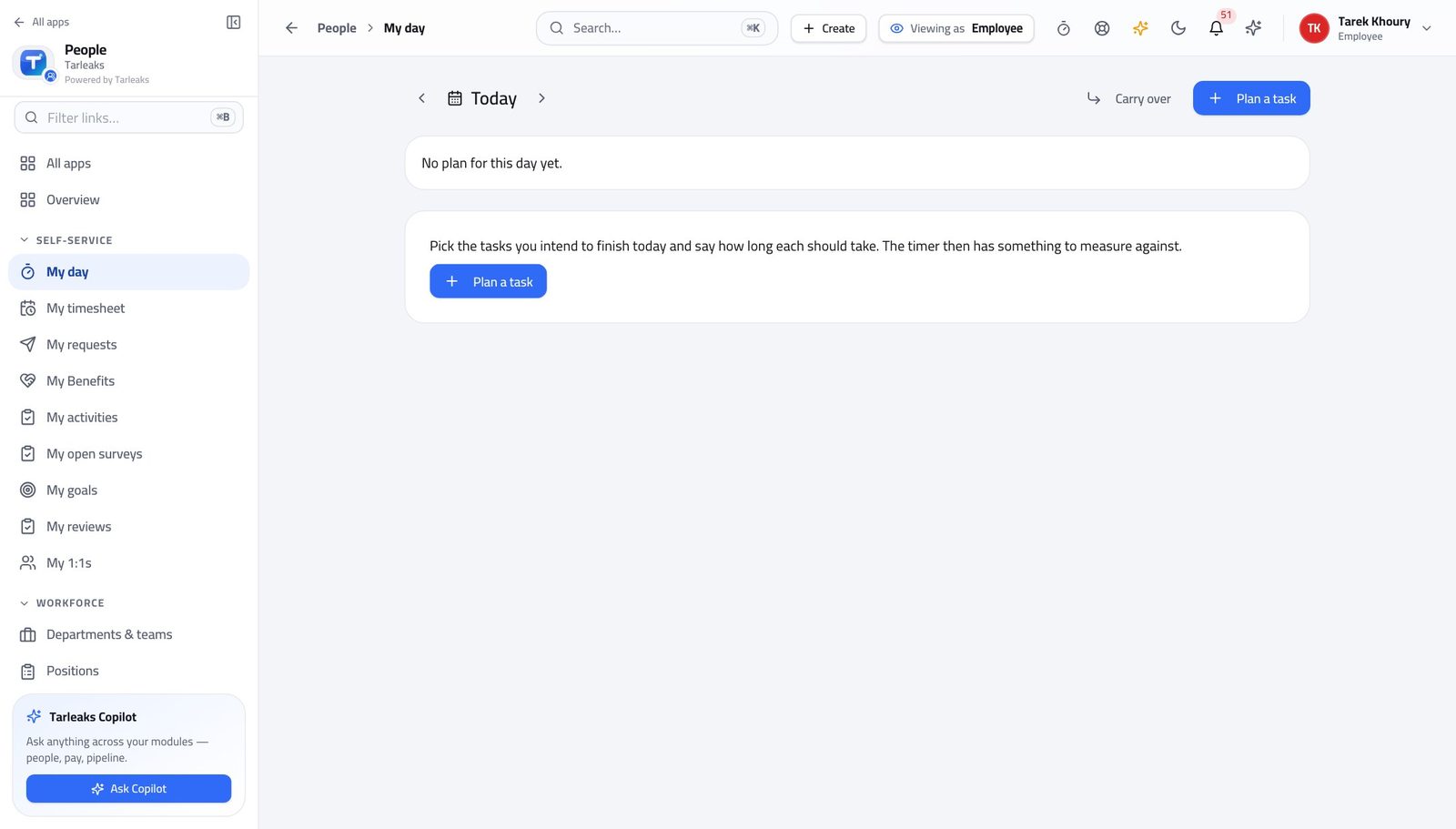
You should see Self-service means your own record. The same rule protects your colleagues from you.
Use cases — the work, step by step
Each one is a sequence somebody actually performs, with the screen behind every step. Every screen here was opened in the product as this role before it was published.
dailyAsk for leave and follow it #
You can see who it is with at any moment, so chasing is a click rather than an e-mail.
Open My requests and start a new one — the type decides who approves it.
HR » My requests — verified: the page says “Request” Watch its state as it moves. My day shows what is outstanding without you going looking.
My » Day — verified: the page says “day”
monthlyCheck what the company holds about you #
Nothing about you is hidden from you, which is what makes a correction a request rather than an argument.
Open your own record and read your details, contract and documents.
HR » My profile — verified: the page says “Profile” If something is wrong, raise a change request rather than e-mailing — the change then carries its own approval and trail.
HR » My requests — verified: the page says “Request”
You can see your own record and nobody else's. The same rule protects your colleagues from you, and you from them.