Tenant Administrator — HR guide
Set HR up once so nobody has to work around it.
Configures HR for everyone else — the structure, the templates, the policies and who may do what.
What you will be able to do
- Shape departments and positions
- Own the onboarding and offboarding templates
- Set document types and the retention that follows them
- Decide who approves which kind of request
What this role can and cannot do
| Can | Cannot |
|---|---|
|
|
5 steps, each one carried out in the product on .
Check what your sign-in can do #
Where Your name, top right » Profile
- Open your company's address in the browser — it looks like yourcompany.tarleaks.com.
- Type the e-mail address your administrator set up for you, then your password.
- You land on the app launcher: a grid of the apps your company uses.
- Click your name, top right.
- Choose Profile.
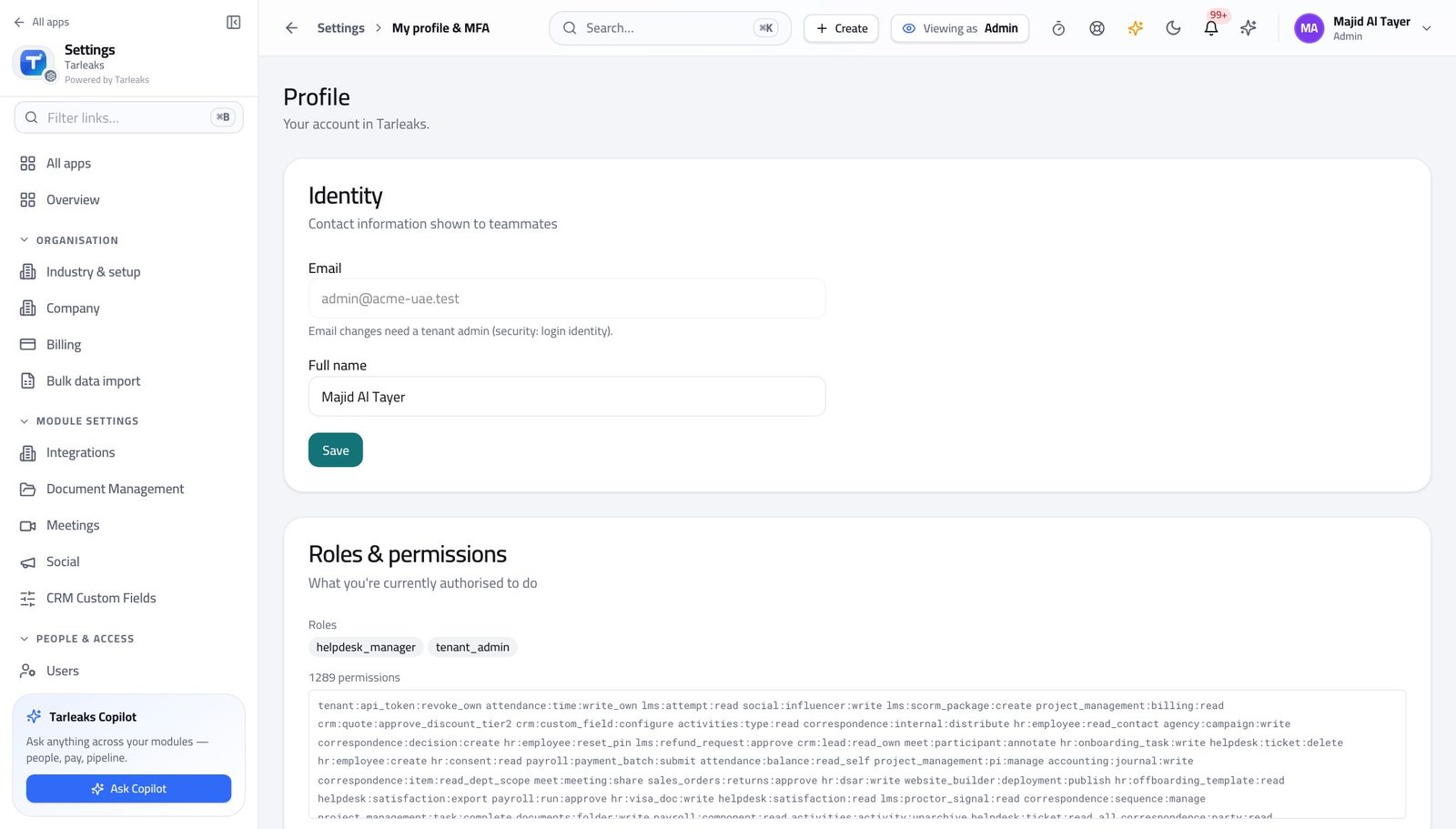
You should see It says Tenant Admin. The structure and the policies are yours.
Shape departments and positions #
Where HR » Departments
- Open Departments.
- Set the manager on each.
- Open Positions and keep the titles tidy.
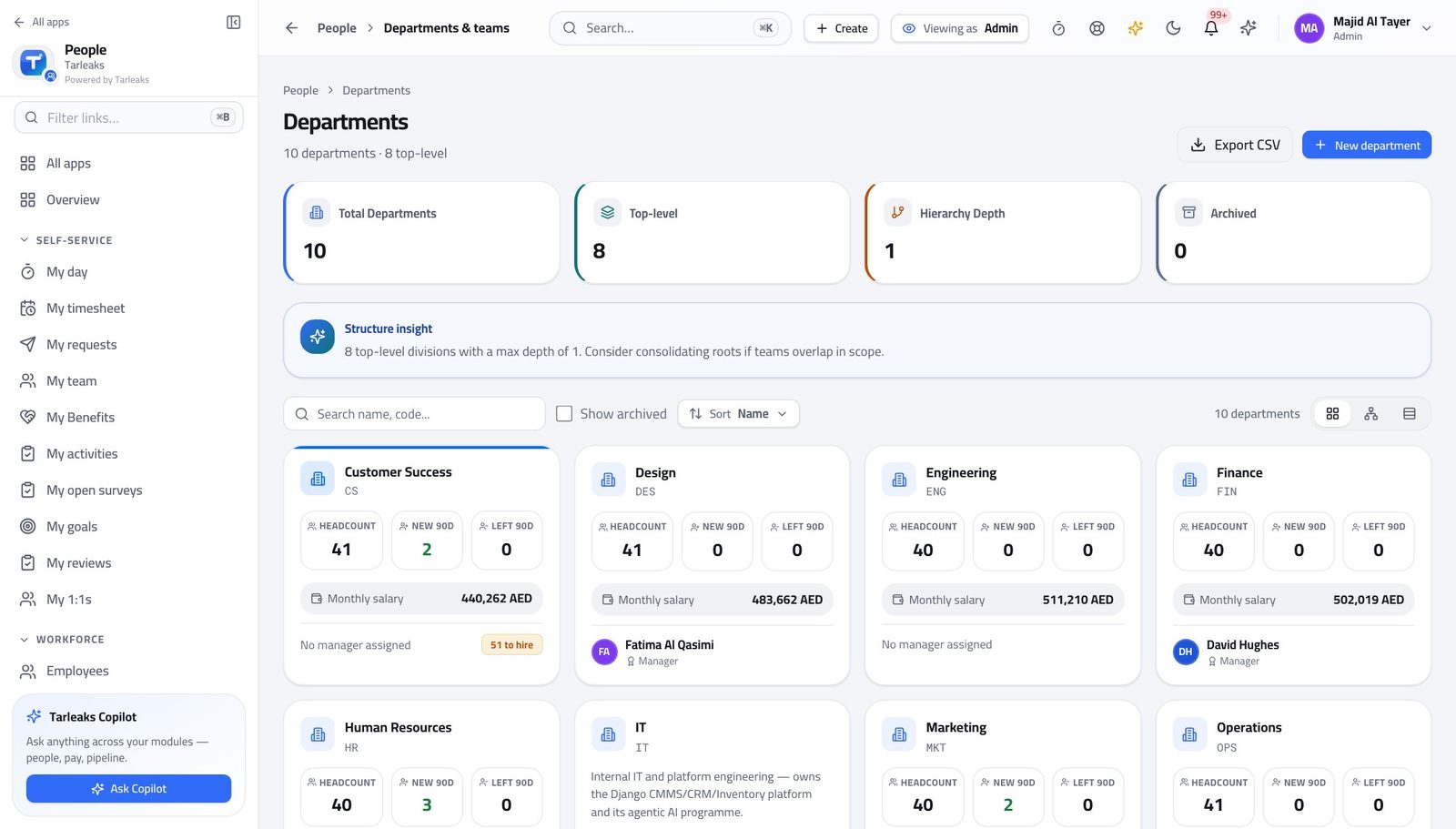
You should see Scope follows structure: a manager sees the departments they manage, so the structure is an access decision as much as an org one.
Watch out Changing a department's manager changes who can see those people, immediately.
Own the onboarding templates #
Where HR » Templates
- Open the templates.
- Open one and read its tasks.
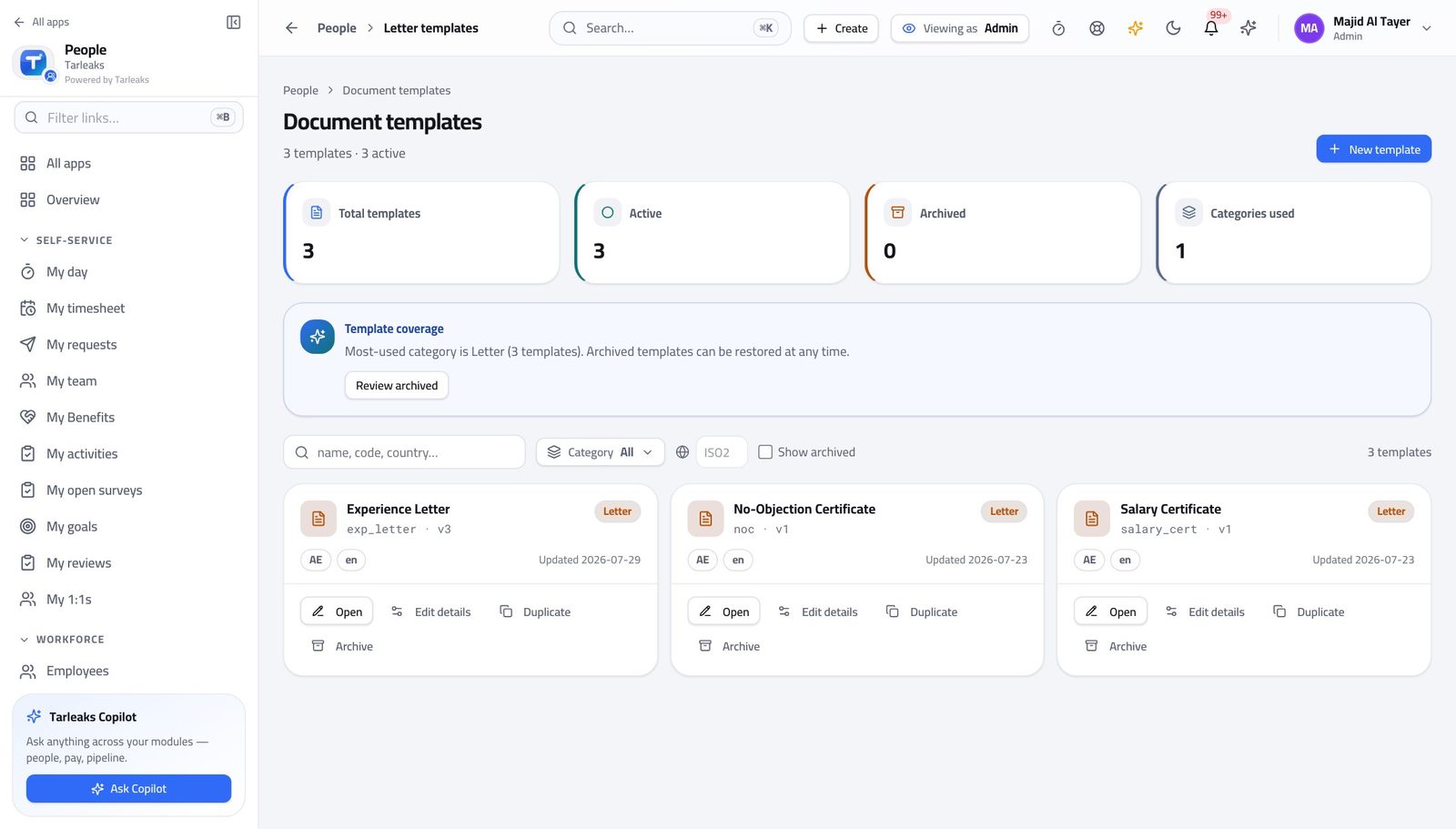
You should see A journey copies the template when it starts, so your edits never disturb somebody already in flight.
Watch out Editing a template does NOT change journeys already running. That is deliberate — auditors expect a journey to be stable once started.
Set document types and their retention #
Where Settings » Document types
- Open the HR settings.
- Read the document types and their retention.
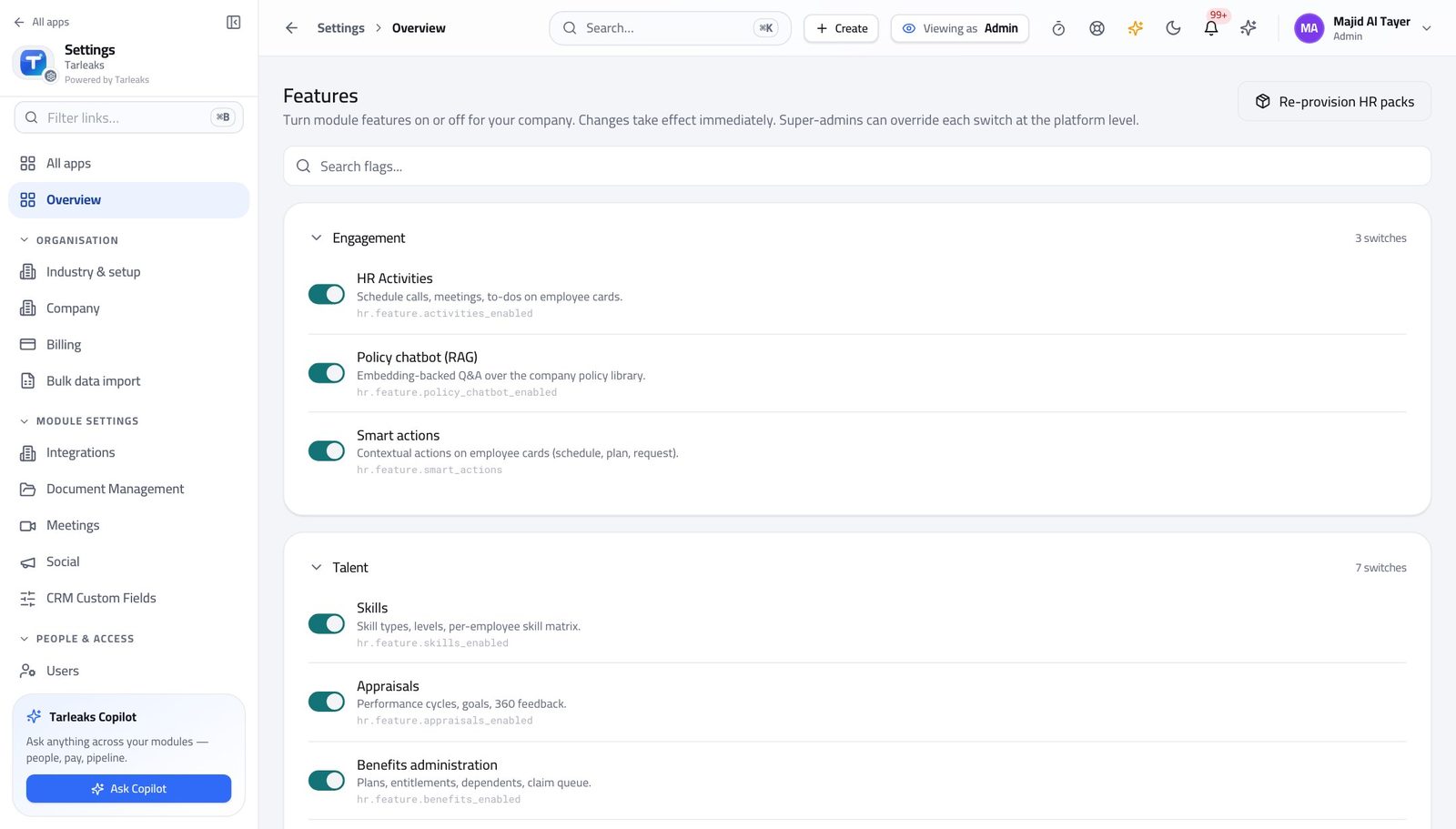
You should see Retention is applied by the type, so nobody has to remember the rule at upload time.
Decide who approves which request #
Where Settings » Requests
- Open the request types.
- Set the approvers per type.
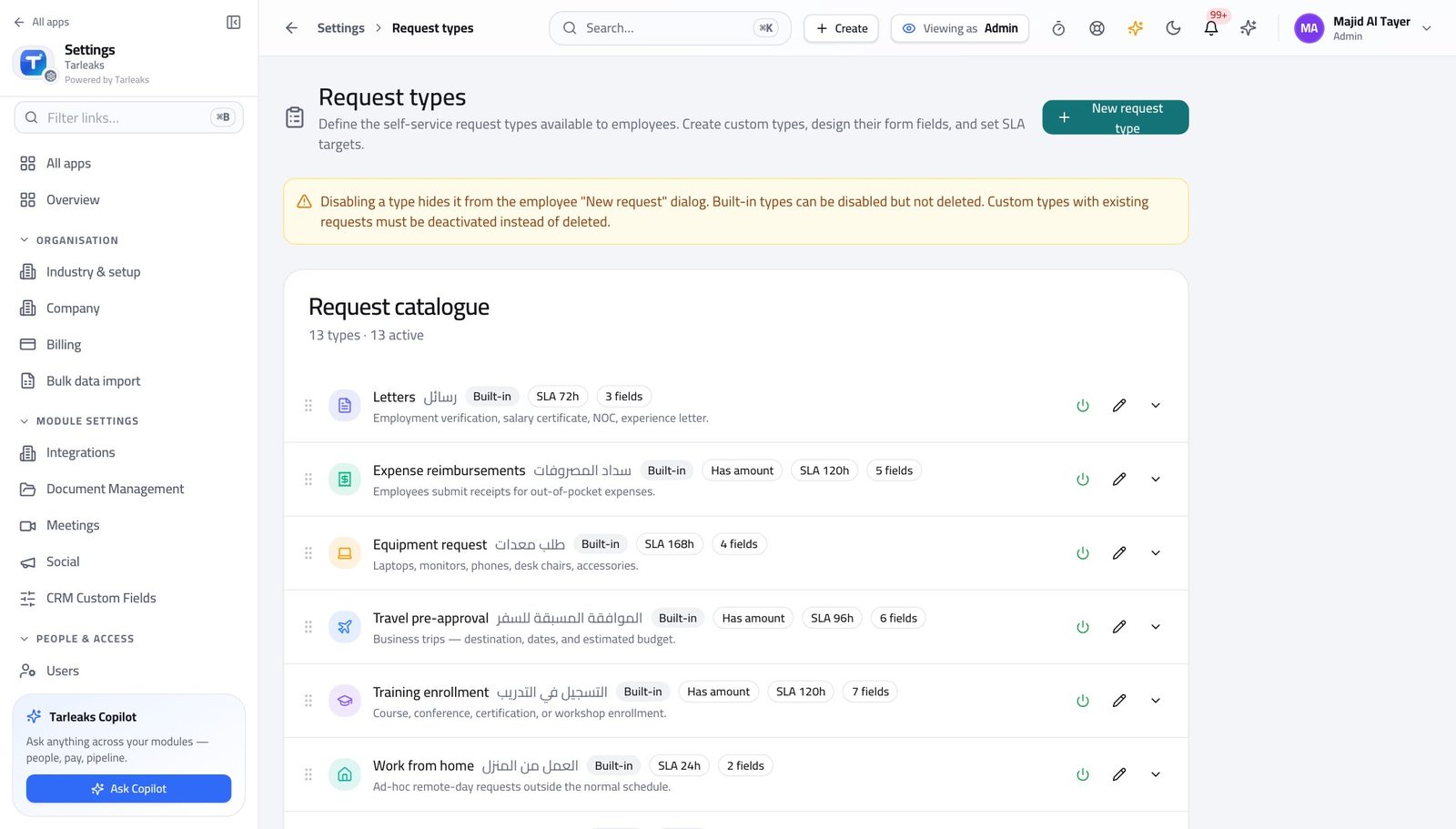
You should see The approval chain is configuration, so a change of process is a setting rather than a development request.
Use cases — the work, step by step
Each one is a sequence somebody actually performs, with the screen behind every step. Every screen here was opened in the product as this role before it was published.
yearlySet up HR for a new department #
Structure is an access decision: a line manager sees the departments they manage, so the department is what gives them sight of anybody.
Create the department and set its manager.
HR » Departments — verified: the page says “Department” Check the onboarding template that new joiners there will get.
HR » Templates — verified: the page says “Template” Confirm the request types they will use have the right approvers.
Settings » Requests — verified: the page says “Request”
You build the rails. Day-to-day people work belongs to HR — and a template you edit never disturbs a journey already in flight.