The documents calendar — who does what, and when
5 use cases across 3 roles, placed by when they happen. Each one opens as a numbered sequence with the screen behind every step — nothing here is advice we have not carried out in the product. Filter to your own role, or read it once to know what lands on your desk and from whom.
Nothing matches that. Try a shorter word, or pick Everyone.
Every day
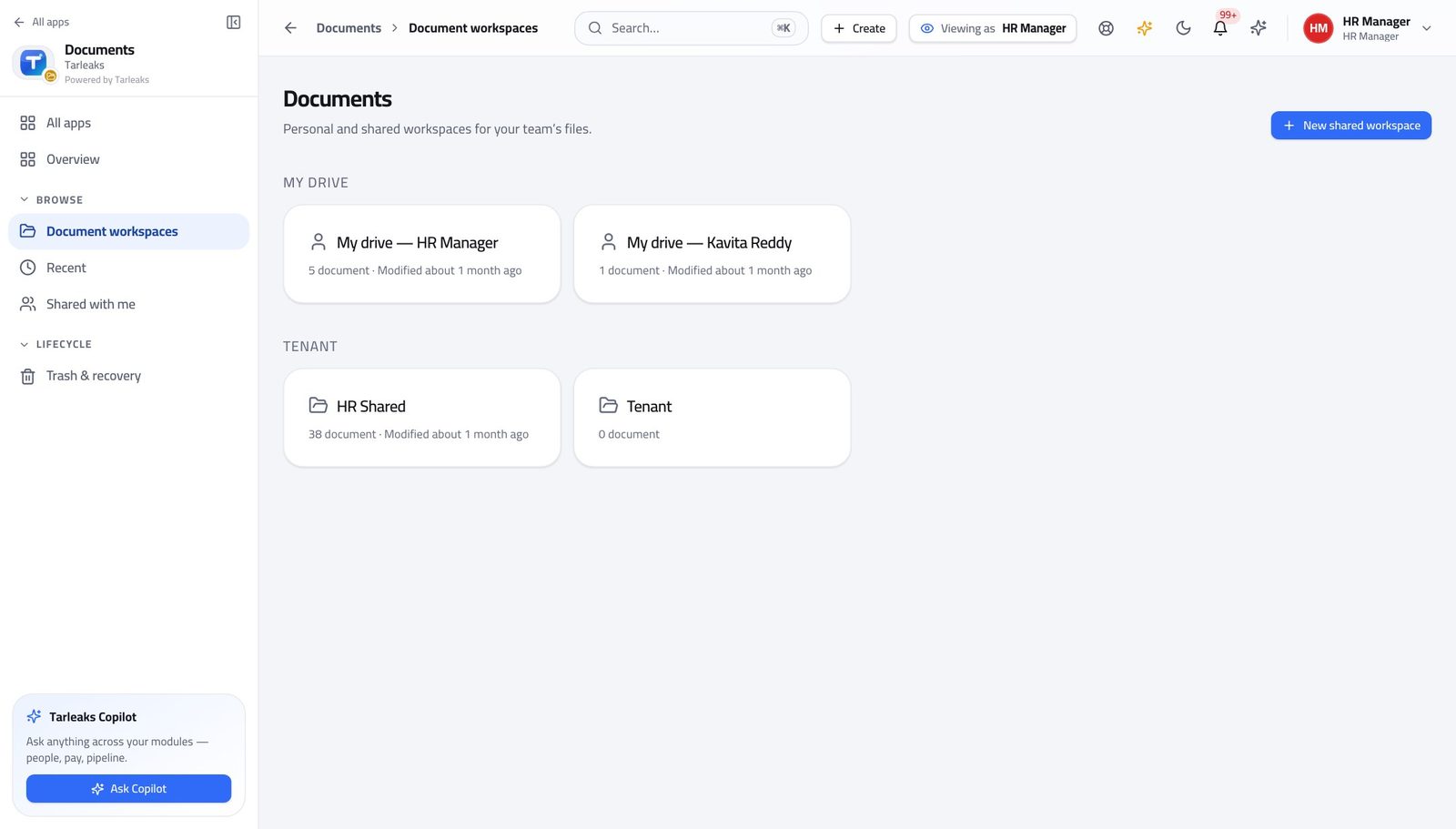
Records ManagerFile something so it can be found again
A document nobody can find is the same as a document nobody kept — and the type you choose decides how long it is kept for.
3 steps, each with the screen it happens on.
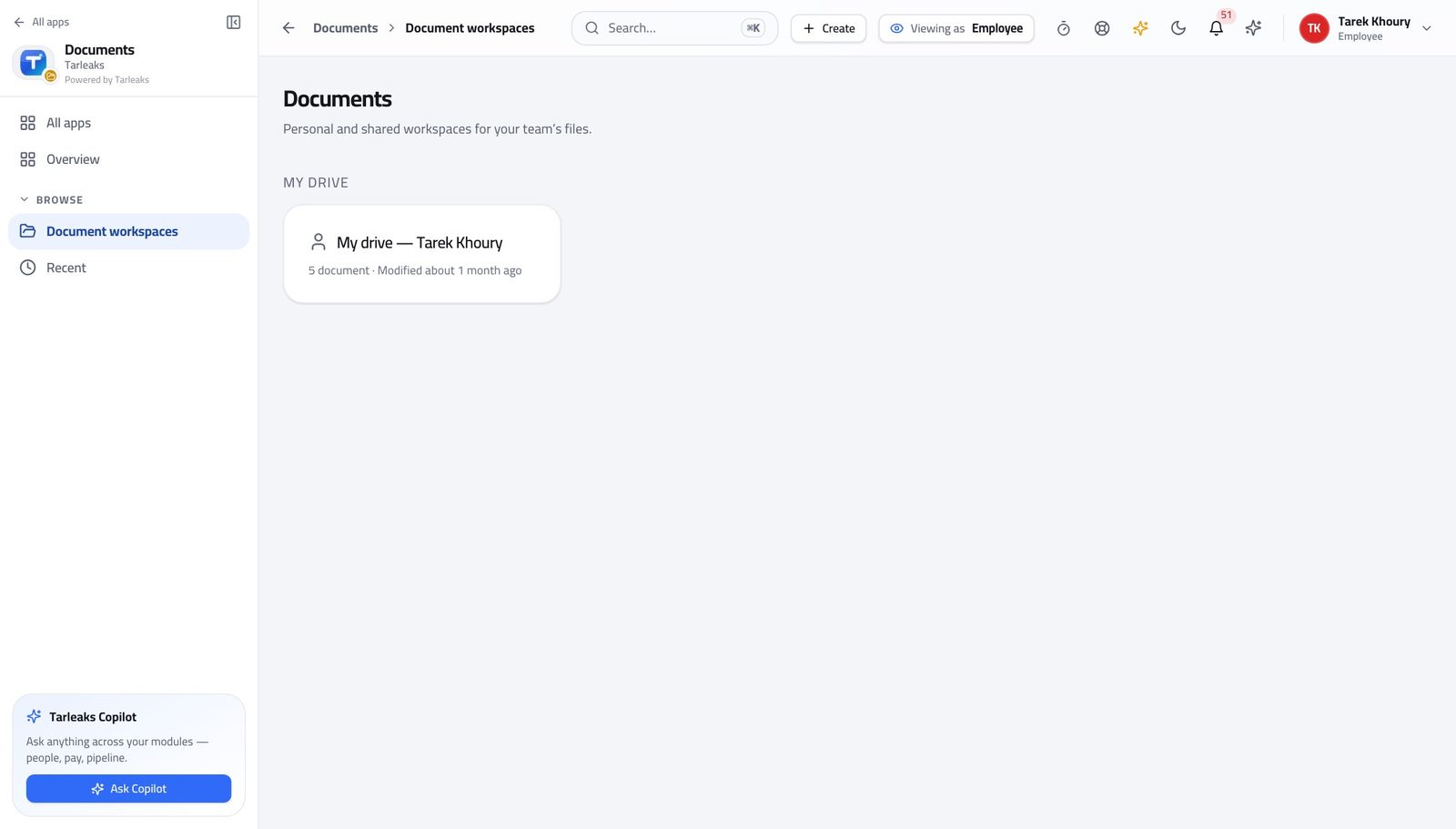
EmployeeFind the document a colleague sent you
A share is a deliberate act with a record — not a link in an e-mail you have to keep.
2 steps, each with the screen it happens on.
Every week
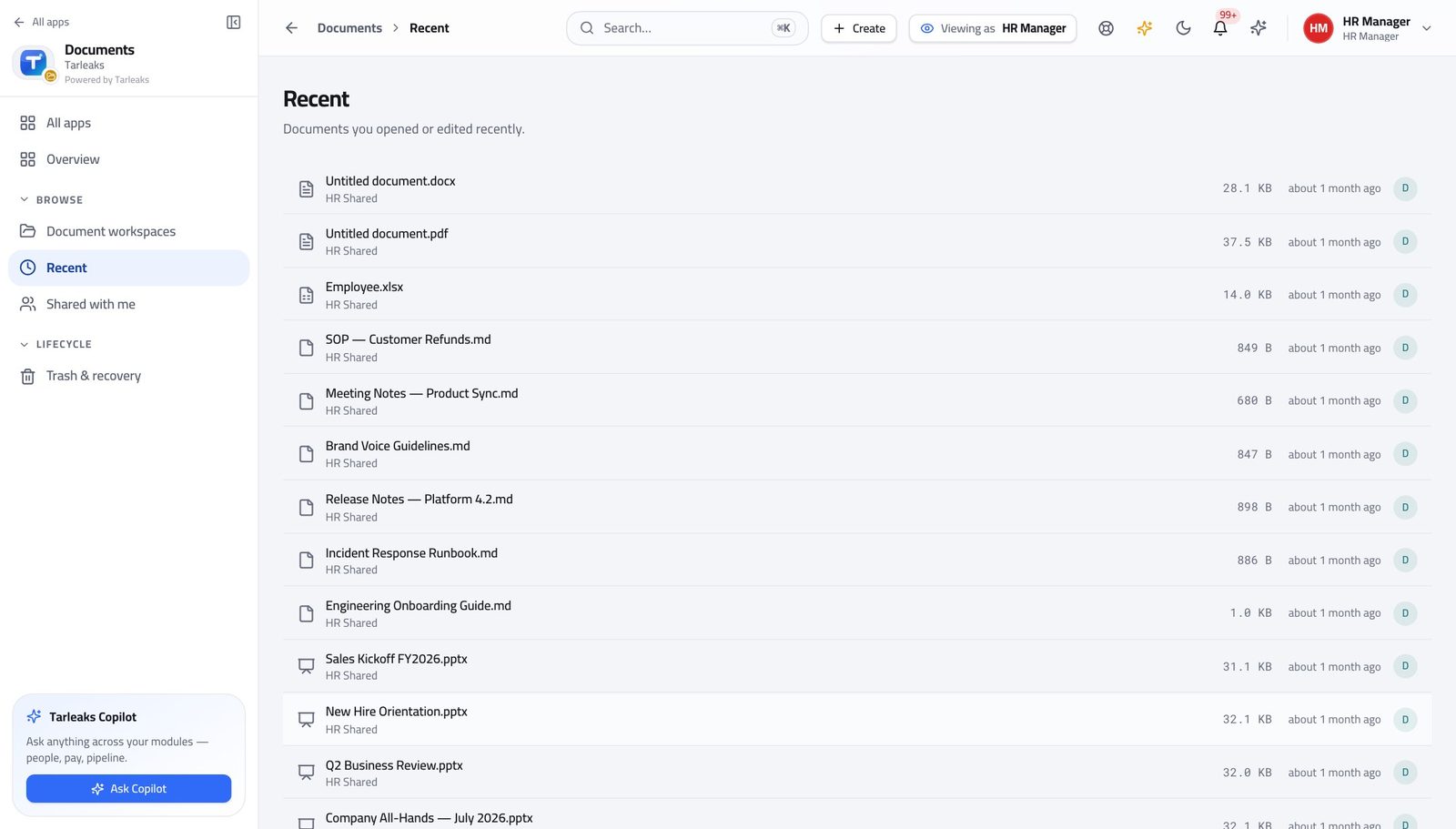
Records ManagerFind what changed while you were away
Recent is faster than remembering which folder somebody used.
2 steps, each with the screen it happens on.
Every month
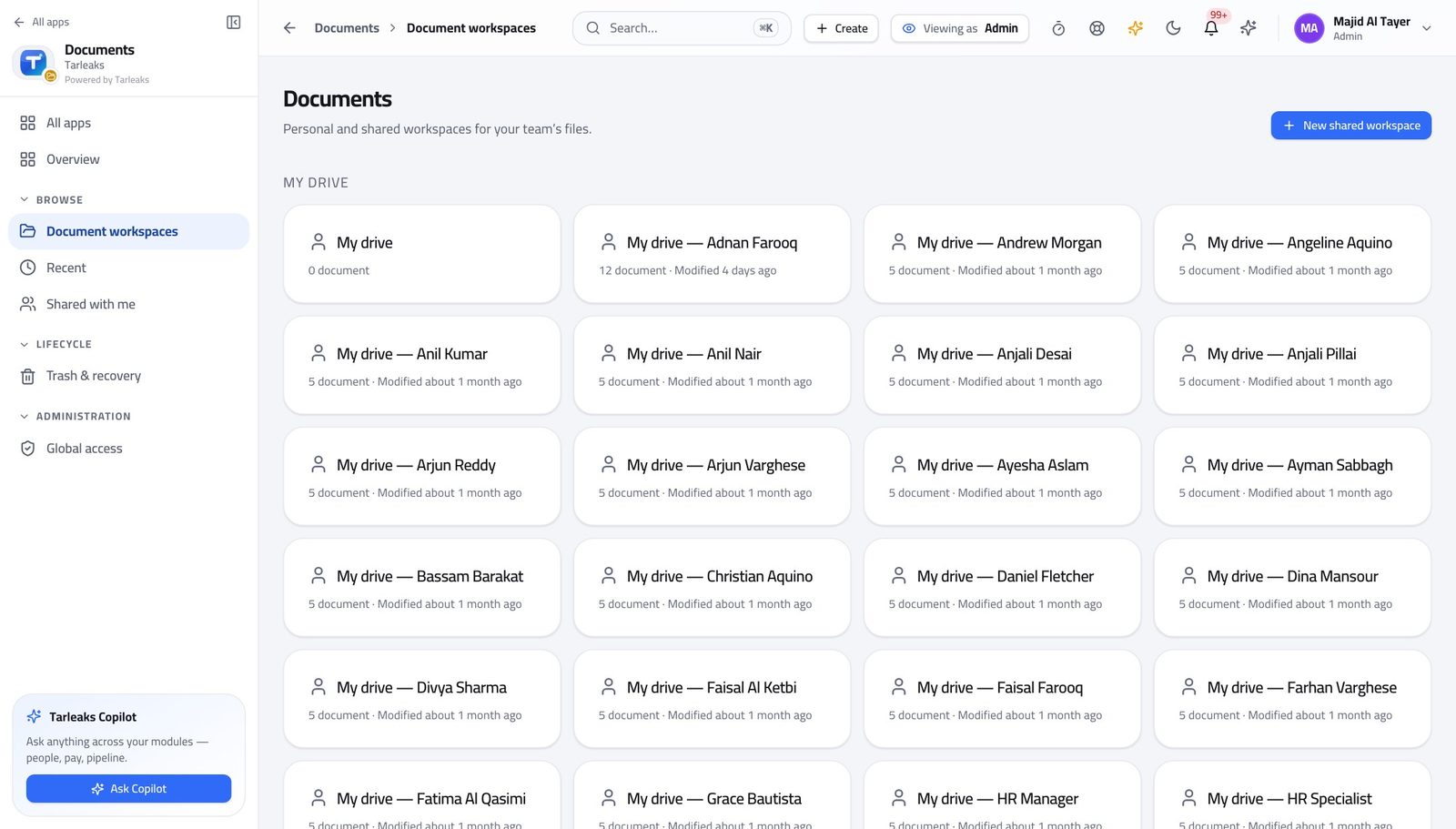
Tenant AdministratorGive a new team the right sight of things
Access is granted per workspace, so a joiner gets forty documents by joining one workspace rather than by being handed forty links.
2 steps, each with the screen it happens on.
When something goes wrong
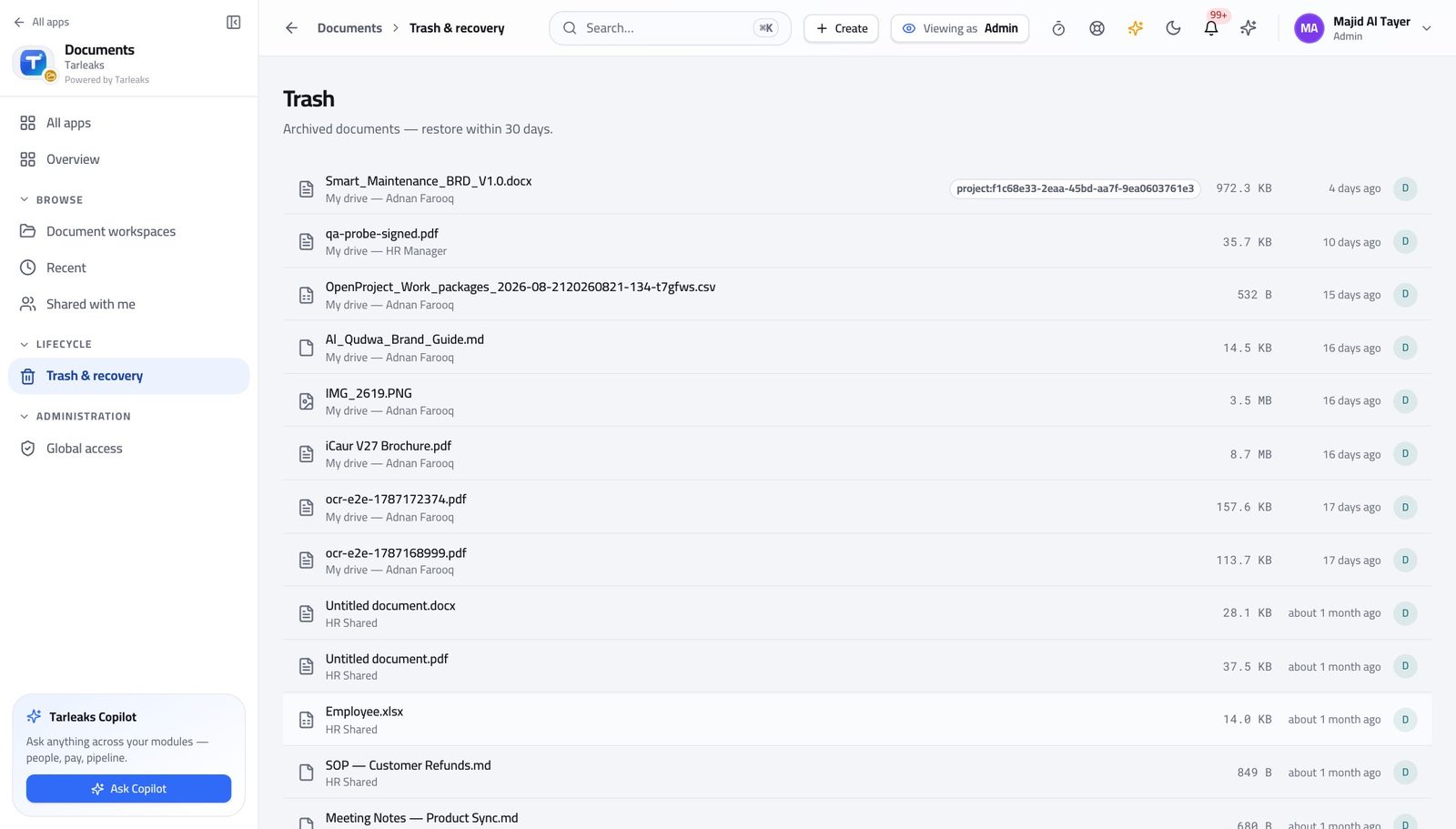
Tenant AdministratorSomebody deleted something they should not have
Deleting is reversible; destruction is the retention sweep, and a legal hold stops that.
2 steps, each with the screen it happens on.
Handovers — who passes what to whom
Finance rarely breaks inside a job. It breaks at the join: a bill nobody approved, a receipt nobody allocated, a month closed before the tax agent had it.
| When this happens | From → to | What happens next |
|---|---|---|
| A document is uploaded | Anyone → The retention policy Documents » a workspace | The document type decides how long it is kept and what happens at the end of that period. The wrong type sets the wrong clock, and the clock is what an auditor asks about. |
| Litigation or a regulator request begins | Records manager → The retention sweep Documents » the document | A legal hold pauses destruction for anything caught up in it. Place the hold before the sweep runs, not after. |
| Somebody joins a team | Tenant administrator → The new joiner Documents » the workspace | Adding them to a workspace gives them everything inside it, now and later. Sharing individual files instead is how access becomes impossible to audit. |