The attendance calendar — who does what, and when
15 use cases across 4 roles, placed by when they happen. Each one opens as a numbered sequence with the screen behind every step — nothing here is advice we have not carried out in the product. Filter to your own role, or read it once to know what lands on your desk and from whom.
Nothing matches that. Try a shorter word, or pick Everyone.
Every day
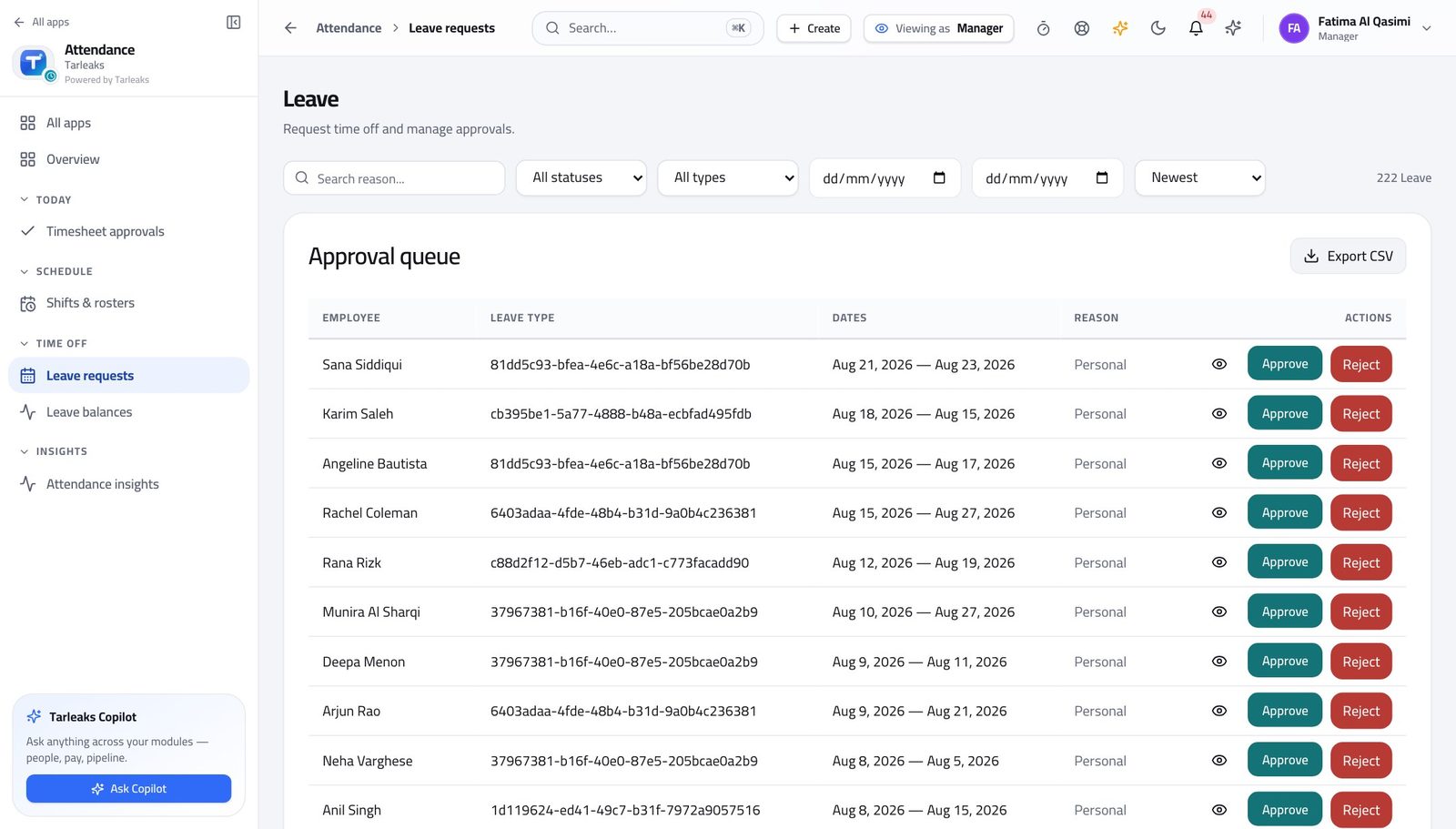
Line ManagerDecide a leave request you are not sure about
The two things that make this decision easy — what they have left, and what the shift needs — are both one screen away.
4 steps, each with the screen it happens on.
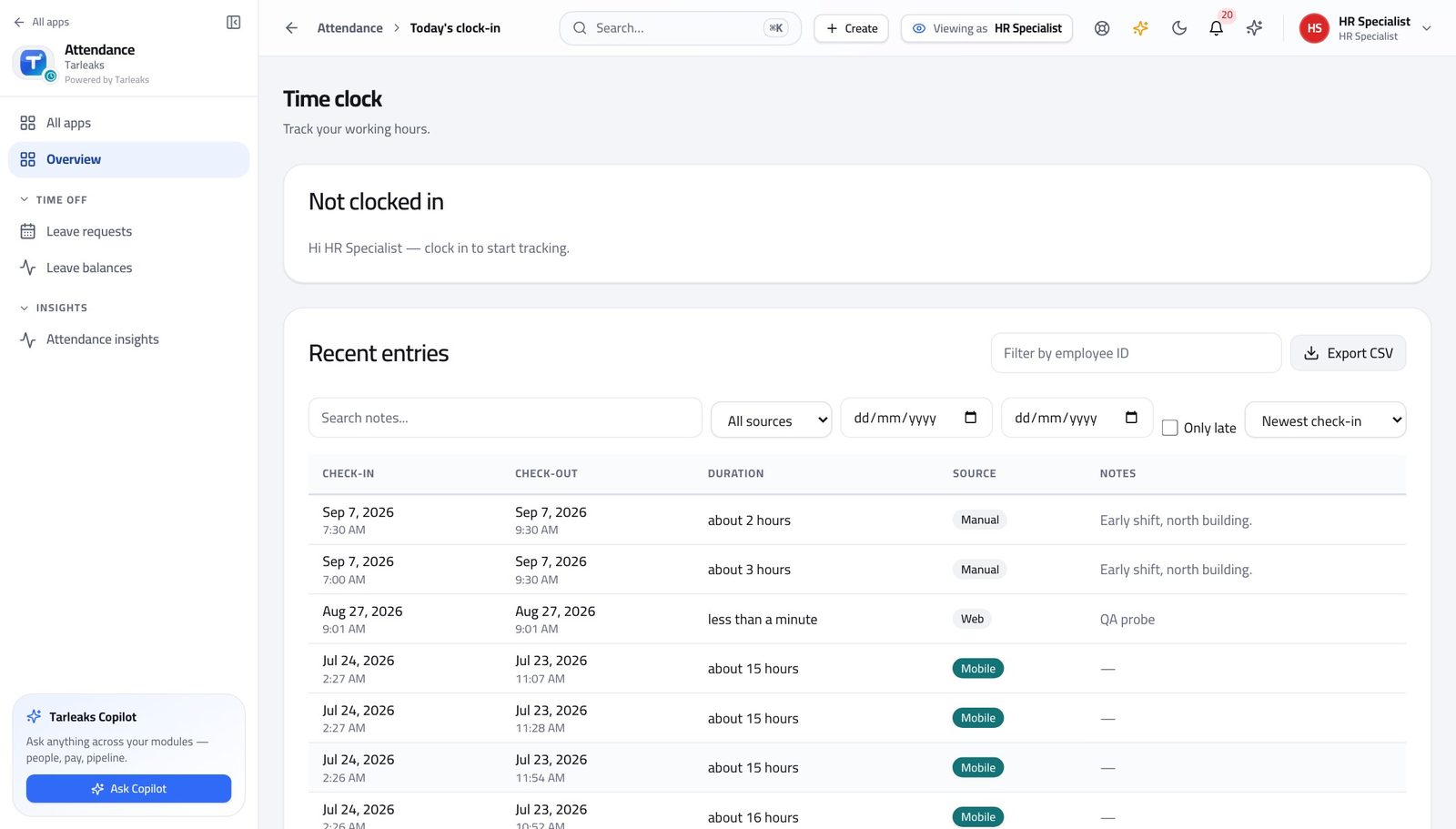
HR Specialist'Did my clock-in register?' — answered in under a minute
The record and its source are both on the same row, so the answer is usually a sentence rather than an investigation.
3 steps, each with the screen it happens on.
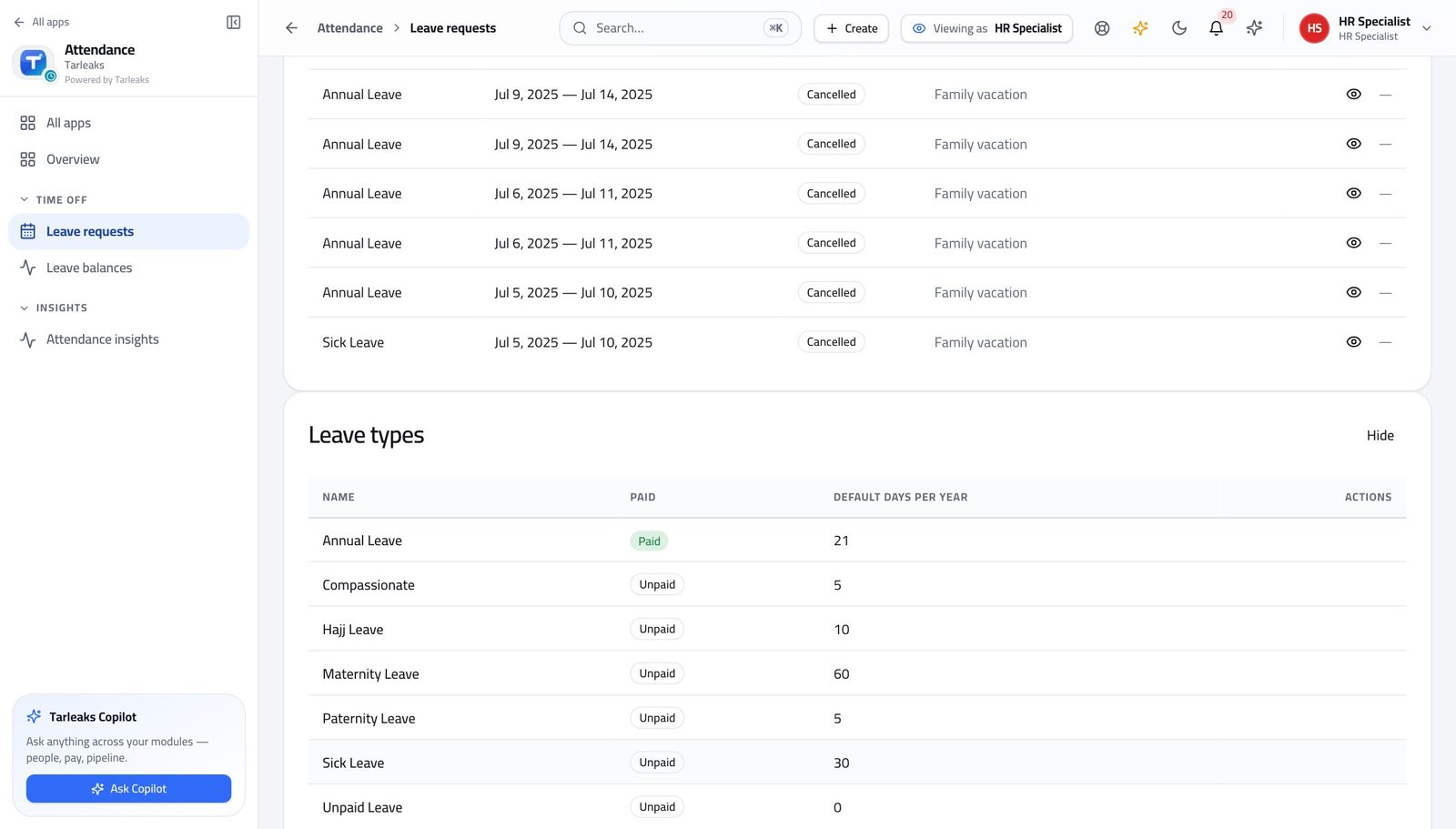
HR Specialist'How much leave have I got left?' — give the right number
There are two numbers and people mean the second one. Answering with the first starts an argument that takes a week to unwind.
4 steps, each with the screen it happens on.
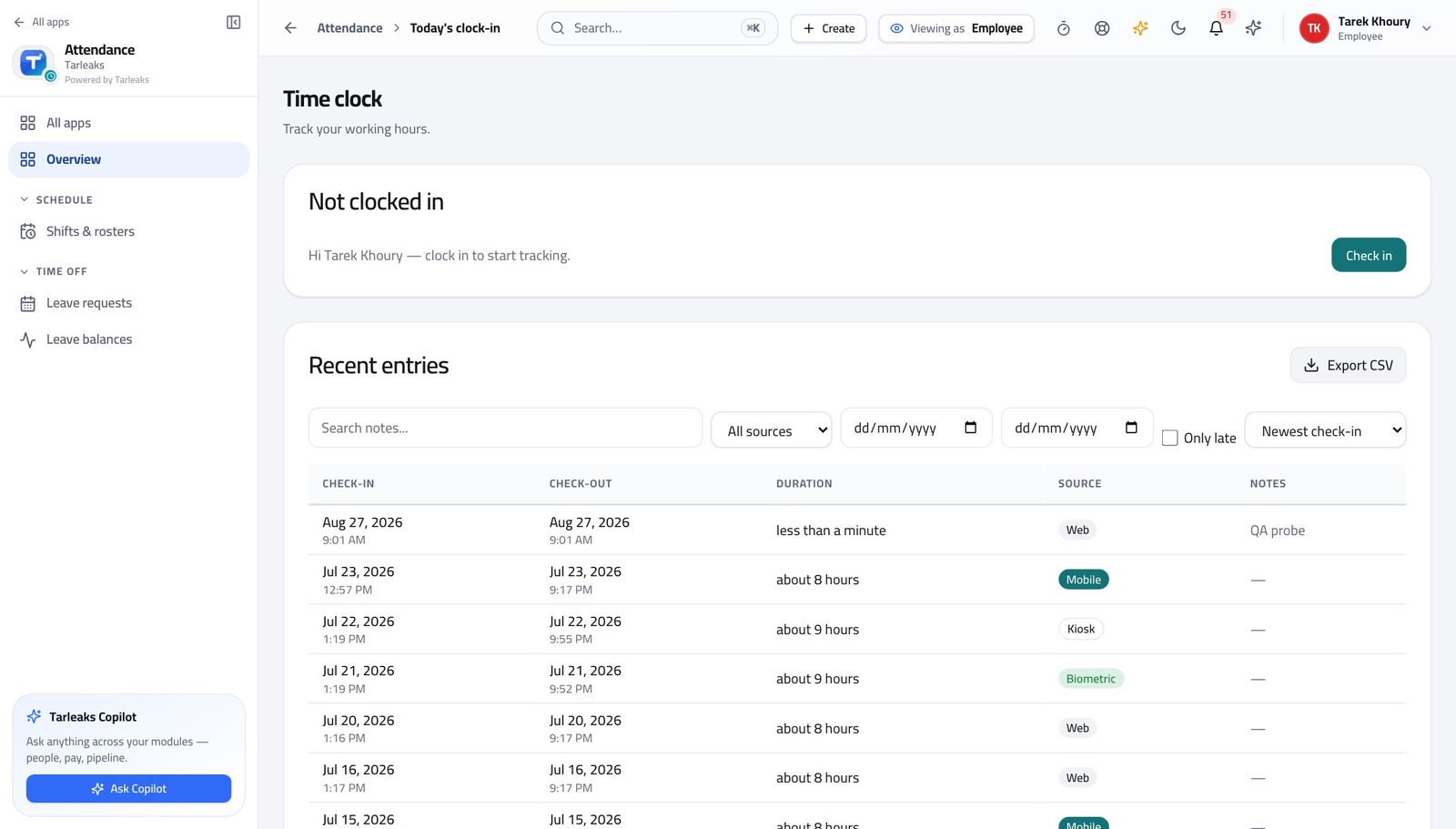
EmployeeAn ordinary day: in, out, and nothing left to remember
Two presses at the right moments cost ten seconds. The same two days later cost a correction, an approval, and somebody's afternoon.
3 steps, each with the screen it happens on.
Every week
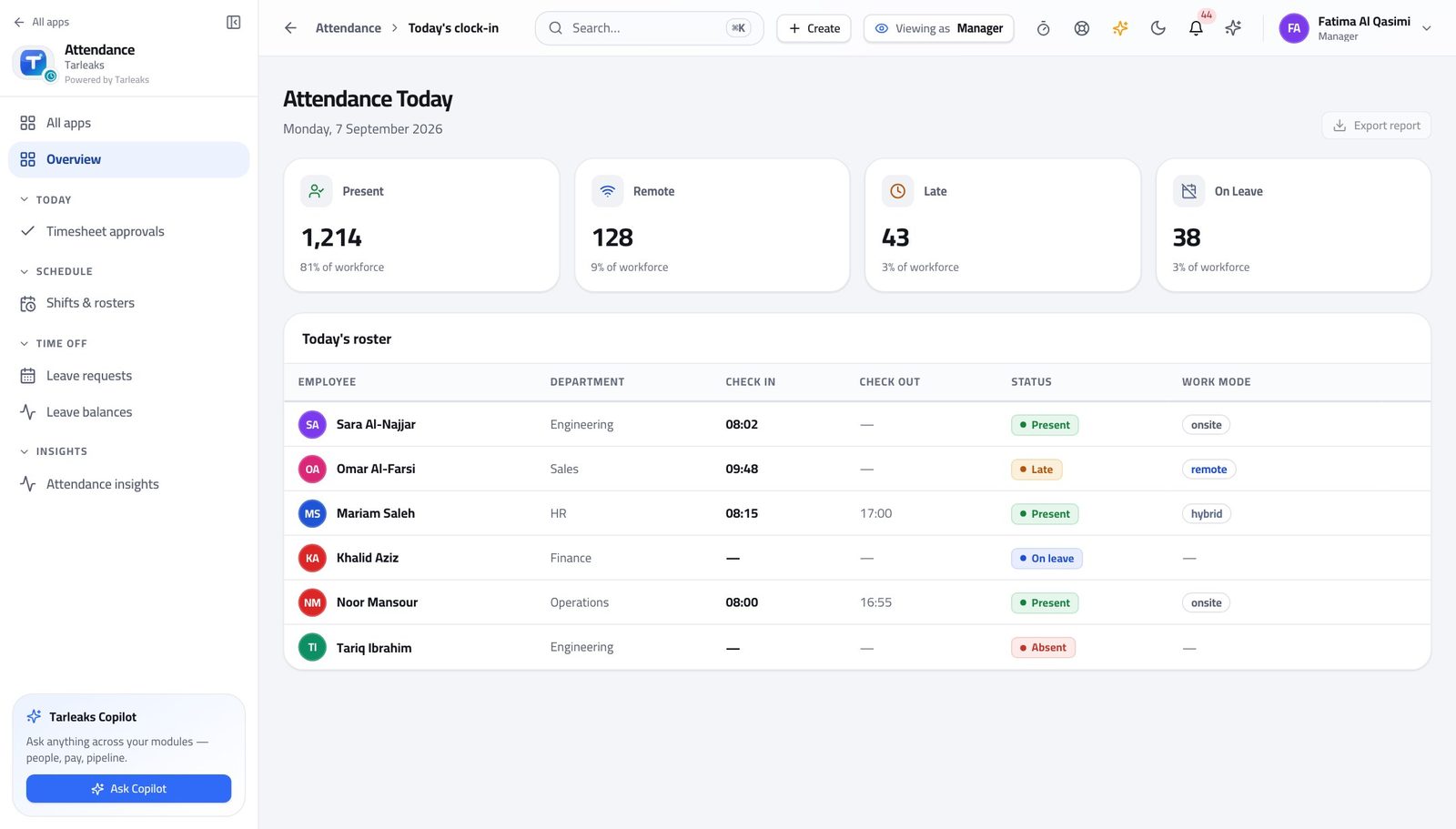
Line ManagerMonday morning: clear everything waiting on you
Every one of these queues is already narrowed to your departments, so 'is this mine' is never a question — which is what makes clearing them a ten-minute job rather than an hour.
5 steps, each with the screen it happens on.
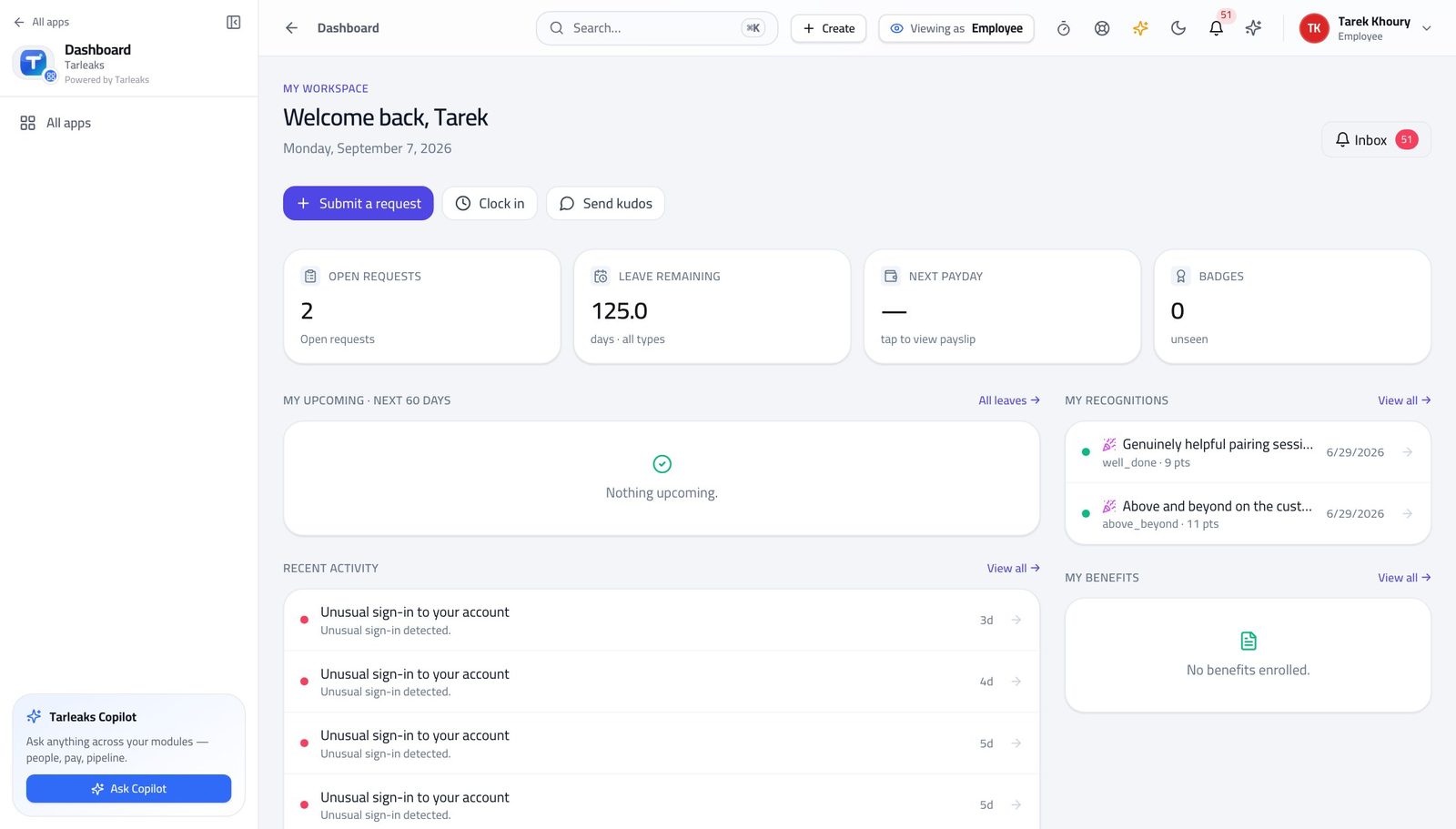
EmployeeAsk for time off, and know where it is
The two questions people actually have are 'how much do I have' and 'has it been approved'. Both are answered before you ask anyone.
4 steps, each with the screen it happens on.
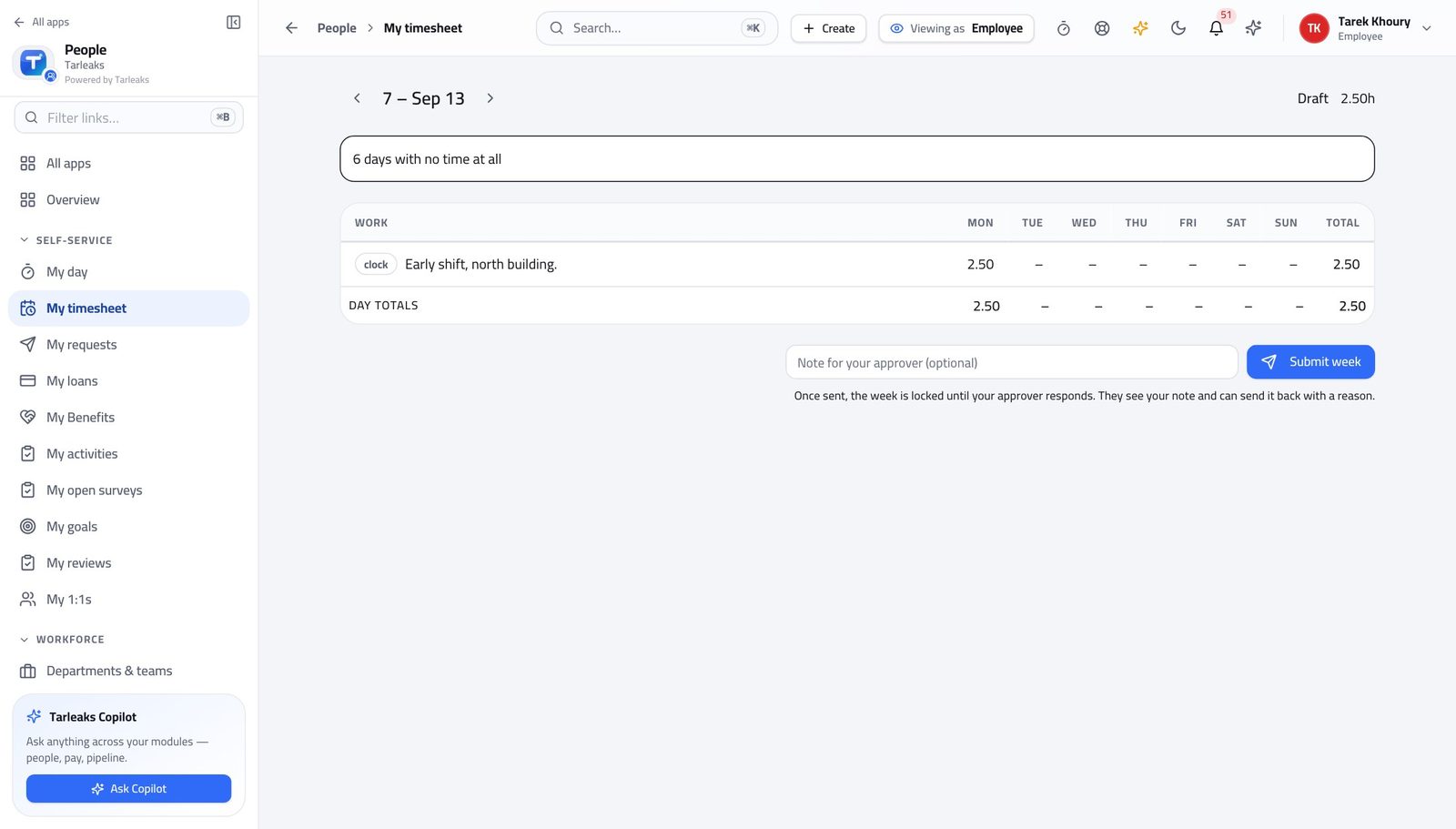
EmployeeClose the week properly
A week you did not send is a week nobody can approve — and it is your hours that wait, not anybody else's.
3 steps, each with the screen it happens on.
Every month
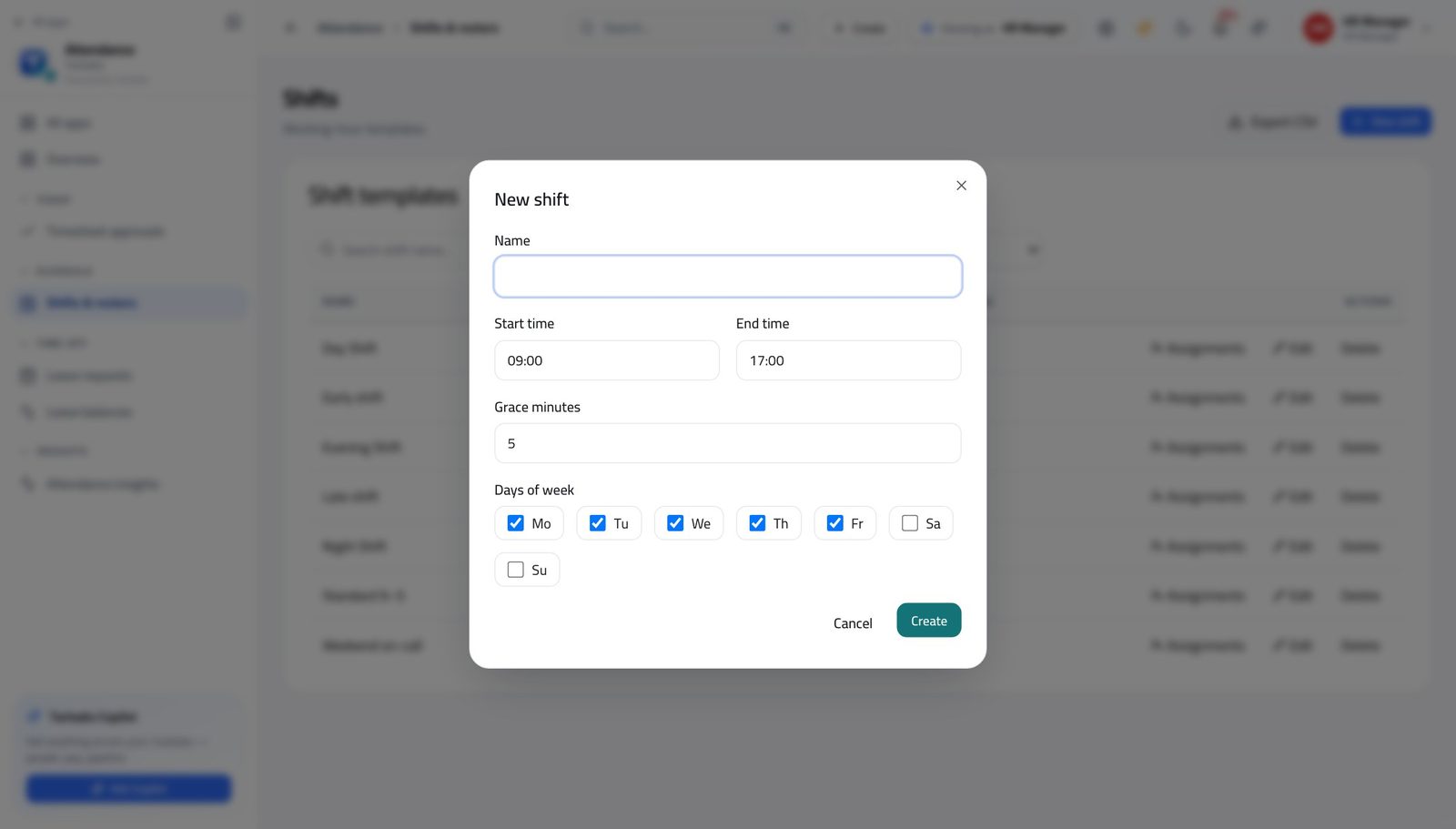
HR ManagerSet up a new working pattern, end to end
A shift, the people on it, and the leave rule they earn under are three separate things. Doing one and forgetting the others is the most common reason a new team's numbers look wrong.
5 steps, each with the screen it happens on.
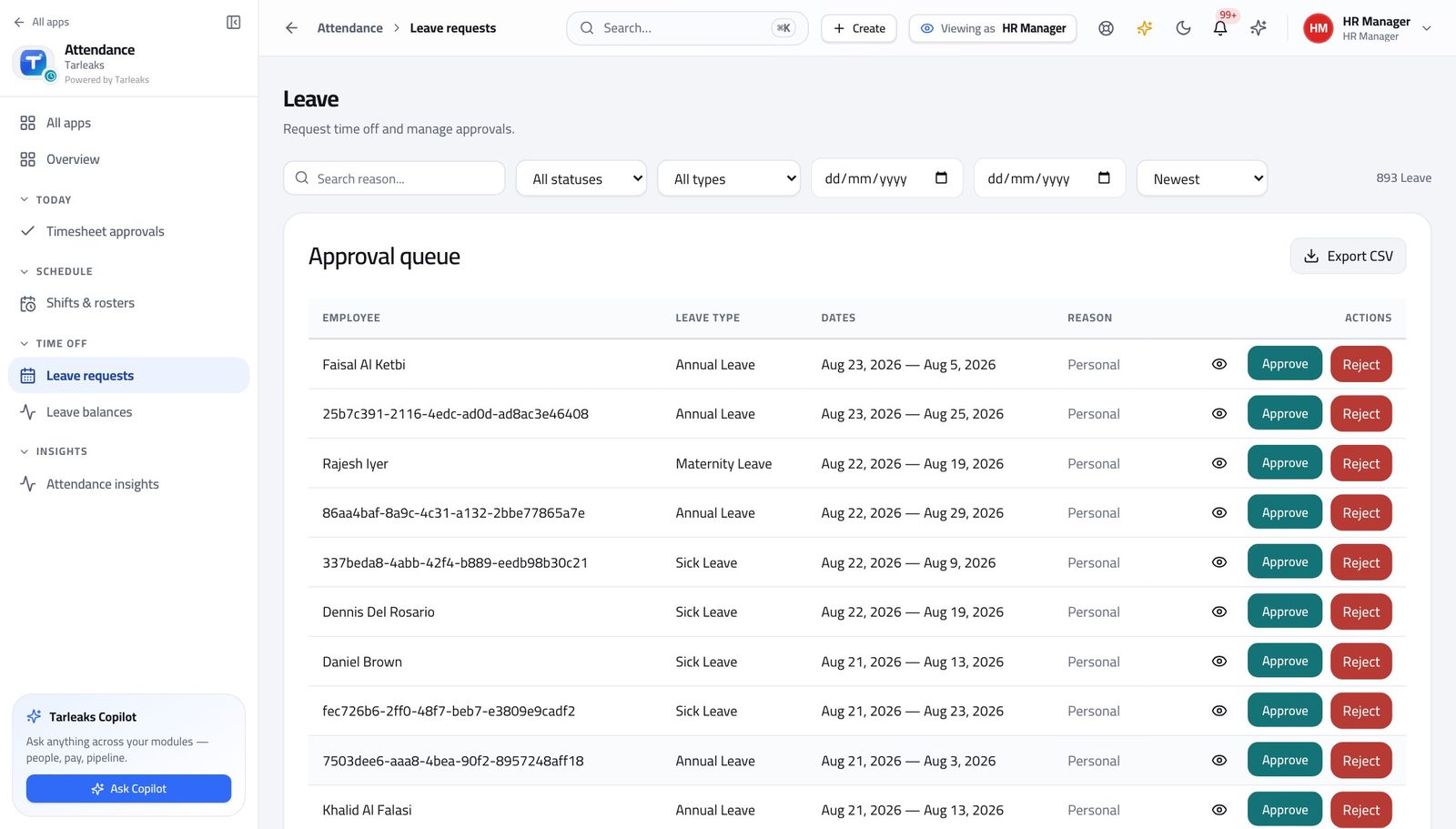
HR ManagerMonth end, in the order that works
Everything payroll needs comes from an approval somebody has to make. Doing them in this order means nothing lands in a retro run.
5 steps, each with the screen it happens on.
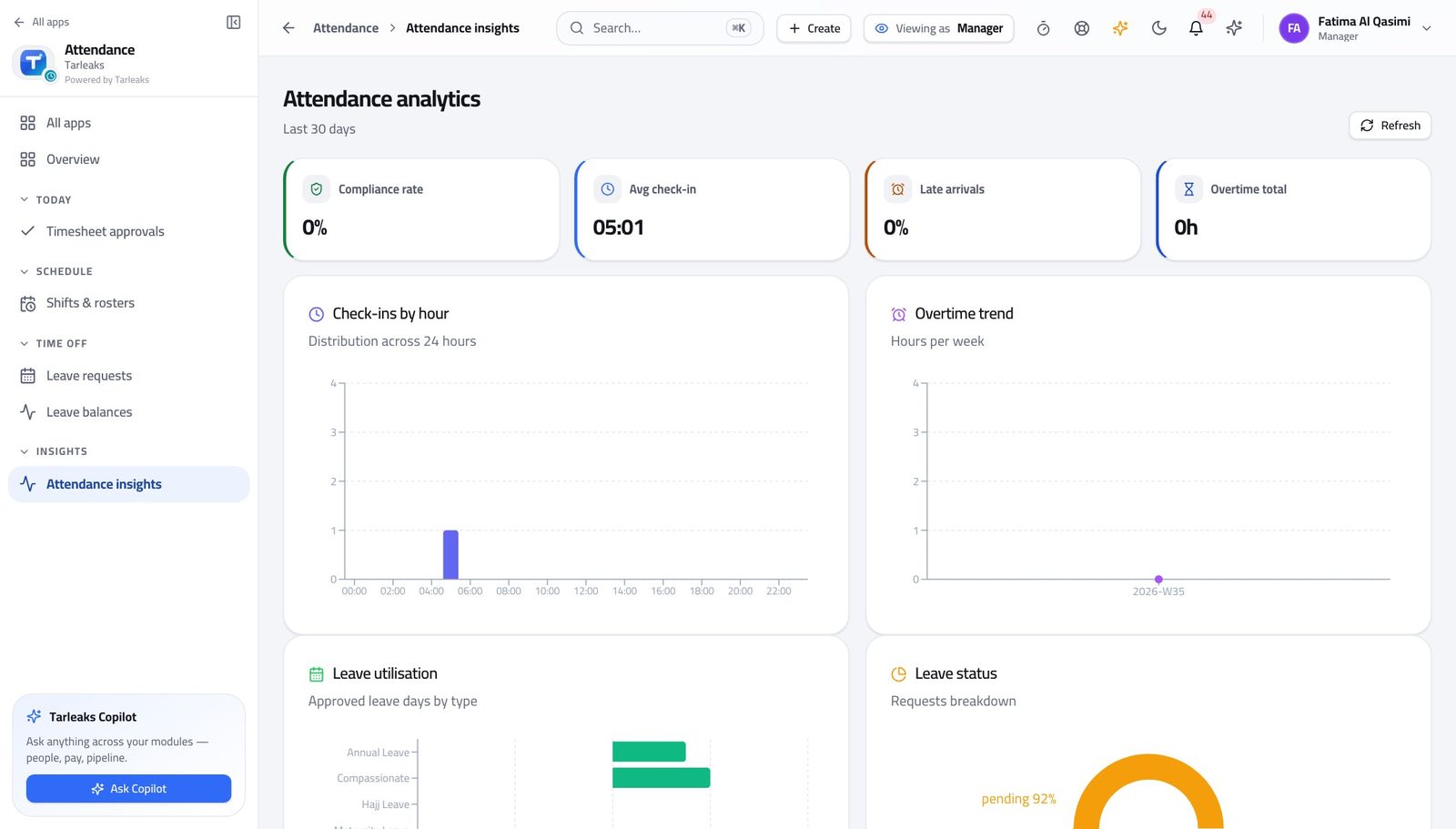
Line ManagerSomebody's lateness needs a conversation
Starting from a figure and a date is a conversation. Starting from an impression is an argument.
4 steps, each with the screen it happens on.
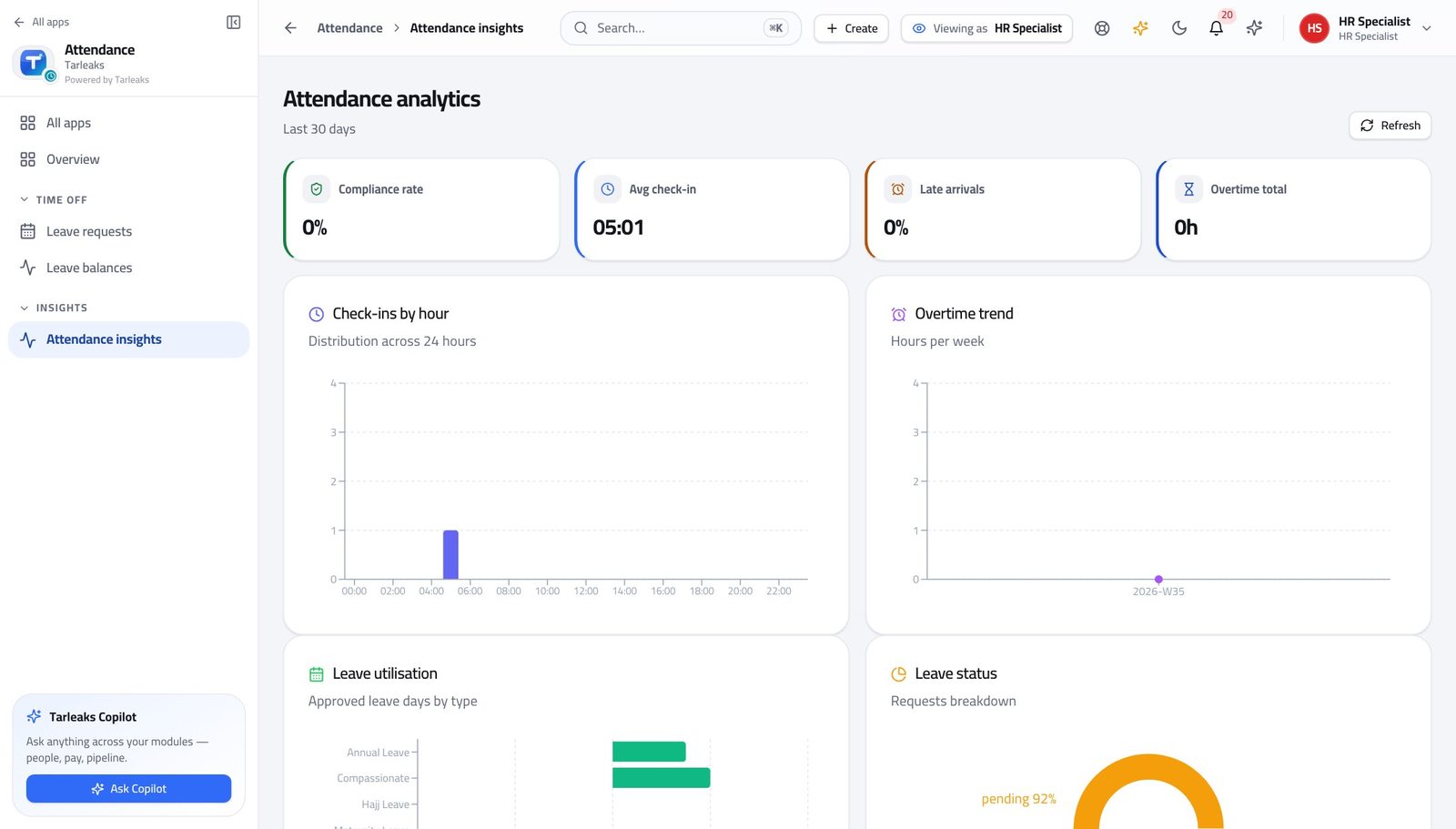
HR SpecialistReconcile the month before payroll asks
Every absence should have either approved leave or an approved correction behind it. The ones that have neither are the questions payroll is about to ask you.
4 steps, each with the screen it happens on.
When something goes wrong
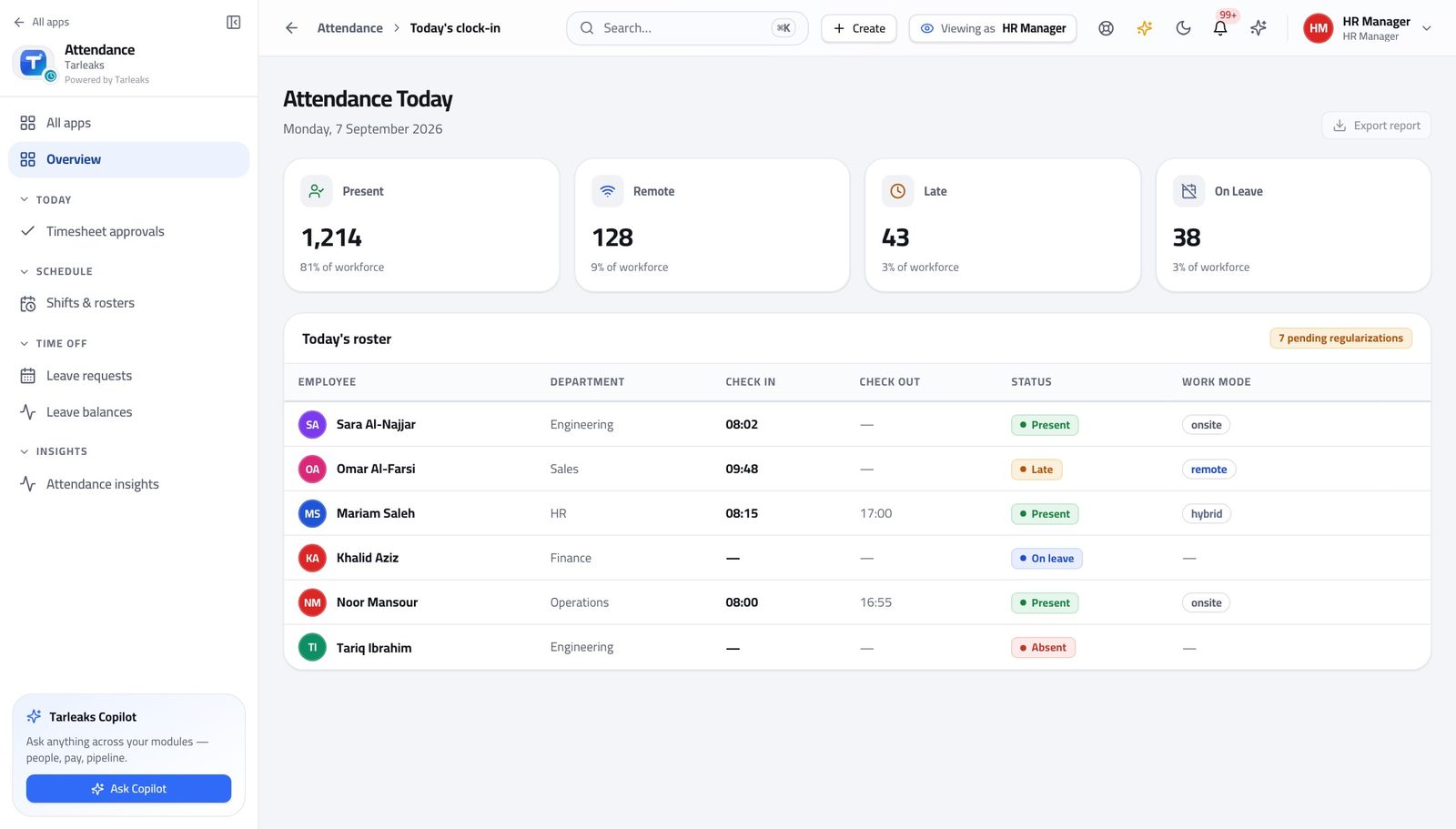
HR ManagerThe reader was down: fix a whole day of missing punches
The corrections write the missing records for you. What you cannot recover is people's memory of what time they arrived, so this happens today.
4 steps, each with the screen it happens on.
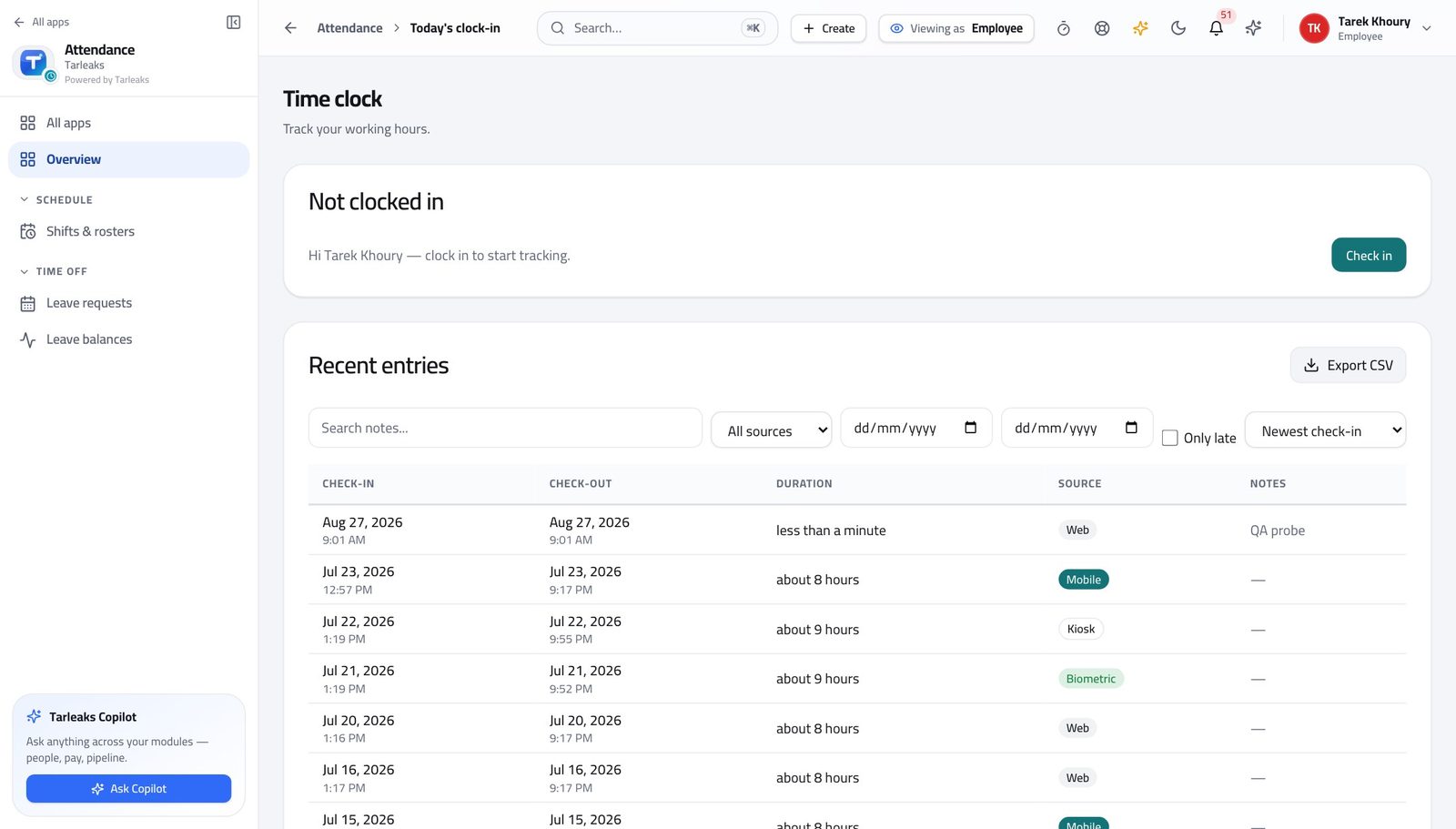
EmployeeThe clock is wrong about a day you worked
Raising it the same day gives you a record. Raising it a month later gives everybody a guess.
3 steps, each with the screen it happens on.
The awkward cases
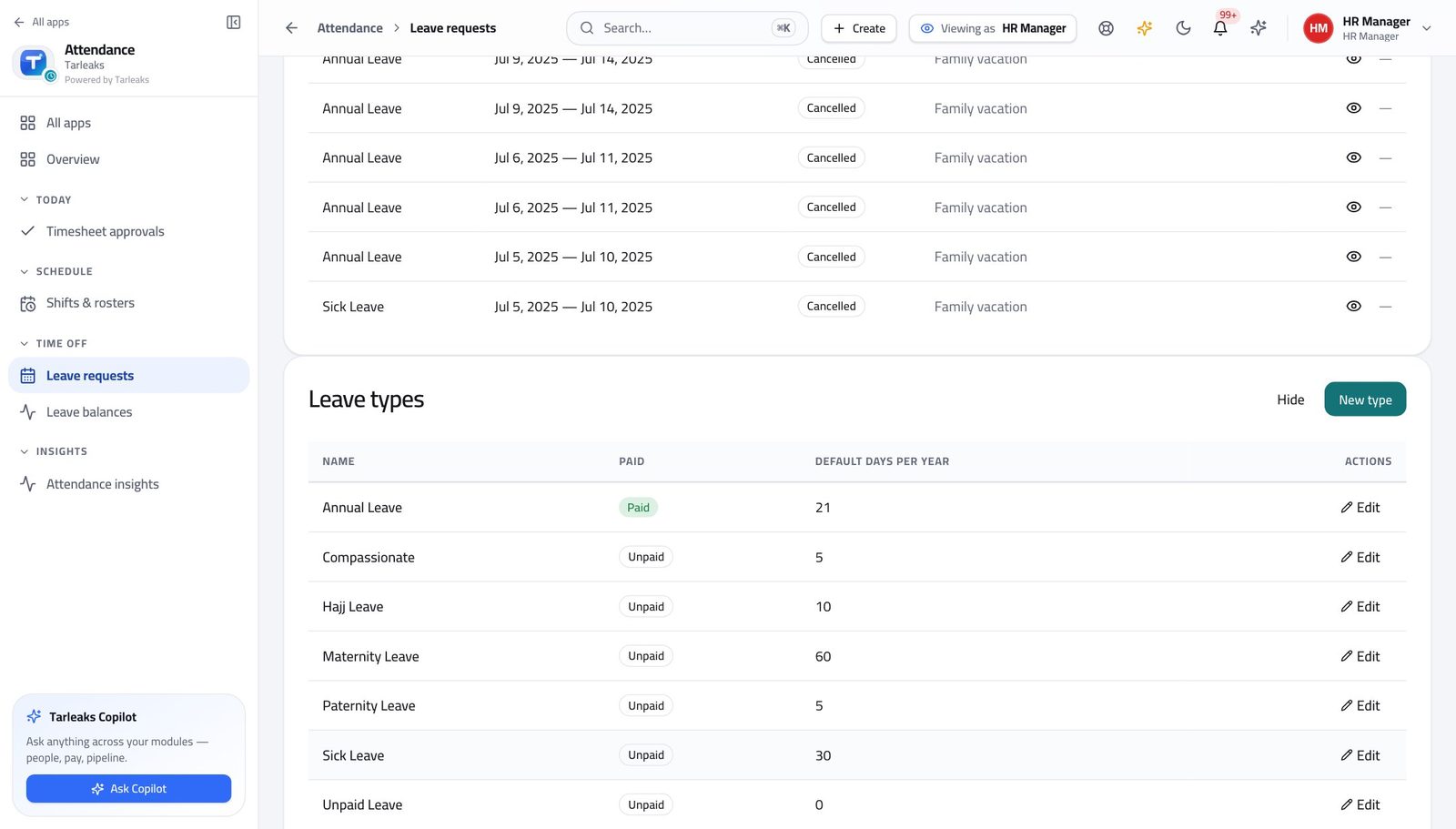
HR ManagerExplain a leave balance somebody disagrees with
The balance is never a typed number — it is the sum of a rule and a ledger. Showing both ends the disagreement in one conversation.
3 steps, each with the screen it happens on.
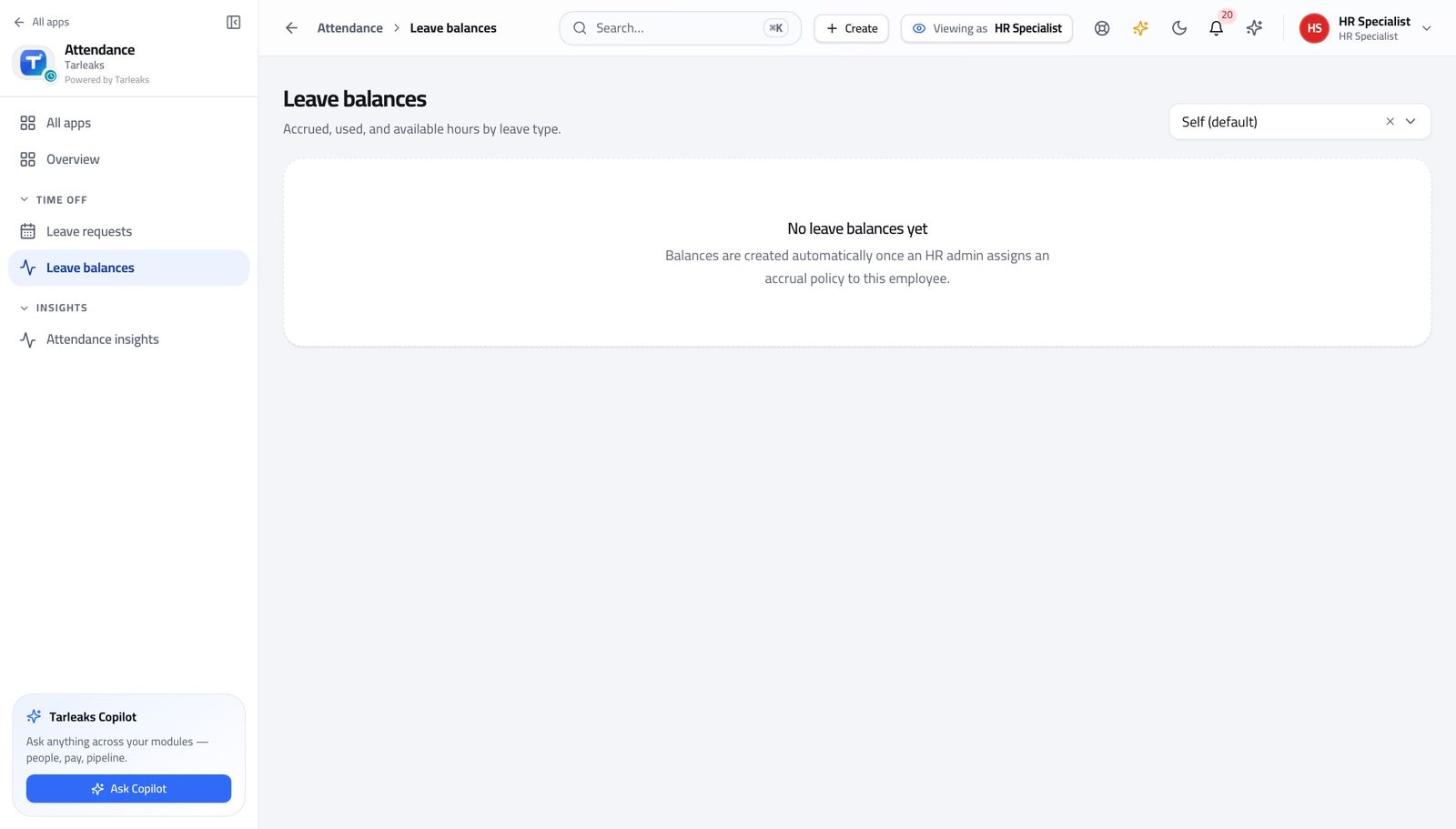
HR SpecialistSomebody is earning no leave and nobody noticed
Nothing warns anyone about this. A person with no accrual policy simply never accrues, and the first sign is a complaint months later.
3 steps, each with the screen it happens on.
Handovers — who passes what to whom
Finance rarely breaks inside a job. It breaks at the join: a bill nobody approved, a receipt nobody allocated, a month closed before the tax agent had it.
| When this happens | From → to | What happens next |
|---|---|---|
| Somebody asks for time off | Employee → Line manager Leave requests → New request, then the manager's Approval queue | The request appears in the manager's approval queue — theirs only, because the queue is already narrowed to the departments they manage. Nobody can approve their own leave, at any level. If the manager is the one asking, it goes to HR. |
| The leave is approved | Line manager → Payroll Leave requests → Approve | Approved leave is announced to payroll, which turns paid absence into work entries on the run. The hours also come off the person's balance. Approving after the payroll cut-off means a retro run, not a fix. Clear the queue before the cut-off, not after it. |
| A clock-in was missed | Employee → Line manager or HR manager Regularizations | A correction request naming the day, the times and the reason. On approval the missing clock record is written automatically. The employee raises it; the approver decides it. An approved correction adds paid hours, so it is read, not skimmed. |
| The week is finished | Employee → Line manager My timesheet → Submit week | Submit week sends one envelope covering both clock time and project time. The grid locks; the approver sees the same exceptions the employee saw. A week that is never submitted never reaches payroll or billing. It is not silently approved. |
| A week is approved | Line manager → Payroll and billing Timesheet approvals → the tick | Approving sends the hours on — the billable split goes to billing, the total to payroll. Sending a week back REQUIRES a reason, and it stays on the employee's screen. A rejection with no usable reason gets resubmitted unchanged. |
| Somebody joins, or moves team | HR manager → Line manager Shifts & rosters → Assignments, and Settings → Leave accrual policies → Assign | Put them on a shift with a start date, and on an accrual policy. Until both exist they have no expected hours and earn no leave. This is the most common cause of 'my balance is zero'. It is not a fault — nobody assigned the policy. |
| A balance is wrong | Employee → HR specialist Leave balances → View ledger | HR reads the ledger, finds the movement that is wrong, and records a correction as a new line rather than editing the old one. The ledger is append-only. A balance that has been corrected still shows what it was and why it changed — which is the point. |
| The office moved, or a new site opened | HR manager → Tenant administrator Settings → Attendance settings → Work locations | The site is added as a work location with its coordinates and radius; until it is, everybody there is refused at check-in. This reads to the team as 'the app is broken'. Ask early — it is a one-minute change for the administrator. |
| The biometric reader failed | Line manager → HR manager Regularizations | The day's missing punches come in as correction requests, one per person, and are approved together. Tell people to raise the correction the same day. A week later nobody remembers what time they arrived, and the record becomes a guess. |
| The company changes its working week or its overtime threshold | Tenant administrator → Everyone Settings → Attendance settings | Weekend days, grace, and the daily and weekly overtime thresholds all live in the attendance settings and apply from the moment they are saved. Overtime figures before and after the change are not comparable. Note the date on any report that spans it. |