The inventory calendar — who does what, and when
8 use cases across 4 roles, placed by when they happen. Each one opens as a numbered sequence with the screen behind every step — nothing here is advice we have not carried out in the product. Filter to your own role, or read it once to know what lands on your desk and from whom.
Nothing matches that. Try a shorter word, or pick Everyone.
Every day
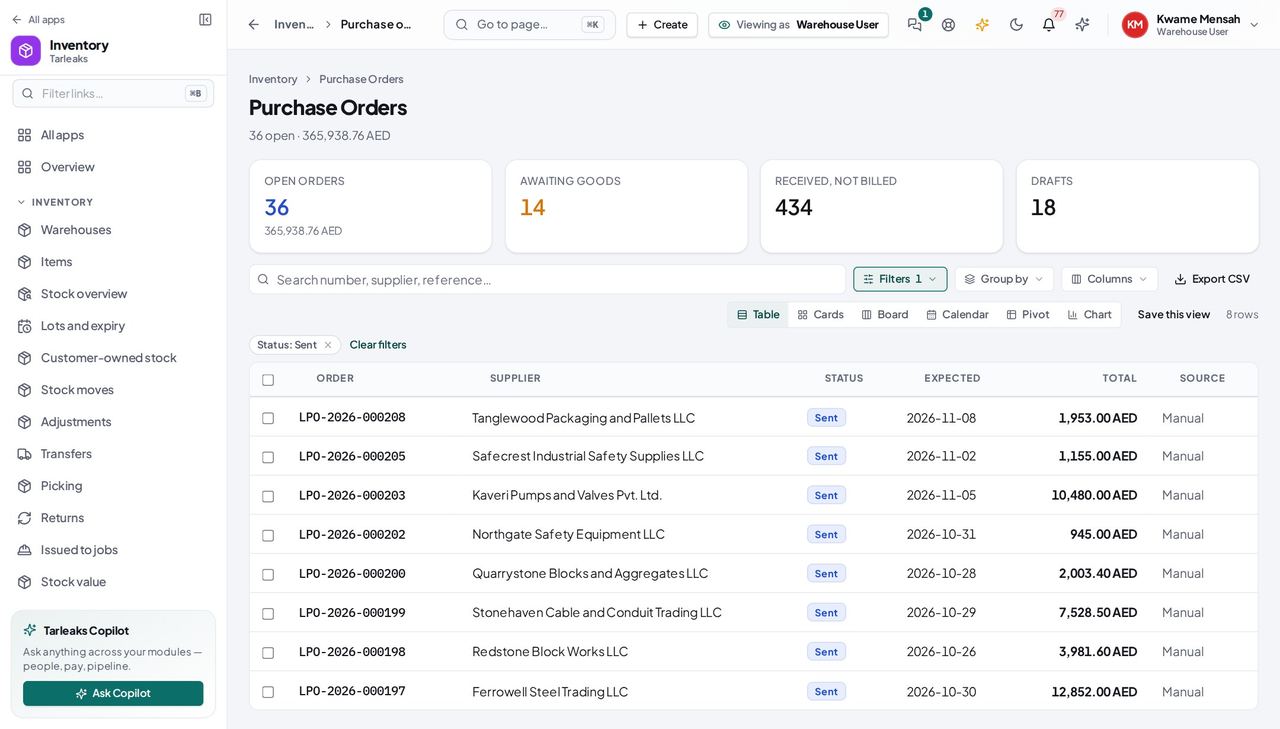
Warehouse UserA truck arrives
Receiving against the order is what values the stock and what lets accounts pay.
3 steps, each with the screen it happens on.
Every week
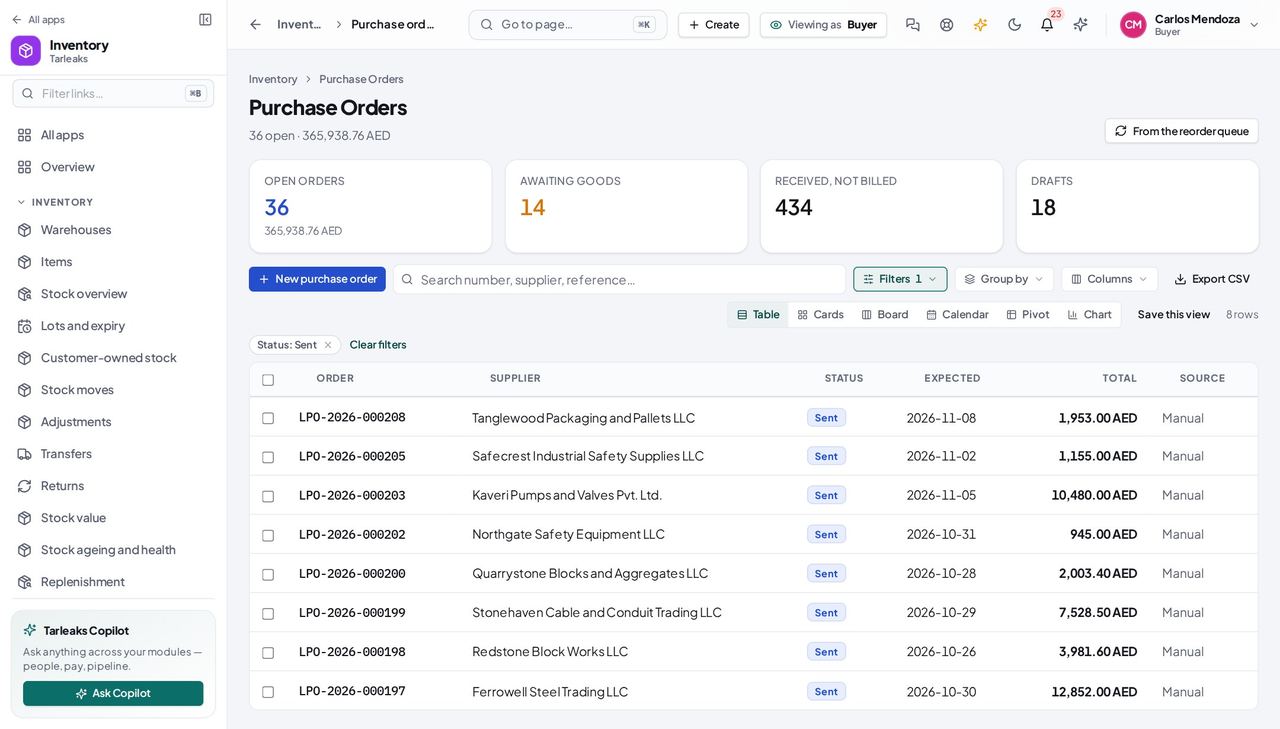
BuyerMonday: the reorder queue
The queue drafts the routine orders; you review, adjust, send.
3 steps, each with the screen it happens on.
Every month
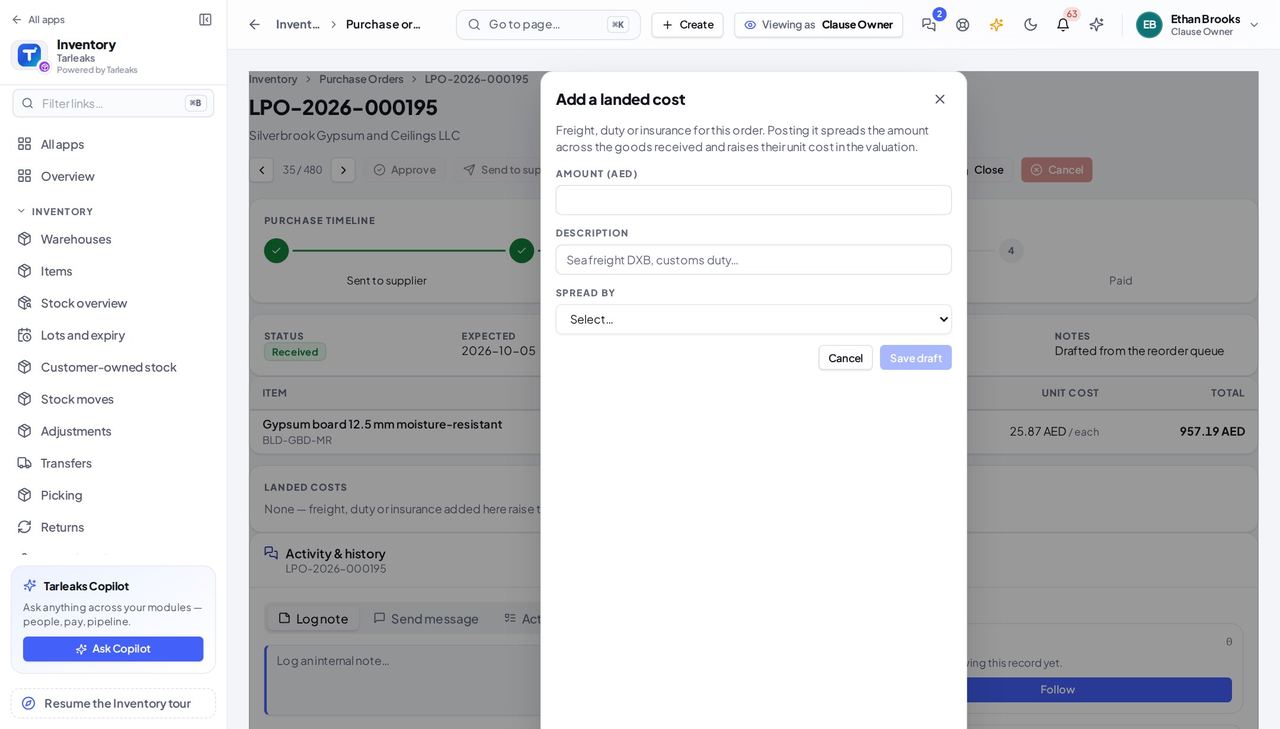
Inventory ManagerFreight to land on last week's receipt
The forwarder's bill arrives after the goods; the landed cost puts it on them.
2 steps, each with the screen it happens on.
When something goes wrong
BuyerA confirmed sale we cannot cover
The shortfall drafted an order by itself — your job is the supplier and the date.
2 steps, each with the screen it happens on.
Handovers — who passes what to whom
Finance rarely breaks inside a job. It breaks at the join: a bill nobody approved, a receipt nobody allocated, a month closed before the tax agent had it.
| When this happens | From → to | What happens next |
|---|---|---|
| The buyer sends an order | Buyer → Warehouse and accounting Purchase orders (Awaiting goods); the bill's Purchase-order match panel | The warehouse gets a receiving line; accounting gets a mirror of the order to match the bill against. An order sent with no supplier cannot be matched — pick one first. |
| The warehouse posts a receipt | Warehouse → Accounting The order's timeline; the bill drawer | The received quantity is what may be billed; the match recomputes. Over-receipt is refused, also when two people receive at once — edit the order instead. |
| Accounts posts the bill | AP clerk → Buyer The order's timeline | The order reads Billed, then Paid. |