The register calendar — who does what, and when
17 use cases across 7 roles, placed by when they happen. Each one opens as a numbered sequence with the screen behind every step — nothing here is advice we have not carried out in the product. Filter to your own role, or read it once to know what lands on your desk and from whom.
Nothing matches that. Try a shorter word, or pick Everyone.
Every day
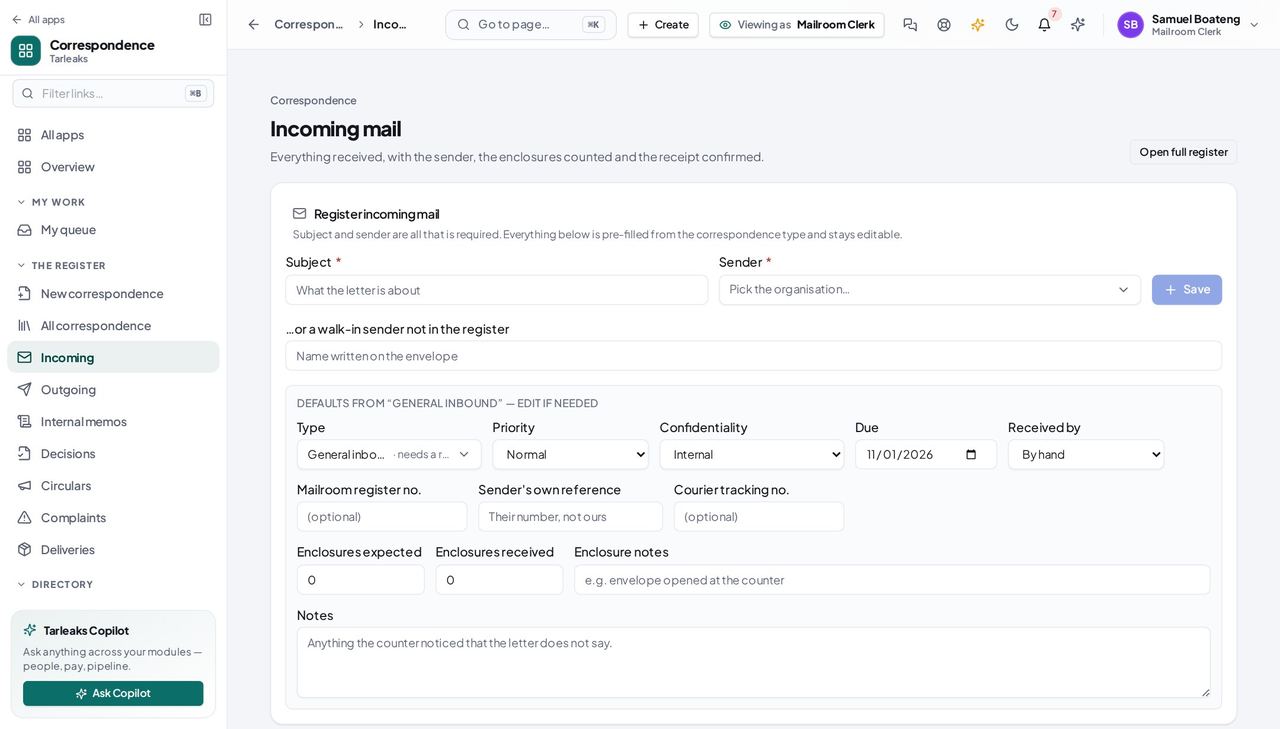
Mailroom ClerkPut the morning's post on the register
A letter that is not on the register has no clock on it and nobody owns it. Registering it is what starts both.
3 steps, each with the screen it happens on.
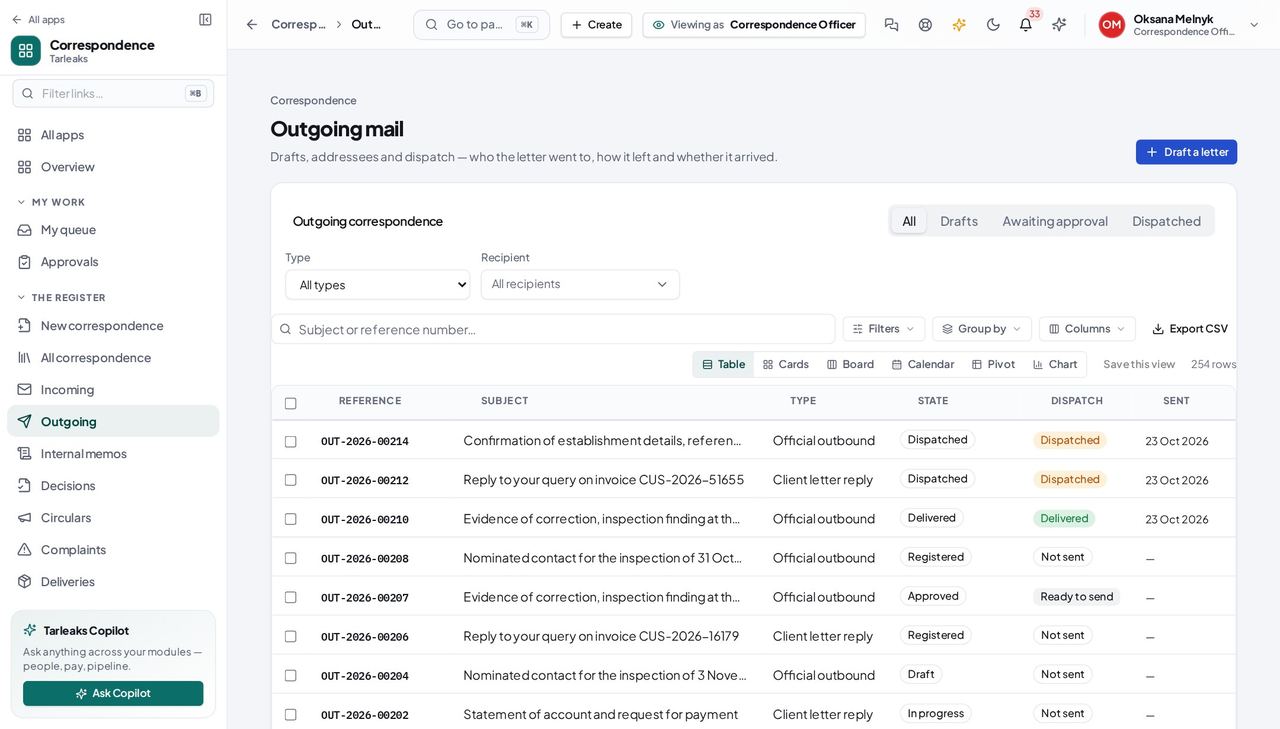
Correspondence OfficerSend a letter out of the building
This is the whole job, and every step of it is recorded — which is what makes the register worth keeping.
4 steps, each with the screen it happens on.
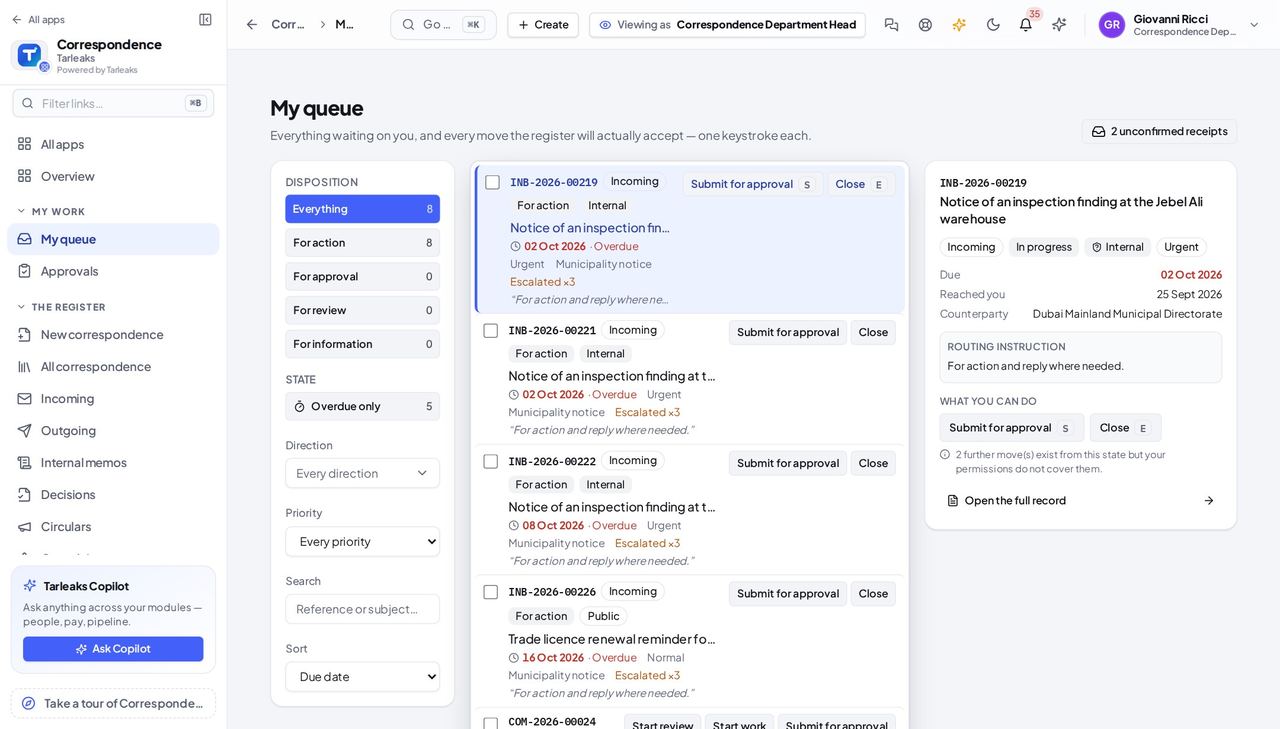
Department HeadClear your desk
Your queue is the only screen that shows both what was sent to you personally and what was sent to your department.
3 steps, each with the screen it happens on.
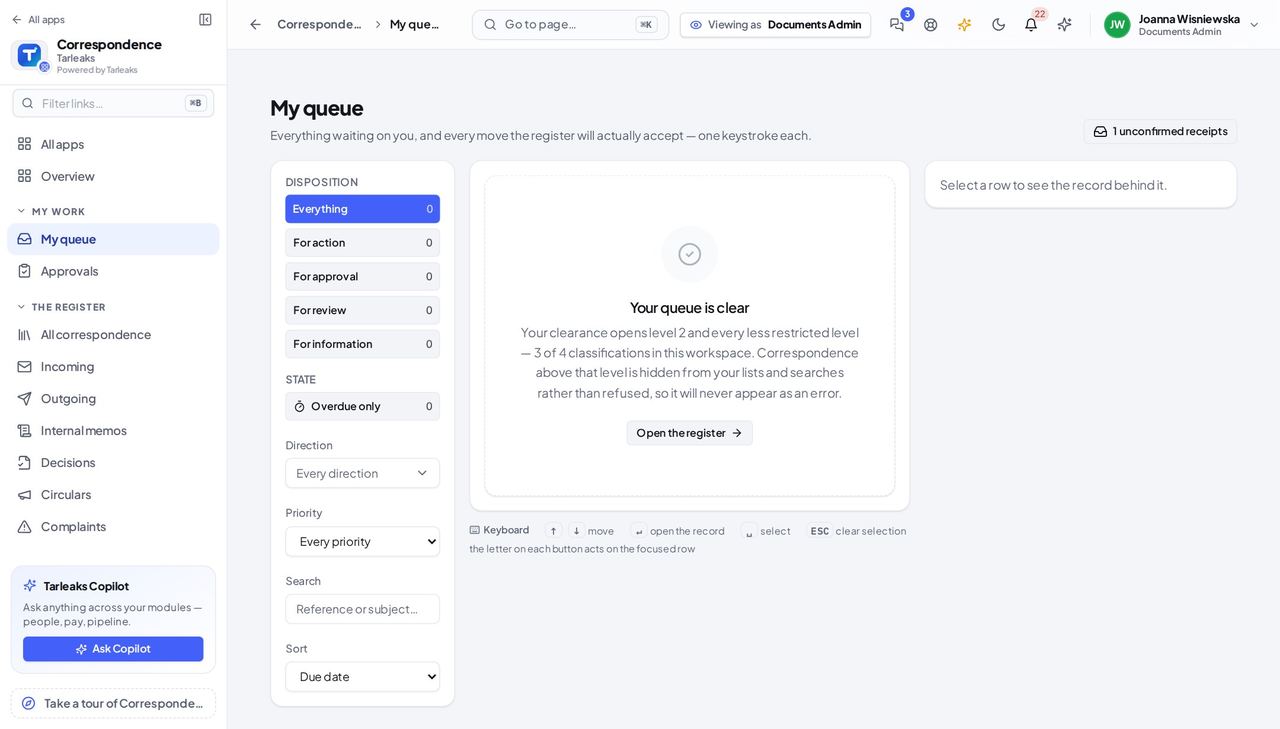
ApproverDecide what is waiting on you
Everything in this list is somebody else's work, stopped until you look at it.
2 steps, each with the screen it happens on.
Every month
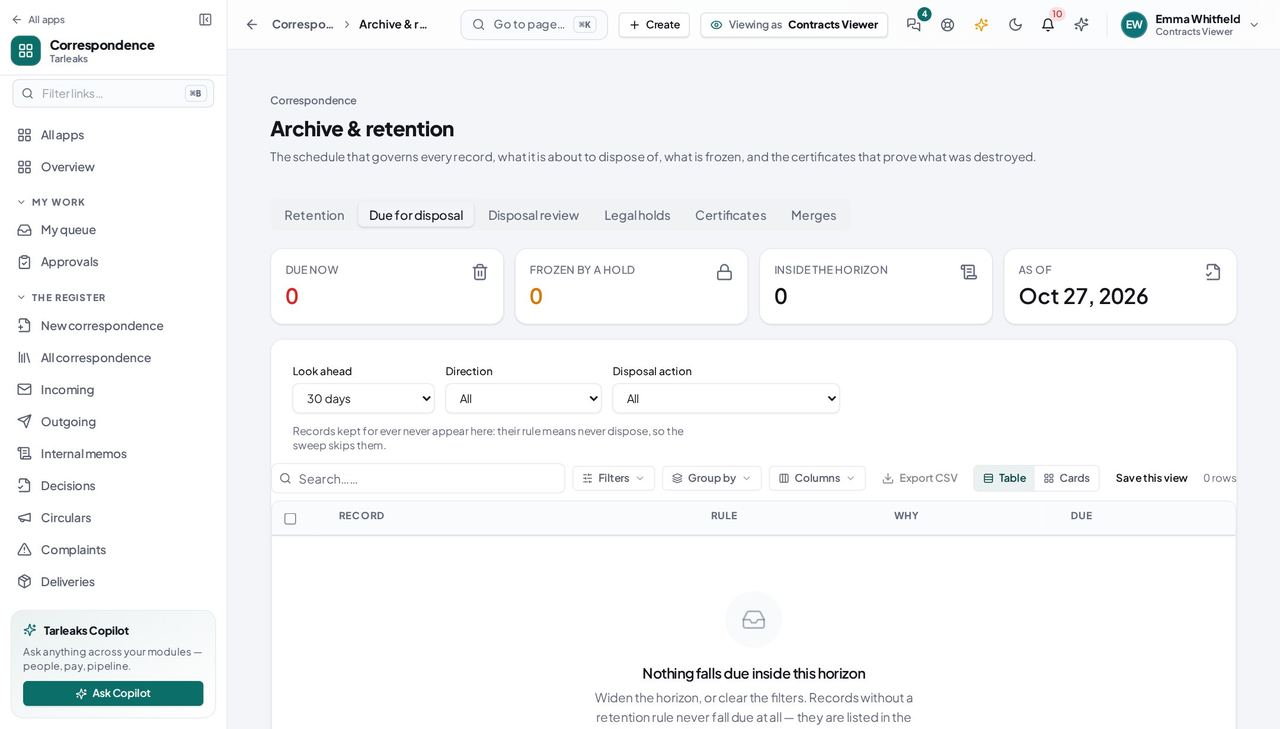
Records ManagerWork out what is about to be destroyed
A record destroyed on schedule that a department still needed is a conversation you want to have BEFORE the sweep runs, not after.
2 steps, each with the screen it happens on.
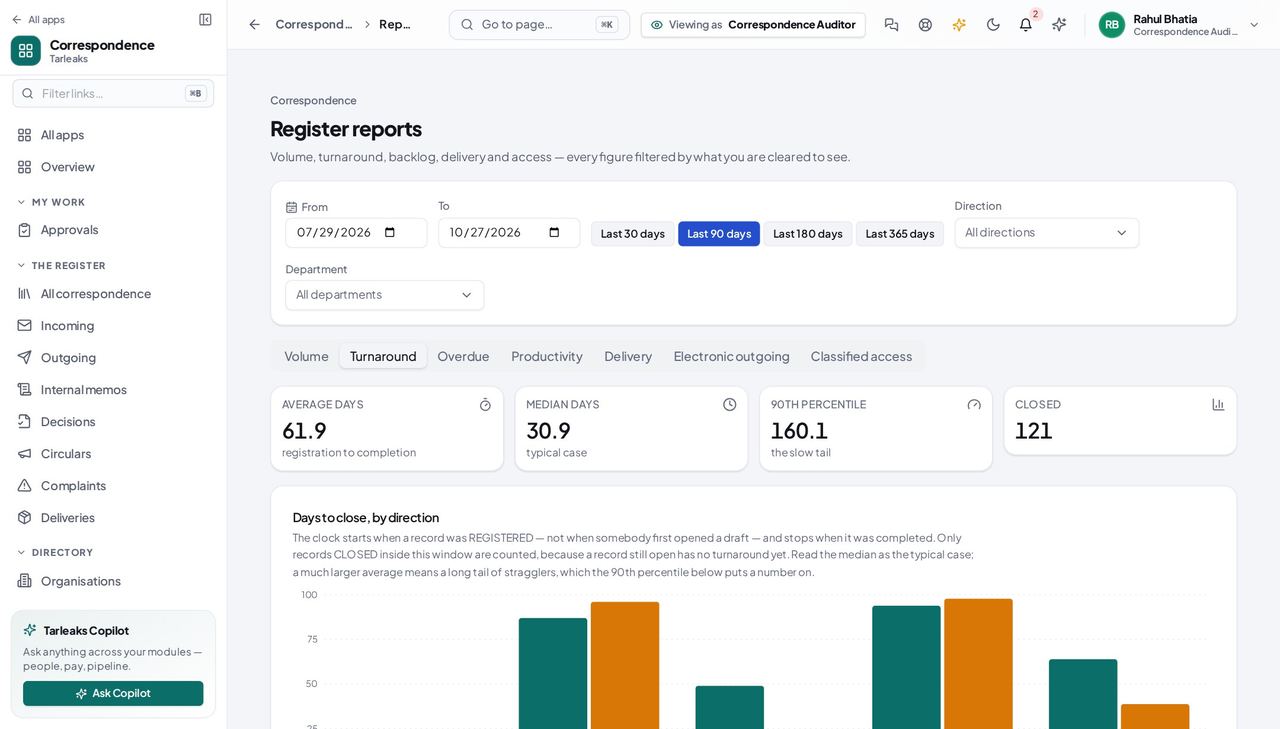
Correspondence AuditorReport on whether the registry is keeping up
Turnaround and overdue together answer 'are we slow, and where' without anybody having to count.
3 steps, each with the screen it happens on.
Every quarter
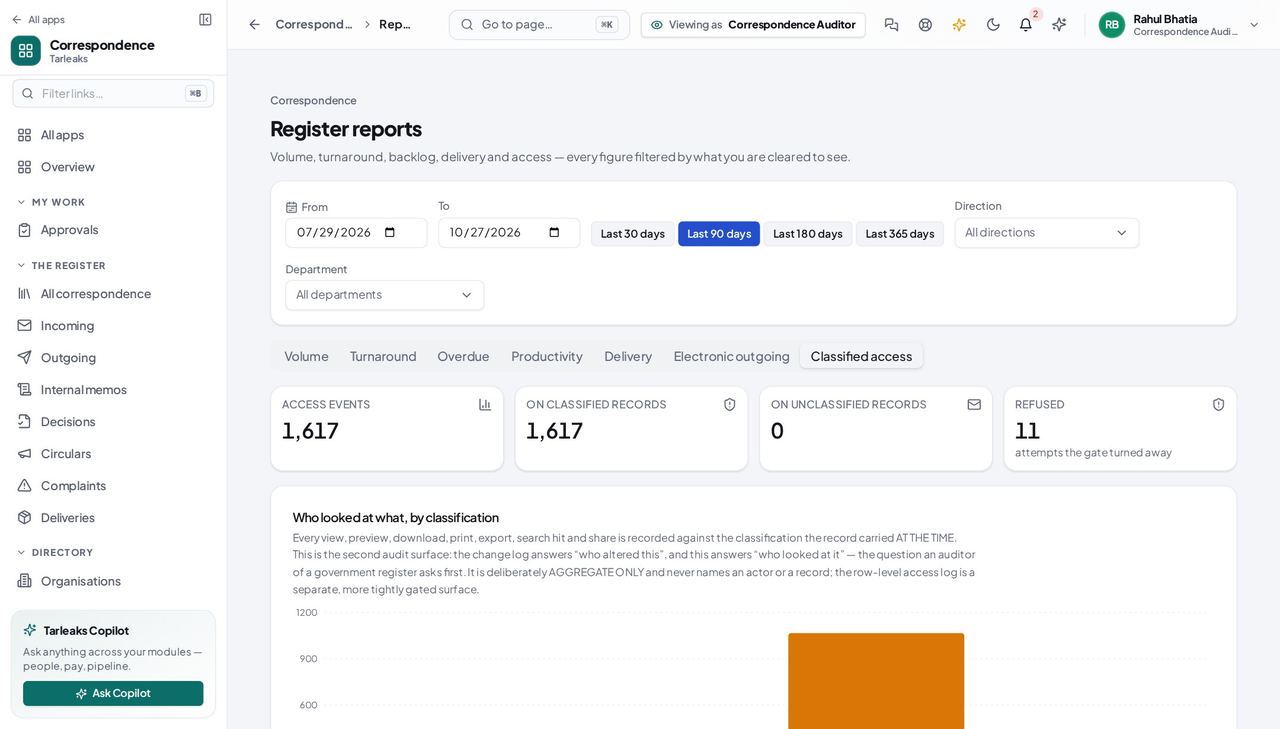
Correspondence AuditorReview who has been reading the classified material
This is the review an information-governance inspection asks for by name, and it is one screen.
2 steps, each with the screen it happens on.
When something goes wrong
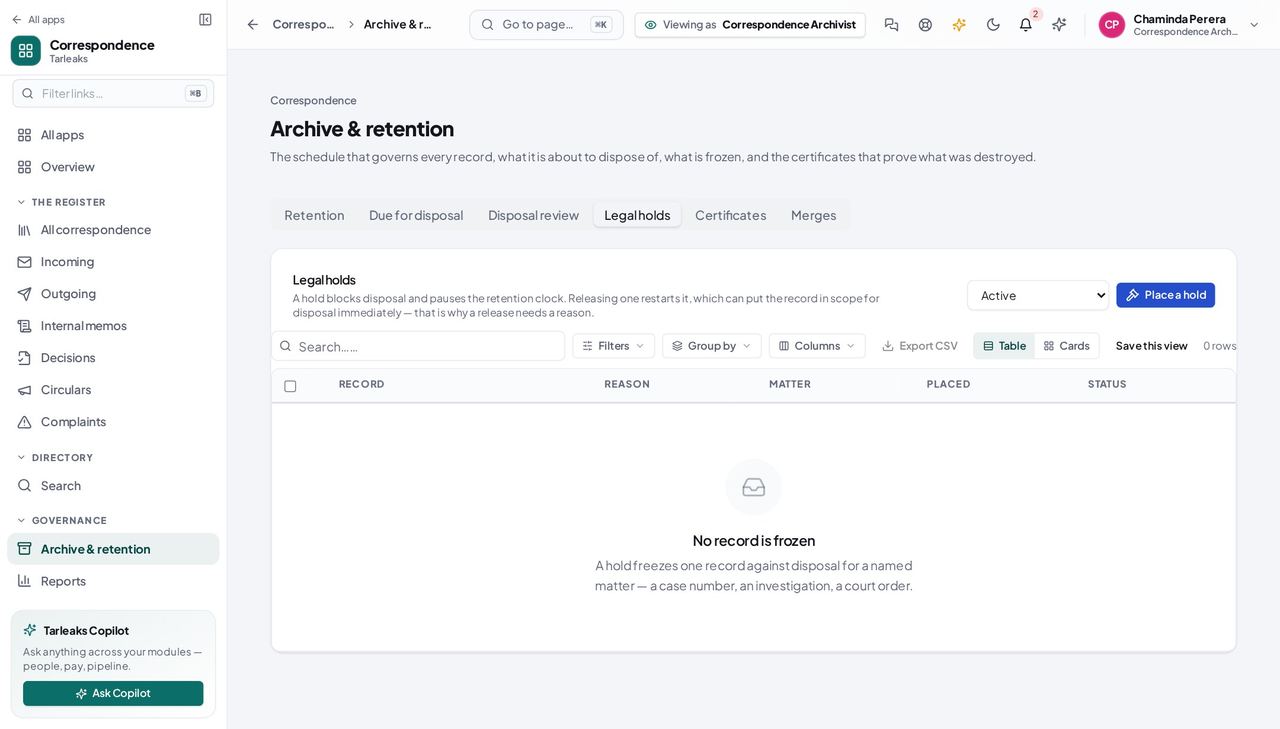
Records ArchivistFreeze a file because a matter has started
A hold placed after the sweep has run is a hold placed too late.
2 steps, each with the screen it happens on.
Handovers — who passes what to whom
Finance rarely breaks inside a job. It breaks at the join: a bill nobody approved, a receipt nobody allocated, a month closed before the tax agent had it.
| When this happens | From → to | What happens next |
|---|---|---|
| An envelope arrives at the counter | Mailroom clerk → Whoever it is for Correspondence » Incoming » Route | Registering it gives it a number and a clock; routing it puts it on somebody's desk. If you do not know who is in today, route to the POST rather than guessing a person — everybody holding that job will see it. |
| A letter is routed to somebody | Mailroom clerk → The recipient My queue » Confirm receipt | The letter is unread and unchangeable until the recipient confirms it arrived. The recipient confirms it themselves. They do not need a special permission — being the person it was sent to is what counts. |
| An outgoing letter is finished | Correspondence officer → The approver a letter » Request approval | Requesting approval names the person who must decide, which is what makes the letter appear on their desk. Marking it approved from the letter's own status menu is refused. That door would skip the person you named and the order they decide in. |
| An approver decides | Approver → The officer who wrote it Correspondence » Approvals | An approval lets the letter be dispatched; a refusal carries the reason back. A refusal with no reason leaves the author with nothing to act on, so the register asks for one. |
| A complaint is beyond the person holding it | Anyone handling it → The escalation target Correspondence » Complaints » Escalate | Escalation raises the severity, records the reason, and puts the file on the target's desk. Escalate to a person who can actually act. The register will put it in front of them; it cannot make them the right choice. |
| A record reaches the end of its retention period | The retention rule → The archivist, or the nightly sweep Correspondence » Archive | It appears under Due for disposal first, then is destroyed or transferred under its rule. A rule that transfers to the national archive must name the receiving authority on the RULE. Without one the sweep refuses to act and says so, rather than transferring with nobody named. |
| A record is classified upward | Records manager → Everybody who was handling it a record » Classify | It disappears from the lists of anybody not cleared for the new level — and so does its access history. People who were working on it will find it gone with no explanation, because explaining would itself disclose. Tell them. |