The finance calendar — who does what, and when
23 use cases across 9 roles, placed by when they happen. Each one opens as a numbered sequence with the screen behind every step — nothing here is advice we have not carried out in the product. Filter to your own role, or read it once to know what lands on your desk and from whom.
Nothing matches that. Try a shorter word, or pick Everyone.
Every day
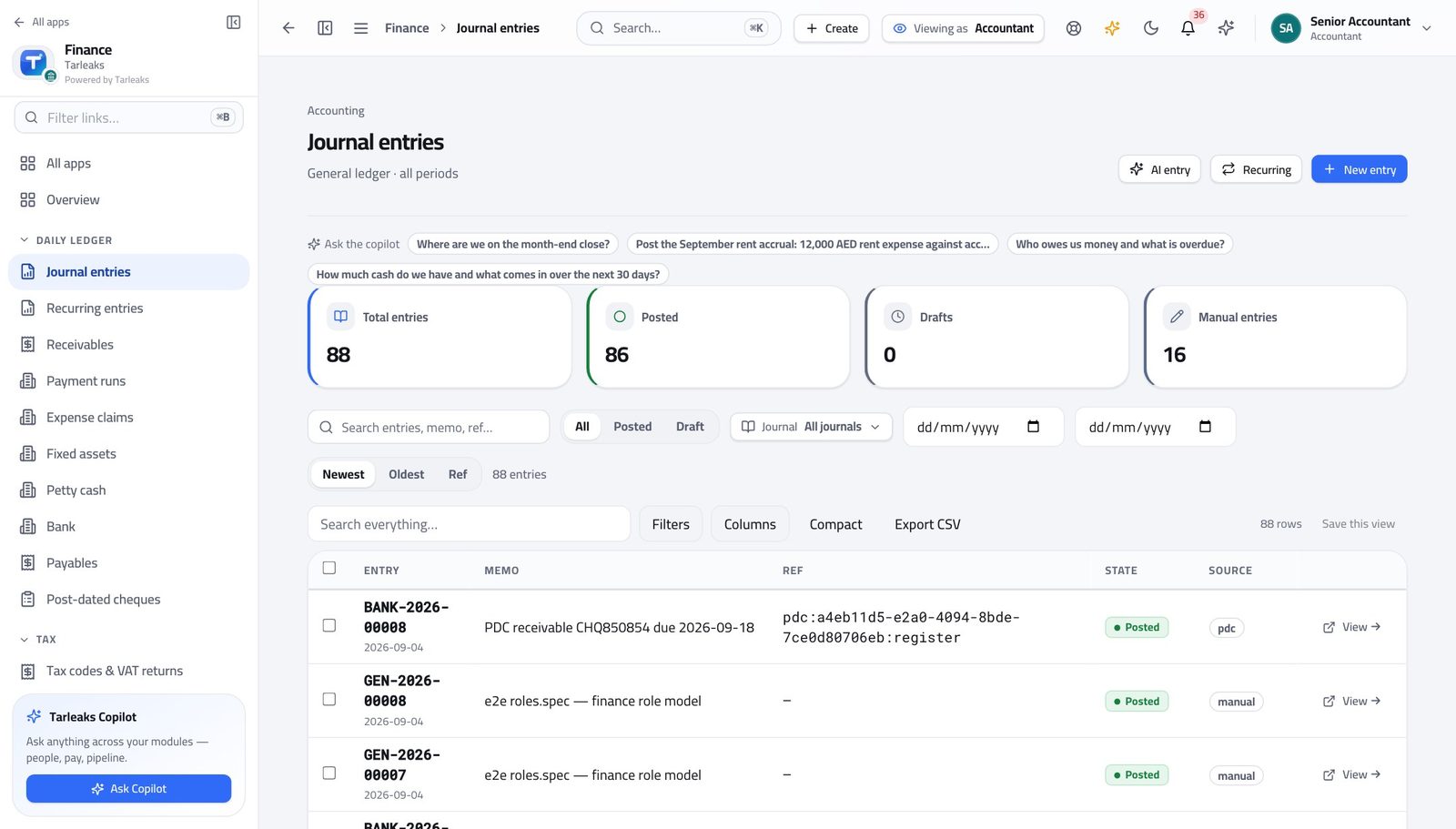
AccountantThe morning pass: drafts, bank, oddities
Fifteen minutes here is what stops month end being a week long.
3 steps, each with the screen it happens on.
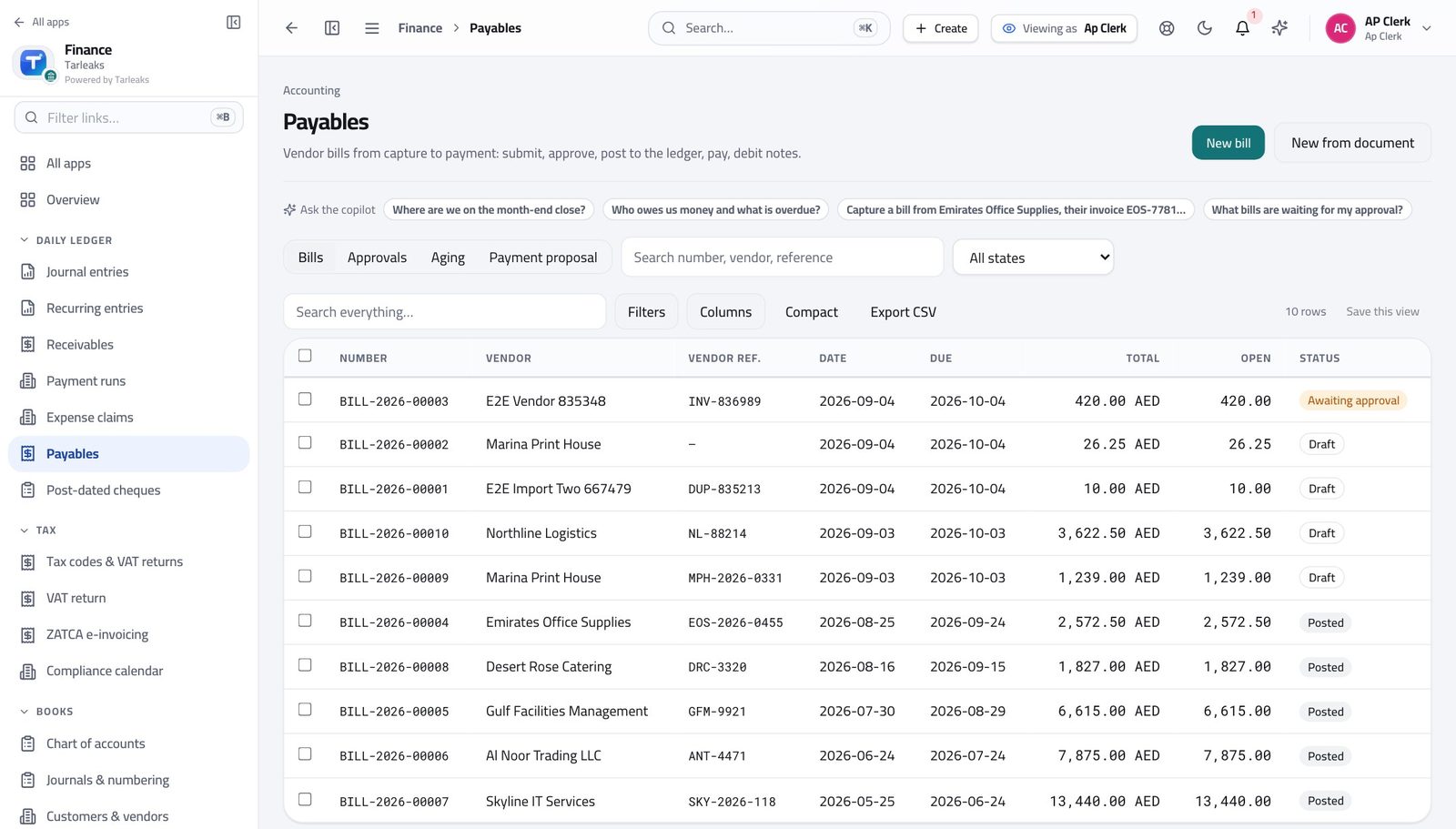
Accounts Payable ClerkA day of supplier invoices, entered and sent for approval
You are the last person who sees the paper. Everything after you depends on what you typed.
3 steps, each with the screen it happens on.
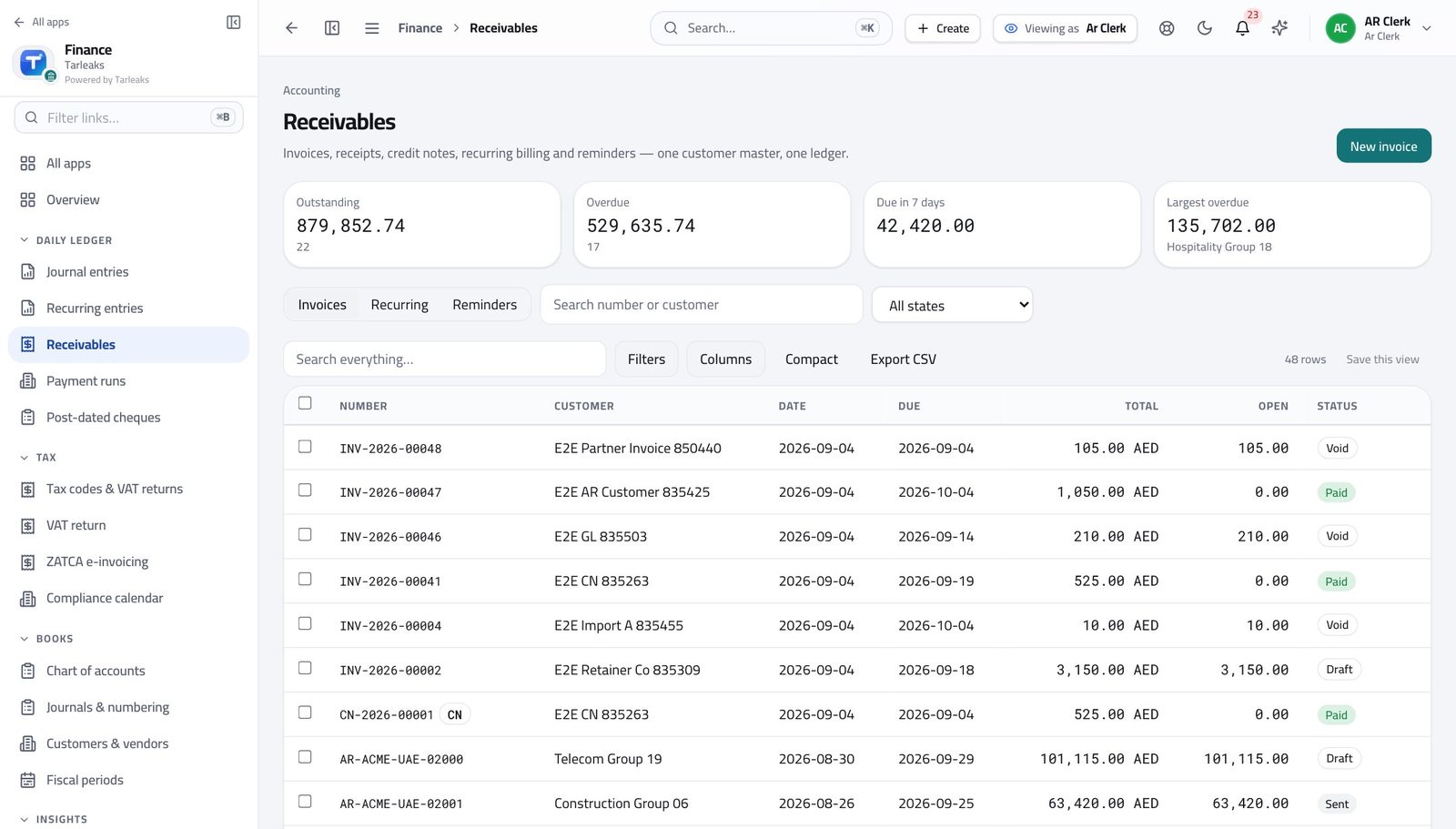
Accounts Receivable ClerkInvoice what shipped, then record what arrived
An invoice raised a week late is paid a week late — and an unallocated receipt makes a paying customer look overdue.
3 steps, each with the screen it happens on.
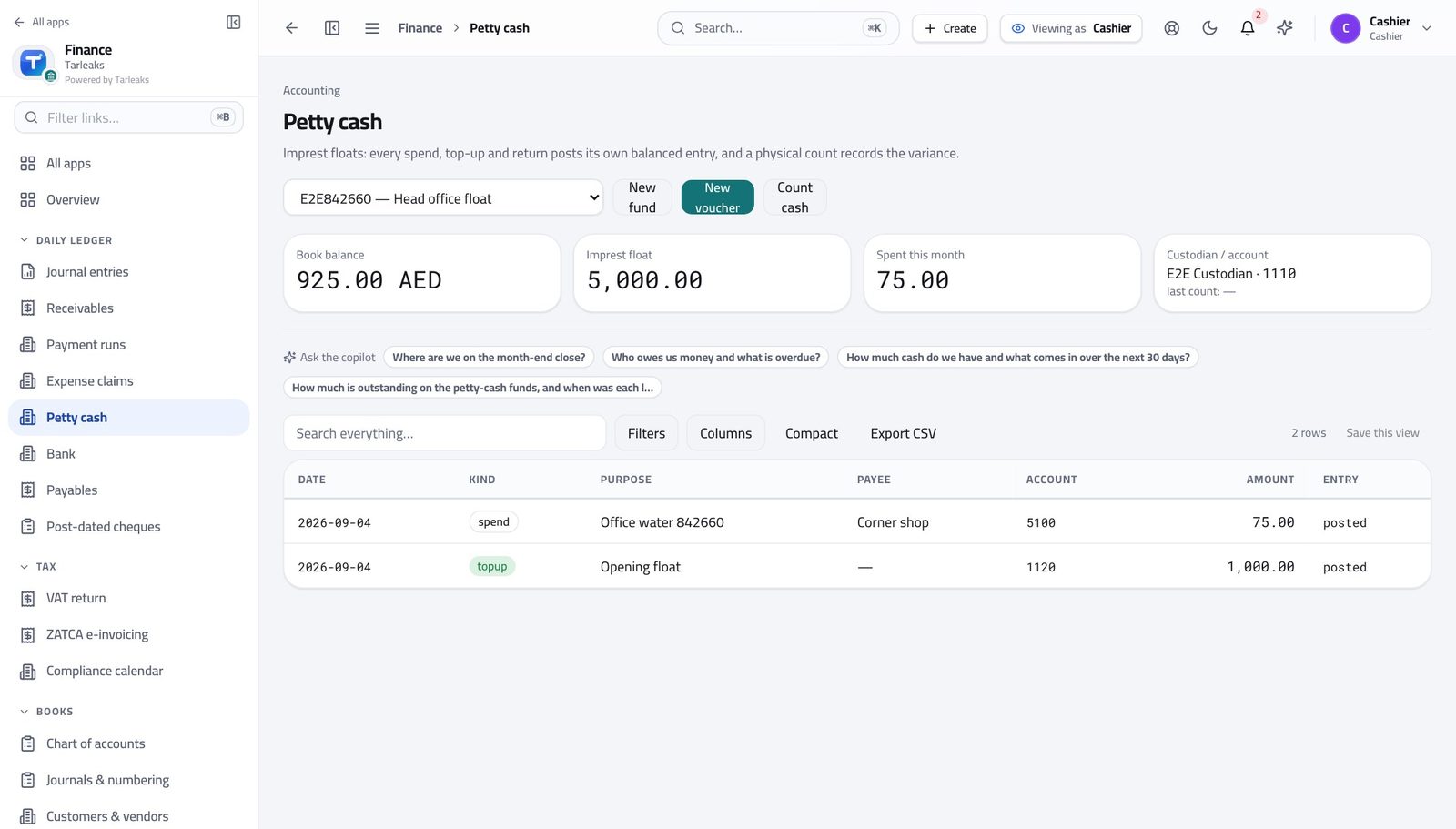
CashierClose the day: record the spend, then count the tin
A difference found today has an explanation. The same difference found at month end does not.
4 steps, each with the screen it happens on.
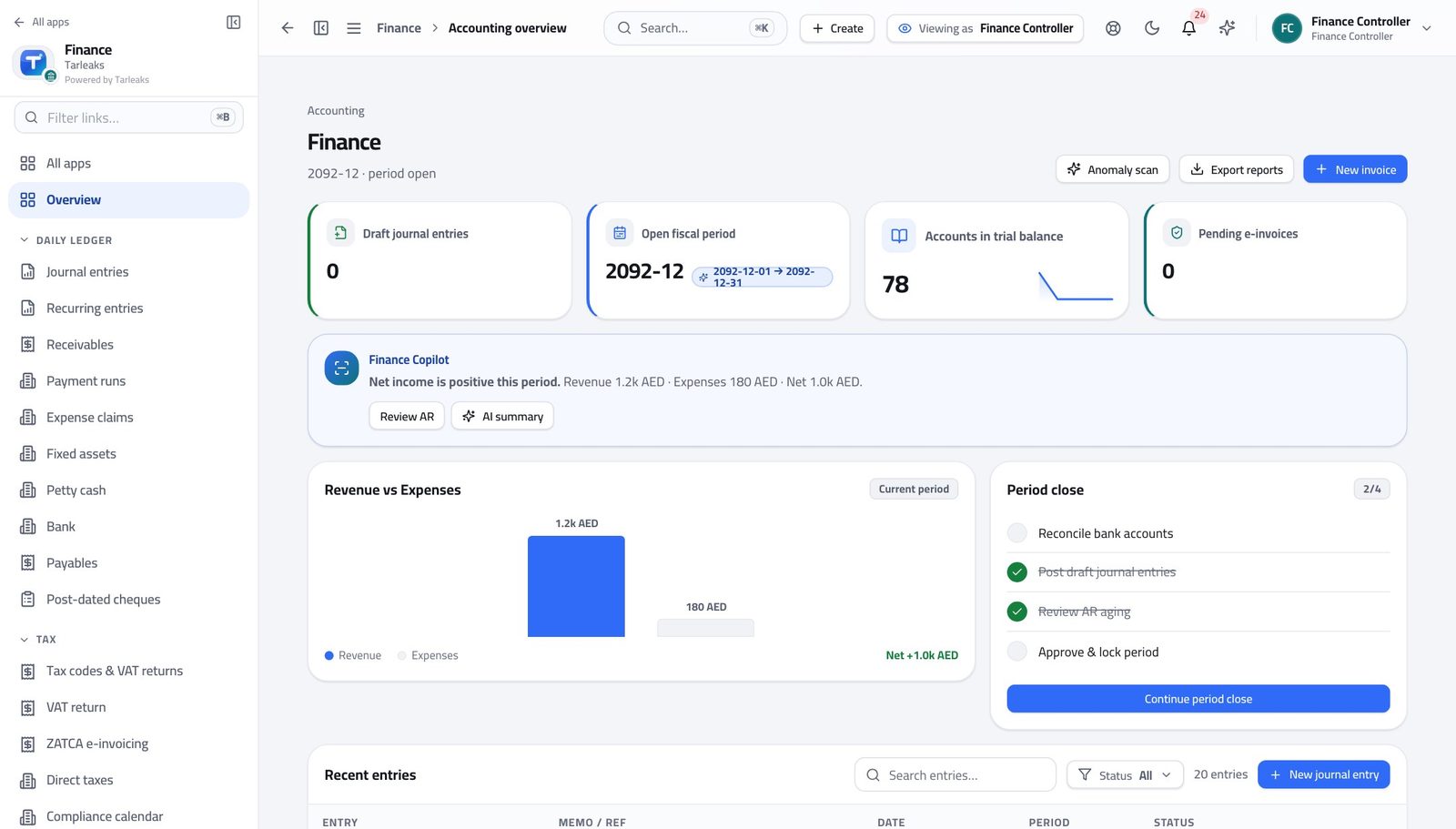
Finance ControllerThe daily approval pass
A bill you approve today is paid on this week's run. One you leave is next week's problem, and next week's phone call.
3 steps, each with the screen it happens on.
Every week
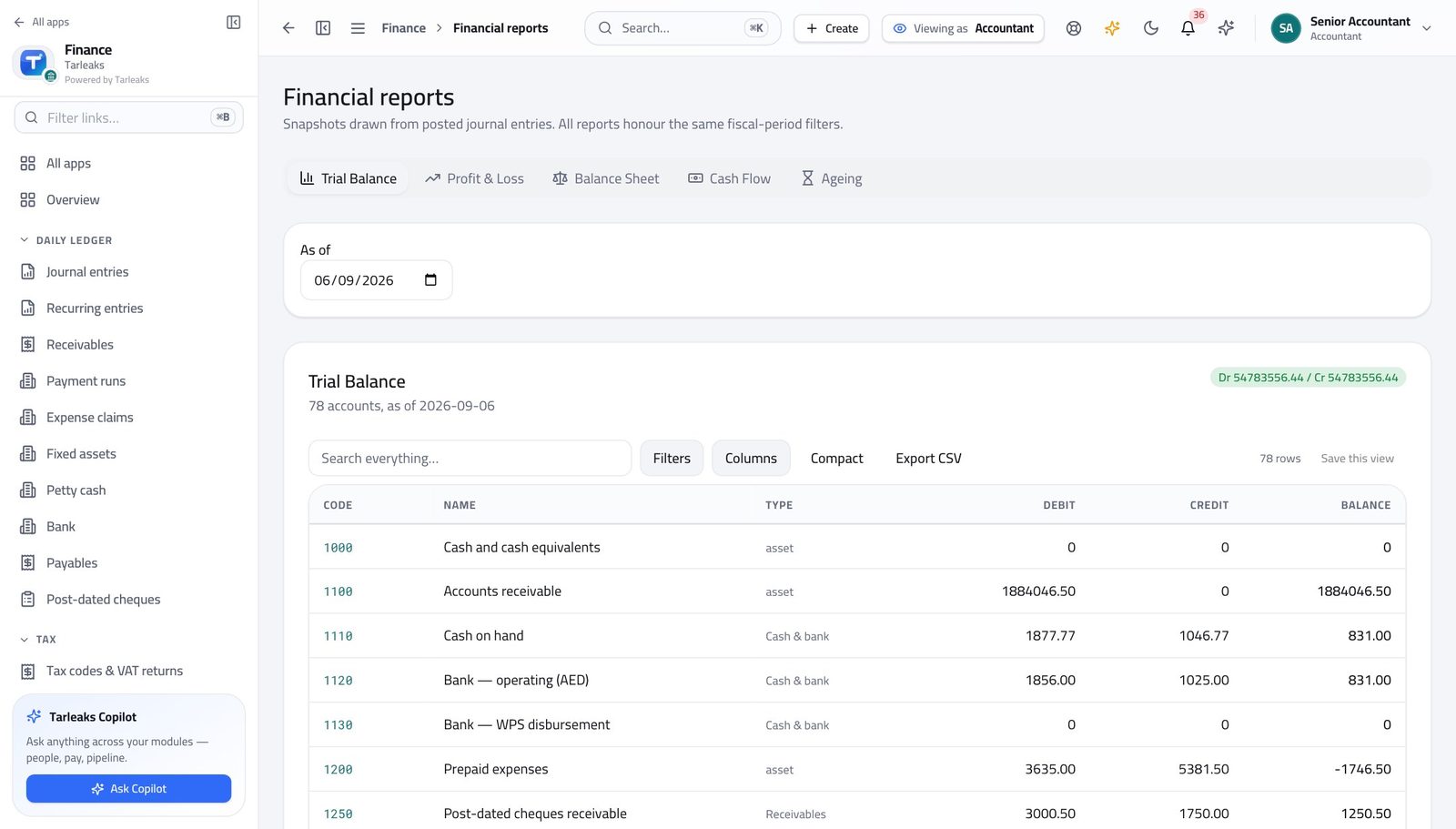
AccountantProve the books balance before anyone asks
If the trial balance ever fails to balance, you want to be the one who found it.
3 steps, each with the screen it happens on.
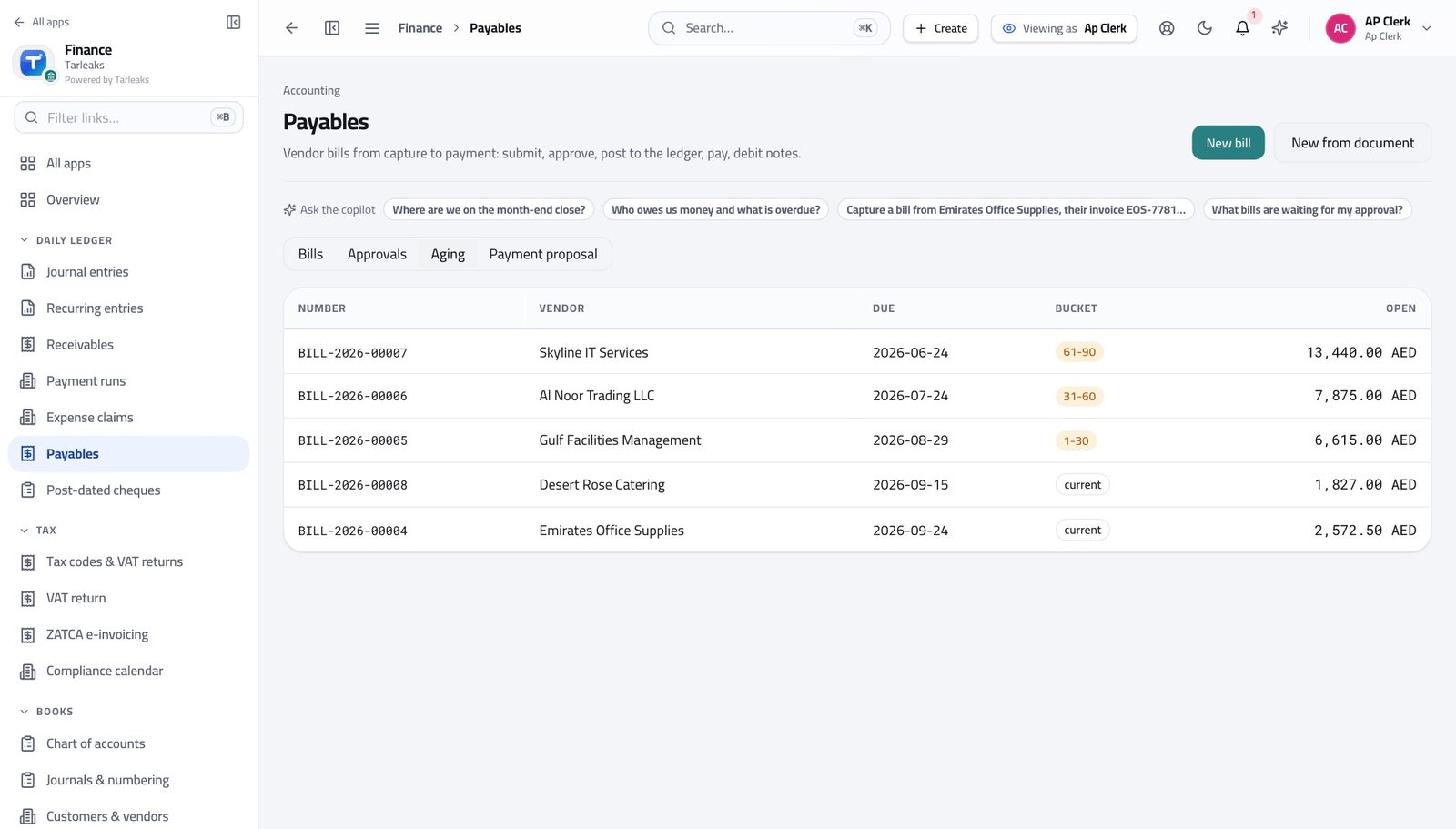
Accounts Payable ClerkWork the week's payables before the payment run
A supplier at ninety days calls the managing director, not you.
3 steps, each with the screen it happens on.
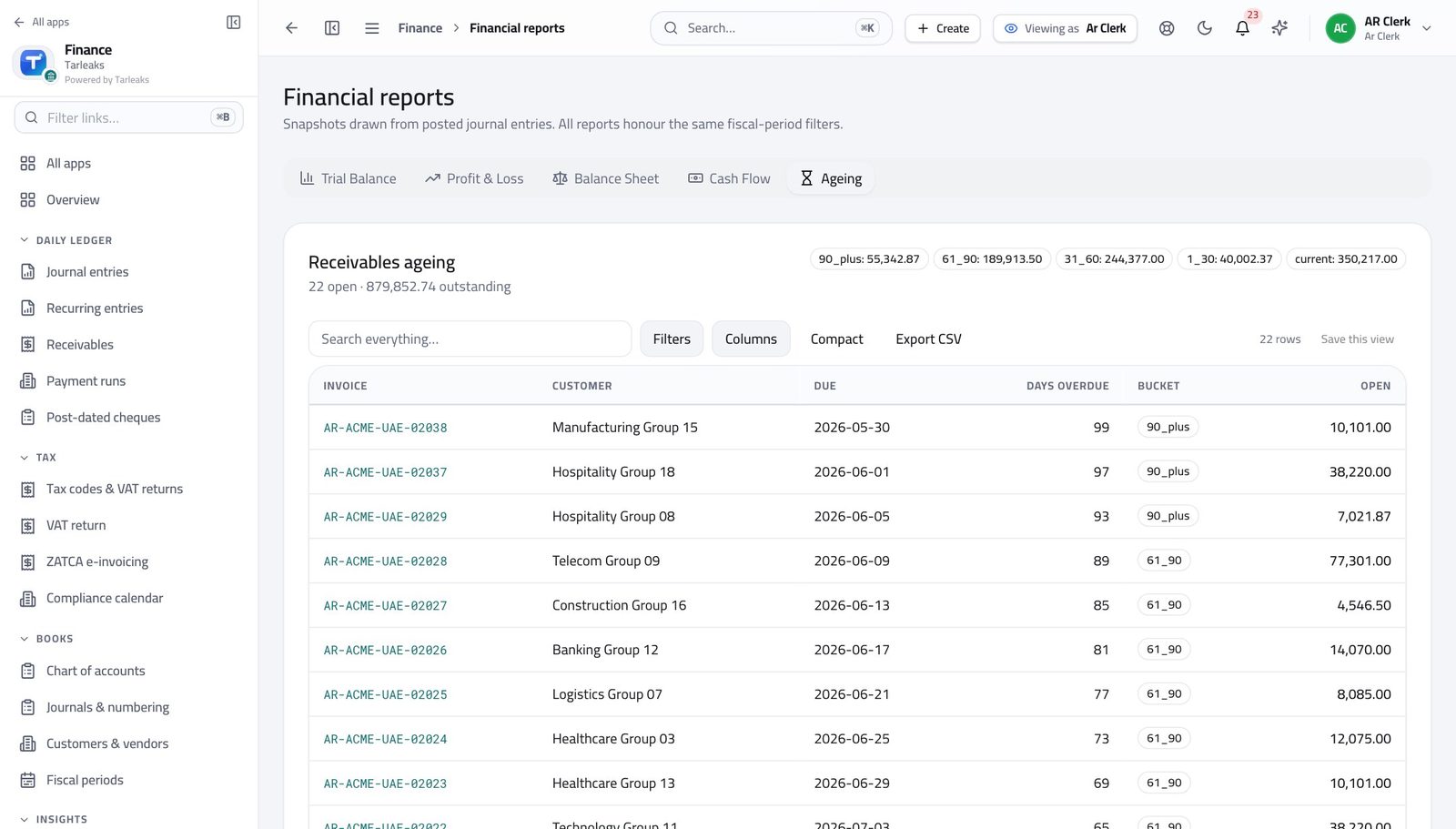
Accounts Receivable ClerkWork the ageing, oldest money first
Collections is a queue, and the right end of the queue is the oldest column.
3 steps, each with the screen it happens on.
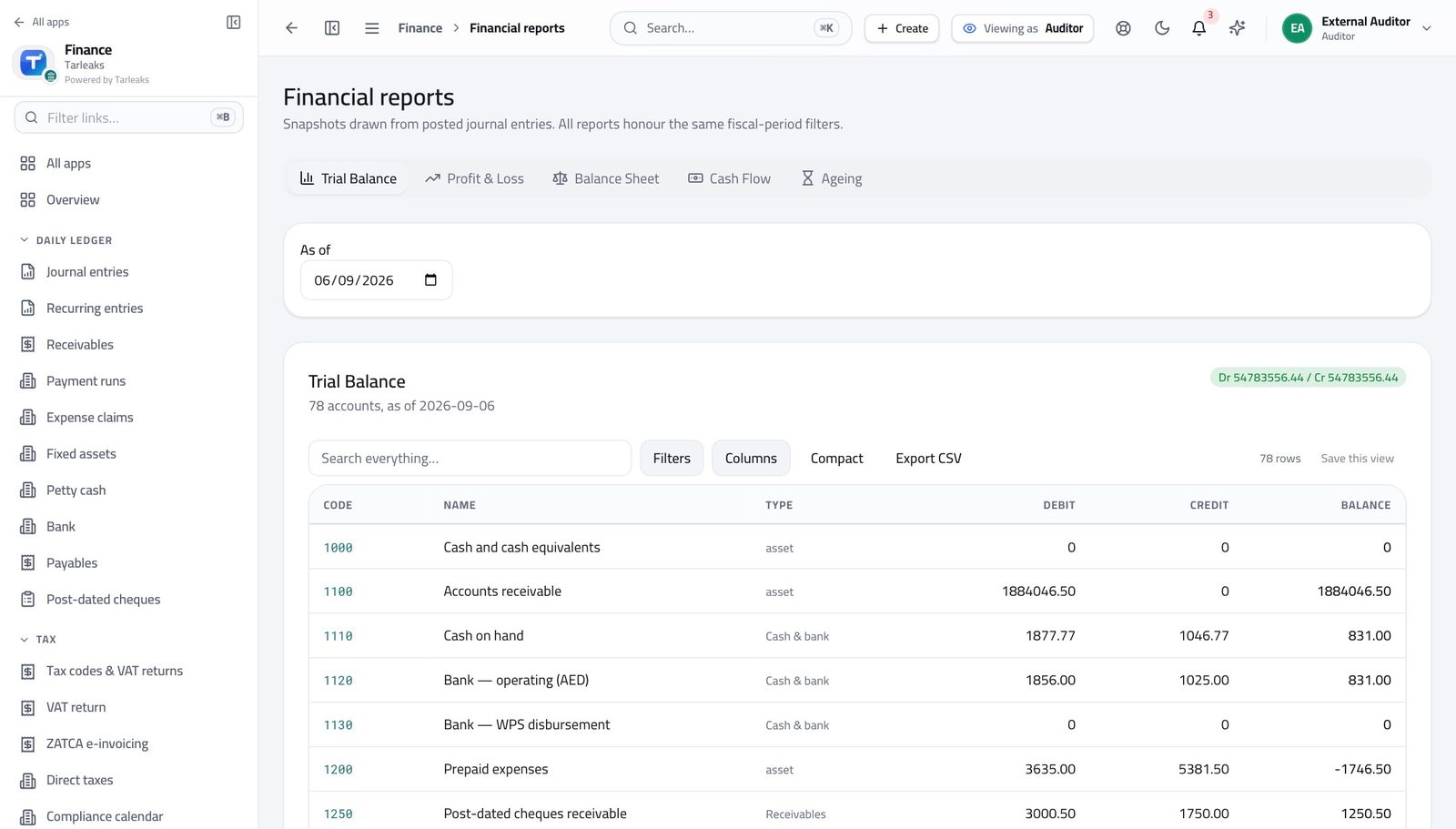
AuditorTrace a reported figure back to its evidence
You should never have to accept a spreadsheet. Every figure traces to entries, and every entry names where it came from.
3 steps, each with the screen it happens on.
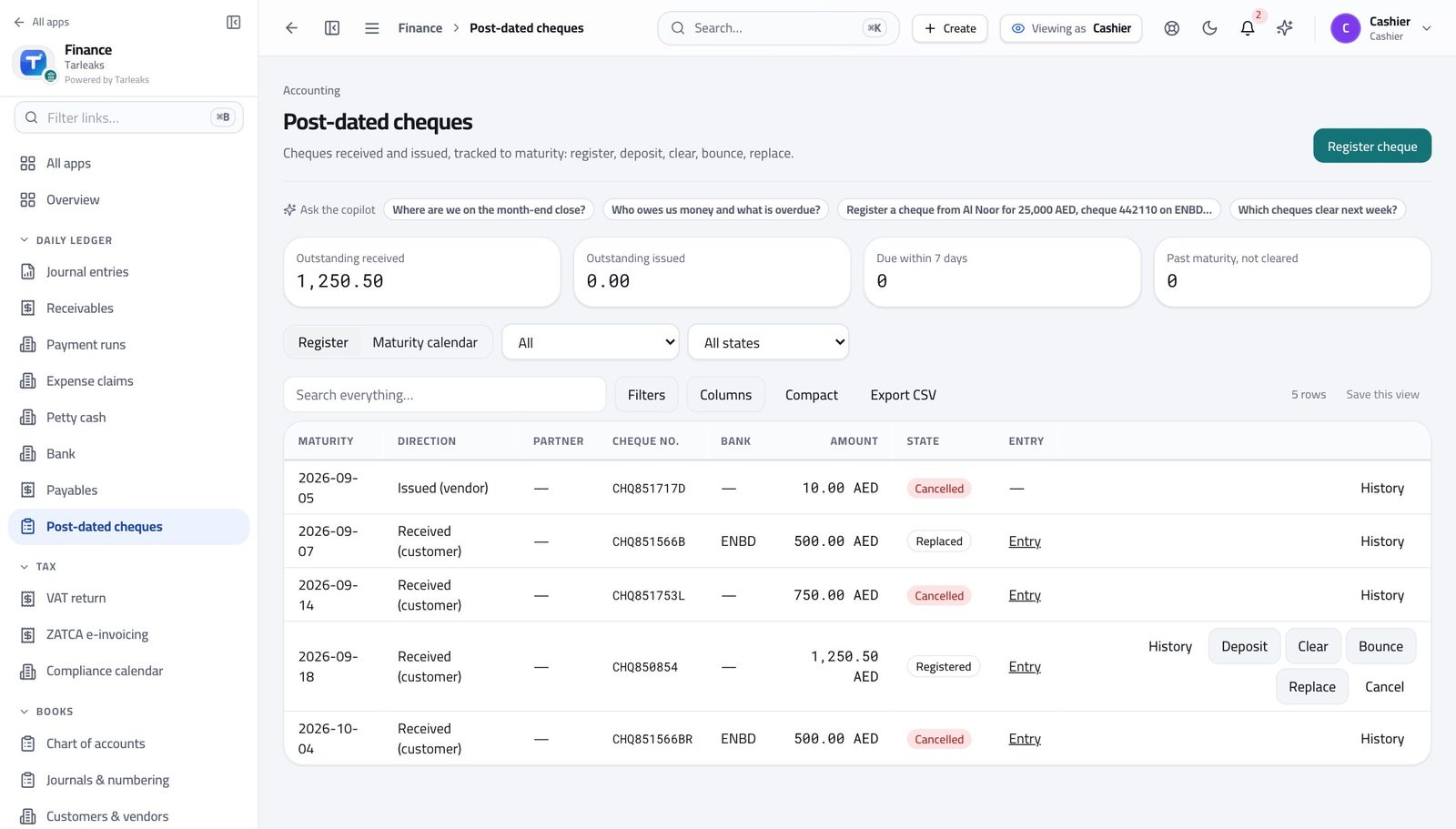
CashierBank the cheques that mature this week
Nothing should be banked early, and nothing should be forgotten on the day it is due.
2 steps, each with the screen it happens on.
Every month
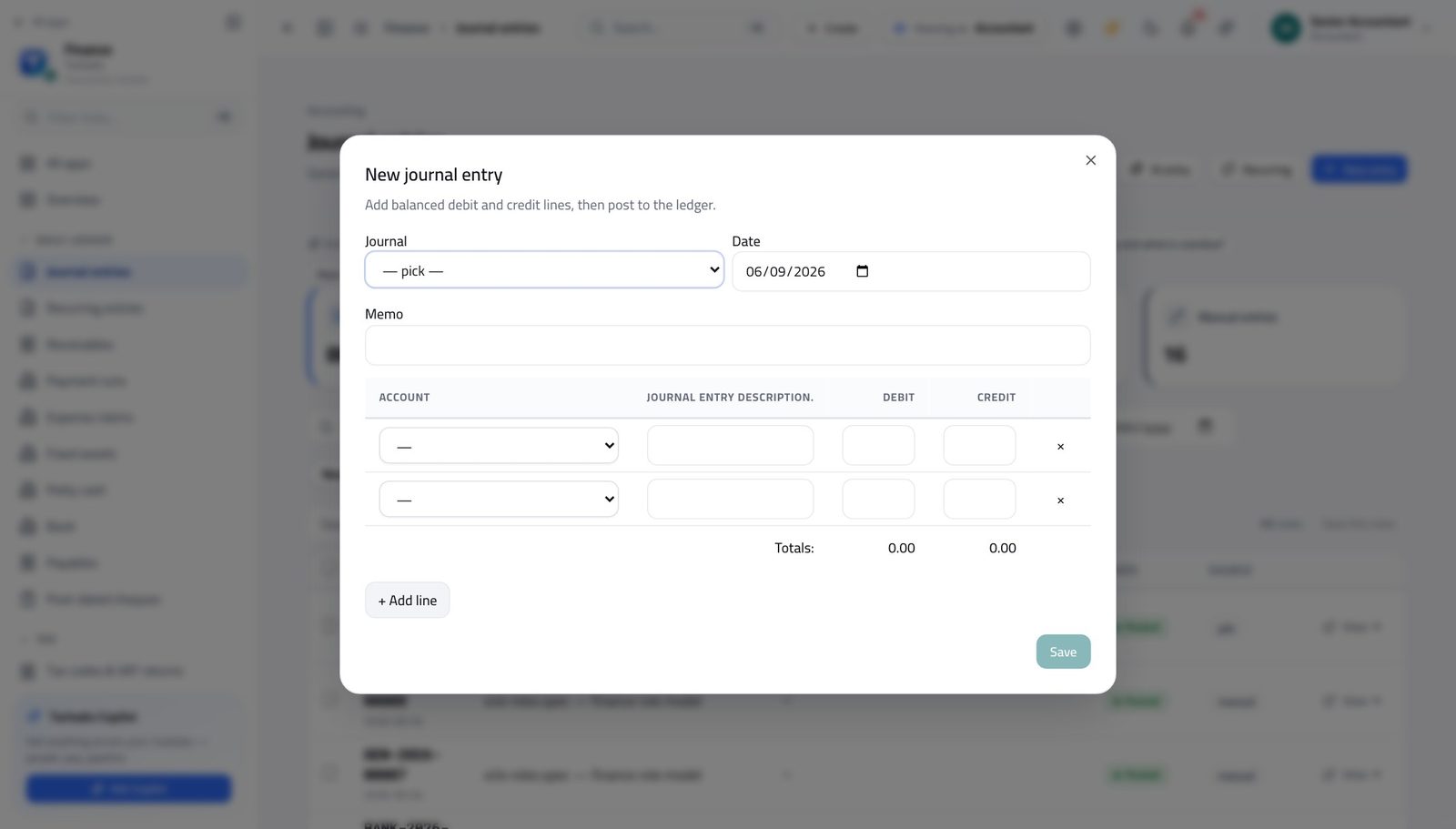
AccountantPost an entry, and correct one you got wrong
A posted entry is corrected by reversal, never by editing. The reversal IS the correction, and it is what an auditor expects.
3 steps, each with the screen it happens on.
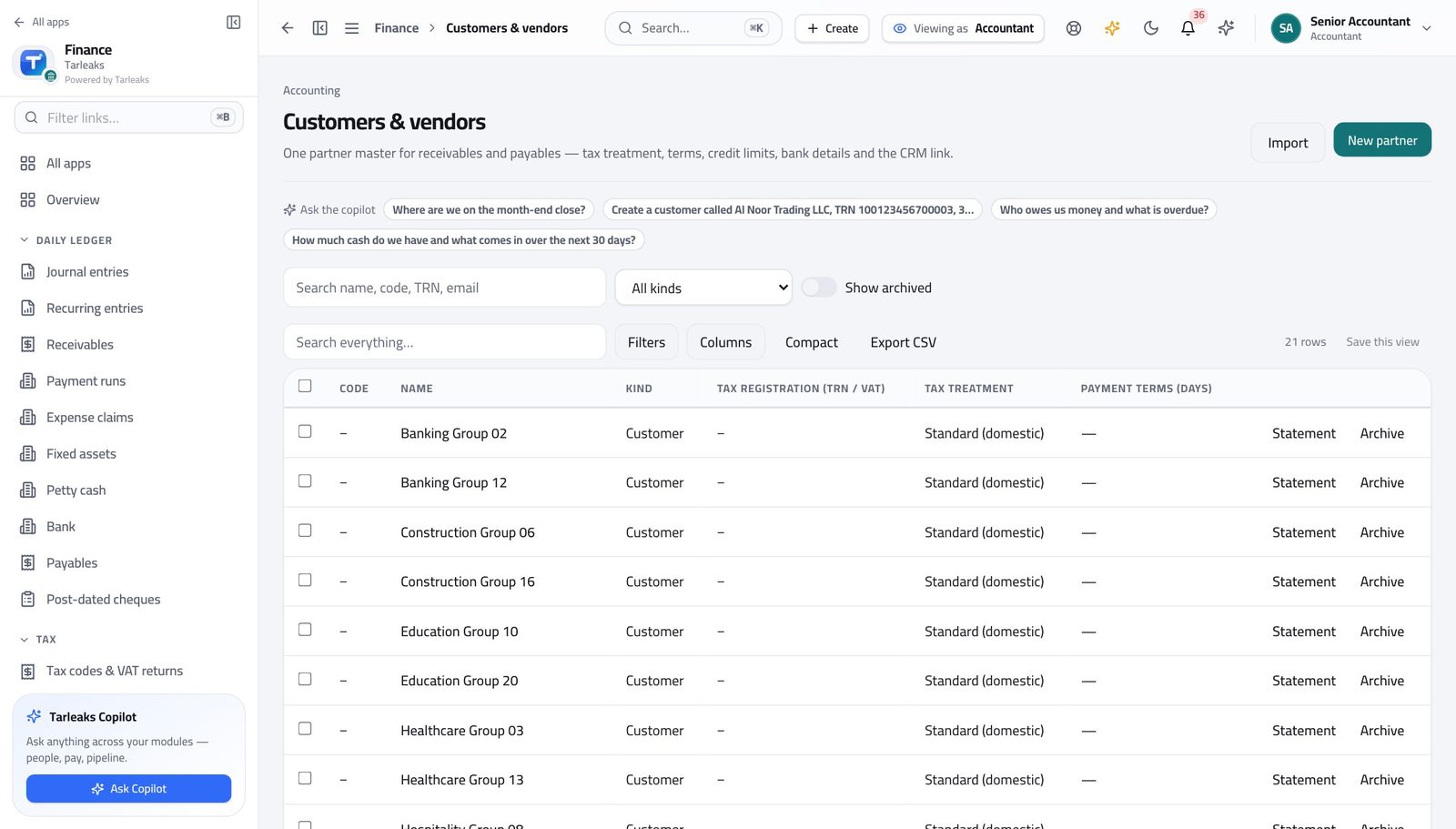
AccountantTidy the customer and supplier master
Duplicates in the partner master are how one company ends up with two balances, neither of them right.
3 steps, each with the screen it happens on.
Finance ControllerClose the month
Closing is reversible and audited, which is exactly why it should happen on time rather than 'when we are sure'.
3 steps, each with the screen it happens on.
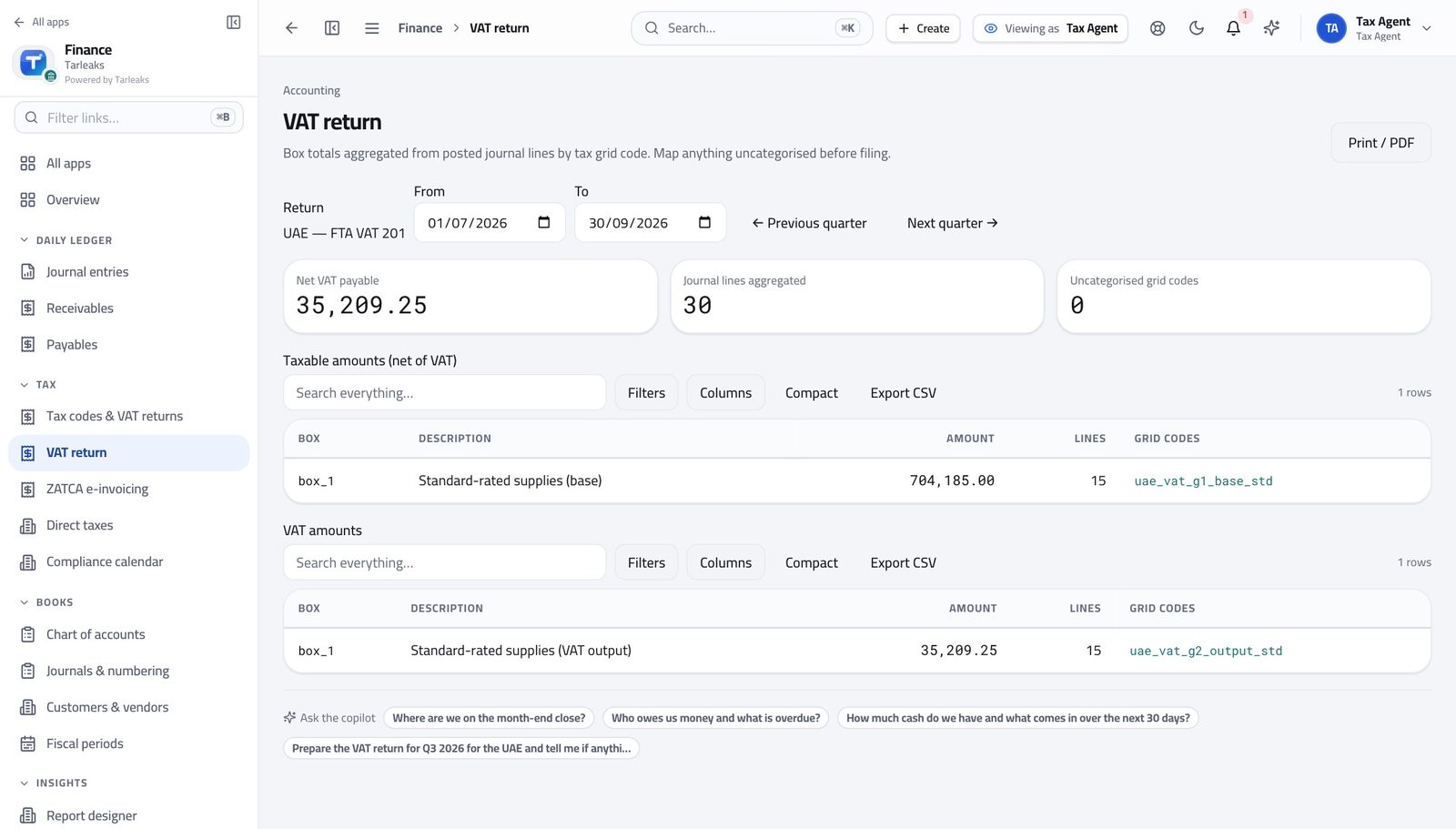
Tax AgentFile the VAT return for the period
Every box is derived from postings. Anything the rulebook cannot place is shown rather than dropped, which is where the two minutes of checking go.
3 steps, each with the screen it happens on.
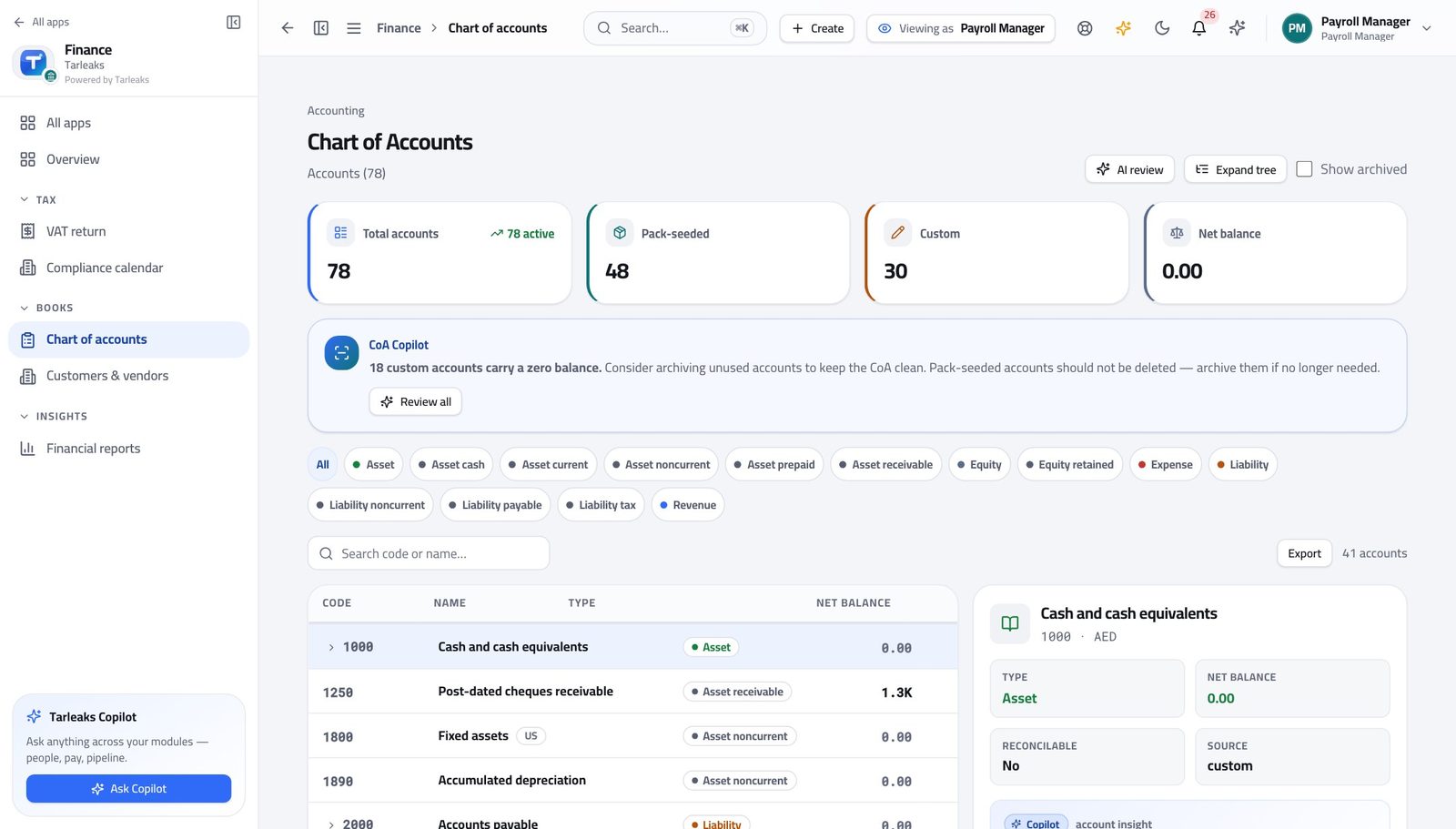
Payroll Manager (in accounting)Confirm the payroll journal landed — once
Two entries for one run means something was re-posted. Zero means the run never reached posted.
2 steps, each with the screen it happens on.
Every quarter
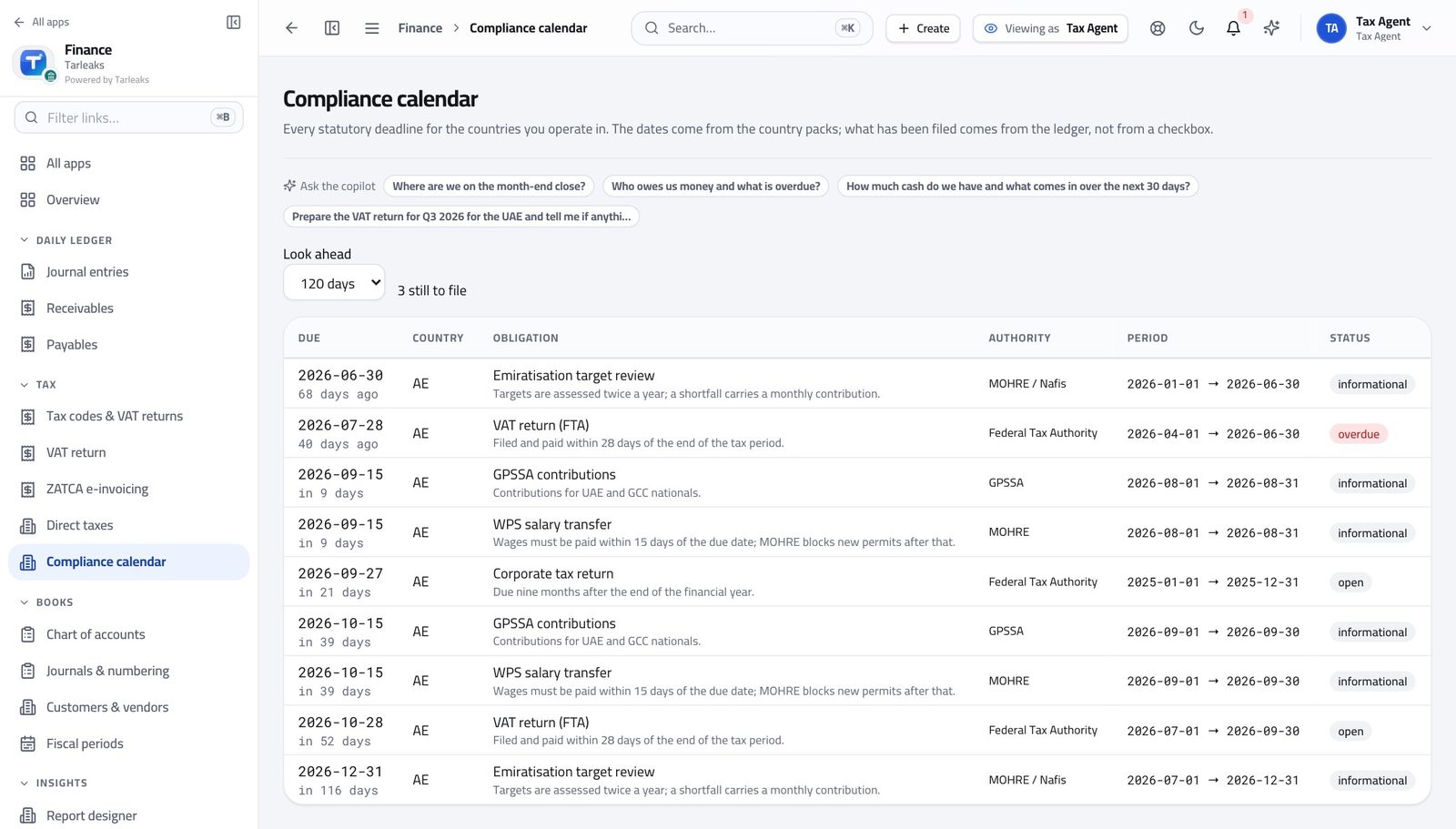
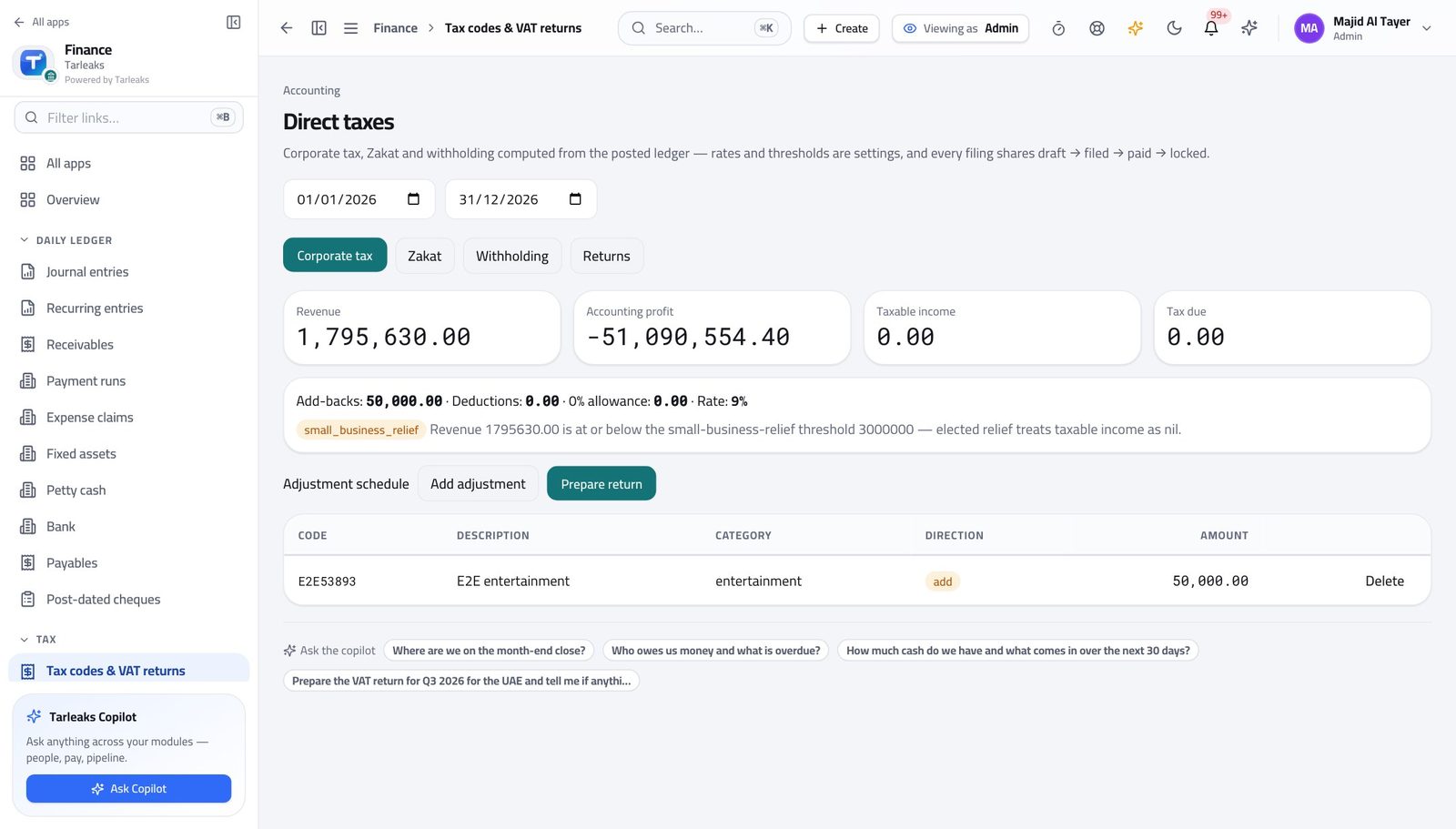
Tax AgentCheck the corporate tax position before year end
An adjustment found in month three is cheaper than one found in month eleven.
3 steps, each with the screen it happens on.
Every year
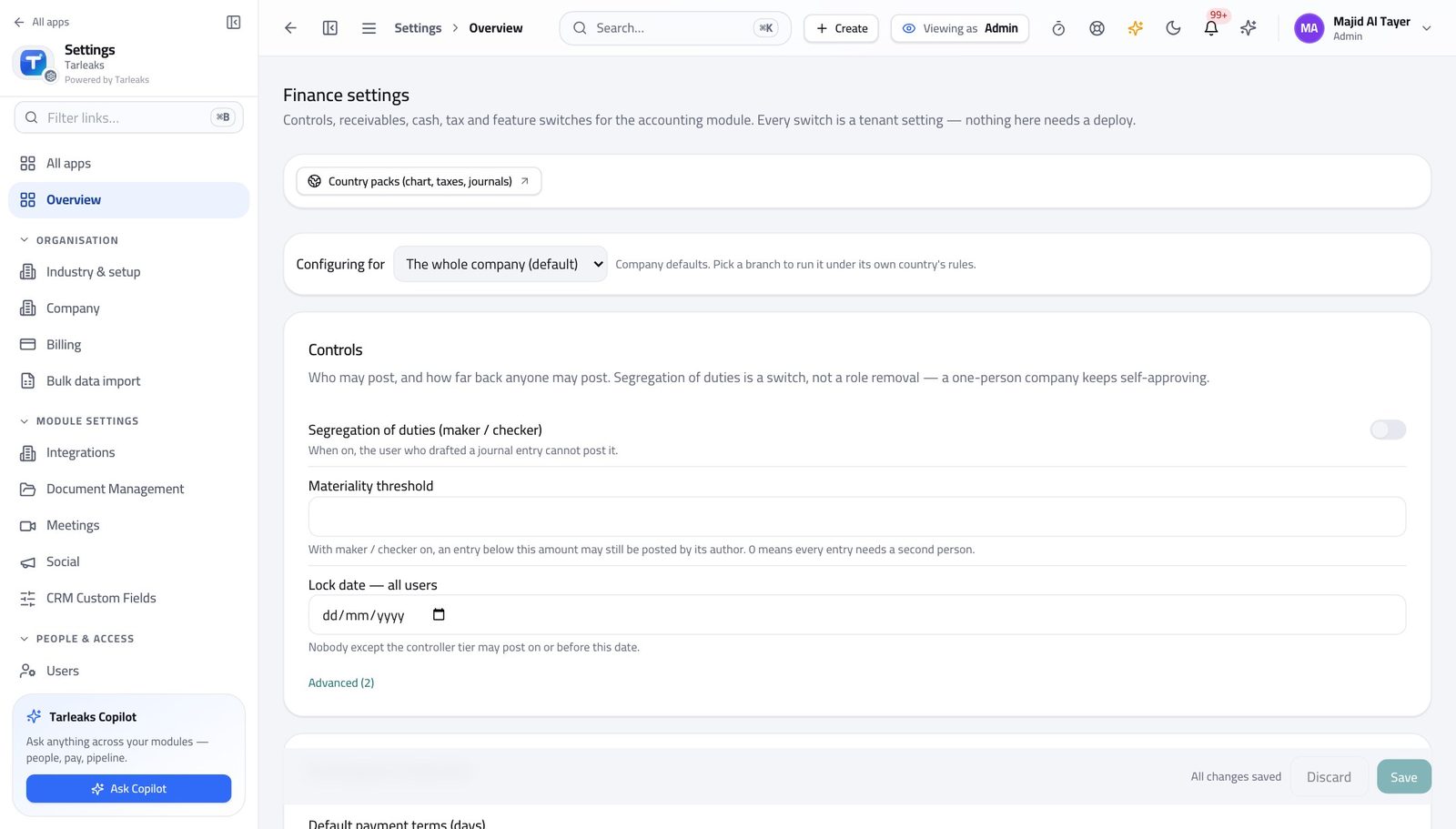
Tenant AdministratorSet the module up for a new financial year
Every January somebody cannot post because next year's periods were never created.
3 steps, each with the screen it happens on.
When something goes wrong
Accounts Payable ClerkA supplier says they were never paid
Nine times out of ten the answer is on the screen before the call ends: it was never approved, or it was paid and they missed it.
3 steps, each with the screen it happens on.
Accounts Receivable ClerkA customer disputes an invoice already sent
A sent invoice is corrected by credit note, never deleted. That is what keeps the ageing and the VAT return honest.
3 steps, each with the screen it happens on.
CashierThe tin does not match the screen
Recording the difference is what protects you. Adjusting the count to match the books is what does not.
3 steps, each with the screen it happens on.
Finance ControllerThe bank will not cover this week's run
Holding a payment deliberately is a decision. Bouncing one is an incident.
3 steps, each with the screen it happens on.
Tenant AdministratorA tax rate changed by law
The change applies to everything raised afterwards; entries already posted keep the rate they were posted with, which is what makes old returns reproducible.
3 steps, each with the screen it happens on.
The awkward cases
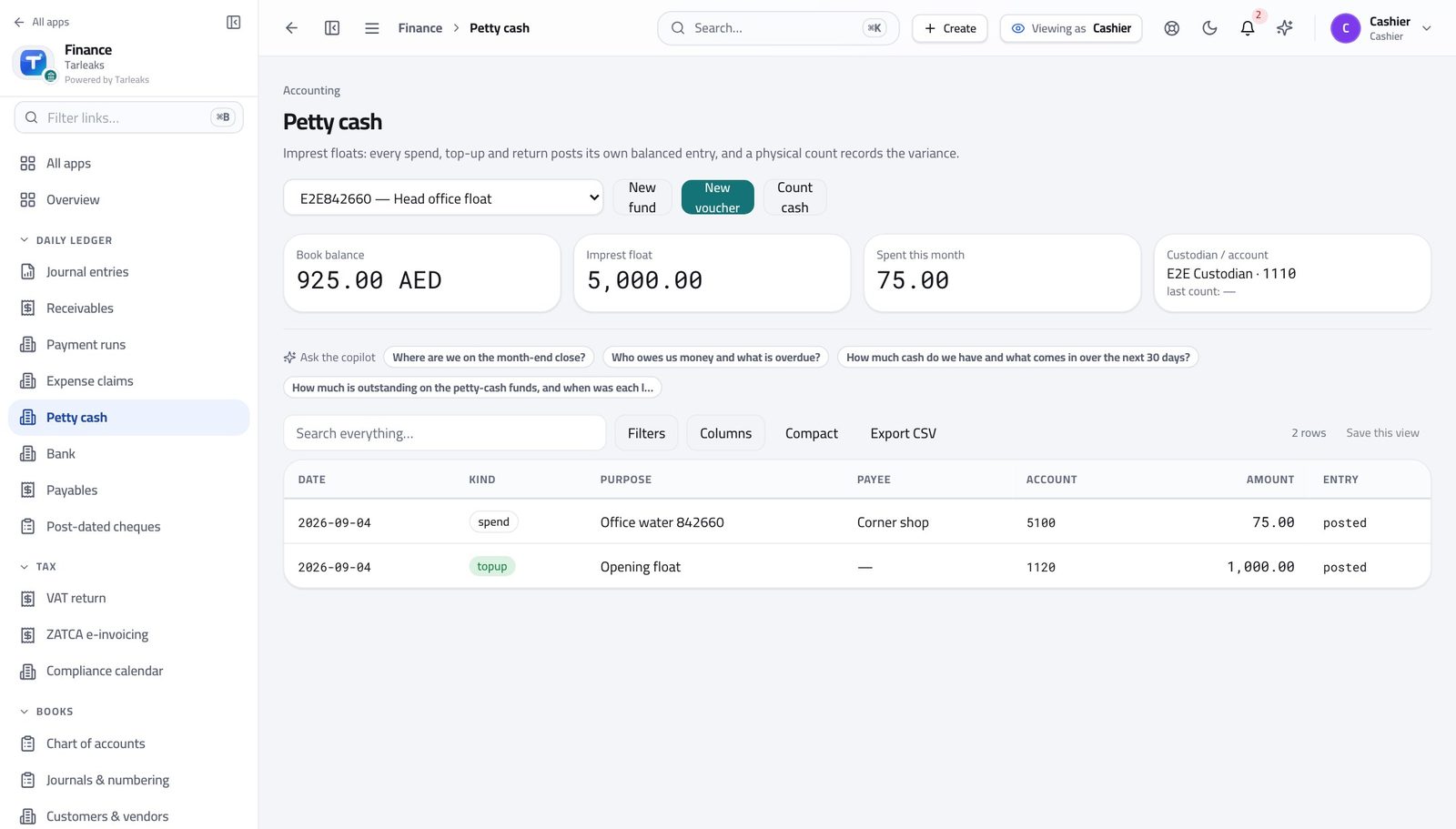
CashierSomebody spent their own money — that is not petty cash
A petty-cash voucher records money that left the tin. Money that left an employee's pocket is an expense claim, reimbursed through a payment run.
2 steps, each with the screen it happens on.
Handovers — who passes what to whom
Finance rarely breaks inside a job. It breaks at the join: a bill nobody approved, a receipt nobody allocated, a month closed before the tax agent had it.
| When this happens | From → to | What happens next |
|---|---|---|
| A supplier bill is entered and checked | AP clerk → Finance controller Payables → tick → Submit | Submit the bill. It moves to submitted and appears in the controller's Approvals tab. The person who entered the bill cannot approve it. That is the control, not an obstacle. |
| A bill is approved | Finance controller → Accountant Payables → the bill → Post | Approval makes the bill postable; posting puts it in the books and into the ageing. Until it is posted it is not in the trial balance, however approved it is. |
| Bills are due for payment | AP clerk → Finance controller Payment runs | Build the payment proposal, then hand the run for approval; the controller approves and it can be executed and exported for the bank. Check the run against the cash position first — approving a run the bank cannot fund is the expensive mistake. |
| A customer invoice is sent and the money arrives | AR clerk → Accountant Receivables → Payments, then Bank → reconciliation | The receipt is recorded and allocated; the accountant sees it on the bank statement and matches the line. An unallocated receipt makes a paid customer look overdue. |
| Petty cash is counted | Cashier → Accountant Petty cash → Count cash | The count and any difference are recorded; the accountant reconciles the float account at month end. Never adjust the count to match the books. |
| A cheque matures | Cashier → Accountant Post-dated cheques | Deposit, then clear or bounce it. Each state change posts what it should. A bounced cheque needs the customer told the same day, not at month end. |
| An employee submits an expense claim | Employee → Finance controller Expense claims | Approve or reject with a reason; approved claims are posted, then paid. A line drafted from a photographed receipt has to be verified against the receipt before the claim can be submitted. |
| The month's work is finished | Accountant → Finance controller Fiscal periods → close checklist → Close | The accountant clears the close checklist; the controller closes the period and locks it. Closing is reversible and audited — which is exactly why it should happen on time rather than 'when we are sure'. |
| The period is closed | Finance controller → Tax agent VAT return | The VAT return is rendered from the closed period's postings and filed. Filing from an open period means the return and the accounts can disagree the next day. |
| Payroll is posted | Payroll manager → Accountant Journal entries, filtered by source | Payroll emits its journal entry automatically; the accountant confirms it landed once and agrees the total. Two entries for one run means something was re-posted — investigate, do not delete. |
| An auditor asks for evidence | Finance controller → Auditor Settings → Users | Give them the auditor role rather than a folder of exports: they can read everything and change nothing. An export can be edited; a read-only login cannot. |